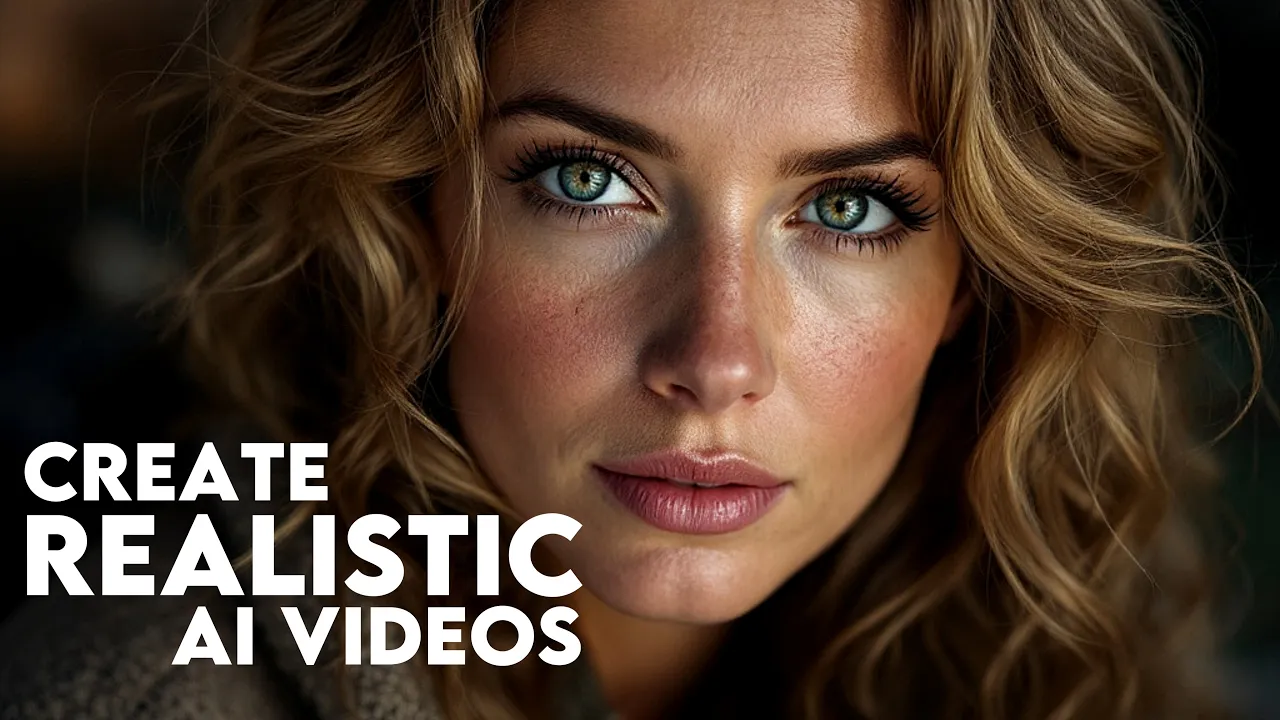
[Music] hey there in this video I'm going to show you how to get amazing results using Min Max's imageo video AI tool you will discover how to create super realistic videos bring out emotions in your scenes add stunning visual effects and even extend your videos with ease plus I will share some helpful tips and tricks along the way let's dive in and get started [Music] to start creating realistic videos with Minimax head over to Halo I. V videoo first you will need to create a free account just click the signin button at the top right of the site right now the only option available is to sign up with email so simply click continue with Google to set up your account once you are in enjoy unlimited video generation for the first 3 days after that with the free plan you will still receive bonus credits every day to keep creating now when you are on the site you will notice a prompt box at the top where you can enter text if you prefer using images there's an option to upload your own images in jpeg or PNG format located just to the left of the Box on the right you will find a button that lets you enhance your prompt for even better results and if you want you can skip the text prompt entirely the AI will analyze your image and automatically generate a video based on on it to create realistic images you can use any AI tool you like but for this tutorial I will be using flux 1. 1 Pro one of the best options out there for generating lifelike images to get started head over to glyph doapp where they offer daily free credits for accessing flux Pro here's what you need to do is sign in by clicking the button at the top right of the website you can create a free account using your Gmail or Discord once logged in click on build then hit the plus icon from the popup select the image generator option in the image generation model drop down choose flux pro version 1.
1 then select your image size I will go with 16x 9 but feel free to choose the size that fits your needs now you are ready to enter your prompt here's a neat trick to generate realistic images use prompts that mimic actual file names like img24 crr2 2 a format used by Canon cameras just look at how realistic the images turn out let's take it up a notch by adding the word woman to the end of The Prompt click run this glyph and watch as flux 1. 1 Pro creates a highly realistic photo of a woman what's cool is that each time you run the same prompt you'll get a different result for example try IMG friends.





![I Replaced ALL my ADOBE APPS with these [free or cheaper] Alternatives!](https://i.ytimg.com/vi_webp/5EfqHg49kMk/mqdefault.webp)