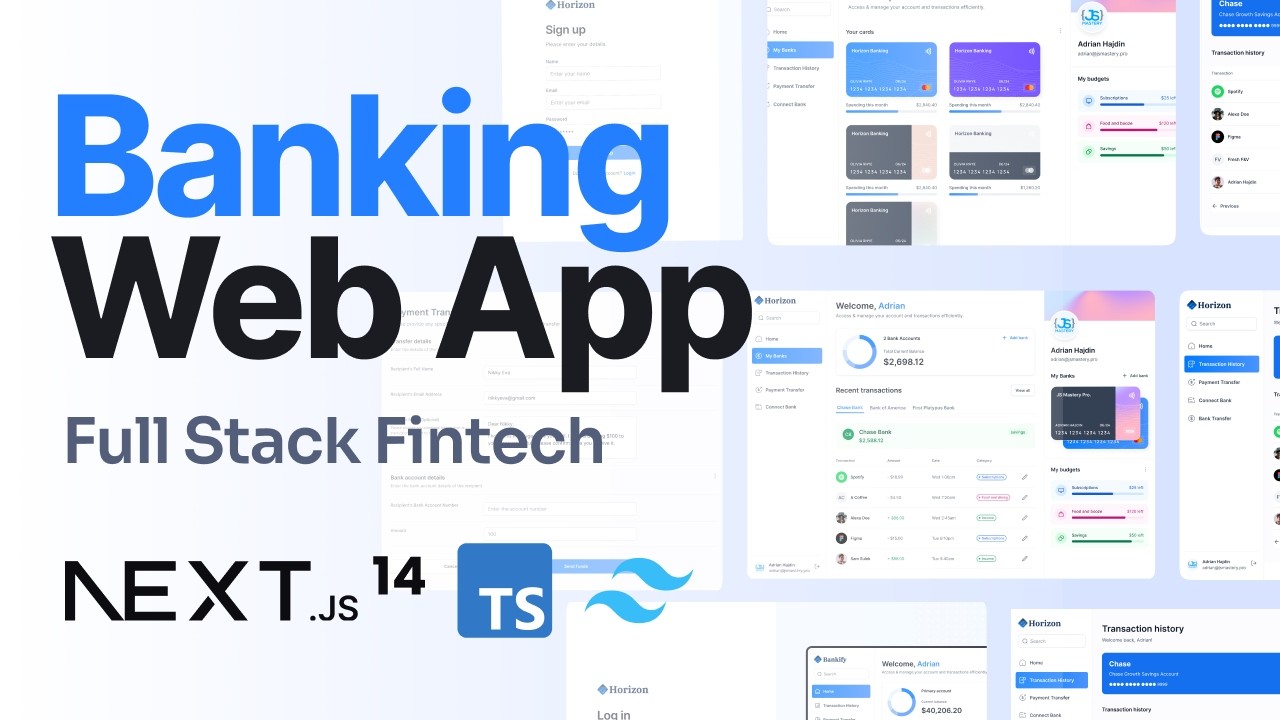
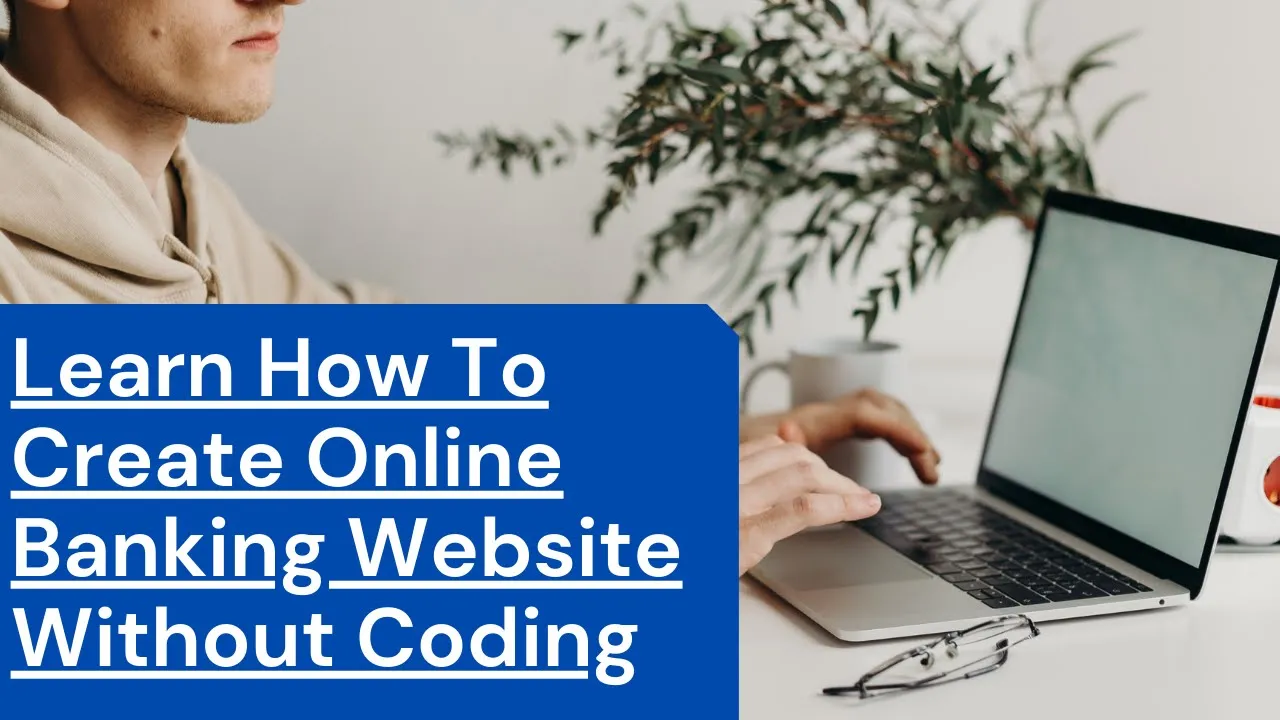
hello guys welcome to my channel so in this particular video i'm dropping today i'll be showing you how to design an online banking website just like the one you are seeing on my screen right now so this video is going to be an awesome one because i'll be reviewing a lot of secrets everything you need to know to get started and designing perfect online banking website just like this one so guys um before we get started i will show you all the features um that this online banking website have so as you can see you
can do the login session you click here right now this is where you can log in as um if you already have an account in this particular banking platform so you log in over here all the login account number and then the password so that's for the login site if you don't have an account already in this particular bank then you have to use this particular session to create an account so this particular banking website is automatic so you have to create the account yourself then the admin will approve on your account from the back
end so as you can see over here it is a very beautiful website with numerous features and this particular website has an email alert and also sms are logical configure the estimates are a large for this particular website too so guys okay i'm going to log in right now so that you will see how the um user dashboard look like so i just click on the login then i will log in with my dt i already have attached this website already so i'm going to log in with my details right now so that i will
show you guys how the um user dashboard looks like so okay this is my account number that i will be using to register and sorry to login i mean then i will i will put my password okay then i will click on login okay so as you can see over here um the account is recognized and the website is requested for my account ping so i need to provide my account pin before i'll be able to pass this stage to where i would type my account pin over here then click on confirm logo okay guys
um as you can see over here now this is the user dashboard so this website offer both user and admin dashboard so this is the user dashboard right now for the account so as you can see i funded this account with them that's 93 000 us dollar so this is the amount this account is currently um with 293 000 us dollars so this is the account number then is the account holder um name so that's the overall then they account type the account status so that's um pretty much everything you need to know about this
particular dashboard then we have over here also my profile so now click on my profile then for my profile you'll see this this um the passport sorry the um there's a user passport the photo which i uploaded on this account so from here you can see my email address also okay then you can also see the available partners so guys um i'm going to show you how to create how i created this particular um banking website it's a very easy one so you don't need to know anything about coding i'm going to show you step
by step on how you can create this in a very simple way so i would advise you stay tuned and watch this video to the end as you can see over here also we have a live chat so we have live chat here also so everything is working perfectly and also is the okay yeah this is the use and admin dashboard so this is the admin dashboard where you'll be able to edit um what you want to what you want the users to see in their account so as you can see over here you can
see account create new accounts updates users account updates user and profile images and the rest of them then we have also here the chat faster tools add charms the message and they're involved there we have transaction then we haven't signed up sign out so guys these are everything I'll be showing you step by step on how to achieve this particular website on how to design it in a very simple way so guys please stay tuned and watch this video to the end and also please subscribe to my YouTube channel thank you very much as we
get started