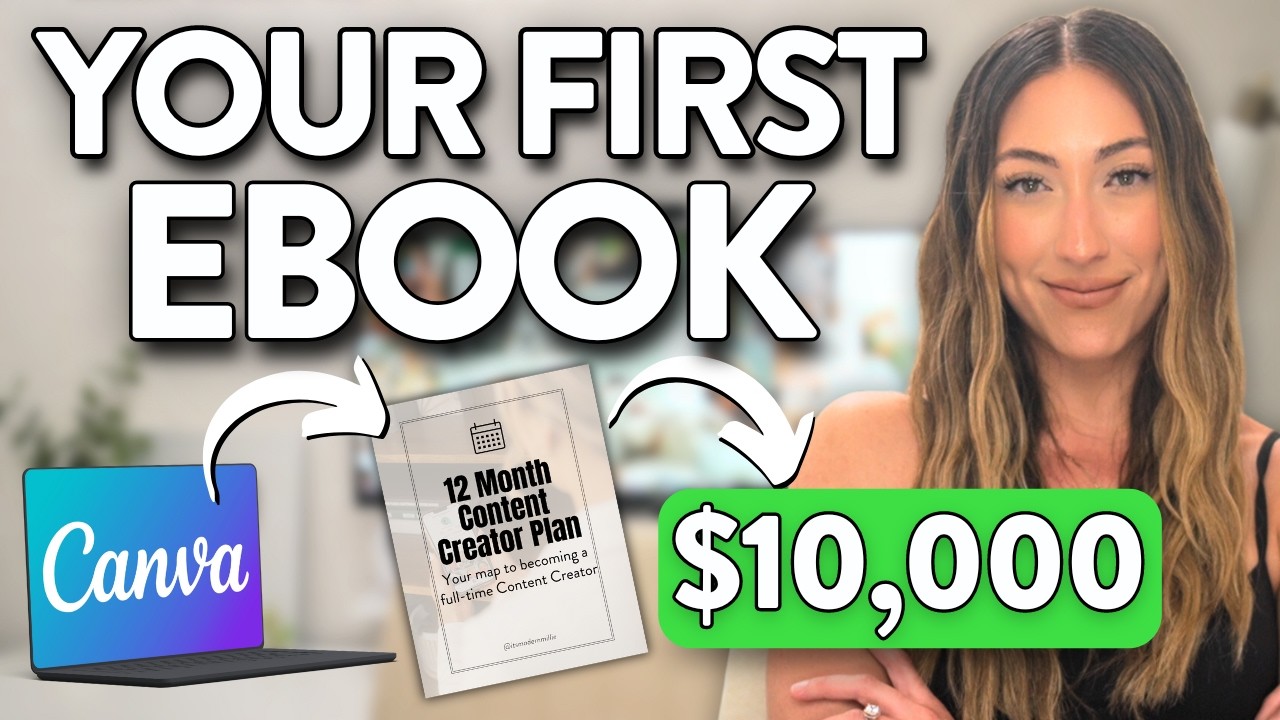
so today I'm going to show you how you can start as a complete beginner with little to no business experience to making at least $5,000 per month passively with digital products online this is one of the most simplest and easiest ways to make money online in the year of 2024 you don't even need to have a pre-existing audience and all of the marketing strategies I'm going to show you today are going to be 100% free I've personally sold over $500,000 in digital products so I know exactly what it takes to be successful with this I've made all the mistakes in the books gone through all the ups and downs and I've invested thousands of dollars into online courses to save you guys the headache so without further Ado let me go ahead and show you what you're about to learn today in this video today we're going to be going over the following topics so firstly I'm going to be explaining what a digital product is to give you guys a solid understanding of this business model then we're going to be breaking down the different types of digital products that exist on the market from there I'm going to show you the very best way to find the best digital product for you then we're going to be covering exactly how to create a digital product from scratch and for the people that stay on I'm going to actually add in a special bonus where I'm going to be giving you a free digital product that you can go out there and sell from day one of starting this business then I'll show you how to set up your online store and last but not least I'm going to be showing you how to get traffic right I'm going to be breaking down exactly what are some of the best methods that you can use to get people over onto your store and to essentially buy your digital products if you guys are ready for this master class I got for you today then kindly just smash that like button in appreciation for this because this video is going to be jam-packed with kanzo value so first things first what exactly is a digital product and it's in the name itself it's a digital product it's an online asset that people purchase and use similar to how you just go on Amazon to buy a physical product to fulfill some sort of need or want in your life it's the same with a digital product except that you can download it instantly to your device and use it straight away some examples of a digital product include the following planners templates ebooks PDF guides courses recipe books games and the list just goes on and on the crucial element to seeing success with digital products is providing value right this is the common denominator for everyone that is seeing success in the space they're providing real value to the customers that are downloading their product the customers changing their hard-earned dollars for some sort of insight from your digital products whether this be through entertainment education or other uses regardless of whatever the case may be every single successful digital product out there provides some sort of value so please keep this in mind when it comes to creating your own now that being said that takes us into the next section of this video and that is how to find the right digital product for you and one of the main things I want to let you guys know right off the bat is that this is not a one- siiz fits all type of thing each individual that's watching this video right now it differs in some way shape or form so the product you choose will really depend upon the type of person you are and your skill sets so here's what I want you to do right now either grab a notepad or just open up a notet taken app on your phone and I want you to make a list of these following things what you do in your spare time the skills that you possess and what your interest are so just write down all of these things in the list it doesn't have to be a long list so you don't have to overthink this just make a quick list of all these things I've just mentioned and I want you to take your time and analyze all of them and think about what you could do for your digital product so let's say for instance you're a single mom you could create a PDF guide given parental tips for how to care and nurture for your kids right this is a great idea because you have real life experience of this and you can sell this to other single moms out there another example is that you might be great at cooking what I recommend for you is to create a recipe book all of your favorite meals that you make and you can sell it to people out there that have the same interest as you or you could be someone that has a lot of high level knowledge on a particular subject what you could do in that case is create online course where you teach others exactly what you know so you're extracting the information from your brain and putting it into an online course whether that's through video or maybe like a voice over and you put it into an online course and sell it to people online the possibilities are literally endless right here you just have to look at your list and then look at the type of digital products I've given you and then pick one of them to sell online another thing I'd like to mention is that some of the digital products might be a little bit more profitable than others right we all know online courses is a big thing right now so if someone's selling a recipe book compared to an online course they would make a lot more money so please keep this into consideration when you are creating your digital products so that being said now that we have everything together and we know exactly what type of digital products we're going to choose and I've given you guys a whole process let's move into the next step where I'm going to show you guys exactly how to start the process of creating your own digital product all right so continuing on here how do you go about creating your digital product and I'm going to keep this very nice and simple cuz I want this video to be based around beginners I want beginners to use this video to really kickart their digital product business so what we're going to do is use the example of creating a PDF guide or an ebook these are some of the most easiest digital products to create in less than half an hour to really kickart this business so this is where we're going to start from now in terms of the platform that we're going to use to create our digital products the one I highly recommend for everyone that's watching this video is canver I'm pretty sure if you're watching this video right now you know what canver is but if you haven't heard of it for whatever reason this is essentially an oversimplified version of Photoshop that is tailored towards beginners I've been using this tool in my business for many years now to create all of my online assets so this includes images from my website and my branding logos and I've even created a few digital products like eBooks on here as well so this is the perfect place to get started and what's great about this platform is that it's 100% free you can go over to ca. com right now I'm going to leave a link below and create a completely free account if you don't have one already now to create ebook all you need to do once you're signed into your cro account is to just go to the search bar and type in A4 template ebook and you're going to see that there's going to be an abundance of different ebooks that you can choose from right these are all templates of ebooks that you can use for 100% free and modify them in your own way depending on what topic that you choose so you can see as I scroll through here there's literally an ebook for every single Niche out there on the market right now as I mentioned before all you have to do once you find one that you like is just simply click on it and then click on customized template and then you'll see that you have a a complete free template that you can modify change the text change the colors and everything like that to create your ebook from scratch this is amazing because this helps people that don't have prior design skills or knowledge on how to do this it gives them a perfect place to get started now as I mentioned earlier for all the people that stick around in this video today I'm going to be giving them a bonus right I'm going to save you guys a ton of time right here and I'm going to give you a free pdf done for you guys that you can just download and sell to audiences all over the world this ebook is a master resell right ebook meaning that you can sell it for completely free right all of the content is already done for you the front page is already done for you you just need to go in and make a few modifications which I'm going to show you how to do on canva right now all I want you guys in return for this free digital asset that I'm giving you right now is to just drop a like on this video once you've done that go down in the description on this video and you're going to see where it says free pdf guide once you click on that link it's going to take you over to this page right here you might have to copy it to your canva dashboard but once you come here you're going to see that this is a short form content guide right so the purpose of this PDF guide is to help people make videos on Instagram Tik Tok and YouTube to grow their business right so this is a complete guide that people can literally go through and get lots of knowledge and stepbystep tutorials on how to improve their skills so you can see this is very professionally done it's got different chapters in it and everything like that and this is providing real value there's a good amount of people that's been through this exact template and they've seen real success and I'm giving it to you guys today for 100% free now the only thing that you guys have to do on your end once you open this on your camera account is to just make a few changes to the text the point and the colors right we don't want to just all be selling the same thing because this ebook has been used before we want to alter it a bit add our own taste to it so that we can be unique when we're going to sell it back online so I'm just going to give you a brief example of how you could change this to make make this more original so first things first once you click on this image right here you'll see that you have you can duplicate it or you can you know delete it right what I recommend you do is actually delete this image and then you go over to the left hand side here where it says elements from here you'll be able to search for different images that you can replace and put at the front of your cover right so you can see I've typed in content creation at the top here and CA has provided different photos that we can use for 100% free for the front cover of this PDF so what you want to do is just scroll through this list right here and once you find an image that relates to the short form guide you can just literally drag and drop it right over to the front of the page and just like that you made a small alteration to this guide the next thing that you guys want to do is actually change the font and you can change the text up a little bit it's completely up to you but in order to change a font you just click on this middle section right here and then you click the drop down menu and you'll see the different types of fonts that you have to choose from what's great about Cana is that they have hundreds of different fonts that you can choose some also so you can just have a look through the list and just alter it to make it look unique that's the main thing we want to make this look as unique as possible so we're not all out here creating the same ebook and selling it to people online CU there will be some discrepencies and some conflict when we're doing that the next thing right here that we can do is actually click on the design section then we can navigate over to Styles and what this is going to do is going to change the overall color scheme of the book so as I scroll through here you you can see there's like a blue beige color scheme going on if we click over here you can see that there's different colors that we can choose from so color palettes that we can choose from so you can see I've changed it to Brown and you can see there's more colors that show up right here this is what you want to do just change up the color scheme even if you want as well you can change up the background images of each chapter so and just ultimately just go through this book and make these small alterations to make sure that your book is original that's the main thing I'm trying to drive home here but other than that you don't even have to touch the content the content is good it's all done for you your only job is to just edit the colors and the text once you're done editing the ebook what you want to do is go over to the top right corner and then you're going to download it as a PDF so we're going to click right here PDF standard and all pages should be selected and then you're going to click download and then from here the PDF is going to be saved directly onto your computer the next thing that we want to do here before we move into the next setep where I show you how to set up your online store is to create a mockup for your digital product so a mockup is essentially what is going to be shown on your social media or your website when people are looking to purchase your digital product right so we want to make this look as a peeling as possible so that people can get an understanding of what they're buying and overall show them a good imagery of what they're going to get once they purchased your digital product so in order to do that let's download the first page of this ebook so we're going to click on share once again and then we're going to hit download and then we going to save this as a PNG and then we're going to select page one and then this should also save to your computer once that's completed you want to go back over to the homepage of canva and then you're going to Simply type in lay flat mockups and as you can see once you type that in you have all of the different mockups that you can use for your digital products right so you just want to take your time look through this as this is going to be very important this is going to be the first image that your customers see so it needs to look bright it needs to be vibrant it needs to have good text it needs to have some good fonts on it and everything like that as this is going to be one of your main marketing materials so let me just have a look through here to see what's a good one that I can use so here's a good one that I found that I'm going to use for this example once you found your one you just need to click customize this template and then from here it's pretty simple and easy what we're going to do is just drag our our covero image in replacement for the images that already on this page so just like that you can see I've set up my mockup image for the digital product that we're selling here if you want you can go in and also change the text and change the colors of this mockup as well this is just an example to show you guys how this is done but once you have your mockup ready and you've edited your ebook that I've given you by the way that's going to be down in the link in the description you're ready to go into the next step which is where I'm going to show you most importantly how to set up your online store so now that we have our digital product created from scratch whether you created it from scratch or you use the template that I gave you you're now ready to put this product out on the market and start generating sales for yourselves and the way how we're going to do that today is by putting it onto an online store we don't just want to go on Google and find any old platform that's going to host our product we want something that we have full control over we need to own our very own website so that we can control all of the traffic we can do all of the marketing tips and tricks that I'm going to show you towards the end of this video and the best way to do that is by having your own website right and I know some of you guys might be thinking wait hold on why do I need my own website that might be a little bit too much for me I've never built a website myself but don't worry because today I'm going to show you how you can use the power of artificial intelligence to create a website in less than 5 minutes and this website is going to be the heart of your business where you can direct customers in at any point and they can purchase your digital products now the platform that's going to enable you to use AI to create this website is the one that you can see on the screen right now and that is hosting a lot of successful marketers and people that sell digital products online use this exact service and I've been using it myself for years to host multiple websites right now the good thing about you is that if you're starting now you have the power of AI so AI is literally going to do all of the coding all of the JavaScript all of the complicated stuff for you so that you can just worry about you know marketing and getting the sales on your digital product so in order to get the most exclusive deal for hostinger what you can do right now is click the link down below and it's going to take you over to this page right here this is the best way to take advantage of this exclusive offer that hostinger has going on right now to start your digital product business another great benefit is that once you start making sales you're going to get 100% of this sale you're not going to split it with any company any sale that you make on your digital product is going straight into your pocket which is another incentive for you to use a platform like hostinger now once you're on this site when you scroll down you're going to have two different packages to choose from you have the premium website builder package then you have the Business website builder the first one has a lot of great features which includes free domain meaning that you have your very own website name for completely free you don't need to go any other places like GoDaddy or name cheat to buy a domain this is all built in you get a free email where your customers can contact you on just in case they need to you know thank you for your digital products or maybe they have any other queries about the product itself you have a free drag and drop editor which is amazing it's like very beginner friendly as I said you don't need to be an expert you don't need to be a coder and I'm going to show you later on in the video how you can move stuff around on top of that you have 150 templates meaning that you have an array of different you know website templates that you can choose from to to really get the look of website that you're going for below that you can see they have other marketing integration they have different marketing tools that are built into their system that's going to help you generate more sales which I'm going to show you later on in this video as you can see they also have 24hour support right so if you run into any issues you can just contact hostinger at any point and they'll fix your issu straight away and I've actually done this from my own website and I can vouch that is very very helpful only difference between the two packages is of course one of them is $2. 99 per month and the other is $3.
99 per month which is very affordable especially when you think about how much money you're going to be generating from this business and also the fact that the Business website builder has the AI tools right so it has the AI website builder has the AI image generator also the AI writer which works like chat GPT that's going to be built in to the software itself which is going to be completely helpful when it comes to filling out the content on your website so in my personal opinion if you have the extra dollar per month I would go with the Business website builder as you do get the extra AI features but if you don't you can also go with the premium website builder as you do get the AI website builder in this package for today's tutorial I'm going to go with the Business website builder so I can show you some of the amazing AI features that they have so all you have to do from here is just click add to car now before we continue Contin I want to let you guys know that you don't actually have to have a computer to make this work you can actually sign up to hostinger using a tablet or a mobile phone so whichever device you're watching this from you can gain access to this deal right now once you're on this page you can go ahead and select whether you want to pay this monthly 12 months 24 months or 48 months now of course the more months you pay in advance the the cheaper is going to be right and on top of that you get the two extra months for free and this is the one I recommend especially if you're going to take this business seriously and this is going to be your online asset you are going to have it for a long period of time so why not go ahead and get the 48 month package as we scroll down here you'll be able to fill out the rest of your information to take advantage of this deal and you can see for yourself the exclusive offer already gives you 71% off this entire package now the next thing right here is that you can actually use a coupon to get an additional deal so if you click on have a coupon and you type in wisdom speak and then hit apply you'll see that you also get an additional discount off the total plan which makes it cheaper so you can go ahead and do this if you want to save a little bit more money for yourself after you done with that let's fill out your information fill out your car details then you're going to submit and secure your payment and then from there we can proceed to use an artificial intelligence to setting up our website and less than 5 minutes now once you're inside and your hostinger account is all set up you should get presented with a page page that looks exactly like this the first thing that you want to do is go ahead and claim your domain so this is your free domain this is going to be your url at the top of your web page so for example it'll be like ww. yourname. com or you know.