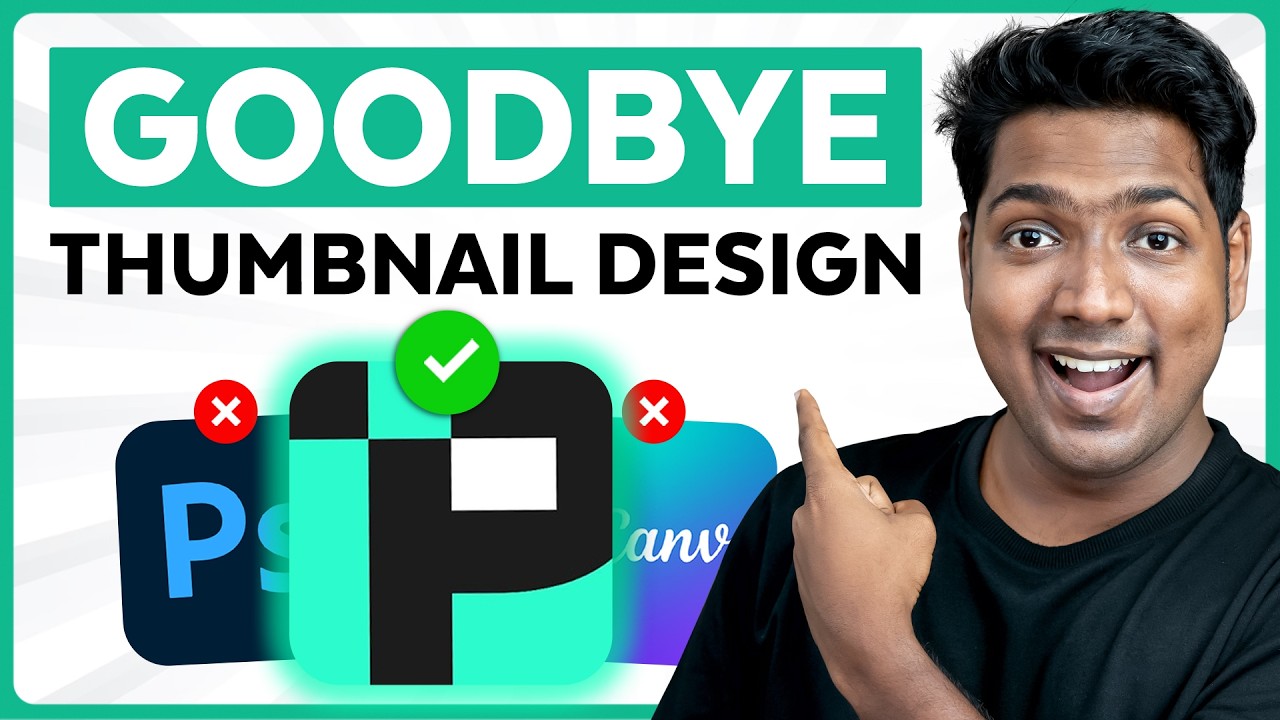
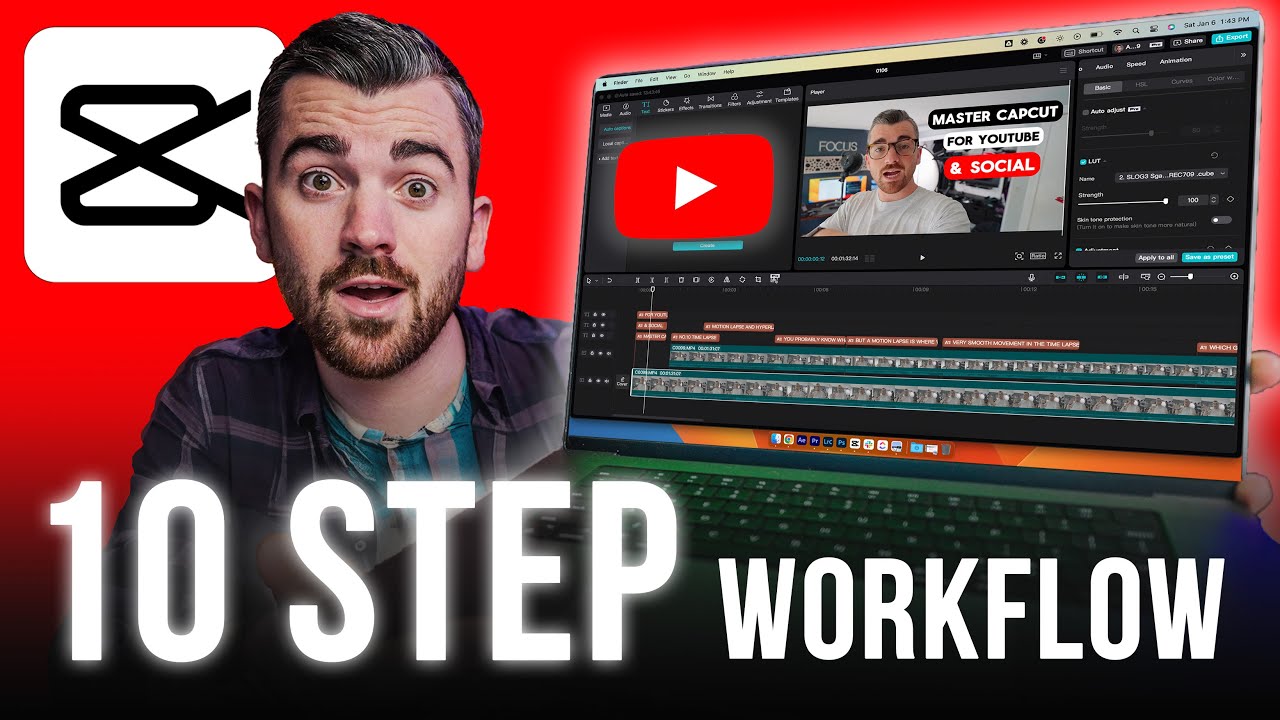
The YouTube thumbnail paradox is real. You need great thumbnails to grow your channel, but you cannot afford a designer until your channel grows. So, you're stuck with Photoshop, which you're not an expert at, or Canva templates that scream, "I just started a YouTube channel yesterday.
" And that's why all the big creators keep pulling in millions of views with thumbnails that quite frankly put yours to shame. But it doesn't have to be like that because I found an easy way to make thumbnails that honestly feels like cheating. I find a thumbnail, I copy the URL, I paste it, add myself, generate, and that's it.
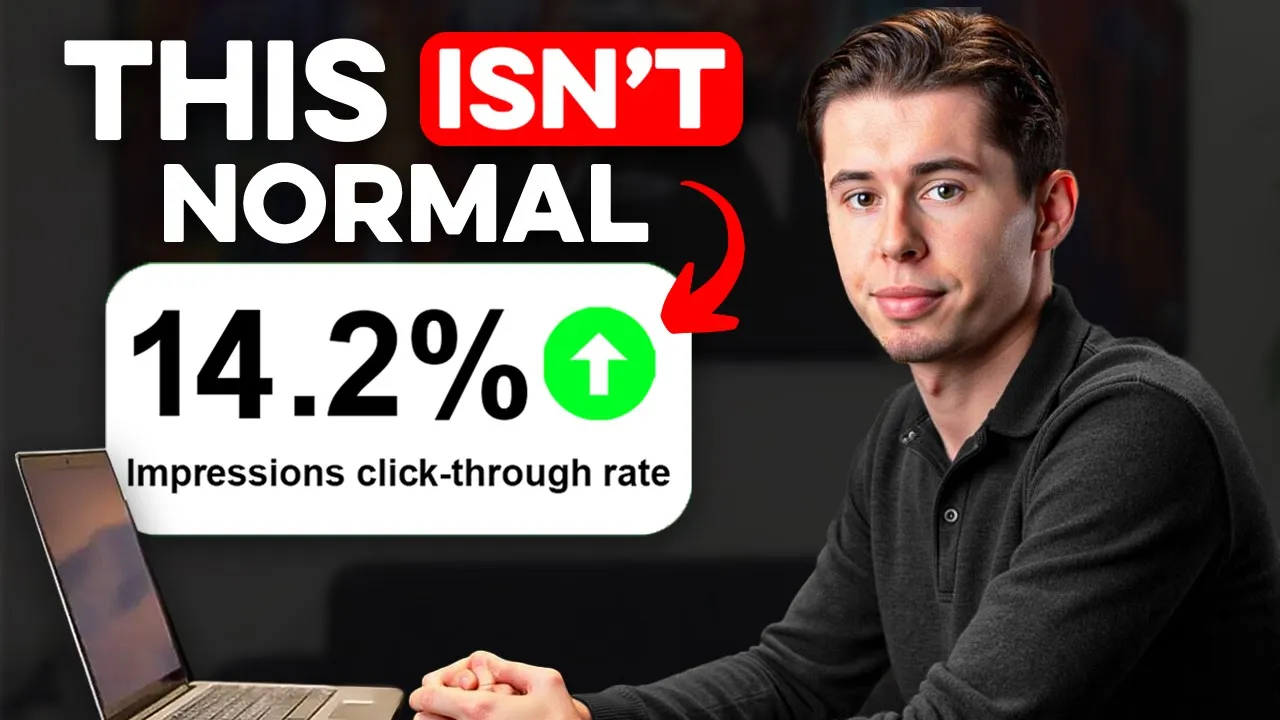
No design skills needed. And so, if you're tired of pouring your heart and soul into your videos, yet no one even clicks on them, today that will change because this tool allows anyone to create thumbnails that boost click-through rates from 3% all the way to 9% within seconds at a cost of less than a dollar per thumbnail. And so, I've created over 300 thumbnails with this tool already.
And there's one feature that completely blew my mind. is something that I've never seen on any other thumbnail tool before, which I'll show you later. But first, in order to make your next viral thumbnail, we'll be using a tool called Pixels.
I'll leave a link in the description down below so that you can sign up for an account. Then, once you're on the dashboard, there's two ways to make a thumbnail. There's text to thumbnail where you describe what you want to generate.
For example, a rural farm with people working in gardens and fields. Then, I'll click generate and we're done. That's all we need to do.
So, we'll just wait a few seconds. And then as you can see that's the thumbnail it generates which looks absolutely beautiful. Or a creepy man at full moon which this was the first result it generated which was good but it got even better when I tried to add text to it which says 1:22 a.
m. in the bottom left corner which it did perfectly by the way. And so the possibilities with this are endless and fully customizable with simple prompt.
Then there's recreate which allows you to recreate existing thumbnails but with your own face on them. In order to do that, you want to click on personas in the bottom left corner and then upload 10 photos of yourself or any other person you want to create thumbnails with. And to get the best results, make sure that the thumbnails you upload follow these guidelines.
Then once you've done that, you want to click generate. And the AI will now process these images and create a model of your face that can be used for all of your thumbnails, which takes less than five minutes to do. And there you go.
That is now done. Then to make your thumbnail, you want to find a successful thumbnail format that you want to model after, which can be any YouTube video. So for this video, I'm just going to use this Mr Be's video, which has 230 million views.
So I'm going to copy the URL. I'm going to go to pixels, click recreate, then paste the URL, and then in order to have my own face on it, I'm going to select the persona Yuri from the drop-own menu, then click generate. And that's pretty much all I need to do.
Within seconds, I now have a thumbnail in the exact same style as Mr Beast, but with my face on it instead, which is truly insane. And so, I've tested this across different niches. So, here's a gaming thumbnail from PewDiePie, a business thumbnail from Immangadi, a tech thumbnail from Lena's TechTips, and even an interview thumbnail worked from Colin and Samir.
You can see that the results for this are consistent, and it literally takes seconds to do. Each of the thumbnails that you see here cost me less than a dollar to make as the premium plan is just $40 per month and allows you to generate 150 thumbnails. Now, to make that even better, by the way, with my special link down below, you can try this out for just $1 in your first month, which makes it less than 1 cent per thumbnail you generate.
And all of this also works for thumbnails without faces. So, submitting this thumbnail from Fern in the recreate feature generated me all of these insane alternatives. Now, I know what some of you might be thinking.
Wait, Yuri, isn't this just copying other people's thumbnails? And is that even okay? That's a fair question.
But here's the thing. Top YouTubers have been modeling successful thumbnail formats from each other for years now. Look at Ryan Trey's I Tried One-Star Hotels video that got 28 million views.
After that one blew up, channels like the Royalty Family with 27 million subscribers made almost identical thumbnails and got 11 million views on their own video. And even Mr Beast, the biggest YouTuber on the platform, did it with his train versus giant pit video. And so if the biggest YouTuber is doing it, why wouldn't you?
is probably a winning strategy. And that's because this isn't copying. It's using proven formats that viewers actually click on.
And so what Pixels does is create a completely unique thumbnail inspired by the format that you submit. Because as you can see, the details are different, the face is yours, and the final result is 100% original. And so for years, small creators have watched their videos get buried while bigger channels thrived with fancy thumbnails.
And that stops today because these winning formats aren't just for channels with expensive designers anymore. This tool just leveled the playing field and now you can create thumbnails that get millions of views too, regardless of your subscriber count or designing skills. Now, let's say you generated a thumbnail and you don't like something on it.
You can actually fix this within one click. So, what you can do is click on the redo button, which will generate a completely new version, or you can use simple commands to make small changes. If you want to do that, you click on the edit button right here.
I'll type for this one, make Yuri serious and then I generate it and that's done. It's that simple. Like no design skills needed at all.
Now, let's say you feel like your thumbnail is modeled too much after the original. You can change that by selecting a different what they call inspiration weight. And so, if I select medium instead of high, you'll see it switch up the format of your thumbnail a bit more.
If I select low instead of medium, it will do that even more so. And so you're in full control of what you want to generate. Now, before I show you the next feature, let me reveal what happened when I tested pixels against the most expensive alternatives on the market.
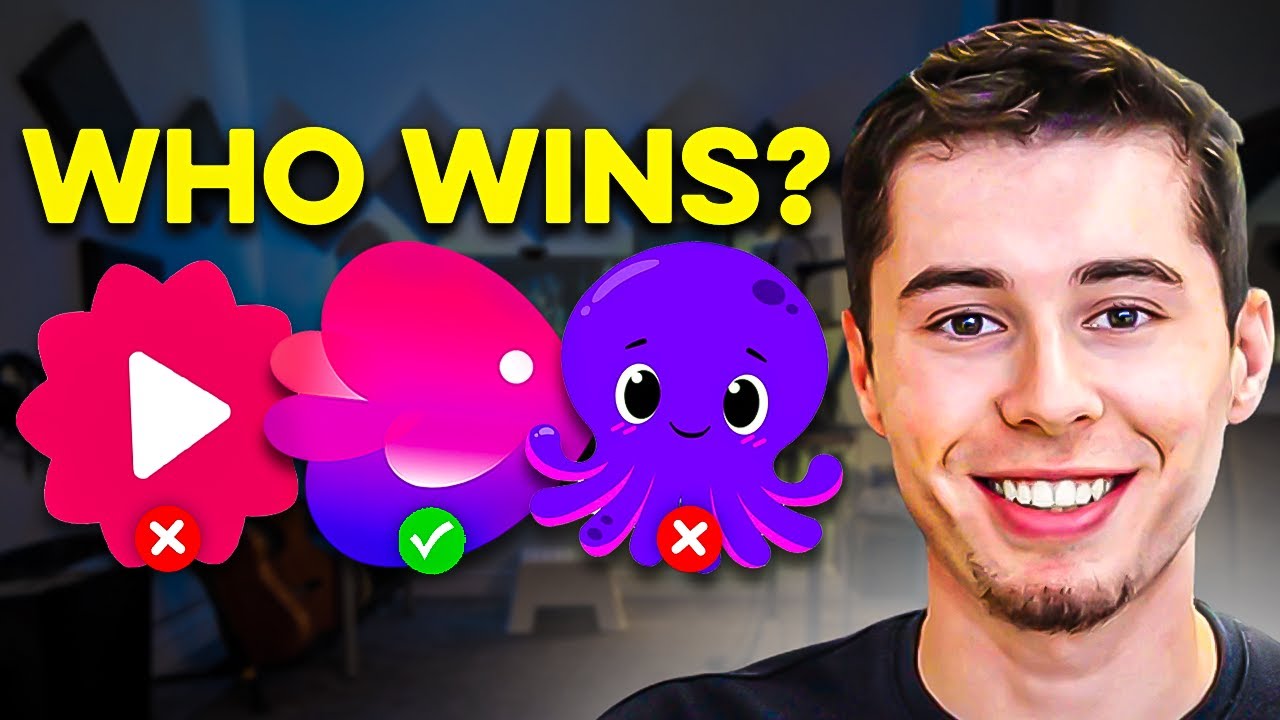
What I found explains why even channels with professional designers are quietly switching to this tool. So, first of all, I tested this custom AI bot on Replicate, which I trained on the same photo data that I gave pixels. And you can see that these turned out very inconsistent, and there's no recreate feature available.
So, it only works through a prompt to thumbnail system, which is fine, only if it actually produced good results, which most of the time it didn't. And also comparing it to Vid IQ's thumbnail maker that generated this after I added one of my own thumbnails to recreate or VRO, which generated this, which like the most standard template that you can think of, plus is twice as expensive. Honestly, you can see that none of them even come close to what Pixels creates.
And that is probably because the maker of Pixels is actually a YouTuber himself. and so he fully understands what thumbnails need and how to make them. However, I want to be completely transparent with you guys.
Is pixels absolutely perfect 100% of the time? Not yet. However, it is insanely close.
In about 5% of cases, you might see small text getting a bit jumbled or logos slightly changing. And right now, thumbnails with multiple people can also be tricky since it tries to put your face on everyone, which is actually kind of hilarious on this result right here. But here's the thing.
For any thumbnails that actually get millions of views, pixels is absolutely spot-on. By now, I've generated hundreds of thumbnails with this, and about 95%, I would say, came out perfect on the first try. So, what I've been doing to get consistent, amazing results is focusing on proven thumbnail formats where one person is the main focus with a clear text format.
When you do this, you're creating professional quality thumbnails in literally two clicks, like all of these on the screen right now. It's that simple. But remember, with AI, your output is only as good as your input.
So, if you give it amazing thumbnails to work with, you'll get amazing thumbnails in return. That's just how it works. So, let me show you something crazy.
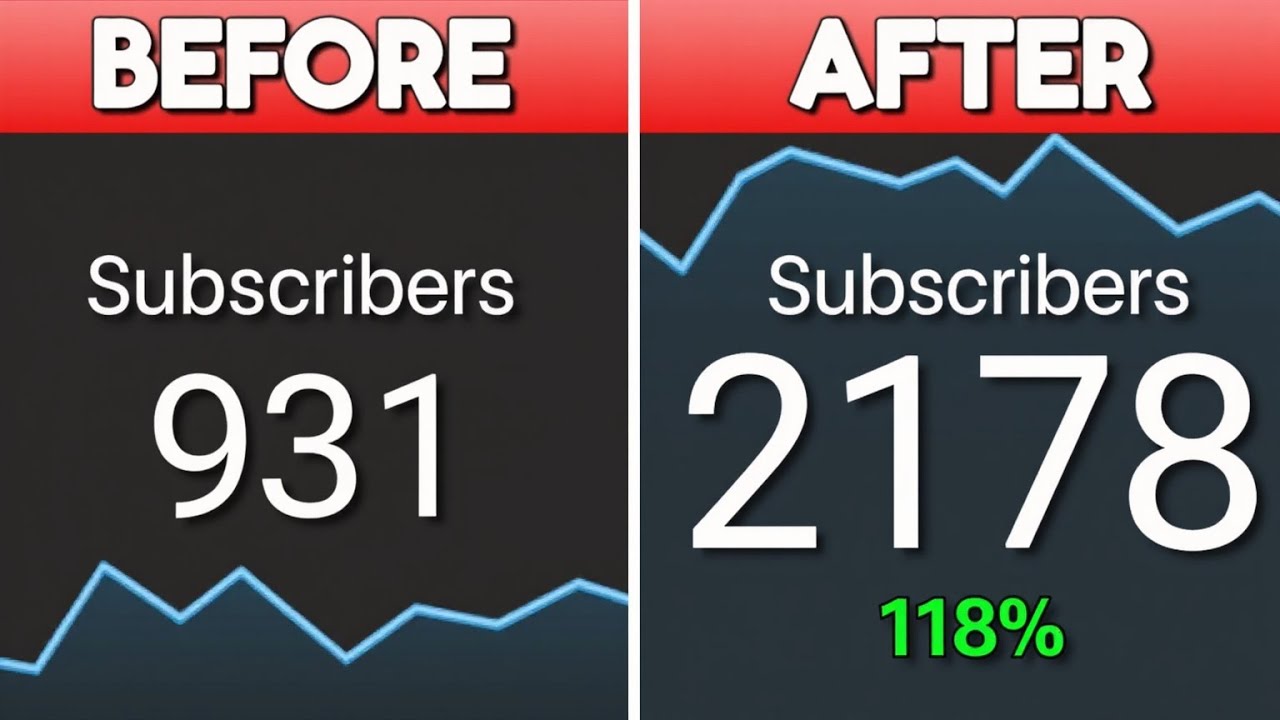
The thumbnail of this video on my channel got 76,000 views so far. It gave me 1,700 new subscribers and it was made in just one minute with pixels. And that's the power of a great thumbnail.
For just $1, you can create 150 of these for your channel. So yeah, for less than the price of a coffee, you can make your channel blow up. So if you want to try this out for yourself, click the link in the description down below right now and use the code YVH at checkout to claim the special $1 offer.