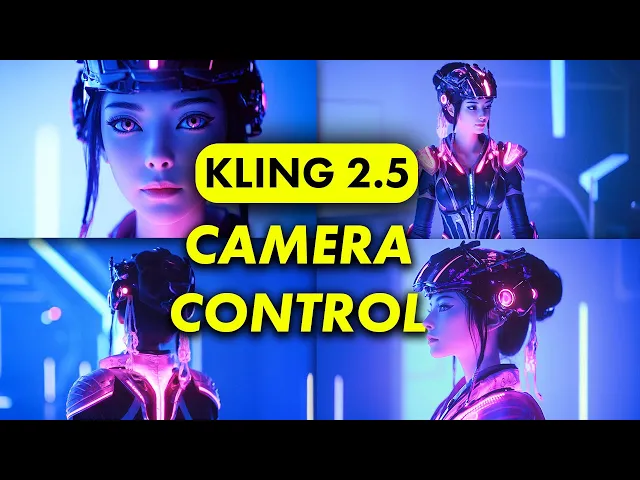
AI video is more advanced than ever but in order to create the most cinematic films you need to learn how to direct the AI camera and control its movements to tell your stories I'll show you everything you need to know about directing camera Motion in clean with this complete prompt guide we'll learn to create Advanced tracking motions complex camera movements like the crane shot and even dive underwater but first let's start with the basics and learn how to keep the camera perfectly still which we create by using the keywords fixed lens it's much easier to
create these now in the new clean version however it doesn't work every time sometimes there's still a bit of movement ated end if that happens just try the prompt again it'll work after a few tries by the way for all the examples I'm shown in this guide I'm using the image to video feature in cling where I upload a reference image and then enter a prompt below I also turned up this creativity and relevance slider a bit which makes the AI follow my prompts more closely next up are basic Zoom movements we can zoom in
to get closer to the subject or use the words camera pullback to step back and pull the camera away adding keywords like Fast which increases the speed that the camera movements happen at this is pretty useful cuz sometimes the movements are too slow for what you need one of my favorites is the rotating camera around the subject which is done by prompting for rotating lens this is essentially the arcot where the camera moves in a circle around the character it's really consistent to create this motion with rotating lens and works for me almost every time
at this point we can start getting more advanced start combining camera movements with character directions now we'll rotate around her and give her a panicking expression like she's terrified of something pull the camera back and reveal her holding up a weapon to defend herself you can also pan and tilt the camera up and down will learn much more advanced prompt techniques but it's good to see how to create the most simple motions with just a few simple words another great keyword is fpv which stands for first person view it's great for these drone shots where
you're flying through a landscape and have a first-person view just like a camera would on a drone with these basic prompts you've already covered you're more advanced than most AI video users but let's learn even more advanced tips so you can become an expert by the way make sure you subscribe if you want to see more guys like this you can't be more specific in how you want the camera to move I told the camera to Fly Above and give me a bird's eye view of the tree but we've run into our first major issue
look closely towards end of the video the colors suddenly shift and become way more vibrant this is called color saturation it might look nice but for a consistent film you want the color saturation to stay consistent throughout to do so we have to tell the AI to keep the color the same with the keywords muted colors which commands AI to keep the color more consistent to our original image we can get really creative with with the AI camera now even asking for it to follow our subjects underwater and the character and scene stay consistent throughout
now let's talk about the most important tip when it comes to controlling camera movement in your AI videos which is adding in scene context this is a simple concept along with asking for camera motions we also introduced a few simple details for example the camera Zooms in on the woman's eyes or the camera pulls back to reveal her in a dress nothing super impressive yet but here's why adding in context is super important let's say we want the soldier to turn around towards us and raise his weapon so we use a prompt like this one
he turns around and raises a pistol the camera Zooms in he does make a slight turn and looks towards us but then when he raises a weapon he's still facing away to fix this I specifically tell AI to zooming on his eyes by adding in the context of his eyes thei now makes a soldier turn around the entire time because it needs to follow the keyword eyes think about where your camera is moving towards what it's showing instead of just asking for the motion for example we can tilt up and look at the city through
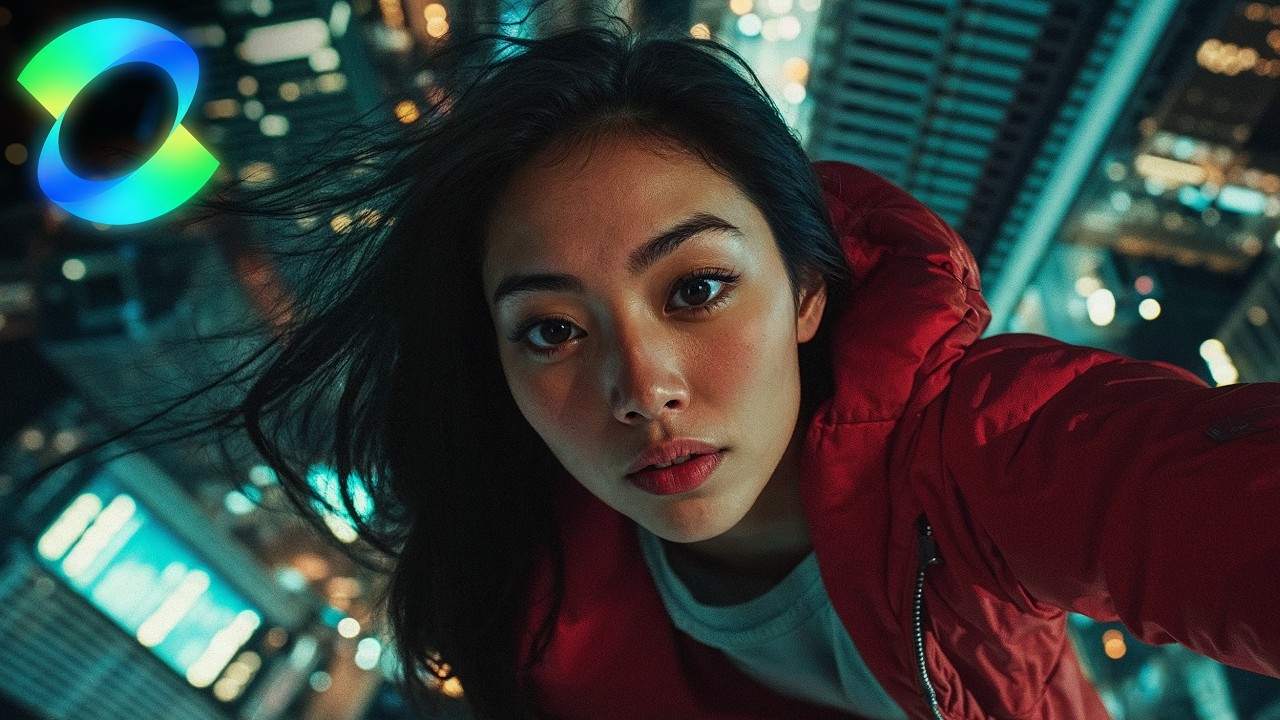
a glass ceiling by the way this was another example with the AI adds in color saturations you'll see this color change very obviously in the video on the left in the prompt on the right I removed the word neon and added in muted colors and it does a better job of preserving color consistency although we're missing the aesthetic neon City LS at night AI is imperfect yet we can Pan the camera to reveal new parts of our characters it turns out this woman is actually a cyborg or Show additional context in the scene this time
we're going overhead to show her standing on a geometric pattern this is also called a crane shot where we start at eye level and fly the camera above overhead like it's being pulled up on a grain we can also combine multiple camera motions here I asked for the camera to pull back and then tilt up to reveal what's in the sky you can add in quite a bit of motion just remember though that the farther away you get from the content in the original image the less consistent the video is some other keywords you may
find useful include follow for when the subject is turned around and walking away or the tracking shot where the camera will follow the subject moving around the [Music] scene if you want to prompt guide for how to create lifelike motions in cling to go along with these camera motions go watch this tutorial right here [Music]