welcome in this video we'll review how to create your very own Amazon store we'll walk through the process of setting up your store discuss its components and explore the benefits of having an Amazon store stores are a free self-service branded destination on Amazon where you can curate content that inspires and educates stores offer customization options that let you showcase your brand and products to Shoppers as they search and browse stores can help you reach new customers by providing in an always on destination for them to learn about your brand stores also give you the control
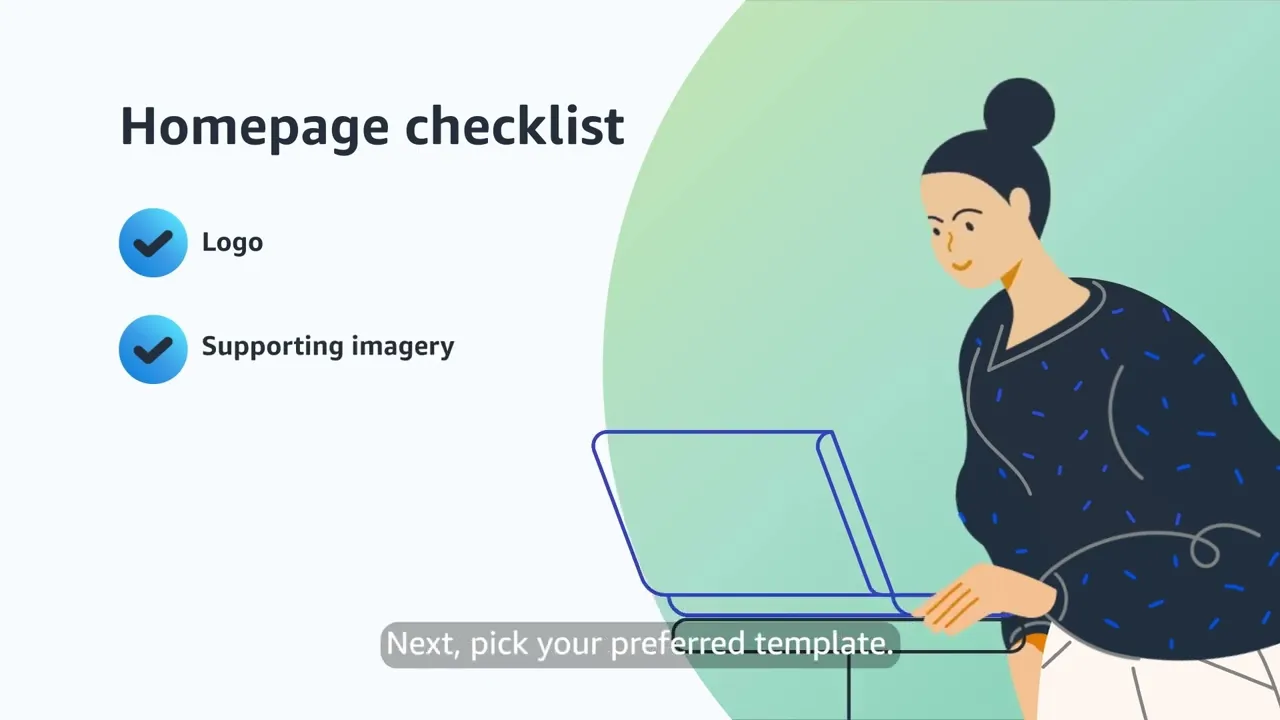
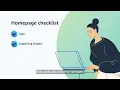
to create an Amazon shopping experience that you can optimize using insights about performance campaigns traffic and sales related to your store creating a store is free and with our easyto use store Builder no design experience is required to get started now let's review how to set up your store start by logging into the advertising console and selecting brand content on the left side of the page page next click create store to start creating your store create your store's homepage by entering your brand name and then adding a highquality image of your brand logo ensuring it's
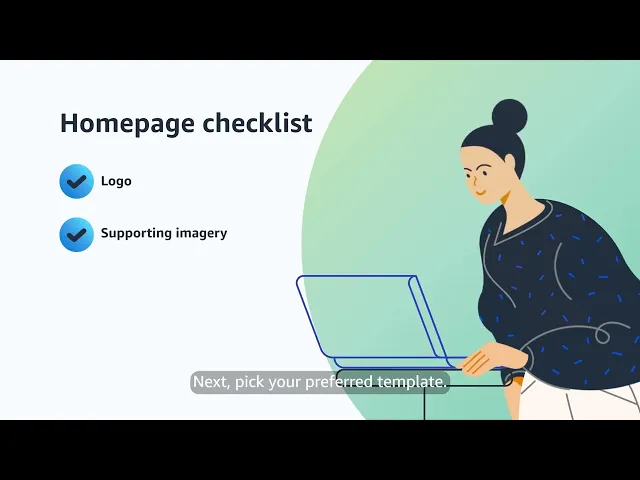
at least 400x 400 pixels once this is set up you can use the store Builder to further customize the experience remember the homepage is what Shoppers will see when they arrive at your store we recommend featuring your logo and other imagery that help showcase your brand next pick your preferred template this will be how your products and Pages display to Shoppers you can use a template as is or customize by removing or adjusting specific sections to fit your needs next you can build subpages to Showcase specific products in more detail to create a page click
add page in the store Builder and choose from the options we recommend using a product collection template to Showcase your top selling products you should include links to help Shoppers navigate between subpages so they can easily view your full catalog after choosing your template and adding subpages use the tile manager to populate your store with relevant videos images and text this will help your store stand out when Shoppers browse you can add delete and organize these drag and drop tiles to fit your needs and to help engage Shoppers now you're ready to review and publish
be sure to preview your store on both desktop and mobile to ensure a positive viewing experience once you publish or schedule to publish on a specific date your store will go under moderation review within 24 hours you can track your approval status in the store Builder once approved your store will be published on your preferred date congratulations you created your first store as you get started be sure to check which product listings perform well to optimize your store's layout using the store's Insight page this will help you to continue to improve your store now that
it's live ready to get started visit ads. amazon.com