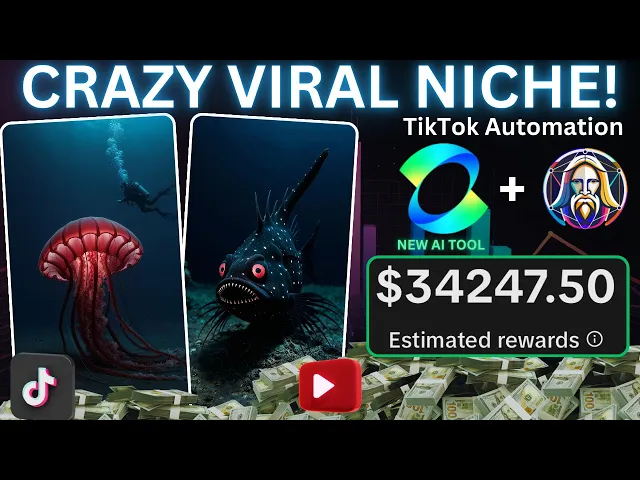
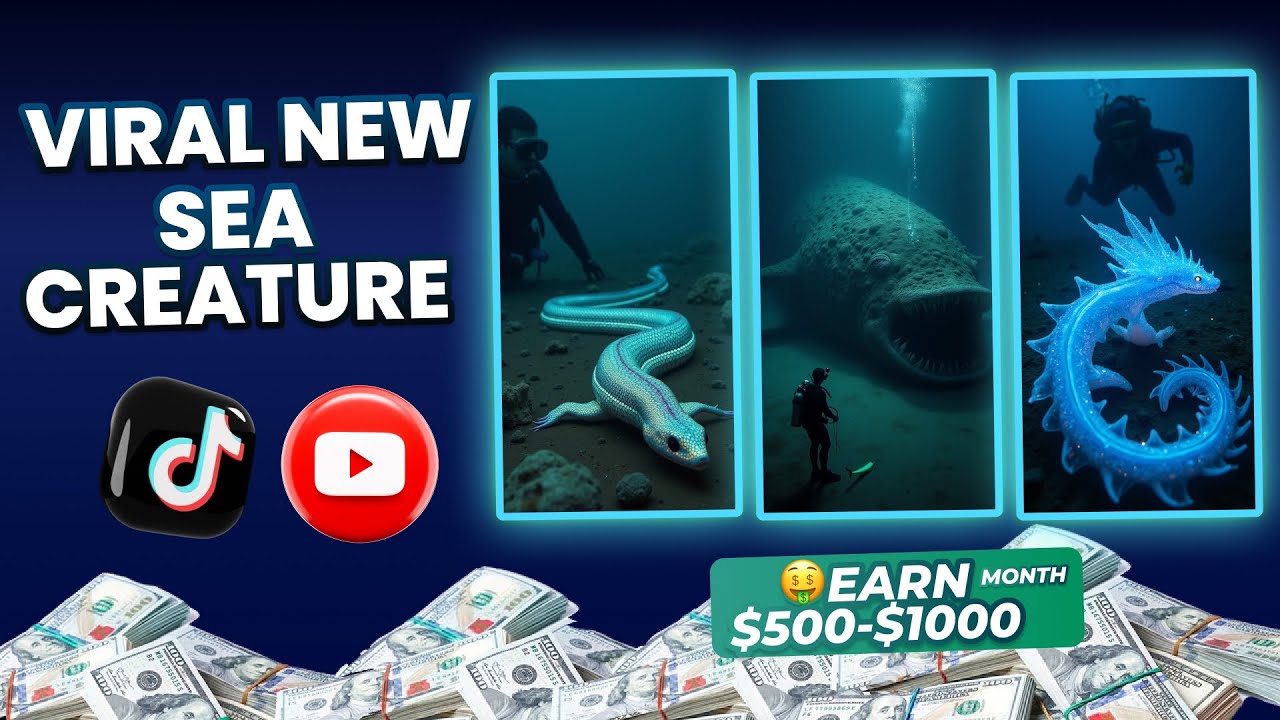
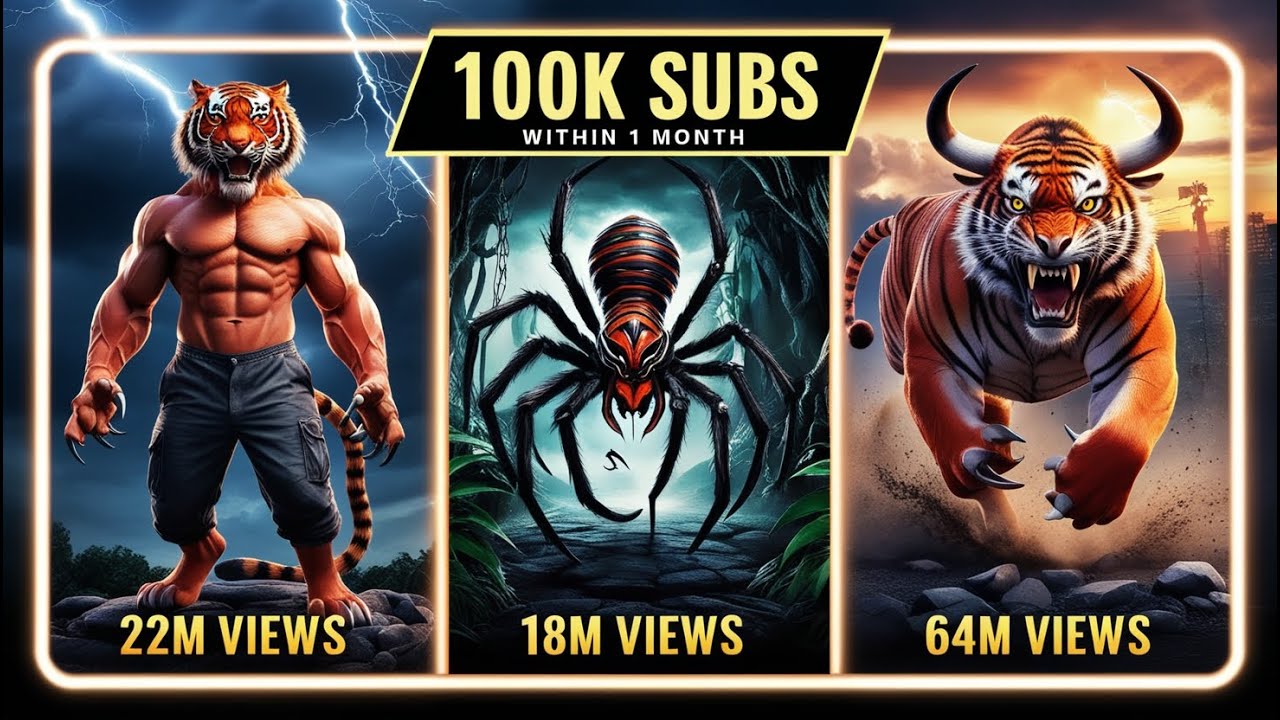
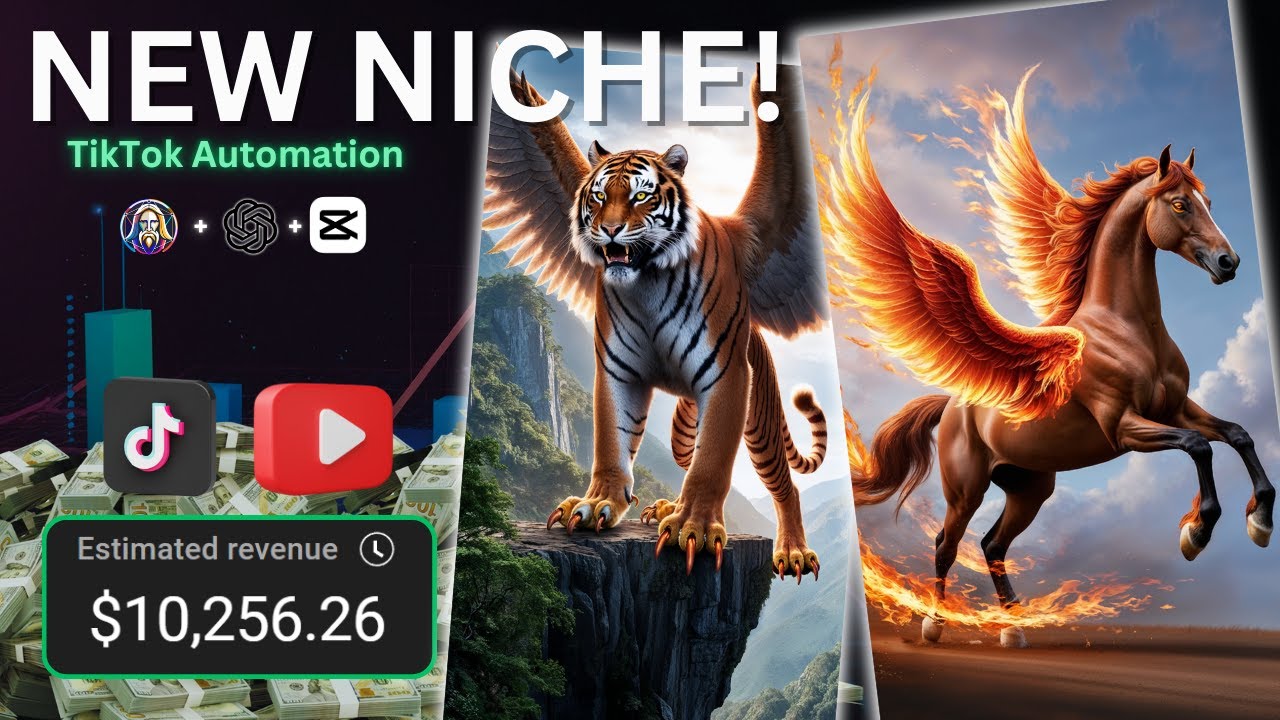
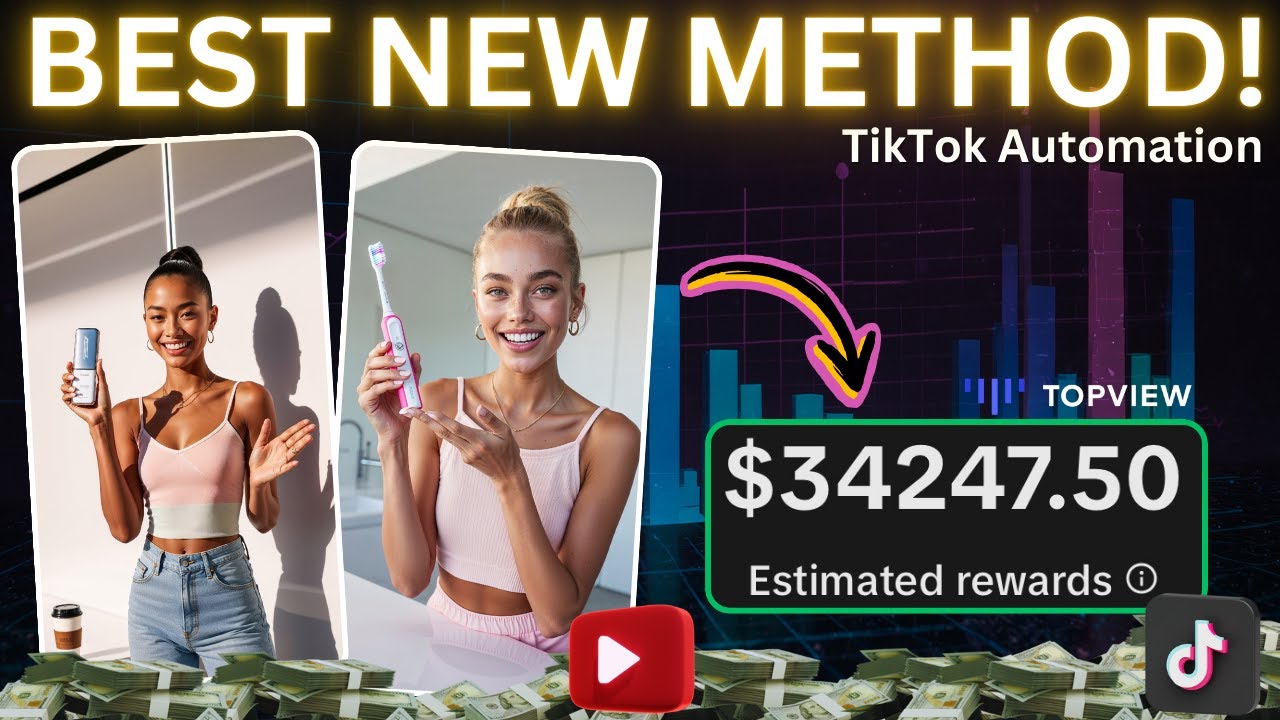
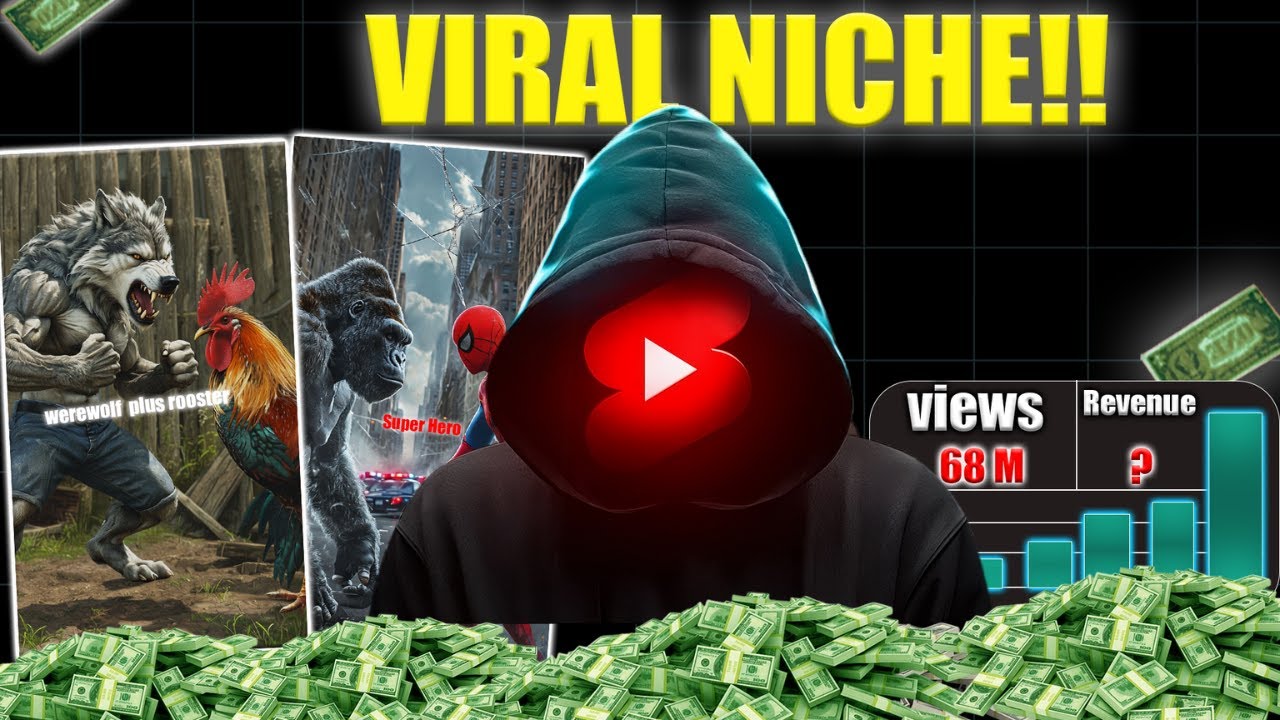
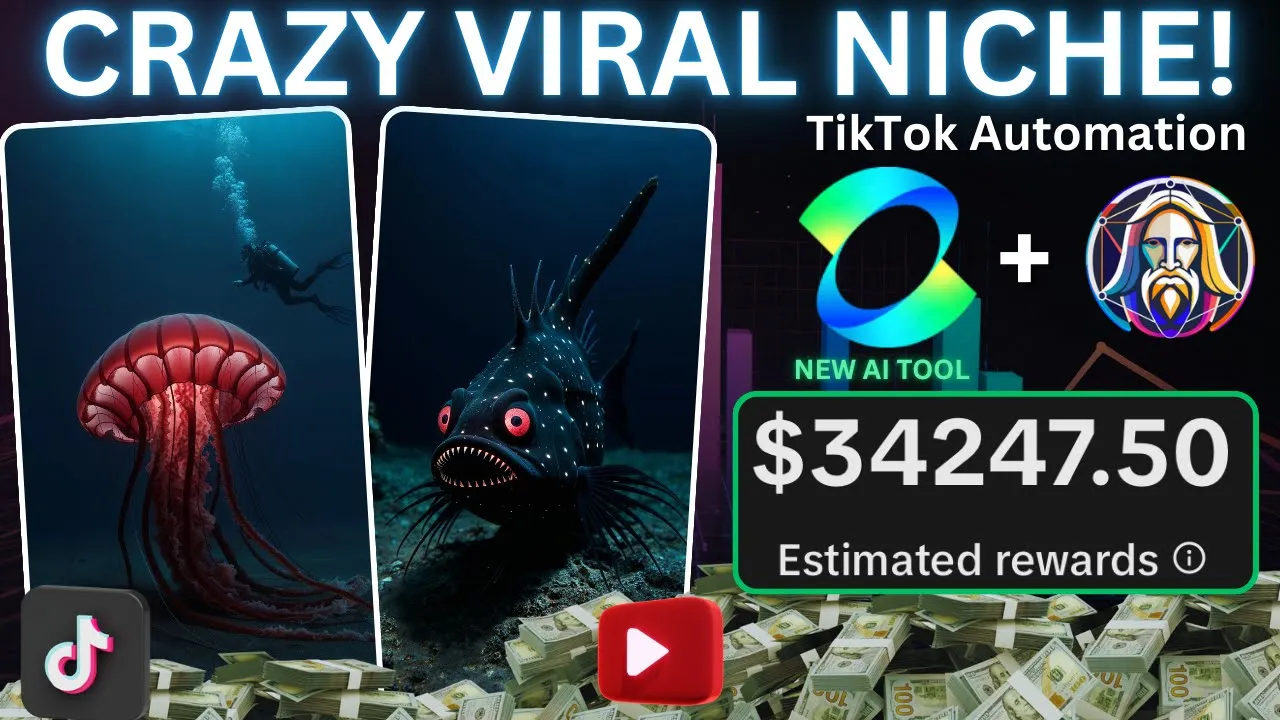
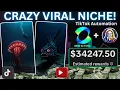
AI generated content is one of the easiest ways to start making money online people are creating incredible AI videos that are going viral on Tik Tok and YouTube leading to millions of views thousands of dollars are being earned from this content in today's video I'll share the top AI Niche and show how this Tik Tok account has started making thousands with just 17 videos I'll also walk you through how to create similar videos so you can blow up on Tik Tok this account has gained over 157,000 followers and their videos are hitting millions of views
they really don't have that many videos which means they've blown up recently all of this means now is the best time to jump into this Niche because it's absolutely taking off right now the niche is centered around AI generated sea creatures and I'll show you one of their videos to give you an idea of what we're aiming for these mysterious creatures inhabit some of the most remote and unexplored regions of the sea their scarcity adds to the Allure of the ocean's vast unknown fueling curiosity and wonder about What Lies Beneath The Wave let's dive in
no more delays as always there's a Google doc Link in the description with all the tools we'll use the first link goes to my school Community join if you're serious about going viral the second link takes you to some accounts if you're outside the regions where the creativity program is available these accounts will give you access from anywhere in the world all right let's get started first let's look at the competition we already discussed the main account earlier and they're exactly who will base our content off as I said all their videos get loads of
views but they're the only account so we can easily tap into these numbers now let's set up our account this step is crucial on Tik Tok because if you establish a strong brand it's much easier to gain followers helping you hit that 10K Milestone faster so we'll need a name and a profile picture for the name head over to Nam once there type in undiscovered sea creatures as this is what our content is about click through on the next few pages and you should be left with a ton of options browse through the options that
come up and you'll find several choices like this pick one and then we'll move on to creating the profile picture to create your profile picture go to Leonardo using the link in the Google Doc once you're there head over to the image creation section on this page make sure the preset is set to Leonardo Phoenix after that scroll down to the settings and adjust the image Dimensions you want to change it to one by one to get a square image for your profile picture with the settings done I'll head to the prompt box you can
type anything you like but I'll enter ultra realistic mythical C creature I'll hit generate and you basically want to download one once the process is done and set it as your profile picture all right guys our account is fully set up stick around as I walk you through how to create viral content in just a few easy steps next let's brainstorm video ideas go to chat GPT and I'll use a prompt that asks for the AI to think of a bunch of these mythical sea creatures you can find this exact prompt in the Google Doc
as you can see the AI has provided us with a great list of creatures to use in this video I like them so no we'll turn these creatures into images to do this head back to Leonardo using the link in the Google Doc once there let's adjust a few settings first make sure the generation model is still Leonardo Phoenix after that head down to the left and set the generation quality to the highest option next hit more under image dimensions and select the Tik Tok format with with our settings in place we're ready to start
generating images with this done head back to chat GPT and copy the name of your first C creature paste it into Leonardo and hit generate I'll skip ahead to when the first images are ready as you can see we've got some amazing results and they look super clean now repeat this process for every sea creature you have and I'll fast forward to when all my images are finished as you can see I've got some incredible images and now it's time to select and download the ones we'll use in the video keep watching as I'll show
you how to animate these images edit your video and show how to make money at the end now we're going to animate the creatures so stay with me to do this head over to a tool called AI once you're on cing using the link in the Google Doc you'll see how incredible this AI tool is if I scroll down you can check out some of the insane animations it can generate but let's get back to our project you firstly want to click this AI images tab on the next page you'll want to click on the
image to video option right here in the center start by uploading your first sea creature once you've set that up you're ready to create the animation it takes some time so I suggest queuing up all your animations at once and I'll skip ahead to when mine are done as you can see I've got this amazing animation it looks fantastic and it's incredible what this AI tool can do now go ahead and download all your animations and we'll move on to the next step guys we're so close to being done so stick with me now the
last thing we need is a voiceover head back to chat GPT and I'll start by asking the AI to come up with a 1,000 character voiceover about these sea creatures once again The Prompt will be in the Google Doc the voiceover is now generated and if you guys like it then copy it and we can head over to 11 Labs once you're on 11 Labs you want to start by pasting in the script that we just generated once it's in place head to this drop down and you want to select a voice that you like
that's going to read out this script once you have one you like download the voice over and we can move over to the next step now that we've got everything for our video stay with me as I show you exactly how to edit and since you've stuck around this long I'll also share some secret monetization tools at the end of the video all right guys head to cap cut and start by importing all the assets we've collected firstly we want to find our voice over and drag it onto the timeline like so once it's in
place we want to zoom into it and begin to remove this dead air to do this hit B on your keyboard and click either side of the Dead air now select a select and delete the dead air and now drag your voiceover back together you need to do this with your entire voiceover as this helps your video become more engaging all right that's our voice over done so we can move over the next step next we want to find our first creature and drag it onto the timeline like this it looks good so you want
to add in the rest of the images if your video doesn't reach 1 minute then just repeat some images at the end as it doesn't make that much of a difference with our images and voice over in place we'll now add some captions hit text in the top right and then hit Auto captions and then hit generate I'll skip to when these are in place once your captions have generated you need to customize them head to the top right hit on templates and find one you like you want very subtle ones as we don't want
super bright and bouncy captions as it doesn't fit the theme of the video once they're added we can move over to the next step now that everything is in place I'll personally add some effects click effects in the top right scroll through and add a few the original accounts didn't do this but I think it'll make our video even better there aren't too many that go with this sort of content but the occasional subtle effect can really make wonders such as this fog effect that I've added here next we need to add an adjustment head
to adjustment in the top right and apply a custom adjustment extend the slider so it covers the entire timeline then find the saturation bar and increase it to around 10 all right guys the video is done so go ahead and Export it I'll show you the final fin result but keep watching as I'll explain how to post it without getting shadowbanned and reveal some secret monetization strategies at the end here's the finished result beneath the crushing pressure of the ocean's depths lies a world teeming with extraordinary sea creatures adapted to thrive in the harshest conditions
in complete darkness they Glide silently over the barren seabed their bioluminescence casting ghostly glows that flicker like distant Stars some are armored in thick metallic shells others wear translucent skin now head to Tik Tok and start posting your video first find some background music choose something with a mystical or fantasy vibe once that's done go to the next page and write a caption that encourages viewers to watch the entire video add five relevant hashtags to your post if you want to master posting join my school Community once everything is set hit upload but don't leave
just yet I'm about to share a secret monetization strategy we all know about the creativity program but the requirements are tough a great alternative is to create a guide on making this content using beacons which lets you earn money before you qualify for the program you can use chat GPT to write the guide and sell it through beacons the link is in the Google Doc if you want to learn more secret ways to make money and sometimes even more than the creativity program join my school Community you'll also get personal feedback from me on your
content to help you go viral that's it for today's video bye