we'll guide you through how to hard reset your Samsung phone if you find this useful then consider subscribing and liking the video I'm covering two different ways because some people consider hard resetting doing a forc restart where others going to consider it doing a full factory reset so if you want to go and do a force restart then all you need to do is go and hold down the power button and the volume button together like so now keep on holding them together if your phone screen is frozen or black you won't see changes in
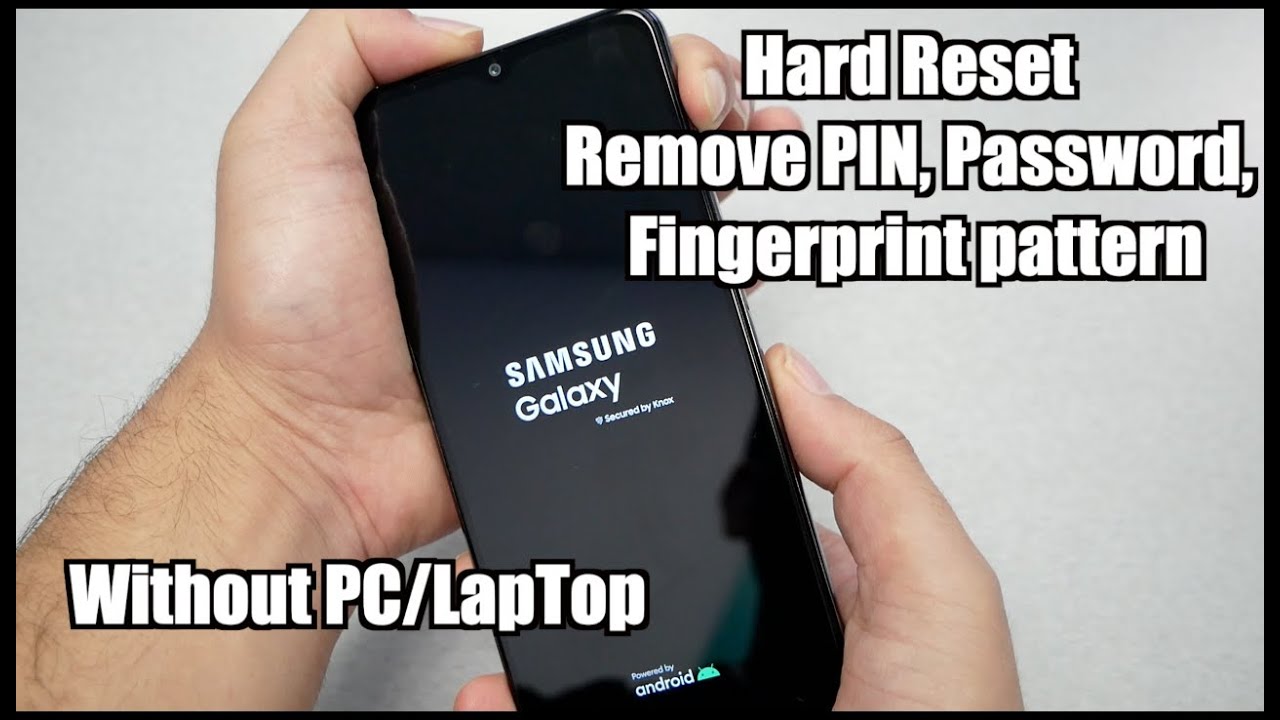
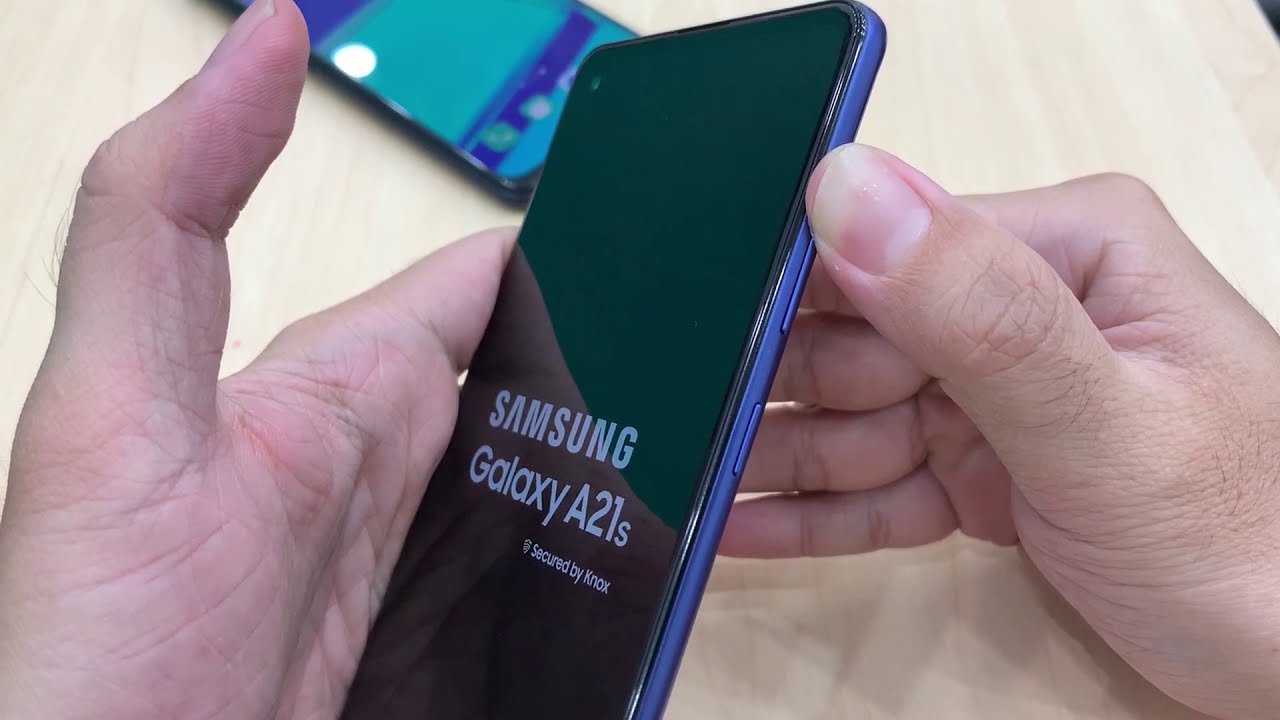
the screen just keep on holding them together and you can release it once you go and see the Samsung logo just like this and you can release and it will start again however if you're looking for a full factory reset then what you need to do is go and hold down the power button like so then what you need to go and do is go and press power off and power off again and wait for it to shut down after it has then what you can do is go and plug your phone in but you
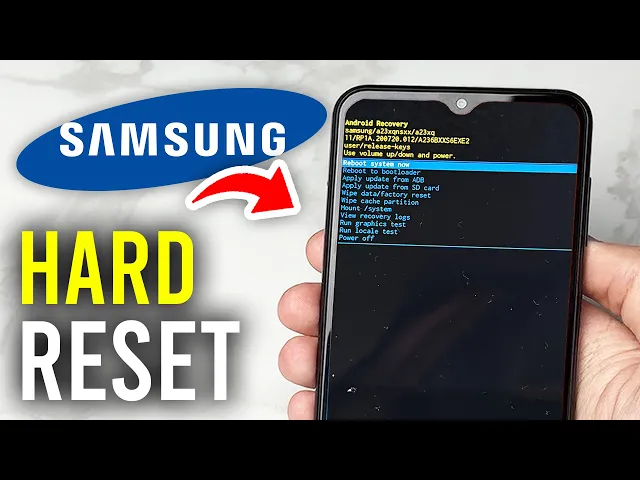
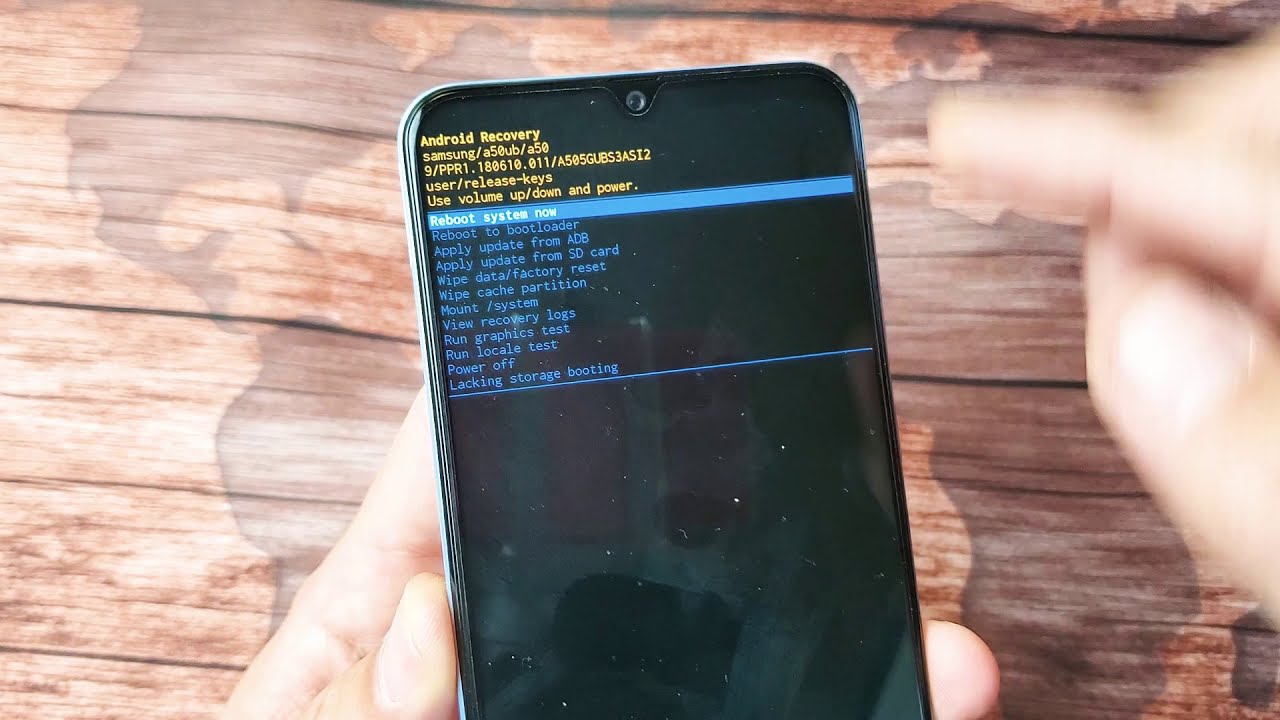
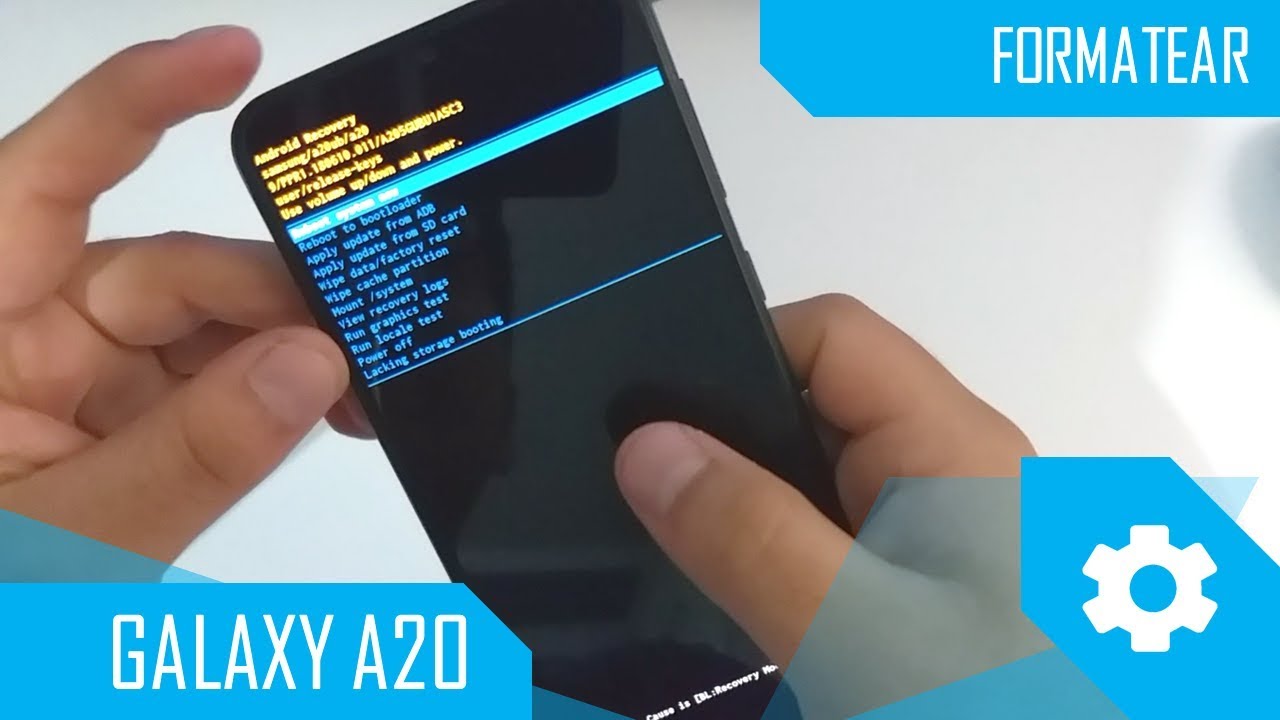
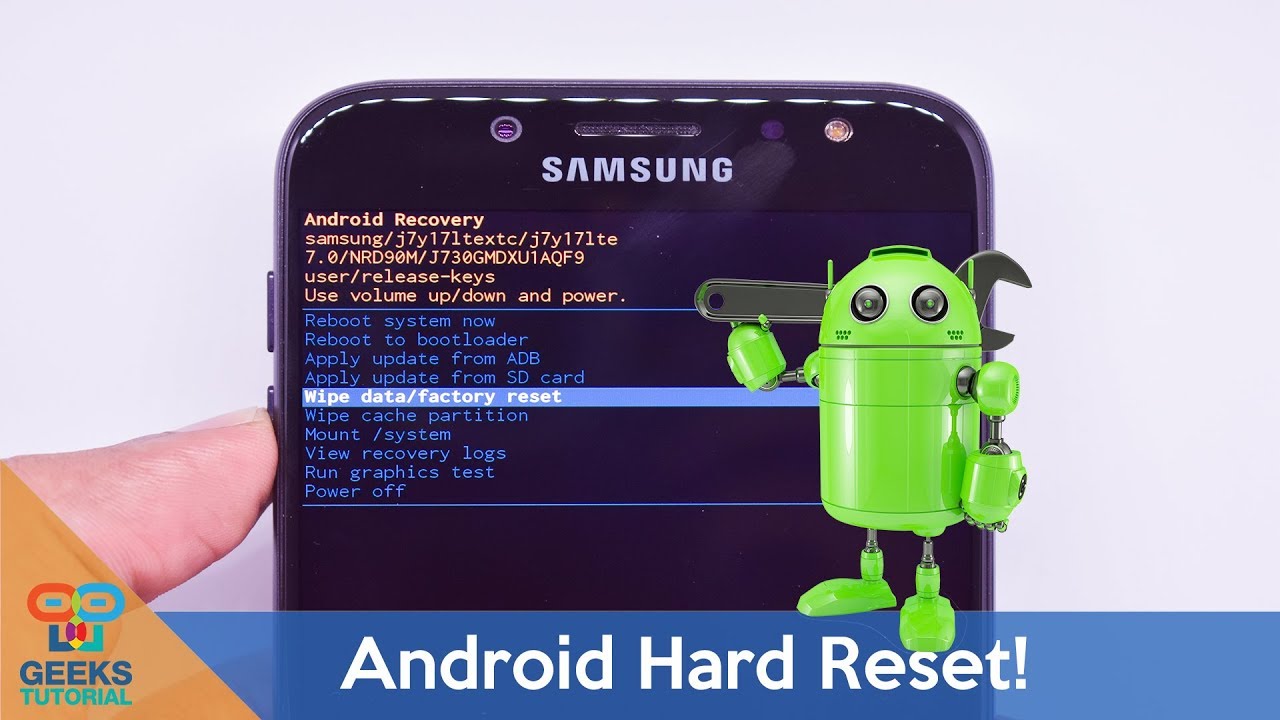
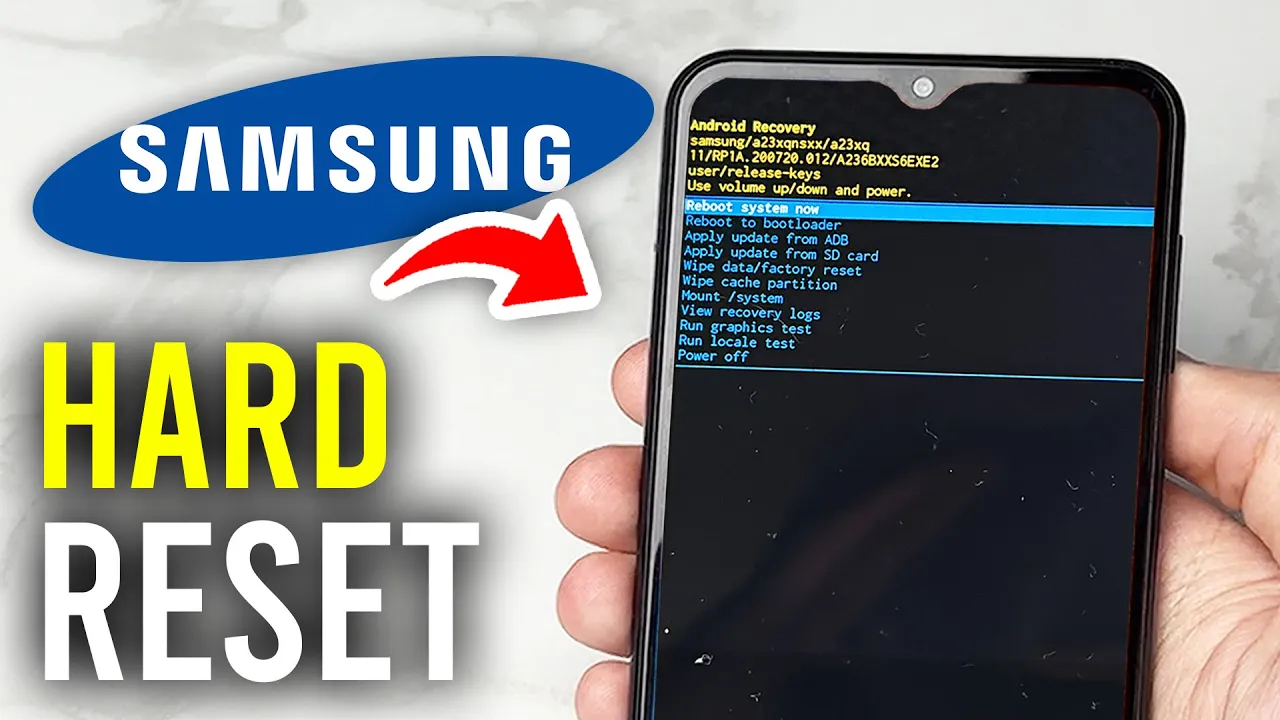
need to plug your phone into a computer whether that be a laptop or a PC then what you need to do is hold down the power button and the volume up button together like so hold them down until you see the Samsung logo and release this will launch the recovery mode and you can go up and down the list by using the volume down and up buttons and you can select using the power button so what you want to do is go and select wipe data/factory reset read through that there and then to select it
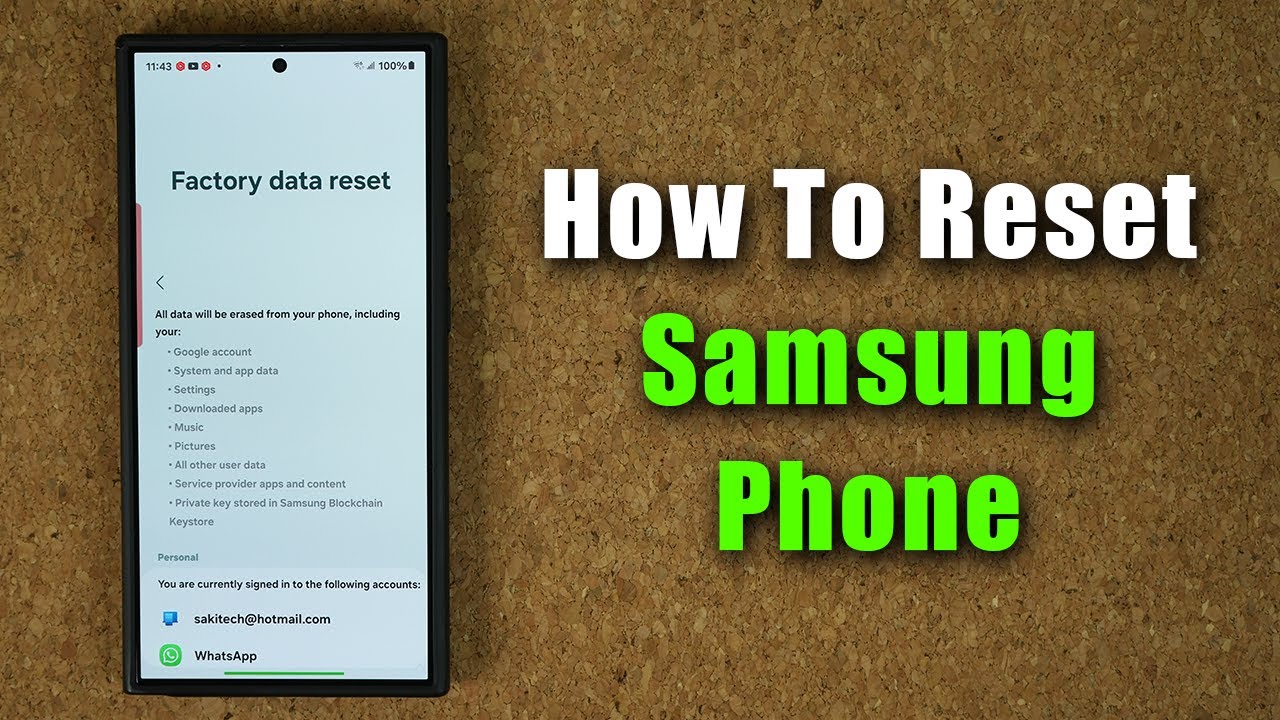
you can go and press the power button and then what you want to do is go and select factory data reset and you can go UND do it it's that simple and to get your phone back to normal just select reboot system now with the power button and it will restart I hope you guys found this useful