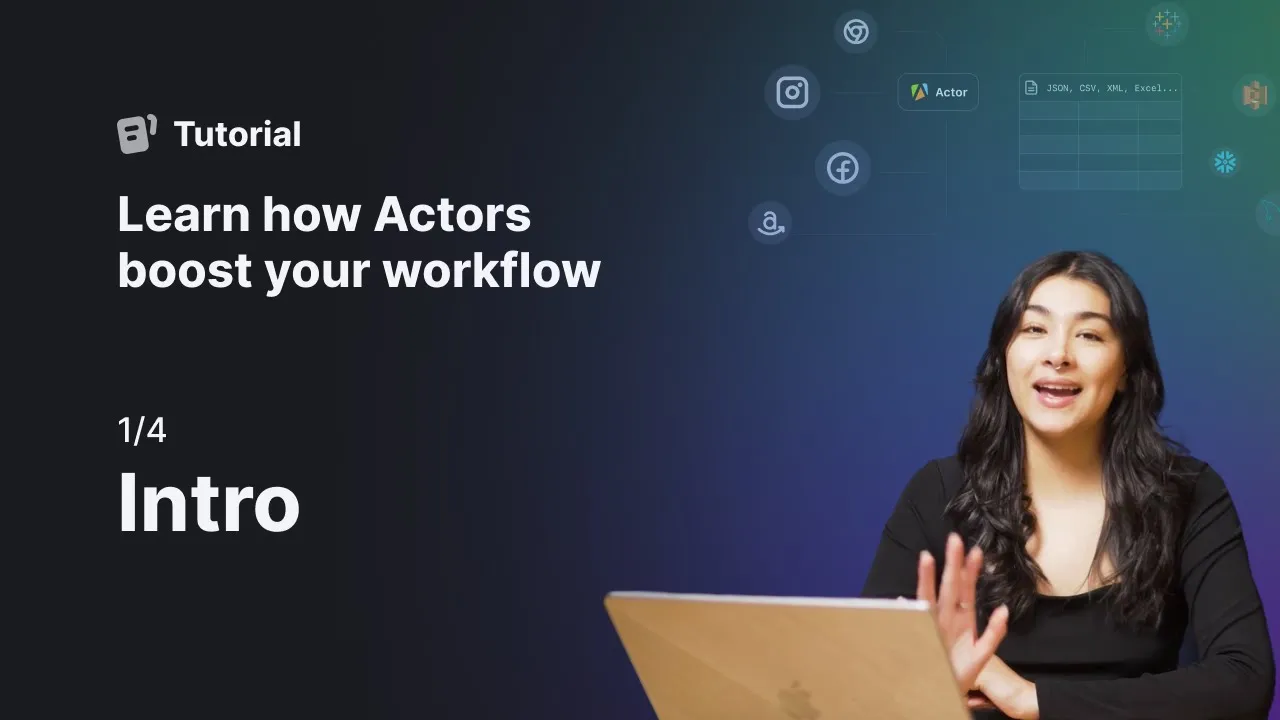
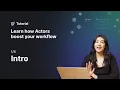
Hi! It’s Michelle. In this video series, we’re going to do a quick walkthrough of the Apify platform.
We’ll first go through setting up the input of an Actor, running it, and exporting our resulting dataset. Then, we’ll automate our workflow by setting a schedule that will run our Actor in set intervals. Lastly, we’ll set up an integration that will automatically save our results to Google Drve.
Let’s get started!