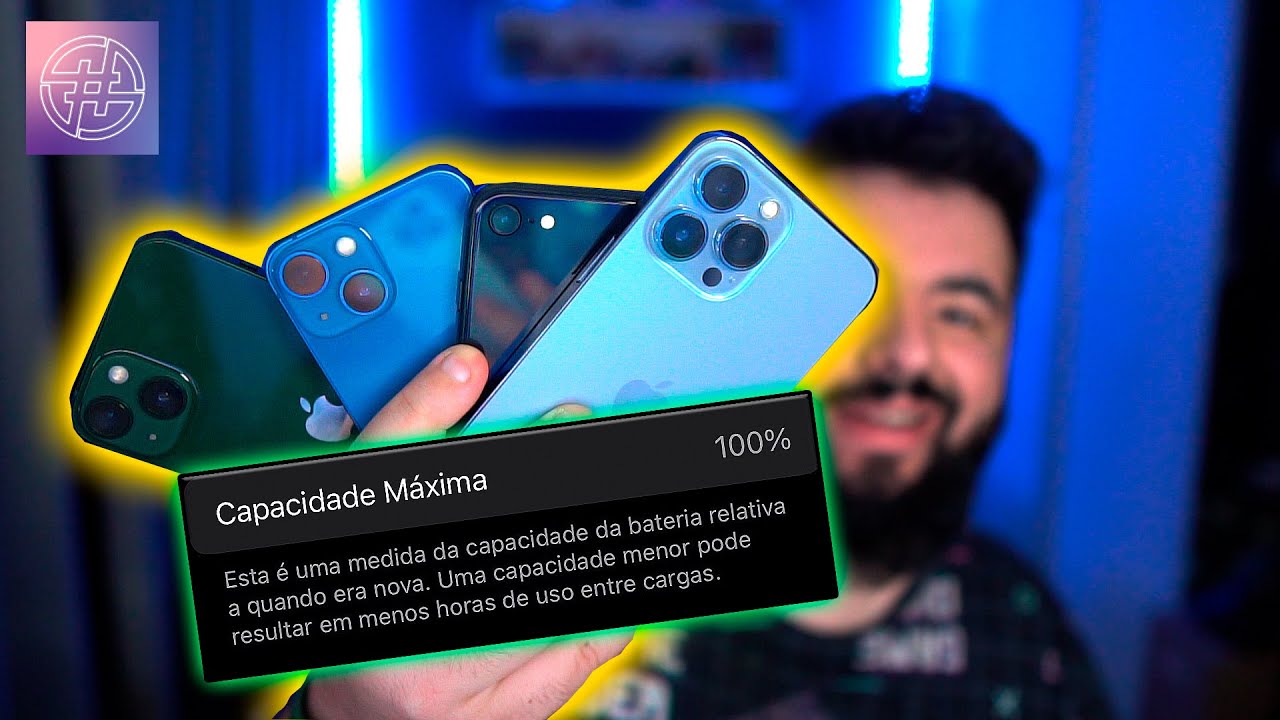
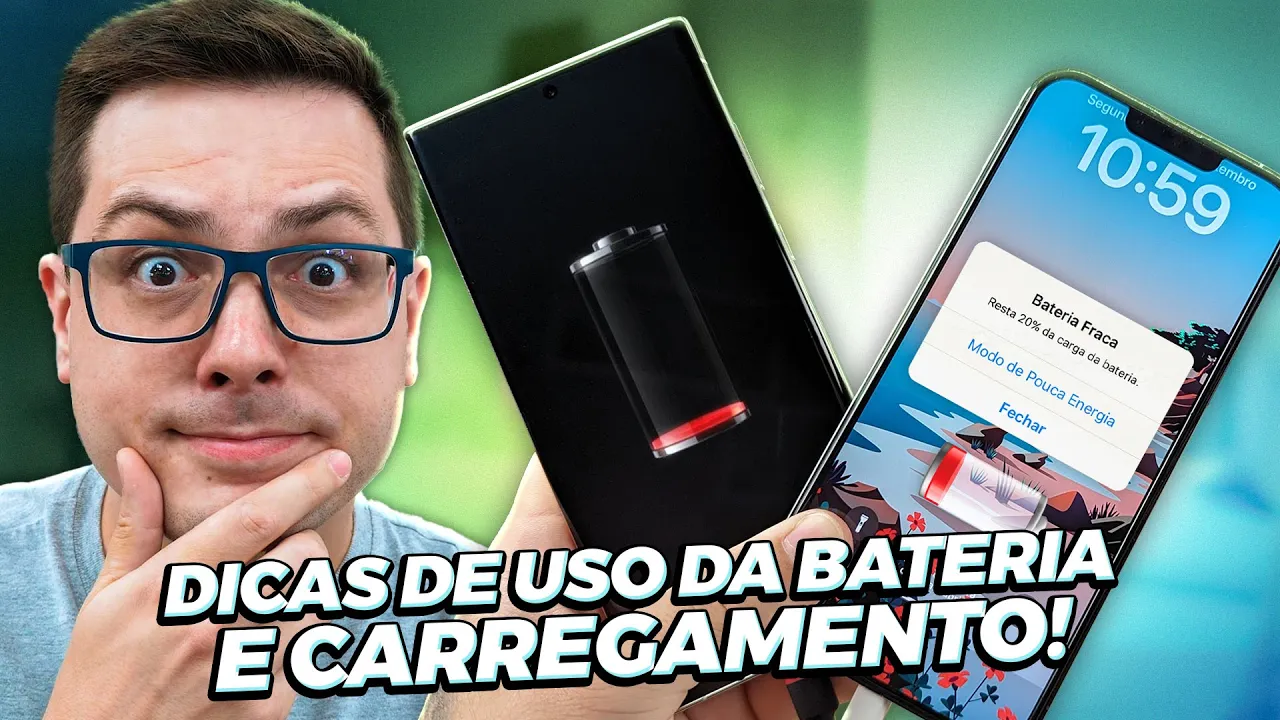
My dear ones, a while ago I made a video complaining about the battery life of the iPhone 14 Pro Max that I have here in my hands and several people complaining that there are people who already have 85% of their useful life now. It was 90 when I made the video, now it's at 89%, it's still falling, my friend Jackson from Adrenaline and his connected world, it's at 85%. We bought the cell phone on the same trip at the time, so the thing really has something strange going on, okay?
And Apple hasn't commented yet, but by coincidence Look how interesting she posted here on her website some tips on how to prolong your life useful life of the battery and how you can extend the life of the battery to extend its life, basically the question of making it last longer throughout the day now to extend its life then there really are precautions that you have to take so that it doesn't die anymore sooner than it should interesting tips we're going to talk about these tips, okay, so this is going to be a video that's not just for those who have an iPhone, these tips here are mainly for you to extend their useful life, they're suitable for any device and normally for any type of battery whether it's a notebook or a tablet or an iPhone Whatever it is, let's talk about it but it's really funny to be able to let it go, right? We get that feeling that Apple saw people complaining and it's like a message like Ah, you're not taking proper care of the battery of you here, you don't fool me here, Apple, but I'm going to start by talking about this issue of duration, really in the area of extending the useful life of the material, which is very important, and then we'll talk about some idea, she gave some silly little jokes here to the battery lasts longer throughout the day talks about this too but the important thing is how you don't drain your battery in more extreme conditions [Music] before we start the tips here on Batteries a tip for you to really save money here in the description I'll leave the Pague Menos link, it's our tool where you find the best prices, it has an automatic point tester, price alert, price history, coupon search, it's really cool, it also works on AliExpress, it works on several sites in Brazil for anything you need. If you are going to buy on the internet, the link is here in the description And in addition, there is our group of offers on Telegram, there are also more than 100 thousand happy users, so take advantage and join the guys, let's start with the first tip that Apple gave that Here 's the thing, actually, this isn't really a tip, it talks about the automatic battery condition management part, what does it mean by that and one detail, I'll leave the link to this page here in the description so you can look whoever wants this automatic management of the battery condition is because it is saying the following that there are technologies from iOS 13 onwards that are available in the Apple system but also in Android that can identify their use to give your battery a longer lifespan What do I mean by that you don't need to do anything automatically your cell phone understands the following just imagine you put it on charge you usually go to sleep at 11:30 at night you put your cell phone on charge at 11:30 at night and that's it it is not ideal because the battery must be kept between 50% and a maximum of 40% and charged to a maximum of 80%, the extremes of 80, 100 and 30 to 0 are what wear the battery down the most and what happens Just imagine if you put it on charge when you go to sleep, it reaches 100% in less than an hour of charging or in an hour of charging, so when it was midnight your cell phone would already be 100% charging and would remain at all night there receiving 100% charge dropped to 100%.
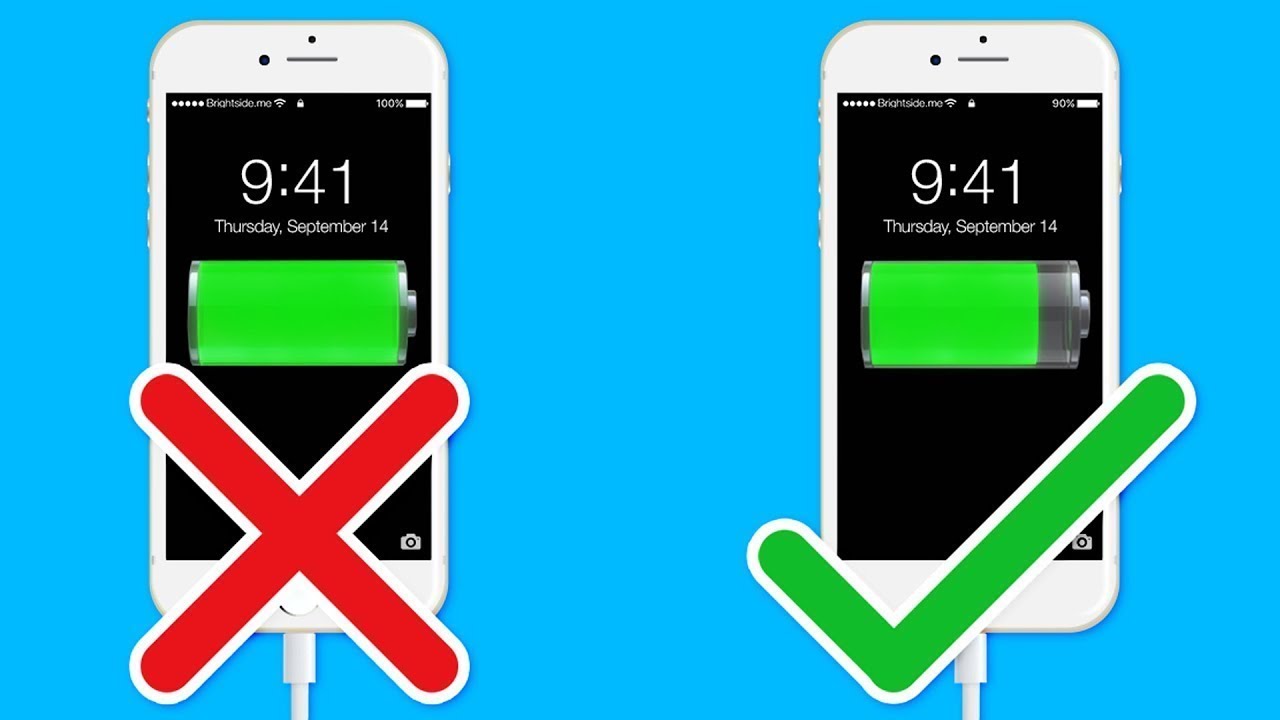
drop 100%. This ruins the battery so the system does the automatic management which is what it understands the time you wake up because of your routine so it will say like this, okay, normal Becker sleeps at 10 am and wakes up at 6 am so what? I do, I'm going to do one, I do a very slow charge over the course of the night, when there's around an hour left there, for, you know, for 6 hours, which is the time he wakes up, I see that he takes it off the charger normally, then it gives a faster charge to reach 100% and not stay there a long time because you will wake up and unplug your cell phone, this is what Apple has in the system automatically, Android is there a cell phone that has this already integrated into the system, there are some that you can activate, you can even limit charging to 80%, it varies a little more from Android to Android, okay, so sometimes it can even happen that you wake up at an unusual time, let's say I wake up every day at 6 am, then I wake up one day at 5 am, I wake up 1 hour earlier, I can see that the battery is not 100% charged because the system was waiting for my normal wake-up time, this could happen, but this automatically helps the battery to last longer, so the fact that you put it on charge and leave it overnight, look in the settings, try to limit it, okay this use of excessive charging is not good.
Really leaving it there all night charging, of course, having these management features that most modern cell phones have, there are not so many problems, so great, Apple says that, ok, and then it talks about the temperatures right away. Then she says that you have to be careful with the temperature and then says avoid extreme temperatures, then she kind of brings up this topic and starts talking about it. Look how interesting what they said here is that your device was designed to perform well in different temperatures, the ideal being Between 16 and 22 degrees, man, you have to live in 16 to 22 degrees, right João, at least here in Brazil, it's difficult if it were in Europe, even everything is fine in a colder country, unless you're in the air conditioning all day So we know that in summery Brazil, depending on where you live, you will have a temperature of at least 28 30 35 degrees, sometimes even more with a cell phone in your pocket, where it's hot, my friend, this temperature will go up to 30 degrees even more.
Just kidding. and then Apple puts a graph here that shows that the ideal temperature for the iPhone iPad Apple watch is as follows from 0 degrees to low too cold between 0 to 35 ambient temperature of 35 there at set at 35 it already puts it too hot so the What does she mean? Everyone knows it's hot for the battery, it's bad, extreme heat is even worse, so if you're on a very hot day, you're going to use your cell phone, you're going to play a very hard game on a day that's sweltering in the sun, that's not it.
It's going to be good for your battery, that's not Apple's problem, that's a problem with the technology that exists today in batteries, it gets very extreme heat and that can cause permanent damage to the battery, so it's not that it will run out faster no, it can actually cause damage there that will affect its useful life So look how interesting Apple says here but understand that this applies to any battery, avoid your device at temperatures above 25 degrees this can cause permanent damage to the capacity of the battery and it will not charge the device enough to charge your device in high temperatures i. e. it is a very hot day you put it to charge they say that it can cause even more damage And it says that the software can limit the charge to 80% if the battery exceeds the recommended temperature limit so they explain here that even the fact that you store the battery ah leave the battery in place here I will not use the cell phone in a very hot environment this can cause irreversible damage so we have always understood this people electronics and heat together Extreme heat is never very welcome, so if you're clear that there's no way you can control it, I'm going for a walk, I don't know, in an extremely hot city, taking a walk, I'm not going to use my cell phone, you'll need to use it, but try not to use it, you'll be playing a hard game, no.
you will be using the camera all the time, that's what it will heat up the device in an extreme situation and it can cause this damage Okay, then they talk here about cold cold environments where you may notice a drop in duration, this is normal but this condition is temporary Actually, in very cold environments, the battery holds less charge. So it runs out faster, but it's not permanent damage, normally inside, of course, in normal cold temperatures that we're talking about, if you come to Russia, it's minus 50 degrees You may have a bigger problem Okay, but in short people, it's Apple until It explains here that there is a security lock on the iPhone if it detects that the iPhone's temperature has risen too much during charging, it stops charging so the cell phone cools down and then it resumes charging. There are of course security locks for you to avoid this damage yourself.
system already has this in it but in extreme temperatures extreme situations this cannot be enough so always avoid extremes, right? Very hot, avoid this type of thing and a golden tip here that a lot of people buy the iPhone and then I don't know there was a problem with the charger, something, go to the street vendor and buy that good charger for R$ 15 [Music] that the guys even put some metal in there to make it a little heavier, it's so cheap that this type of charger is, people, it ruins the your cell phone's battery, whether it's an iPhone or a Galaxy, any cell phone you're going to use will ruin it because it's a high-quality charger that goes inside your device. of your cell phone it can create a risk of shock it can do a lot of things it can disturb your cell phone by paying more attention and making sure it is all messed up anyway avoid these cheap peripherals you buy an expensive cell phone use a quality peripheral you don't need it just be the original but there are a lot of good brands out there that we know that we bring here to the channel that you know that are not original but are certified so don't make that kind of savings, the crap, okay, another very interesting point that Apple made here and what we don't normally think about are the types of covers you use on your cell phone, it is telling you here to remove certain types of covers that heat up the device more, so if you notice that you put your cell phone on and your cover is holding back It's very hot, people, it's really recommended that you take off the cover to charge it or change the car to use the cover, buy another cover because it's That Old Story that we talked about just now, it's heat so it doesn't matter if the iPhone has a system of It doesn't matter if you have a cover there that retains this heat, it will cook the cell phone, so it's not good, normally covers are made of sometimes cheaper materials, they don't have good heat dissipation, so take note, put your cell phone to charge and see if it doesn't.
It's getting very hot Check if it's not getting too hot, take off the cover and check if the cover isn't too hot . Here's a detail that we often don't look at, we don't observe, we have another very interesting point here which is if you're going to keep your device for a long time, basically Apple is saying here, it's really if you're going to keep your device for a long time, it will stay without using it, it's not just the iPhone, but this is for any device, notebook, tablet, everything I said here generally applies to most products that have an internal battery, okay guys, you don't leave the battery in it or it completely discharges, right? my computer reset the battery my iPhone stored it reset the battery I'll go there and save it Don't do this, first of all it could be discharged in such an extreme way that it no longer holds a charge or you could actually affect the battery's capacity because the battery has chemistry there are chemical compounds there that need to be activated from time to time and at least you keep it with 50% of the flesh so what does this mean you will keep your device for a long time don't keep it with 100% or with the battery full and not even with the battery there at 10 15%.
and much less loaded 50% is ideal from 50 to 60% you load up to this load and store it and that same thing do not order environments with extreme humidity do not store environments that are hot in a drawer that gets the sun there by the window this will give cucumber over time so the ideal is for you to charge it Up to 50%, keep it and every six months At least you pick up the cell phone, let it use it for a while, right, use it there, the charge, let it drop a little, charge it a little, until 80 and leave it it goes back to 50% so you can move that battery a little but I say something for you device like anything car electronic products everything that is stored for a long time the chance of causing problems is greater because the product was made to be used so if you are going to store something for a long time Maybe it would be better So, okay, that's something you want to keep as a souvenir. Ok, there's not much of a way, but oh, I'm not using my cell phone, maybe because it's going to sit still, it's going to get damaged like a car that's been parked for a long time, but that's a problem, a lot of things dry out. the cable, the cell phone is the same thing, apart from the electronics they go to waste if they weren't ideal, battery people, you can't have a perfect world, right?
But you have to avoid it. As I said at the beginning of the video, you want your The battery lasts longer by charging it to around 80%, 85% and don't let it drop much below 30%. 20% is also starting to get so it remains possible to maintain the charge between 50% and 80%.
This is a very healthy range for the battery because you don't leave all the extremes, they wear out the battery more, so from 80 to 100 you have to have a volume of energy from Lancinho, a very high energy level that will wear out the battery more. just like when it drops from 30 to 0, it also uses one, it spends more, okay, I remember that Asus cell phones many years ago already had a feature that was from Asus. It wasn't even Android that you could limit charging until 80%, and this increased the useful life of the battery, sometimes by three years.
They carried out some research so it gives results, you don't need to become a battery crazy person. Of course, but if possible, if you work, you're always closer to a socket and such, you see, the cell phone is dropping a lot, it's at 40%, let me charge it to about 70 75 and remove it, right ? of the iPhone 14 is there an unusual problem even with the battery having been in use for a year at 85% battery health this is not normal Apple has something here that it is staying quiet on the radar but this is wrong, right but this It's another subject, on this page Apple has included some other tips, which are about optimizing configuration, which are more for the iPhone but which are also useful for other cell phones, those little things like that to make the battery last longer throughout the day, so it's not for, it's not for For you, let's say extend the battery's lifespan so that it lasts longer throughout the day, then reduce the notifications on your cell phone and set it to check your email, for example, just via Wi-Fi or for it to pull up information every few hours.
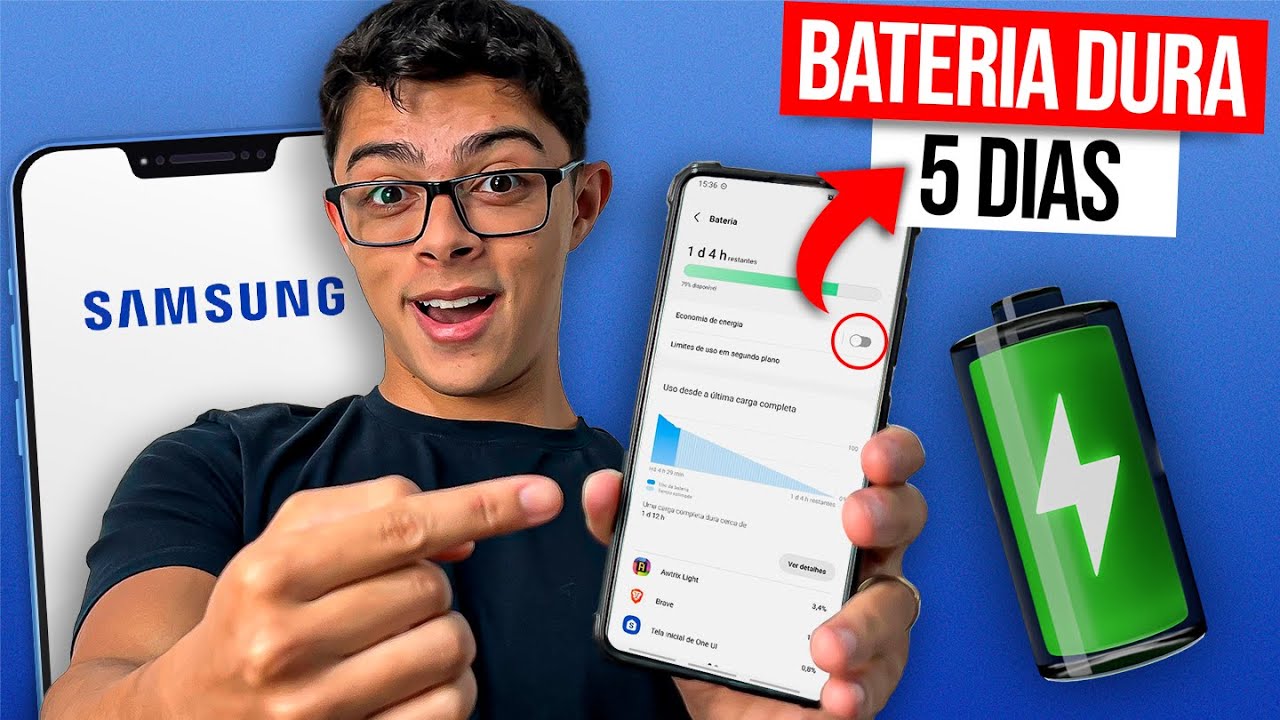
instead of every five minutes every half hour an hour so things like that are resources that you manage within the cell phone because everything the cell phone does there in the background while you are not seeing it is using it is using the charge so if you reduce it the notification puts it so that the screen doesn't Light up when the notification arrives, it reduces the brightness and asks it not to stop so that it doesn't have to search for notifications all the time in the email, these little things like that, of course the battery will last longer throughout the day, so you you can do this on any device, right? Any tablet with any cell phone on any Android cell phone, any Apple cell phone, this is a standard practice. So, if you have a lot of notifications coming in, reduce this and you will see that your battery will last longer and there is something you can do that is also cool, which is the battery saving mode.
This works for both Android and iPhone, you can activate it at any time, your battery may be full, well, I'm going to spend the day unplugged and take it already activate this mode, this mode automatically handles these situations, it already makes the most extreme settings, it will reduce your WhatsApp notification, the person checking their email, they don't search for information on the internet about app updates all the time, they You'll get it and you'll understand, well, we're in an extreme solution, let me deactivate most things, it does it automatically for you, so when I travel, I usually do this, I pick up the iPhone, Oh, I'm going to leave the house, I know I'm going to stay .