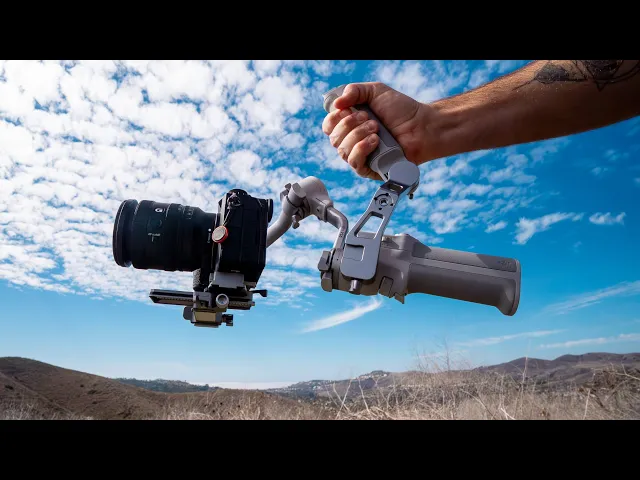
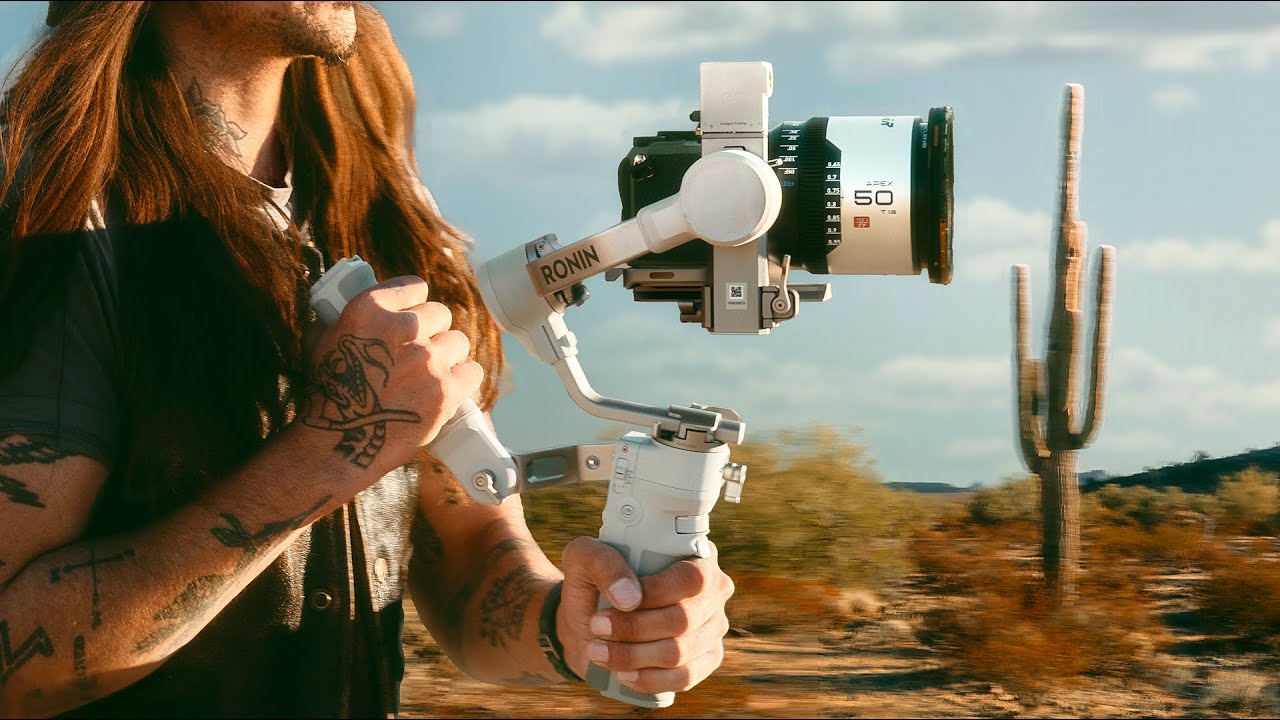
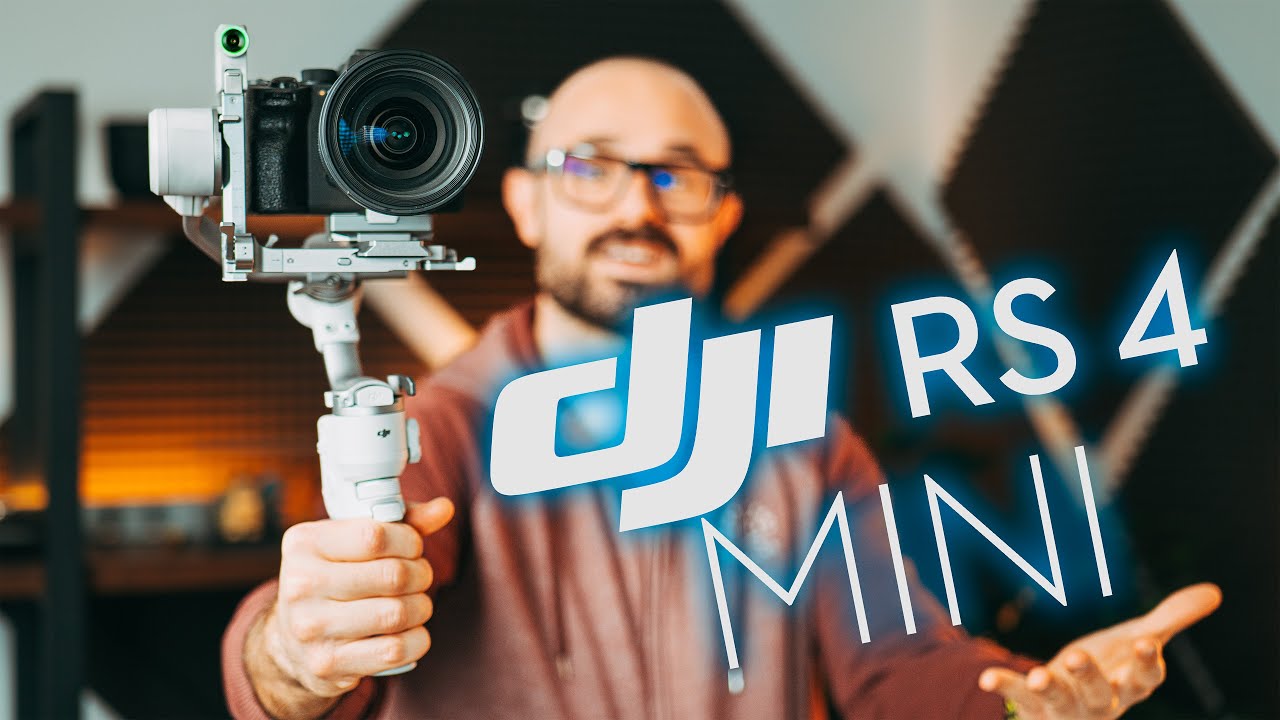
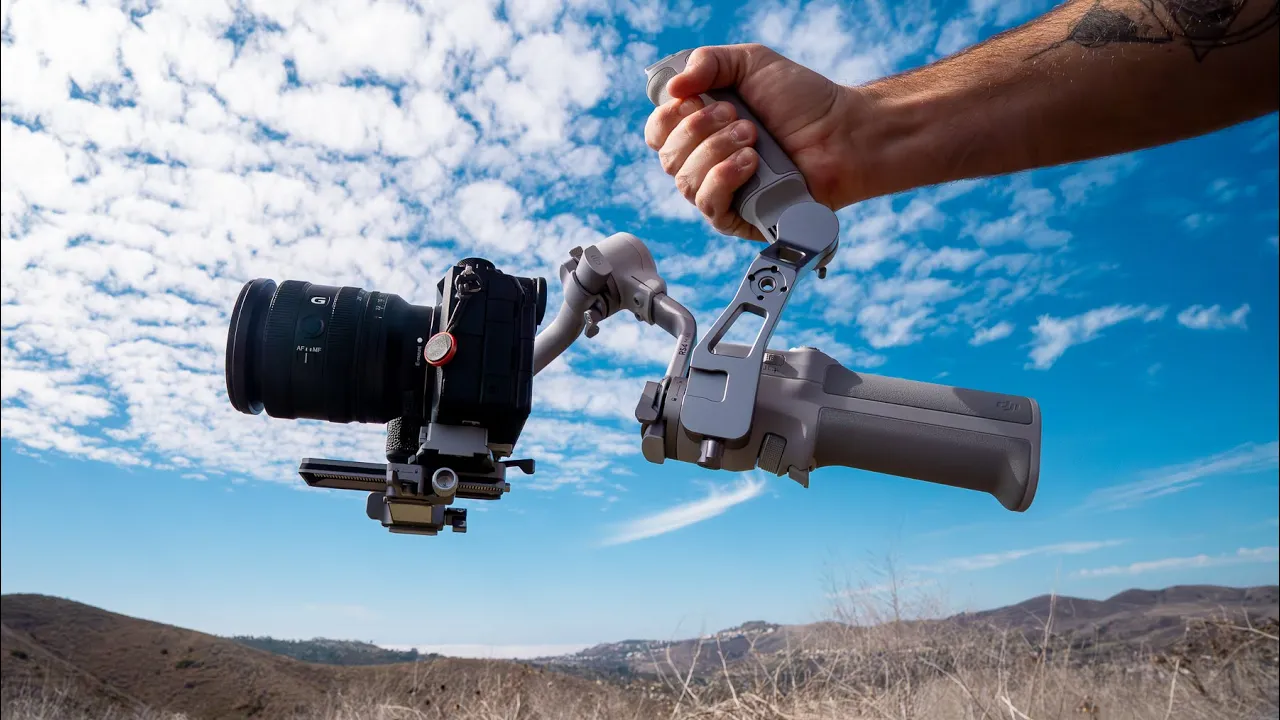
this is the DJI RS4 mini and in this video I want to go through everything that makes this gimbal unique and why this is such a big upgrade from the RS3 mini so if you're ready let's get into [Music] it and I just want to say a special thanks to DJI for sponsoring this video all right so let me just give you a quick overview on the RS4 mini so you can see that it's got a new design it's a gray silver design and it mine's fully set up with the bottom tripod and the back
handle but both of these are removable so this actually does become much smaller if you don't need as big of a footprint so this is it for the RS4 mini big enough that you can hold it with one hand comfortably and you got access to all of your controls here to control the Gimbal and on top of that sits your three motors that keep the camera completely stable it's a very simple Gimbal and if you're someone who's worked with the RS3 mini this one is slightly bigger however the reason for that is that this feels
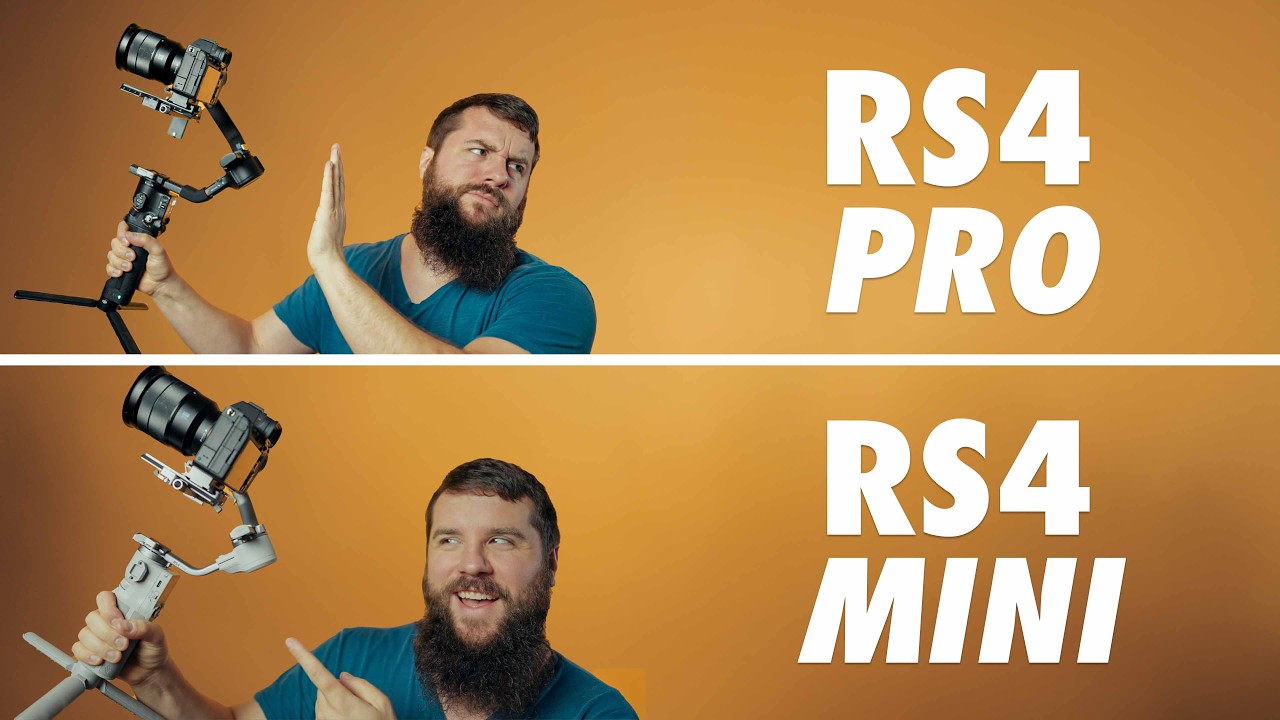
like an RS4 or an RS4 Pro so everything that you're going to find on the RS4 RS4 Pro is going to match what you find on the RS4 mini if you're someone who's worked with the RS3 and then the RS3 mini you'll know that the arms and the way that the whole camera setup was a little bit different whereas on the r R S4 Mini it feels very much like the bigger versions of this gimbal now you could shoot either in horizontal mode which is what I have going on right now or you could flip
this to Vertical mode if you want to be able to shoot in vertical and to do that you just loosen the screw on the bottom arm flip the camera sideways and there's a clip and also you tighten it on you just have to rebalance slightly and then you're good to go it's a lot easier to use this camera between horizontal and vertical than when you're working with the RS3 mini now beyond that you have some different things around this gimbal that's going to make it super easy to be able to control and if you want
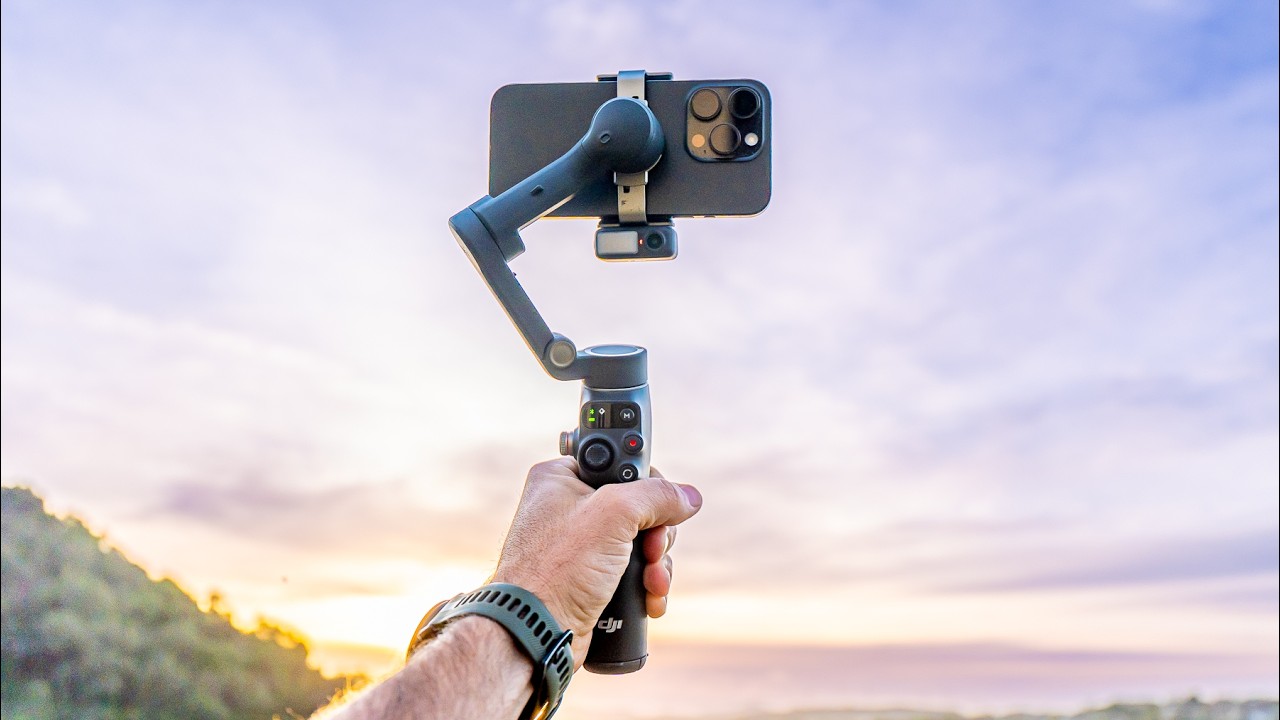
to use this gimbal with your smartphone there's an additional smartphone attachment that has a camera plate that works the exact same way as this camera plate works with my mirrorless [Applause] camera now I'm tracking using the phone the better cameras on the back of the phone tracking with the little tracking module here and doing a Walkin talk just with my phone pretty cool way to be able to use this if you are someone who shoots mainly using a phone now if you want to build this out and make it a little bit easier to hold
you can use the back extension arm which has been upgraded it's super lightweight but it also it makes it very sturdy so you can have a two-handle design when you're operating and then you also have the mini tripod and I usually just keep this mini tripod on the bottom because it gives me a second place to put my other hand so I could have one hand down low one hand up high and then I can move this gimbal in a bunch of different ways so to operate this gimbal it's fairly simple you can run it
like this which is like a lollipop style so it's just sitting upright you could go at like a 90° here so it could be like flashlight mode and I like to put my both my hands like this to be able to operate forwards and backwards you can go under slung mode so you can flip it upside down you know take off this back handle when you're doing it under slung mode which is easy just to pop this off and then you can get it low to the ground for those super low shots and the good
thing is with the way that this gimbal is set up even in underslung mode you're not going to be hitting your camera and your lens so I have an a93 on here with my 16 to 25 F28 and it clears all the motors nicely so I can use this with its full range of motion and I never have to worry about getting into my shot or hitting the camera in any way now if you are to put a bigger lens on here it's going to push the camera back and even so when I've put bigger
lenses on this Gimbal and I push it back it still has enough room to clear that back motor and that's because of the way that this is designed with the kink in the motors and the where they've put the camera that you just have a lot of clearance so you can have a big range of lenses and cameras on this gimbal without any limitations all right let me show you just a quick sequence using this gimbal with the 16 mm these are all just shots that I've got with this setup [Music] [Music] so the gimbal
itself weighs around 2 lb and it has a payload capacity that's between 4 and 5 lb it's 2 kg so so you actually can hold a bigger setup with this gimbal DJI says you could use something like an A7 S3 with a 24 to 70 F28 bigger lenses zoom lenses will work with this gimbal so I have right here my a93 and I just want to push this to the full limit and see what we could actually put on this gimbal so the camera plate that comes with the RS4 mini actually has these different grooves
in it to change the balance of the gimbal left and right so that's going to be a unique feature with this gimbal because it is smaller however you could push the camera around to be able to work with the bigger and heavier setup I'm going to throw on here my heaviest lens that I have which is the 28 to 70 F2 this is a big lens and I know there's a few of you out there who want to use this gimbal with bigger heavier setups so I'm going to unlock my Motors and start balancing my
tilt My Pan and I could use the micro adjustment with the camera sled so right now it's tilting backwards so I'm going to push it forwards even with this big heavy lens I'm I'm not maxing out gimbal front or back and I could use the grooves in the camera plate to be able to lock it in and I actually have some wiggle room on this camera plate to push it and you could also use the back arm to push it left and right so that's pretty wild you could use a big heavy setup on this
tiny little gimbal I think for most lenses that you're going to want to put on this gimbal you're going to have no problem so here's some footage actually shooting with the 28 to 70 F2 so you can see how smooth you can get even with a bigger heavier lens [Music] you [Music] so the battery life on this gimbal is pretty awesome I've been shooting with this all day and I still have plenty of battery so basically on a full charge you get 13 hours out of this battery but there is a quick charge feature so
if your gimbal's completely dead you could plug it in and get 5 hours of use after only 30 minutes of charging and so it's one of those Fe features where it fast charges and then it slows down as the battery gets more full get a lot of power out of this and you could basically use this all day it's great all right so let me show you how this tracking Works cuz this is one of the really unique features with the RS4 mini so you can see right here I have the tracking module on the
Gimbal and you can see this is just a little box and it's really lightweight it doesn't add much weight to it there's some connection points here and you have a USBC here but to work with the RS4 mini you just pop it on top automatically Clips in just like the DJI action 2 that whole like stackable action camera kind of the same setup that this one is but it's a tracking camera and so right now you can see that it's a little red ring around the camera so to start tracking it's very easy you just
put up your hand like this you'll see that this light turns green and now it's going to track me so now I can take a step back and it's going to track me I'm recording my audio right now using the audio on top of my camera so I'm pretty far away so I'm going to record use the phone audio for a minute I should have my wireless microphones up here I didn't pull my my bag yet maybe I'll do that to keep going on this video let's do this so come over here let's going to
attract me over to my bag let's tilt up slightly there good probably really blown out shot let's switch to the other side I'm going to reach over tilt down on the gimbal so as you're tracking you could use the joystick to make Minor Adjustments put on my little wind screen start a backup recording we'll just stick out my hat and all right so now we're synced up I'm going to walk over here it's going to continue to track me you see that everywhere I go the camera is still following me it's just sitting over there
on the bench now it's tracking using this little camera so you just have to make sure that you have the cam the lens setup that you want for the shot that you're trying to get and then this will make sure that it's always keeping you centered or keeping you in the position that you want to be in now let me show you what I mean by that all right so let's go into our active track menu so we're going to swipe left and it's going to pull up your active track settings and so there's this
composition you can click this and it's either keep current framing or Center your tracking subject so let's Center it now if I'm off to one side and I put my hand up it's going to move over and find me and keep me centered the entire time and we'll stop the tracking and then if I say keep current framing so if I push myself off to the side here so say I want myself in like the thirds of the camera there and we start tracking now it's using the current framing so you could actually adjust yourself
by playing around with how you want the camera to be framed and then it will continue to track with you in that part of the frame versus keeping you dead center now if we go back to our menu here let's go back so like everything on this gimbal you could go slow medium fast and I've been just using it medium it works pretty well your ring light is the activator so right now it's green it's still tracking me so you can turn this on or off and then you have your gesture settings so right now
mine is set up to start and stop tracking by giving by doing the hand and then with Bluetooth setup you're going to do the pie sign and then it's going to start and stop recording now I don't want to stop recording because I'm still filming let's do a little test here I'm going to go the up about there I'm going to reset this into Center and then let's track it's tracking me and now let's walk a distance away now I'm tracking at a distance so you don't have to be right next to the gimbal to
be able to use this tracking feature you could actually move a distance away so I can have the camera over there and do whatever I need to do over here do something over here filming making my video I don't know what I'm doing just hanging out on a mountain toop going to go for a little hike and the gimbal's going to continue to track me so far as I've been using the tracking it's been staying locked on me like the technology Works super well in that I can move around I can get a distance away
and I'm continually tracking myself with this little tiny camera so I think it's a cool feature that just makes tracking really easy with this gimbal the fact that you just throw up your hand you have this little module and that's it makes it so much more usable than if you were to have to like pair an app and use an app to track I really enjoy this whole feature about this gimbal it just works and that's the best thing when it comes to a feature like this you want it to just work and be easy
to use all right so who is this gimbal four I'm actually shooting this now in Vlog Style with it tracking me so I can move around I think if you're a Creator who wants a smaller gimbal setup then the RS4 mini is going to be perfect for you because it can handle most cameras and lens setups that you're going to throw at it even though it is Tiny and it has a smaller footprint and everything else it can still handle a mirrorless camera with a bigger lens which is wild and so if you're someone who's
traveling you're in a backpack like I am most of the time then this makes a lot of sense 13-hour battery life is huge and the fast charging is huge and for me that's awesome because I can plug it into my Jeep in between when I'm out filming and I could always have a charge now if you're someone who wants removable batteries or you're going to be adding more on this besides just a camera a lens and maybe a microphone on top well then you'll want to get the RS4 or the RS4 Pro both of those
are awesome gimbals and for my client work I use an RS4 Pro all the time because of the ability to add so much more weight on it but when I'm out doing this kind of stuff and by myself this smaller footprint is exactly what I want to carry in my backpack and not have a ton of extra weight so I'd love to know your thoughts on what you think about the RS4 mini and if this is a gimbal that would work with your current setup and if you're someone who's going to be using your RS4
money for outdoor and adventure Style videos then I highly suggest to check out this playlist right here goes through a ton of tips on how to make better videos especially as a solo Creator so I'll see you over there