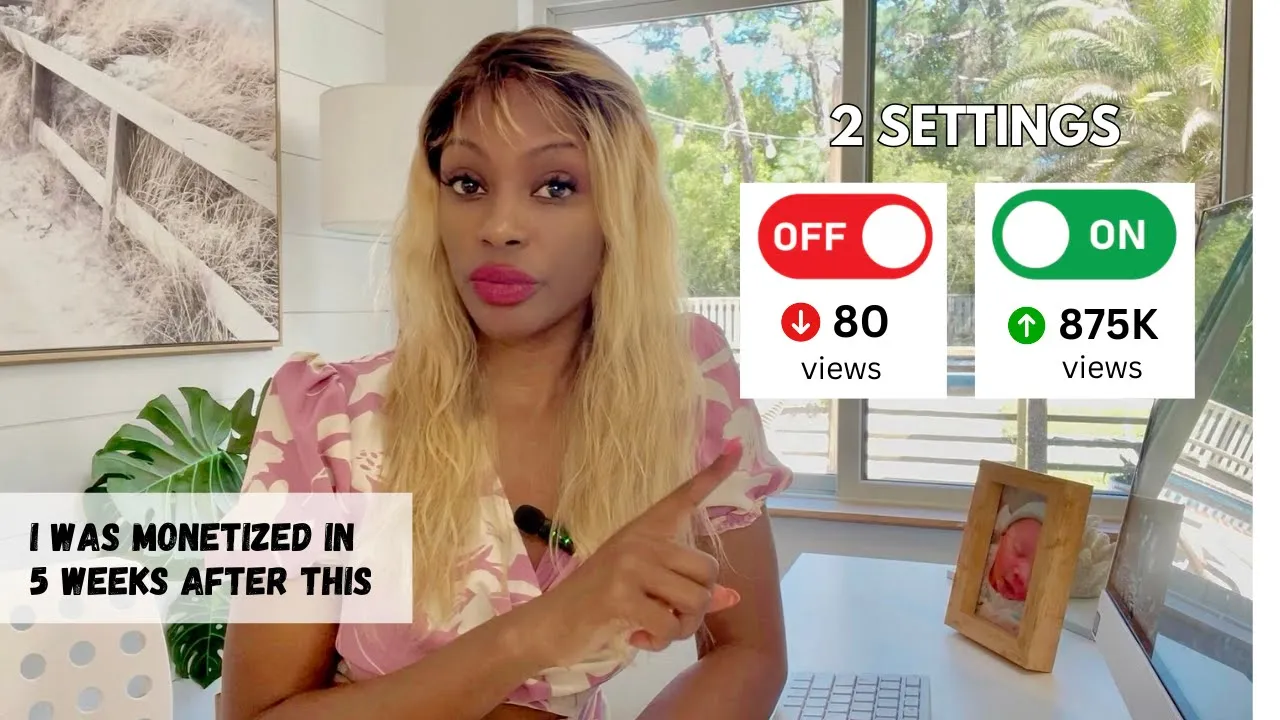
small YouTubers gather right here and let's help each other grow listen if you are getting less than 500 views on your videos every time you post you need to listen to this video carefully because there are two settings in your YouTube Studio that you need to go and turn on and make sure that YouTube knows who to recommend your videos to if you don't turn on these settings you're going to be on YouTube for months years just going around in circles and I know because that's exactly what my husband did I actually did a video
on this on one of the settings but you need to go and change these settings right now most YouTubers actually have no clue about these settings because actually one of the settings you can only change it on desktop so be sure to pay attention because we're going to go ahead and change those settings and make sure that your videos are being recommended by YouTube I was so happy that I was able to find this setting earlier on in my YouTube Journey because I was like a crazy person I was binge watching YouTube growth videos like
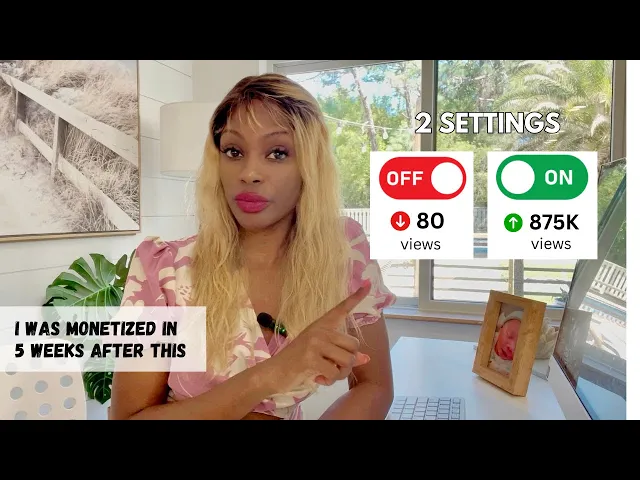
crazy and I found this information and I turned on these settings and it was the key that actually unlock a door out of the small YouTube H guys where nobody's watching your videos if you're a small YouTuber you know exactly what I'm talking about but thank goodness because this was one of the keys that ended up unlocking me and getting me to my road to monetization within 5 weeks which was awesome so in this video I'm going to be sharing with you exactly where to find these settings and how to turn them on correctly but
before we do that let's help each other grow I want to help you grow so here's what we're going to do I want you to go down into the comments and I want you to comment what your YouTube channel is all about just one sentence one sentence talking about what your YouTube channel is about then at the end of this video I want you to go back into the comments and I want you to look at other small YouTubers that have commented and I want you to subscribe to their Channel I want you to watch
a couple of their videos and I want you to comment on a couple of their videos to help their engagement but listen very important only subscribe to channels that you're actually interested in cuz I see this a lot I see small YouTubers gather here and everybody just starts subscribing to each other but you're not subscribing to channels that you're actually interested in and what that what happens with that is that the YouTube algorithm actually ends up getting confused as to who your audience is because you have all kinds of random people subscribing to information that
they're not even interested in so number one it confuses the algorithm when random people just subscribe to your channel number two when YouTube when you post a video YouTube serves it first to your subscribers and if your subscribers show no interest in your video that video starts to die so if you're getting a whole bunch of people that are not interested in your channel to just subscribe to you to help you it's actually not helping you it's actually hurting you so let's say you just subscribe to someone's Channel just to help them out and this
person has a Channel about I don't know let's say salmon farming in Alaska and you've got zero interest in this so when YouTube then serves you that person's video and you don't click on it because you don't really want to know what's going on with salmon in Alaska what happens is that YouTube will take that as a signal that this person's video is not interesting and then they're not going to serve it to other people so it is so important that you only subscribe to the channels that actually interest you the topic so that's why
I want you to write down what your channel is about then only subscribe to the channel that actually interests you I've been wanting to do this for a long time because I feel like this is going to really help a lot of people cuz imagine if we could get this video If this video got thousands of views and we got people thousands of people subscribing to each other this is really going to give a lot of you small YouTubers the Boost they need and I've been wanting to do this for a long time and I
actually told my I got the idea and I told my son about it and he was so excited because he actually has his own little YouTube channel that he started and um every day he's been asking me every time he comes home from school hey Mom did you do that video the video where you ask uh small YouTubers to sub subscribe to each other and I'm like no no no I haven't so I'm like okay finally I've done it so you might actually see my son in the comments as well but only subscribe to his
channel if you're interested in Tech because he's really interested in Tech so check that out anyway moving right along let's get right into these settings guys so we can get your videos being recommended by YouTube okay so the first hidden setting that you want to go and update on your YouTube channel right now is you want to go to YouTube studio and only on desktop because this hidden setting is actually not even on the app guys it's not on the app and I've had so many people say this in the comments on my previous video
because I did talk about this in one of my videos and everyone's like I can't find it I can't find it it is not on the app guys it's not on the mobile version it is only on desktop so I'm going to show you right now exactly where to find this okay so what you want to do is if you are on your desktop and on your channel you want to go to YouTube studio and once you've opened up YouTube Studio you want to go to settings and the settings are going to be in the
bottom left hand corner you click on settings and then this settings window will pop up and then you want to go to channel once you hit channel it's going to bring up this basic info and on this you can put the key words for the niche that you're in so I've already filled this out but when I first started this was not filled out and it didn't even have a country so YouTube didn't even know what country you know to serve my content to didn't really know who to serve my what my Niche was until
I actually updated these settings right here so the first one I put in there was Elevate with tape that way you know as a new channel you want people to be able to find you you want to be the first person that pops up when they type in your name especially if you have a common name and here's another little trick that you can do you can actually put in your competitor's names in this section as well especially the big YouTubers the large YouTubers because a lot of people go on YouTube and they search for
you know for example in my Niche think media is one of the biggest YouTube channels out there in my Niche so people search think media so I have think media as one of my keywords right here in this section and that way when people search think media guess who else pops up me so there you go there's a trick for your two box right there so that's the first setting and it really works guys because when I changed the setting that's when I actually started seeing a turnaround in my video I started to get traction
and I actually saw somebody commented this on one of the videos where I mentioned this setting and they said this on the comment they said that they went and tried this one thing and their next upload was so much higher than all their other uploads so it works so go ahead and go and change those settings now okay so before we move on to the second setting if you are new to YouTube and you are struggling on your journey or maybe you just started your Channel or you've been on YouTube for months years whatever it
is and you need a boost I have a YouTube quick start guide where I share some of the equipment that I use to shoot some of my videos and these are totally beginner friendly less than $100 very easy mode type YouTube equipment that I use on my YouTube channels in that guide I also have the top 20 hooks that you can use on your videos to get people hooked into your videos and to keep them watching I also have YouTube affirmations to really get your mindset right because people a lot of people miss this because
YouTube success starts up here it starts in the mind so be sure to download that quick start guide in the bottom I'll also put my brand new 90 days to monetization guide that I just finished and this one I share all of the top secrets and tricks and hacks and all the things I did in order to get monetized within 5 weeks so be sure to get that one as right along to the second setting now this second setting is something that happens right before you hit upload to your video because what you want to
do is you don't want to select publish I know all of you already after you've been working on that video and you've spent hours on that video and you've perfected it all you want to do is just post it but you don't want to do that you want to hit publish what you want to do is set your video on private and then you want to schedule your video to go live at a later date and I would recommend at least 24 hours before you let that video go public why because the YouTube algorithm even
though your video is private the YouTube algorithm is already analyzing your video transcribing your video figuring out what the video is about and who to serve it to and when you do that when you post it and it has 24 hours or more to actually figure out what this video is about and who to serve it to when you when it starts when it then goes public it is going to be served to the right people at a faster rate because YouTube already has the information on who to serve it to and where it's going
to go and therefore it is going to start climbing up those views will start climbing up my gosh this is a little hack that completely changed everything for me because when you start off with low momentum because you've just published that video you just post you publish it and now the YouTube algorithm is starting to think about okay who do I serve this to and it's your video is already live and it's just getting few views here the momentum of that video is kind of starts off slow but if it's been on there in private
for 24 hours or more YouTube has been analyzing the video and at the get-go the minute it goes public YouTube already knows who to serve it to so you're going to see those views climb up much faster and I am so happy I discovered this one because I actually ran an experiment where I decided to just go ahead and post my video real fast because you know sometimes you know you miss an upload and then you just want to get it out there and you're a little bit impatient I posted a video and just made
it go live and sure enough that video is still not doing as well as my other videos that I've waited 24 hours before they actually post so this is something that works and I hope it helps you too so that does it for all of my tips tips on those settings so I hope this really helps you and helps your channel grow and get boosted and remember go in the comments find your people find the channels that you actually are interested in subscribe to them watch a couple of their videos watch them till the end
comment engage like and let's help each other grow thank you so much for watching and I will see you in the next video [Music] he