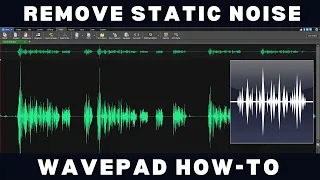
How to remove voice from a song. To remove voice from a song, load your audio track into WavePad. Open the Tools menu and select Reduce Voice.
Click apply, it’s that easy! Continue watching for additional details on how to remove voice from audio files. To remove voice from a song and turn it into your own karaoke track, first load your song into WavePad by clicking on the Open button in the toolbar.
Once your audio file is open, select the Reduce Voice feature and choose your preferred setting. The Light setting will leave fewer artifacts (noise) but will reduce the voice less, the Aggressive setting will remove more voice but may leave more artifacts. Try the Medium / Balanced option for best results.
Once you have chosen your preferred reduction option, click on Apply and WavePad will process the audio using our AI/Machine Learning voice reduction feature. You can now play your song and sing along, or save the voice reduced track in your preferred format for later use. For more WavePad tutorials, visit www.
nch. com. au/wavepad/tutorial.