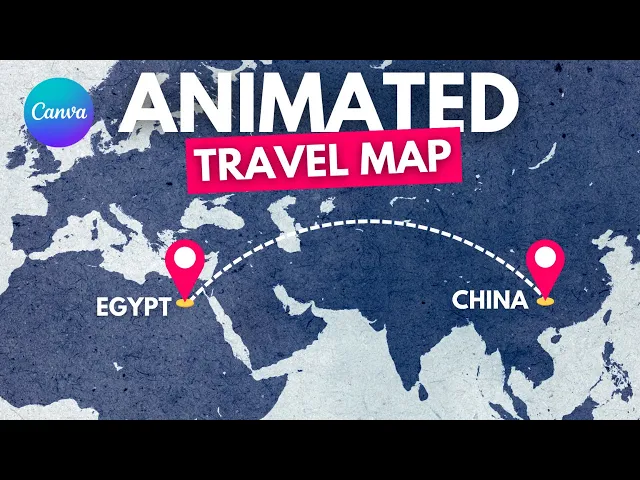
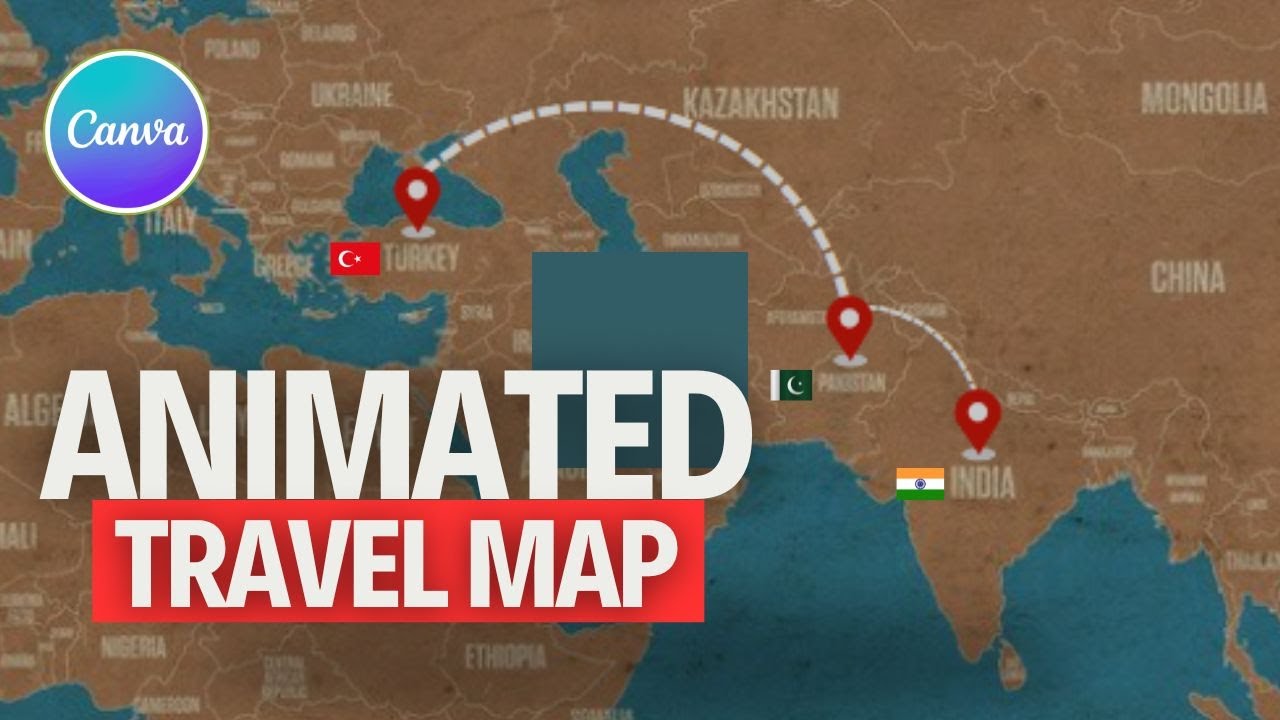
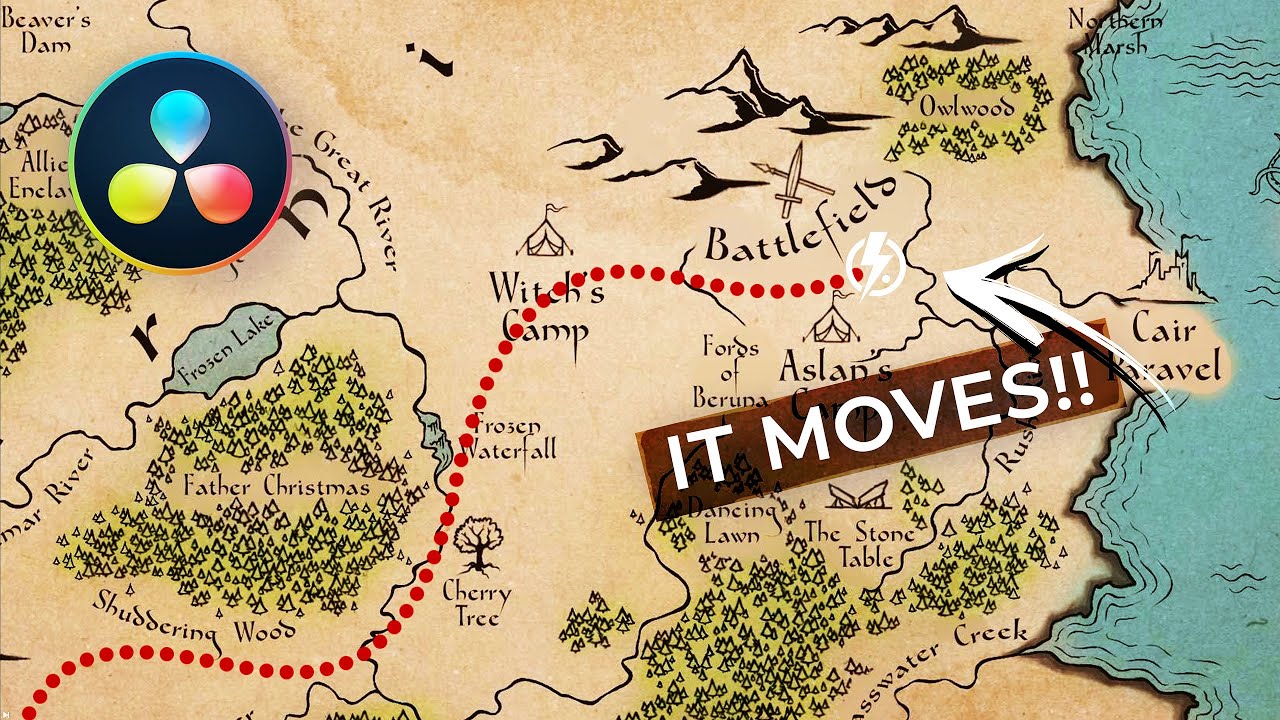
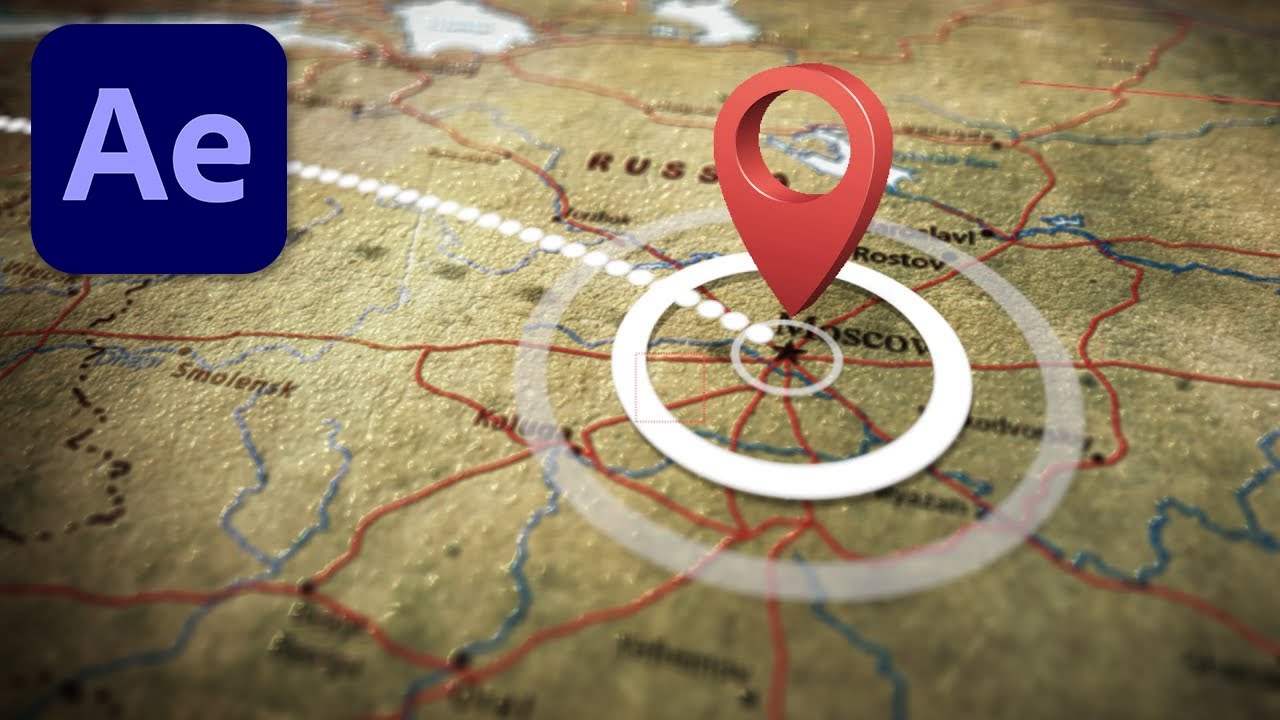
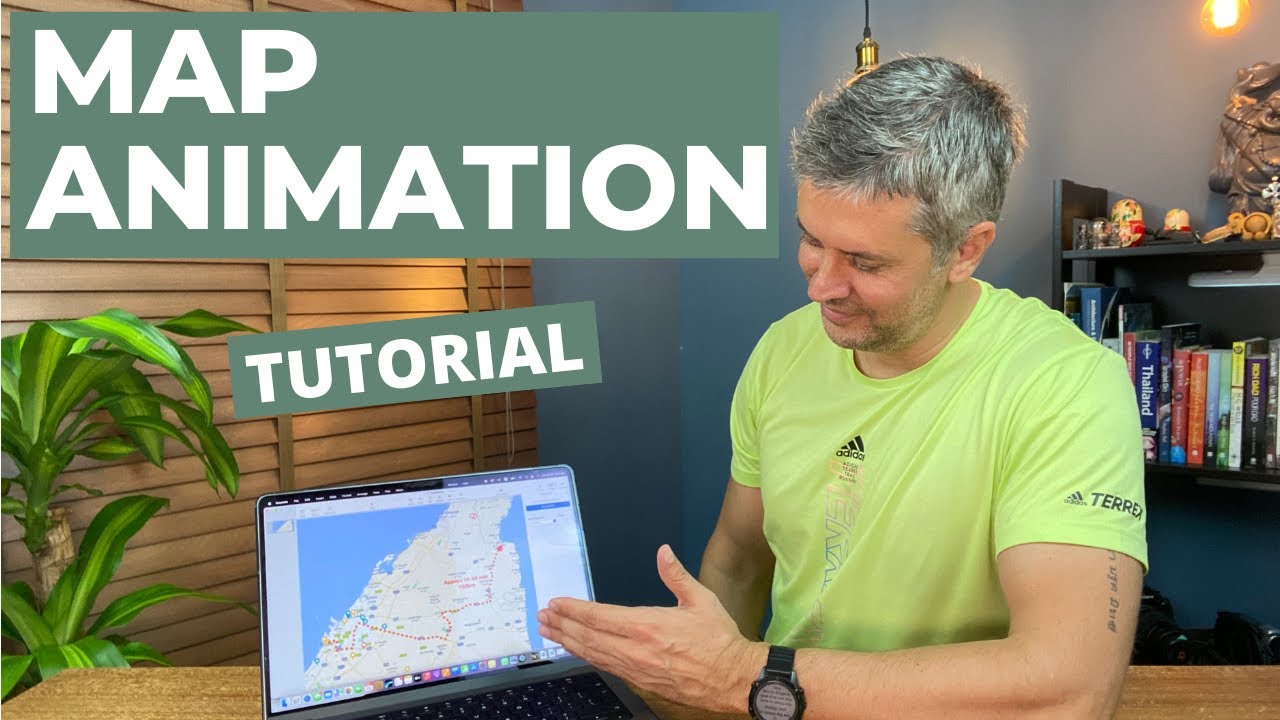
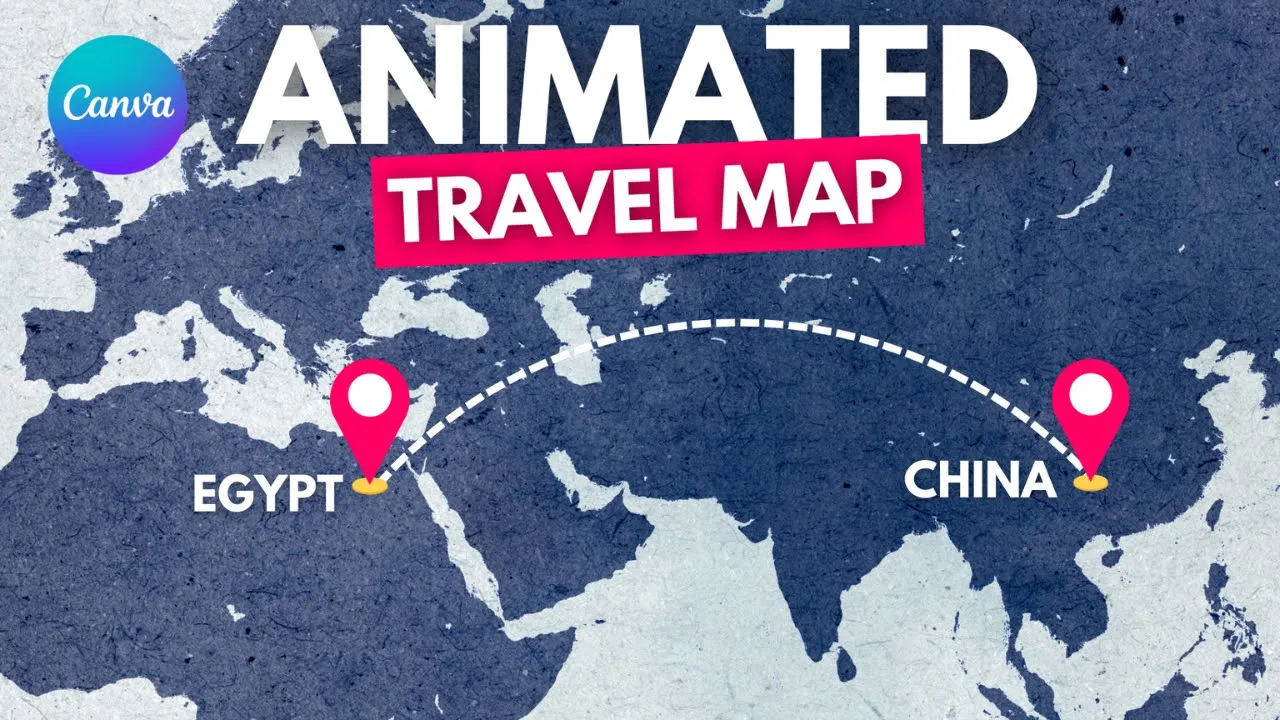
today I'm going to show you how to make travel map animation go and open video project go to elements and type world map or just upload your own map let's use this one priz it go to elements and type GPS Graphics let's choose this one duplicate go to text and type underscore many times go to effects curve decrease little bit the [Music] curve rotate [Music] lers show layers make the curve under the GPS marks and now we are going to animate with pop animate with pop and animate this this with wipe and let's control the
timing the first one let's make the timing for the curve sure timing and make it appear after the first GPS mark and make this appear when the curve [Music] end exactly here and here is the result and you can add the text and control the timing make Egypt up here with the first GPS Mark and make China appear with the second GPS Mark exactly here and here is the final results I hope you like this tutorial subscribe to the channel to learn more about canva