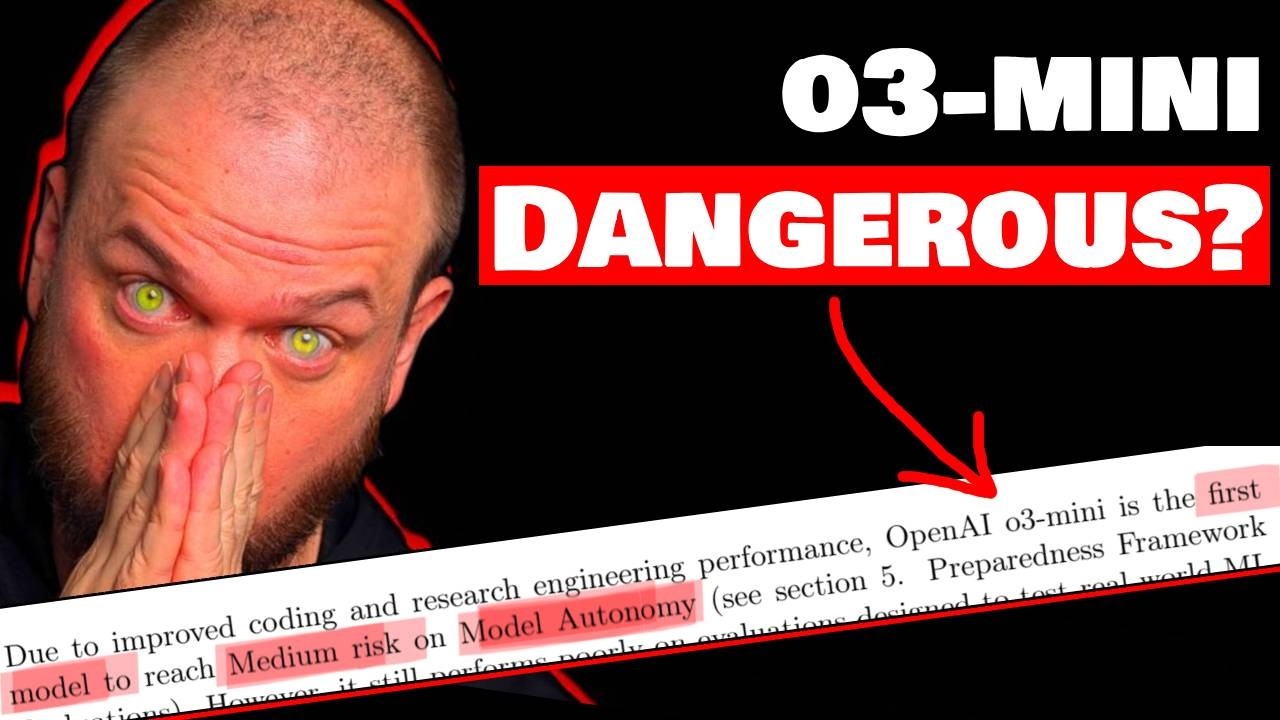
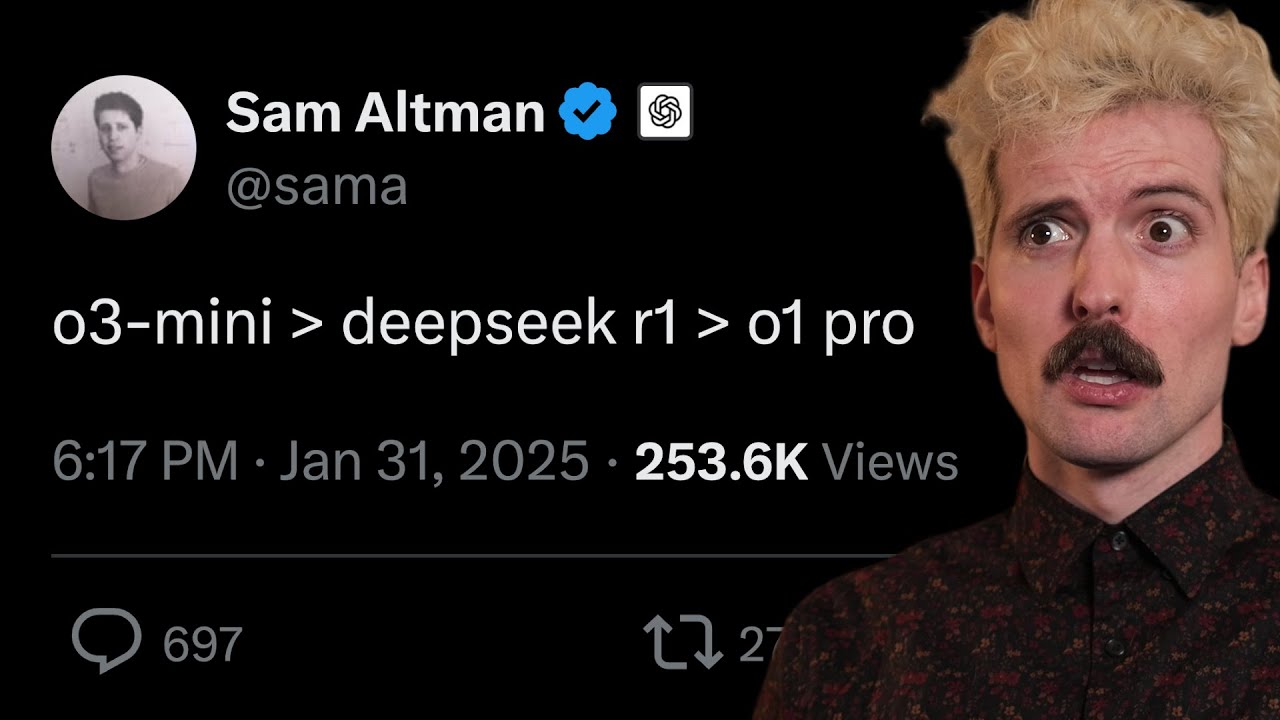
open AI is making a strong comeback after all the attention deep seek has been getting especially with the release of the deep seek R1 model but nonetheless they have now been working on releasing their O3 Mini model and this is a cost efficient model that's a part of the reasoning series and it's now available through their API plus you can also access it for free through chat GPT but with a couple of limitations but here's why this model stands out it's 93 % cheaper than the 01 model and it's 63% cheaper than the 01 mini
while delivering a solid performance across many different benchmarks by the way now on competition code which is a code Force Benchmark it shows progressively higher ELO scores with increased reasoning efforts so it also outperforms the o on Mini but it also comes close to the o01 in general now with the medium reasoning effort it matches the performance of the 01 model and on software engineering Benchmark which is a suway bench verified test the O3 mini high scores an impressive 49.3 which is proving its reliability and showcases how well this model is with its cost efficiency
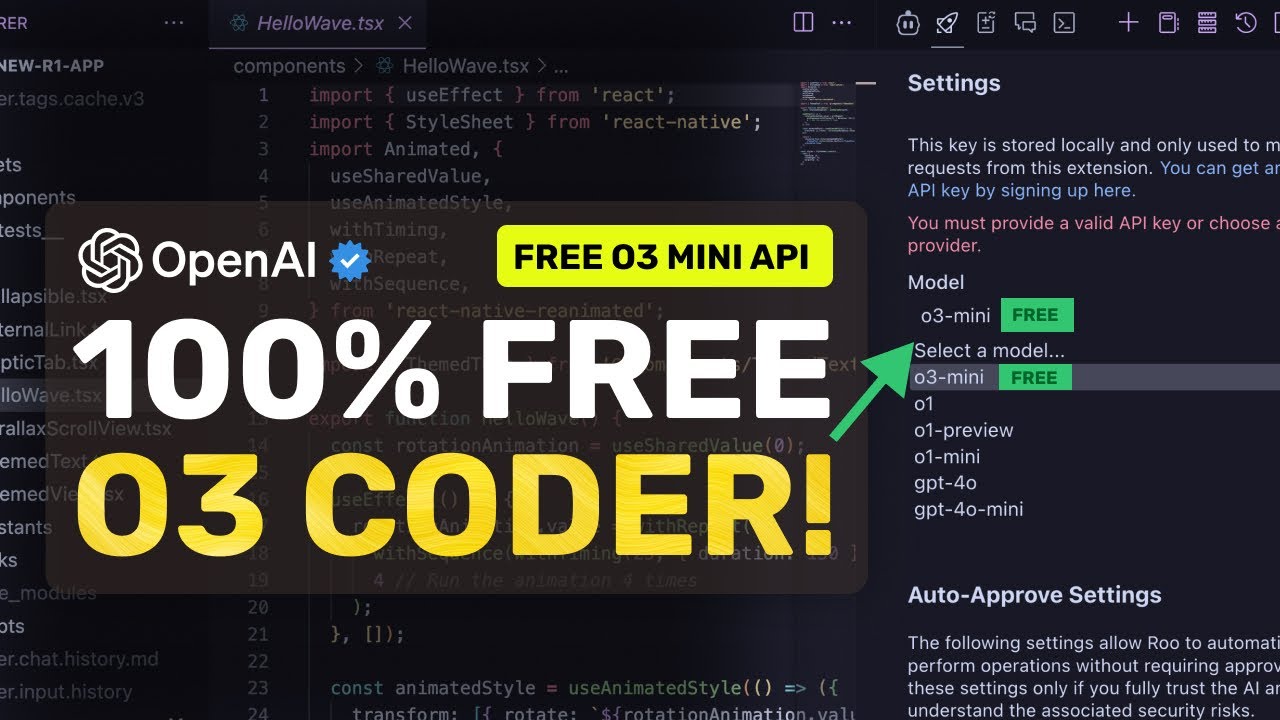
now overall this is a great cost effective alternative to the 01 mini with better performance and today we're going to be showcasing how you can use it with an autonomous AI coding agent completely for free using a free API and this is all thanks to get GitHub coplet where you can access their API key within client and you get about 50 requests per month and it resets every single month so you're going to be able to access this through Klein and this is where you can use the 03 mini within it now it seems like
I'm a broken telephone but for the people who do not know Klein is an autonomous coding agent that you can directly access through your ID whether that's vs code or cursor and it's capable of creating editing files executing commands using the browser and so much more autonomously to get started you're obviously going to need an IDE in this case I'm going to be using visual studio code and you're going to need to install the client extension through your IDE you can obviously use this Marketplace link where you can simply go ahead and click install and
then it will prompt you to open up vs code and in this case you can go ahead and click install for the people who already have it installed go ahead and make sure you update it you're going to need to then restart this uh client extension and then you should be able to start accessing it before we get started I got a huge new update this is where I've launched a new newsletter this is something that's going to be sent out on a weekly basis and it's essentially going to be updating you on the latest
AI advancements comparison of different large language models AI news as well as ranking different AI agents so definitely go ahead and subscribe to this cuz you don't want to miss out on free AI news then to access the free API from GitHub copot you'll see this GitHub copot uh button on the right side of the search tab so you want to click on this and then you want to go ahead and open up the chat now it will prompt you to log in and if you do not have an account with copot go ahead and
sign up so that you can then have it so that once you are logged in you can then go into the configurations of the client extension which is a settings tab you can then click on this API provider scroll down and click on vs code LM API pi and then you're simply going to go ahead and select the O3 mini and then you can go ahead and click on done and you can start generating things completely for free so let's test this out we're going to be using the O3 mini and I'm requesting it to
generate a dragon drop photo gallery now you'll notice one thing and I've seen this a lot with a lot of people using this model right now many people have't experiencing super fast uh generations with this model and it's capable of completing your quest pretty quickly so let's see how fast it does in doing this so we can see it was able to generate that quite quickly so let's go take a look at it by running this and there we go we can then drag and drop images over here so then we have our photo gallery
so let me go ahead and add something and there we go I've been able to add a couple of different images to this and this is our Dragon drop photo gallery obviously there's not a lot to this but we can go ahead and add more functionalities to it so it becomes a bit more intuitive and there's a more uh there I would say there's more features to the application itself so here we go I'm going to request it can you please add more to the application I want it so that people can add their memories
delete photos and I'm just essentially requesting it could you add any feature you think would be nice and you can see how rapid this model is in it in terms of its generation it's able to write files quite quickly and it's pretty cheap in doing so so let's see what it ends up building for us so it looks like it is finished now so let's run this command to see how it looks so you can see that it has now added a couple of new things where you can save the gallery and then you can
clear things so let's go ahead and add in a couple of new images to this so there we go and then I guess now you can uh delete the picture that you don't like and then you can click on adding a memory so that's a pretty cool thing now I'm going to keep working with the model to see if I can add more features to it improve the UI and see something that looks a lot more appealing than what it has right now now I got to say I am super impressed in terms of how
fast this model is in taking my request I simply told it can you improve the UI and make it more modern and within less than 20 seconds it was able to develop this new modern UI for it where you can clear the gallery save the gallery download it as well as toggle this dark uh light mode so let's let's go ahead and let's see how intuitive this is with adding new images we can also go ahead and save the gallery we can download this Gallery as adjacent format which is also pretty cool and if we
were to even add more to it where you can drag and drop images that is another feature that we can add on afterwards but we're going to now showcase another example of what you can do with this 03 Mini model next up I'm going to have it scrape all of my Channel's YouTube videos and I'm going to have it collect all of the 200 different titles in Json format and I'm going to have it C categorized in the best performing video so let's see what it ends up doing with this particular task so it has
went along and generated the python script and now essentially it's going to go ahead and it's going to collect through different types of titles the top 200 based off of views and it'll then output it through a Json formatted file so right now I am running the script and you can see right now that it is listing out all the different titles and it's going to take a long time cuz it is going to go through 200 different titles and retrieving the best uh I would say uh titles or like the best performing YouTube videos
so once it has generated this I'll be right back and finally we have it so that it has finished scraping and it has saved it in adjacent output and we can now access this file over here which list out all the trending uh videos and you can see my recent deep seek videos have been performing really well and it has been able to Output The View count in order all the way down to the 200 Mark so you can see that it was able to successfully do this job quite quickly and this was in total
of approximately 9 cents it would have been cheaper if I didn't run through a couple of errors but there we go we have this task fully complete and it was able to do this with the O3 Min with Klein now to save some time I generated this application which is a task Tracker app and essentially you can visualize your generations of tasks as well as managing the ones that have been completed with different priorities and I've added a couple different pages to it but essentially what I've noticed when generating with this model is that it
is able to rapidly work on your request pretty quickly and it's able to uh take your description quite well and generate everything based off of it if you like this video and would love to support the channel you can consider donating to my Channel Through the super thanks option below or you can consider joining our private Discord where you can access multiple subscriptions to different AI tools for free on a monthly basis plus daily AI news and exclusive content plus a lot more overall open aai did a great job bouncing back from all the negative
criticism they were getting this past two weeks and I definitely love what they've done with this model I'll leave all these links in the description below so that you can take a look at it but with that thought guys thank you guys so much for watching I definitely recommend that you try this pair out cu it's truly remarkable follow me on the patreon follow me on Twitter and lastly make sure you also subscribe to the newsletter And subscribe to the YouTube channel cuz there's always going to be content over here that you will definitely benefit
from and stay updated within the AI space but with that thought guys thank you guys so much for watching have an amazing day spread positivity and I'll he get fairly shortly peace off fell