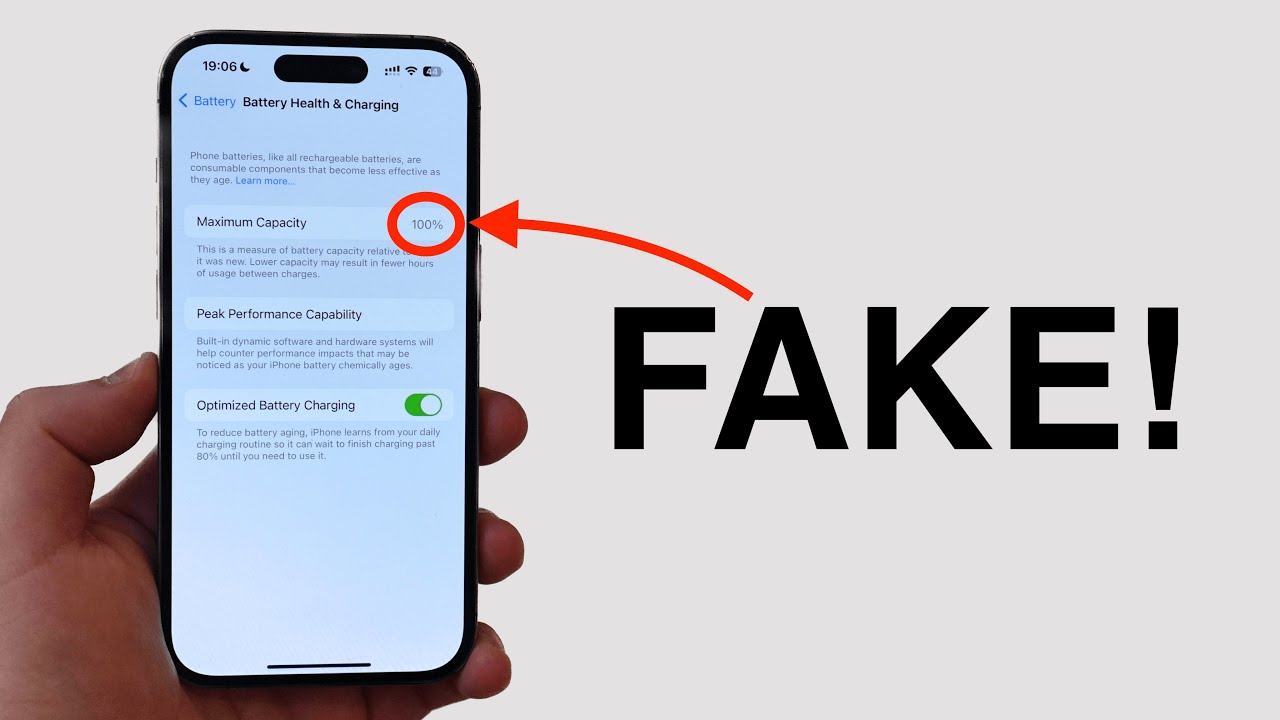
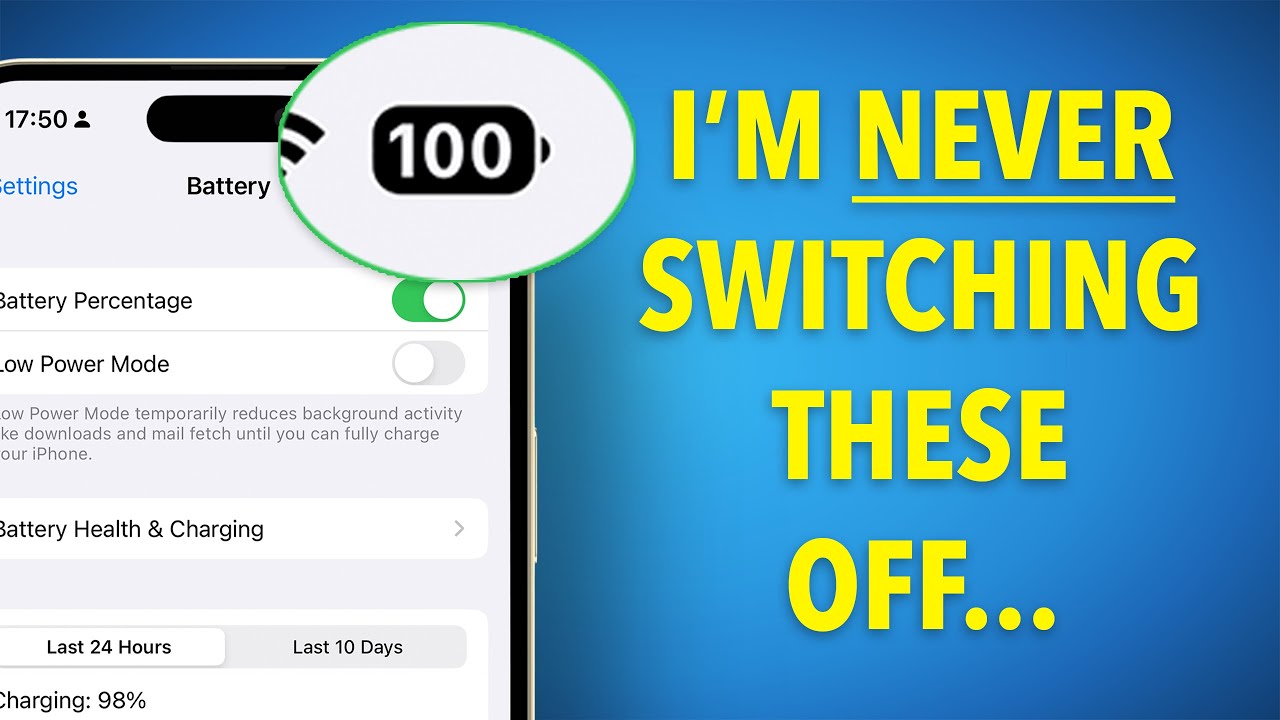
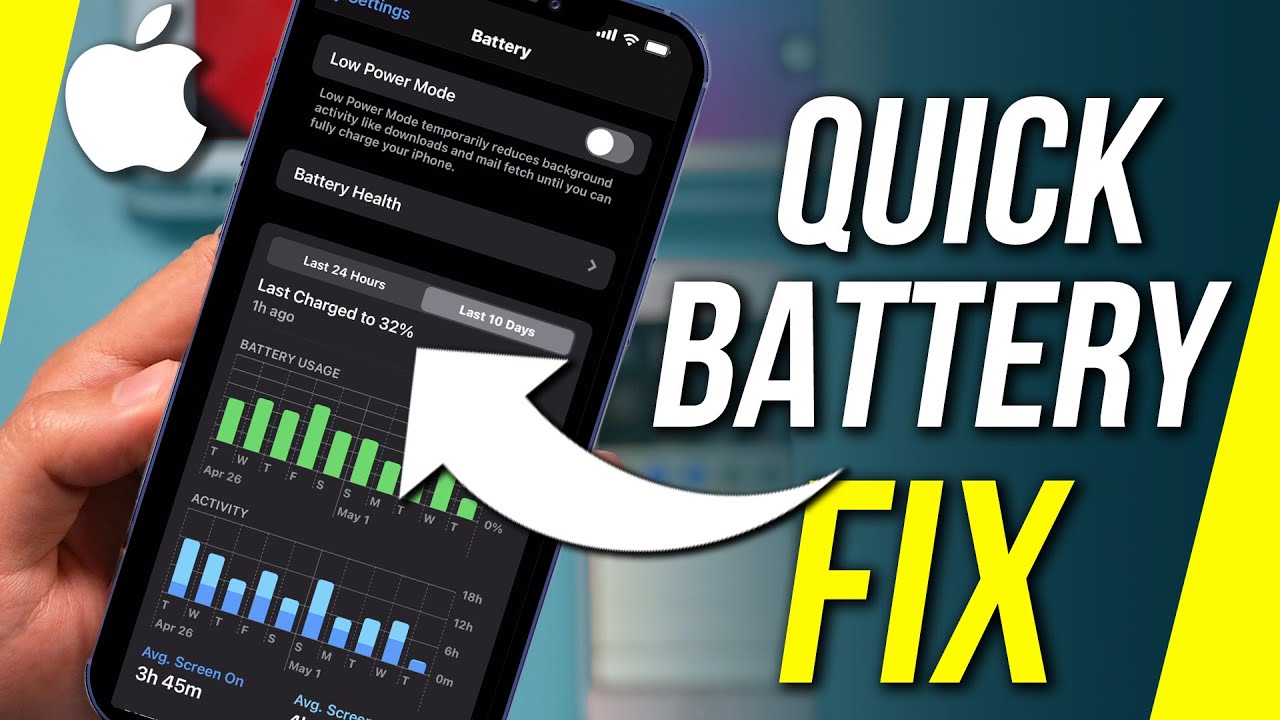
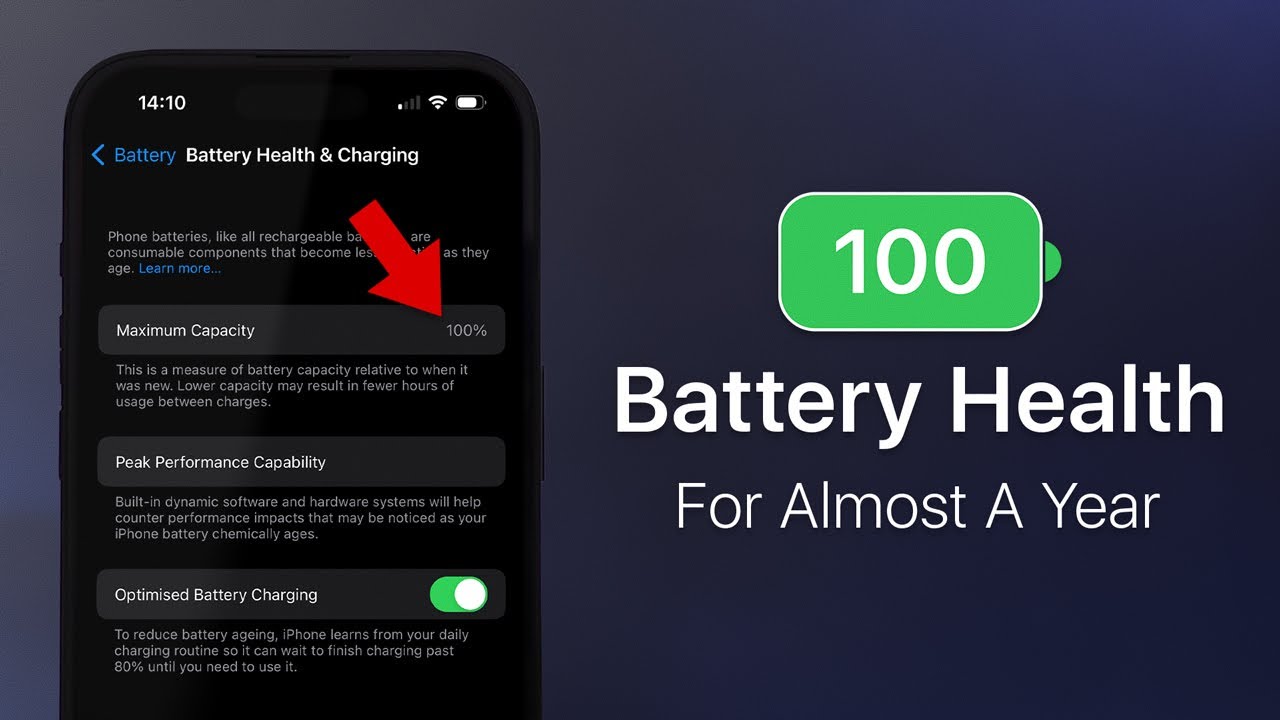
99 of iphone battery issues are caused by the software not the hardware these settings will help improve your iphone's battery life we promise open settings app first one tap on battery seems like a pretty good place to start tap on battery health and just make sure this switch next to optimized battery charging is on and after you do that give this video a thumbs up if you enjoy it just a thumbs up a quick thumbs up quick win here reduces battery agent very easy the next thing we want to talk about is rather controversial as
far as you know apple spaces go closing out of apps right you should never have to close out of your apps iphones work perfectly we live in iphone utopia but we don't we don't in fact apps crash apps have problems they start running in the background they don't stop running it drains your battery life you don't want that you don't want that so close enough good idea to close out of your apps if you have an iphone with the home button double press that home button if you're like me iphone no home button swipe up
to the center of the screen and just swipe your app up and up the top of the screen yep draftkings see you later trafficking see you later let's go back to the main page of the settings app and tap on privacy we're gonna do a whole bunch in here so get comfortable put in your seat belts so first thing we're gonna scroll down tap analytics and improvements just turn off that switch on the top of the screen right let apple improve their own gosh darn products you don't need to do it yes they're not paying
you yeah those analytics they get sent to apple burn batteries a little bit of cellular data exactly too tap back upper left hand corner of the screen scroll to the top of the screen and tap on location services look through this list of apps the primary word you're looking for is always always means that that app can use your location all the time even when you're not using it which uses the gps on your phone which uses a lot of battery life so cue always we don't want that sethq is a bank in upstate new
york does my bank need my location all the time no it doesn't i don't think so i don't think it really ever needs my location but pretty much anything other than always would be pretty safe in terms of battery life it's just that those always can get really out of control especially always plus precise location that means do you want your battery to last more than 10 seconds turn that off so precise location make sure that's off i'll do uh never because it's here yeah i know where the bank is thank you thank you very
much you know where the atms are it's fine yeah we got it yep let's step back again scroll down and tap on system services we've got a lot of things on here we need to turn most of them off what do we like to keep on david emergency sos right find my iphone yep and networking and wireless so let's just go through it will i turn these switches off you will say something look at him go rounding out the bottom setting time zone supposed to be about the battery yeah i was hoping it could be
about like the stuff we're talking about that's a lot to ask so setting time zone for instance unless you travel across time zones frequently you don't need to turn this on i recently traveled to greece i didn't have a song i got landed in greece turned it on time zone changed turned it off great yep but when all these switches are on these things are using location all the time and drain your iphone's battery and you don't need it you just don't need it i don't need it i don't need [Music] need it uh sure
my location comes out framework system because the bottom wi-fi calling so we recommend turning the switch off we've had some turn it off we've had some comments saying this you know it's gonna break wi-fi calling no it's not i'm gonna interrupt david a thousand times if it does if it does break wi-fi calling come back yeah no no it doesn't it's the reason it exists is that if you go to a different country sometimes different countries have wi-fi calling set up differently it has nothing to do with wi-fi calling in the us if you live
in the us if you live in your country where you live and you're not going to a different country you don't need to have this up here under product improvement apple can improve their own their own gastroparesis and proof maps is just in there as a joke obviously leave it off because know next tap on significant locations face id turn off this switch at the top of the screen if this has been on for a while you'll see a whole bunch of places that you've been recently it's weird it's weird and it also drains battery
using your logo yeah it just does not need to be collecting this data it's kind of dumb we've got one more privacy setting to talk about and there's more tips so don't leave after that tip back to system services back to the main page of privacy tap on research sensor and usage data this is kind of like iphone analytics but for a different part of the settings app yeah yeah so turn this off can we get you a fun one david i love fun tips let's go back to the main page of settings let's get
out of this boring old privacy section going on the mail mail very exciting compare yep community privacy yeah all right and let's tap on accounts and then tap on fetch new data and turn off push at the top with push mail on your iphone maintains a connection to the email server and it's always asking is there mail is there a mail constantly is their mail is their mail is their mail exactly why would you do that when you could just have mail fetch every 15 30 minutes or hour or manually anytime you open up the
mail app it'll fetch you for the love for you i mean look we've been saying this for years yep but apple recently has this little footnote oh for better battery life interesting fetch less frequently who is saying that in 2015 not apple we were saying that i was saying that at the apple store in 2011 whoa whoa as an apple a decade of good battery advice apple is finally catching that's why you got to watch these videos subscribe to this channel join i can't believe they let me get away it really you could have revolutionized
the uh i had ideas there yeah and they were like dave go fix the phones yeah we're not paying you to think yeah i'm not paying you to think that's why we're a trillion dollar company right right yeah look what happened after i left this stunning architecture sprawls across 176 acres of land okay another classic tip is up next background app refresh this allows apps to download new content in the background of your iphone even when you're not using them so to get there back to the main page of settings scroll up and tap general
then tap background app refresh and then subscribe to our channel and then tap background i'm trying to sneak it in there under the radar did that work though probably but please subscribe to our channel please but it helps us a lot we're trying you can be one of the first million subscribers of pay it forward exclusive club there it is scroll down this list of apps and see you do you want these to download new content in the background of your iphone clubhouse definitely i haven't used clubhouse in forever it was just right it got
to be a little much after a while a lot of these a lot of apps you don't need them to download new content they let in the riff raff on clubhouse exactly it used to be exclusive one thing i will say is that for messaging apps especially you'll probably want to leave background app refresh on because you want those new messages to come in even when the app's not open right no brainer there next up another classic battery chip we're playing all the greatest hits today it's reduce motion a set back upper left hand corner
of the screen back to the main page of settings tap on accessibility then tap motion reduce motion return that switch on or off i would turn it on reduce the motion of the user interface including the parallax effective icons now you're sacrificing the parallax effect here what did you say but it's gonna save your battery life because it's gonna use less gpu power graphics processing unit which uses a lot of battery life yeah and you'll get used to the lack of animations or parallax whatever pretty quickly these are all little battery savers some of them
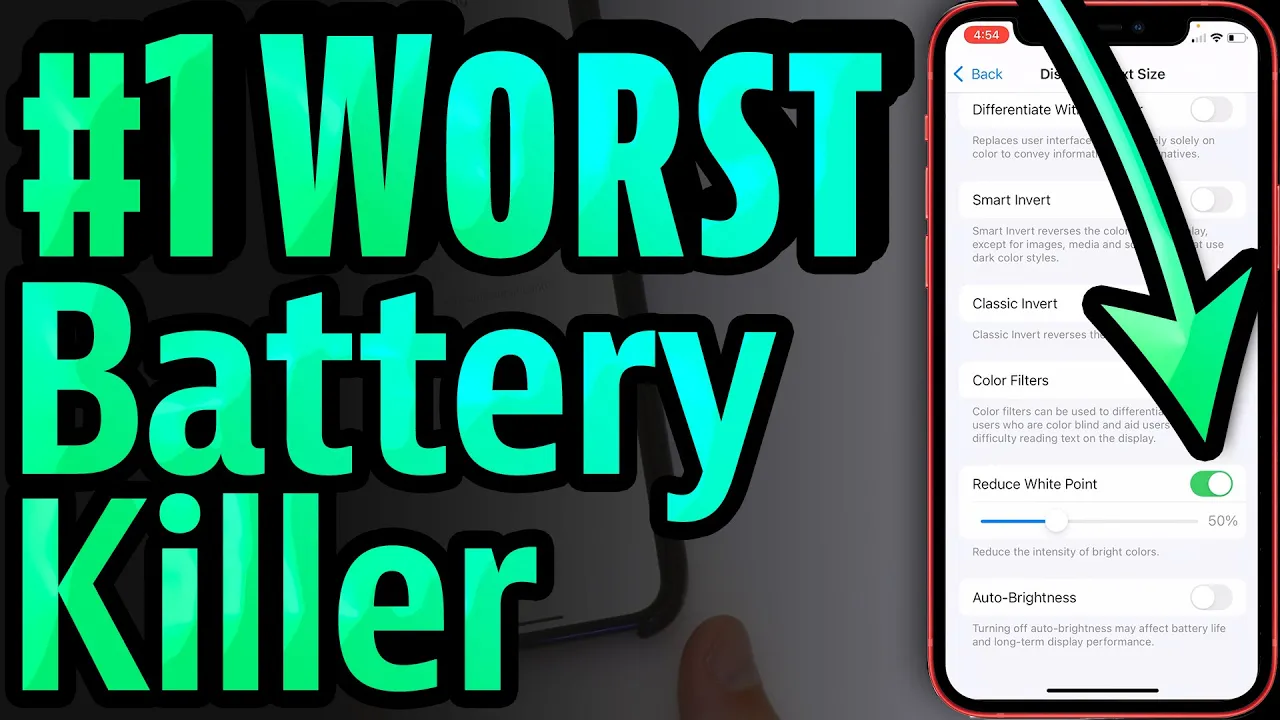
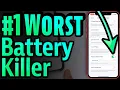
are bigger like the location services stuff and the push mail this is a little one but they all add up little ones add up to big tips right let's set back to accessibility one more accessibility setting we want to talk about is reduce white point so if you tap on display and text size and screen getting ahead of yourself here are you tapping you're free tapping it's one above they're yeah go ahead leave a comment slow down you're going to slow down you're an idiot yeah jeez if these guys would just shut up and slow
down why is the blonde guy so hot i don't know okay anyway tap on display and text size reduce white point turn that switch on this allows you to make your iphone actually dimmer yep than the lowest setting on the brightness letter right so i like 50 and then you can still go up into brightness in the upper right hand corner and bump it up but it's still going to be bright enough the reason we have it lower right now is that we're recording a video it's not going to look lower to you but it
needs to be sort of the same brightness as the table ish that's a little behind the scenes tip for you for when you subscribe and join speaking of brightness and darkness turn on dark mode it's good battery tip yeah i mean it makes sense right it's kind of a no-brainer let's go back to the main page of settings tap display and brightness just tap on dark i think it looks better too i think it does too it took them forever to actually put dark mode on iphones and you know it didn't disappoint though and then
turn off that switch next to automatic so that it just remains dark but we'll leave it on light for the rest of this video back to those inside tips about video recording video recording yeah i'm too lazy to turn it off that's why all minor dark mode updating your iphone is another good tip can resolve a variety of software problems you know right your battery dying fast check for an ios update yeah let's go back to the main page of settings tap general taps off for update wow ios 15. we're up to date running the
beta yeah this is exciting yep next restart your iphone once a week i feel like a lot of people don't do this where they just don't turn off their iphone little weeks weeks and weeks weeks and weeks and it never turns off and some of these software crashes can build up in the background of your iphone and just a simple restart we'll fix it yeah it's essentially a way to start from scratch what david said eliminates problems yep so thanks for watching this video if you haven't already give this video a thumbs up subscribe and
join this channel we would really appreciate if you did all of our high-tech way to remember to ask you to do this and if we put this much effort into asking you don't you think you could put a little effort into subscribing give any battery tips for us leave them in the comments section below and once again thanks for watching i need [Music]
![iPhone Battery Saving Tips That Actually Work [iOS 17.2]](https://img.youtube.com/vi/8Og7C6RVMOs/maxresdefault.jpg)
![Turn Off These iPhone SYSTEM SERVICES Now! [Ultimate Guide]](https://img.youtube.com/vi/XpcpUga_Zu8/maxresdefault.jpg)
![25 Hacks To Fix iPhone Battery Drain — Apple Hates #7! [iOS 17.2 Battery Drain]](https://img.youtube.com/vi/TjwmaAqS7IA/maxresdefault.jpg)

![Battery Saving iPhone Tips That (Actually) Work 🤯🔋 [2024]](https://img.youtube.com/vi/zE0ZPr9QGb8/maxresdefault.jpg)