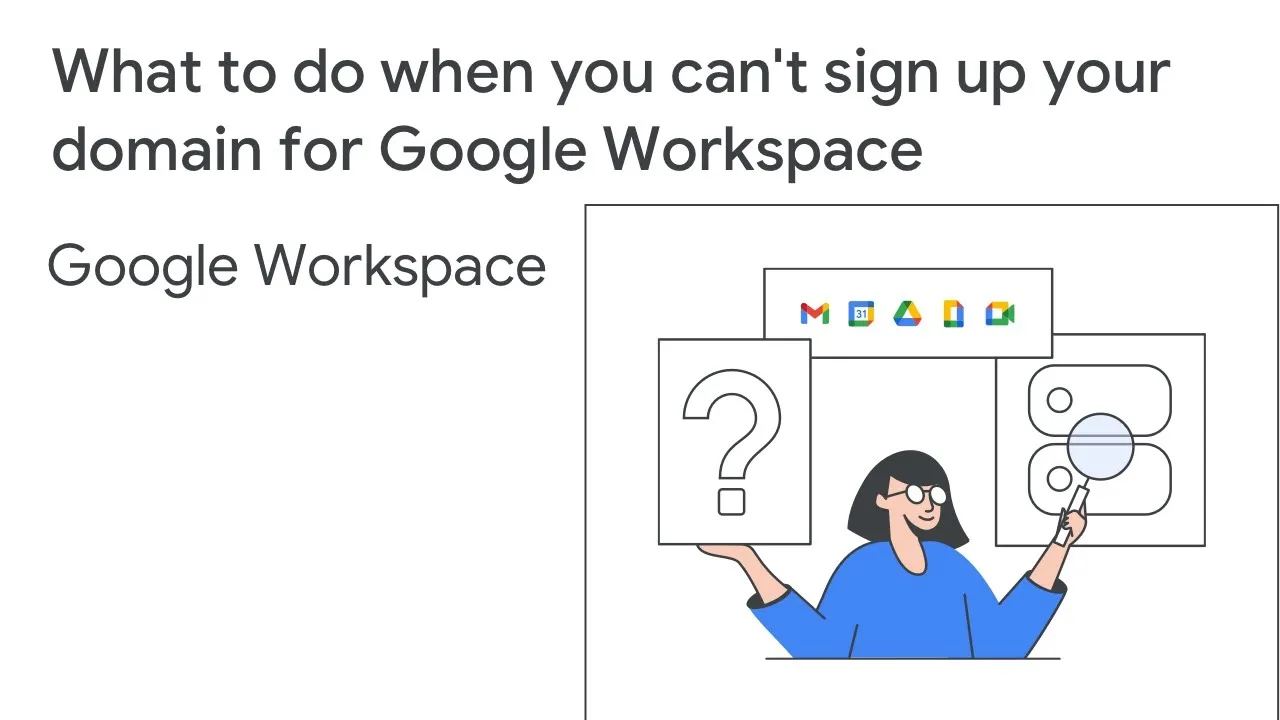
[MUSIC PLAYING] SPEAKER: When you sign up for Google Workspace with a domain you own, that domain cannot be associated with an existing Google Workspace account. If you get an error that says your domain is already in use, there are a couple of things you can check. First, is this domain associated with another Google account you own?
If so, remove your domain from the other account. If you forgot your administrator password, you can reset it here. Keep in mind, it will take 24 hours before you can use your domain with a new account and up to seven days if you purchased the other account from a reseller.
Is it possible someone else used your domain to sign up for a managed Google account? This might be another person at your company or someone who owned your domain before you bought it. If someone else used your domain with Google Workspace in the past, fill out this web form.
We'll contact you to confirm you now own this domain. To learn more about what to do if Google Workspace says your domain is already in use, check out this article in our Help Center. Thanks for watching.
For more information about signing up your domain for a Google service, visit this article in the Google Workspace Admin Help Center.