Once you try these, your images will never look the same. The level of amazing keywords I'm going to get are incredible. Today, I'm going to show you more, if not better, top secret prompts, hidden tricks, and tips to use that will generate incredibly impressive AI images.
And if you haven't seen this video, I highly recommend it because I actually took the prompt generator in that video and made it better, way better, and I did it multiple times. And with this prompt generator upgrade I'm about to give you, you're going to unlock some valuable hidden tricks and powerful tips you may not know about. But we're not stopping there because I'm not only showing you one prompt generator, I'll actually be giving you two or maybe even three.
Wait, what? So, you'll definitely want to make sure you stick around because you'll definitely want all of these prompt generators. So, in this last video about this topic, I showed you another prompt that provided you with a massive amount of unique keywords and hidden gems.
And so, that prompt specifically was actually this one right here. Now, this is the OG top secret hidden keyword prompt. This one right here.
It did an amazing job and produced some fascinating results. So, what I've done is that I took that prompt and made it better. Then when I got that upgraded prompt, I then took that one and made that one even better.
And those are the specific prompts I'll be sharing with all of you today. And that's why I said you're not getting just one prompt. You're going to be getting multiple prompts.
Now, this database contains nothing but prompts that generate prompts. Essentially, you'll never need prompts again. For the most amazing prompts databases with lifetime access and non-stop updates, check the links in the description.
Now, as we take a closer look, you can kind of see how this prompt operated. We basically gave the instructions to chat GPT and provided a few examples to give us those really top secret highlevel keywords to use. For example, stills archive and then use the actual movie studios name with a.
com but a space between the name and the dot. And then also these specific little tips right here. Okay, so what I did for the second prompt was basically the same thing, but I told chat GPT to do it a little bit differently.
But not only that, now this time we're going to be able to quickly provide our specific subject that we want. So I'll quickly demonstrate this upgraded prompt right now, but this one isn't the official upgrade. I'll show you the official upgraded one after I first show you this new prompt generator.
Okay, so back in my prompt generators database. Let's go ahead and copy the whole entire thing just like this. Okay, full prompt.
We're then going to head over into chat GPT, but you can use any LLM that you want. Now, once you're in chat GPT, you're going to get some fascinating results based on the actual chat GPT model of your choice. Right now, I'll do it in 40, but I do want to recommend using 03 as well because the level of detail you're going to get is pretty amazing.
And you can see a quick example right here. This is using 03 and I got a definite 10x upgrade with this prompt, but like I said, we're going to go ahead and do it with 04. So, just go ahead and paste the whole entire prompt in like this.
Okay, follow the instructions shortly after. And the first thing is it's going to ask us for what our specific style is. So, the keywords I specifically like to use to test out any prompts are going to be somewhat similar.
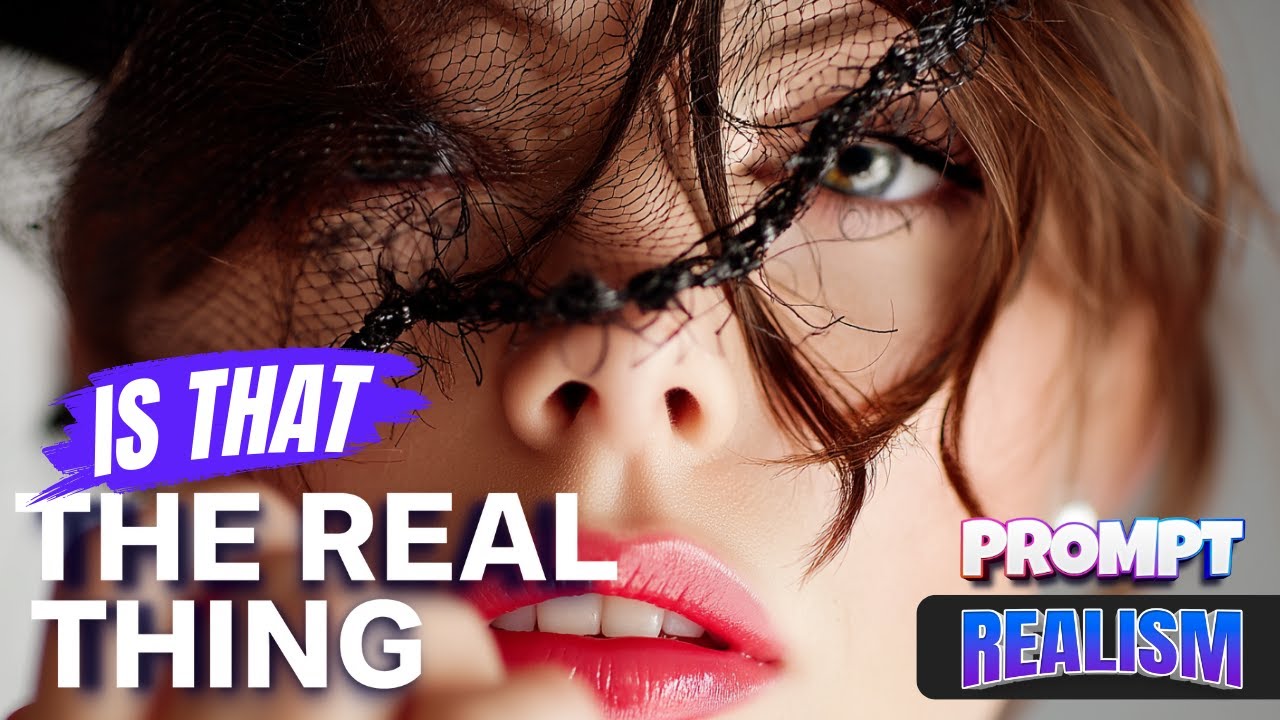
And it's basically editorial style, Vogue magazine, fashion model, and then beautiful 24year-old woman. Now, the age and the gender doesn't really matter. And you can see right off the bat, like this highlighted one right here, the level of realism and detail in this woman's eyes and face is incredible.
So, that is why to stay consistent. Look at this one right here. Look how amazing this one looks.
So, in order to really test out the realism of these prompts, that is why I specifically utilize those keywords, Vogue magazine, editorial style, etc. , because it usually generates incredible realism like these right here. Okay, so with that said, there is my subject pasted below.
Now, go ahead and now submit this one. Now, instantly, chat GPT is going to start going to work. And now, there we go.
Here's your core editorial prompt crafted with cinematic realism. So, just like that. This prompt is a lot more simpler.
It's not going to give you those specific cheat codes in a long list, but make sure you stay tuned because the third bonus prompt I'm going to share with you is actually going to give you an amazing cheat sheet of all of these amazing unique keywords and hidden tips that you're definitely going to want to try in your prompts. So, the reason why I love this one is because it goes straight to the point. Now, based off of what the actual prompt says, you could see in the actual prompt it provides me, I not only get my subject and description, but notice this.
It automatically provides me with the most important part of the prompt, okay, the details, the camera, the Leica M11P, okay, this 50mm lens, then raw format with simulated EXIF data. It describes the background. And then last but not least, there is that top secret hidden keyword, that img underscore with that CR2.
So that is why on this prompt specifically, it is going to be so helpful because it gets right to the point and provides all that data for me. But look at this. It's not done yet.
As I scroll down, now look, it says, "Now here are three professional variations of the above prompt, each with alternate lighting, camera, sim, or hidden trick. " Now, look at this variation one. We're going to get a whole new set of those unique top secret keywords.
And wait until you see the style of images I got with these prompts right [Music] here. Wow. Now, those were very impressive, but it's only going to get better from here.
I'm actually saving the best prompt for last. So, with that said, let's go ahead and move on to the second prompt, which is technically the upgraded prompt from the first video. And now here we are with this second prompt.
Now you might notice that it definitely does look the same. Okay, remember it's going to follow the same protocol with my original prompt where it says utilize these specific options right here. And now to really show you how these two are very similar, you could see the original one is on the lefth hand side.
And you could see with my numbers of 1 2 3, it provides the same thing. But now when it comes to the upgraded prompt, you could see it still references these three unique keywords right here. But now essentially at the very bottom rather than just saying provide me with more I now give it three other bullet points right here.
Clearly list and explain additional secret keywords. Provide explanations on how each secret or trick specifically influences the AI generation process. And then number three, offer at least 10 additional hidden prompt secrets.
Wait until you see what this one is going to do. Let's go ahead and copy the whole entire thing and then start a brand new chat in chat GBT. utilizing 40 and then I'm going to do it at the same time with 03.
So let's go ahead and generate this in 40 right now. And it says below is a curated vault of elite high impact prompt secrets. But before I scroll down and look at all this awesomeness, let's also do it in our separate tab for 03.
And now we'll be able to compare both models back and forth. So back to 4. And now let's first look at what this one gave us.
You can see right away 10 hidden prompt secrets. Okay, each entry includes the secret keyword, the effect, and then the ideal use case. But look at this.
The reason why I love this upgraded version is because it is really detailed on the specifics and the effect, the use cases, and why it works. So useful because now it's going to allow you when you're generating your images, if you're looking for a specific style. Now with these use cases, you can know immediately what sort of a prompt or keyword that you should use.
But look at this. As I scroll down the level, but look at this. As I scroll down to the end, the level of amazing keywords I'm going to get are incredible.
But now look at this. The very last question and perhaps the most important and fun part. Would you like me to now build a reusable secret keyword prompt generator based on these?
If I type in yes, this is where the magic continues to happen. So, these prompt generators have the ability to upgrade your prompt or provide more and more and more every time you answer ChatGpt's follow-up questions, in which case I highly do recommend. Now, again, I could sit back and really do this all day because the kind of prompts you're going to end up getting are fascinating.
Here, look at this secret keyword prompt generator. And as I scroll down, look at this. my metaprompt.
Copy and reuse anytime. And now I have another prompt out of this completely. Amazing.
Now that is 40 O. Let's go to 03 and see what this one gave us. We're going to get different variations of these keywords.
Immediately we're going to get 10. Again, it's providing the same level of detail, but we're going to get some different ones. Now, for an example, I've never seen number 10 before.
I've never seen 9, eight. I really haven't seen any of these, especially this word right here. The file name metadata hint quietly sets a source material prior before the AI picks up the rest of your scene description, yielding richer sensor data, film character, or editorial framing without extra tokens.
Okay, so that is an amazing thing we're going to get. So basically, by utilizing two different models, we're going to get two completely different versions of this prompt. Finally, let's move on to our third and our final bonus one I want to show you.
Now, I showed you the upgrade. I showed you an additional prompt. Now, let me show you this prompt generator cheat sheet.
Okay, so here it is right here. The ultimate top secret cheat sheet of hidden tokens. Now, this one is actually one of my favorite new prompts.
The reason why is because of the way the prompt is actually structured. You can see it has the hashtags ro context and objective. all of the hashtags.
So again, let's go ahead and copy this whole entire thing. And remember, based on what model we're using, chat, GBT40, etc. You're going to get some different results each time.
So there it is. There's the full prompt. Paste it in.
Again, don't do anything else. We're going to hit submit. Follow the instructions, but specifically for this one, you don't have to do anything.
After hitting submit, you could see right away, it's just simply just spewing out amazingness. Look at this right here. Right away, it's continuing to go.
It's basically giving us just a nice clean column of secret keywords and hidden tokens to start using with the brief explanation after each one. And as I scroll down, you can see it just continues to go and go. You're going to get an infinite amount of amazingness right here.
It is still going all this information line after line after line of just crazy top secret cheat code style keywords. And look at this. It doesn't seem like it's stopping anytime soon.
I mean, the level of information we're going to get is incredible. If you like this video, please remember to hit that subscribe button because it does go a long way. But until then, we'll see you next time.