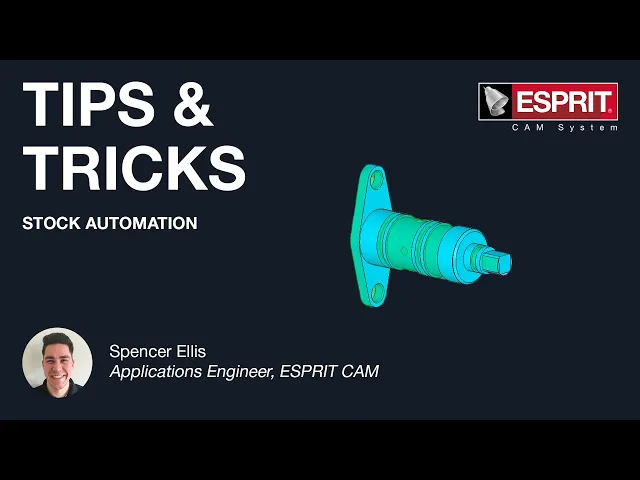
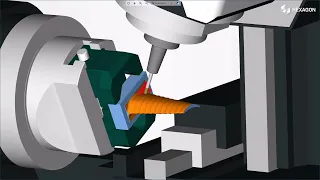
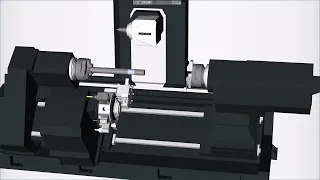
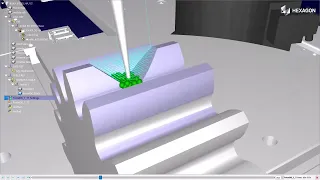
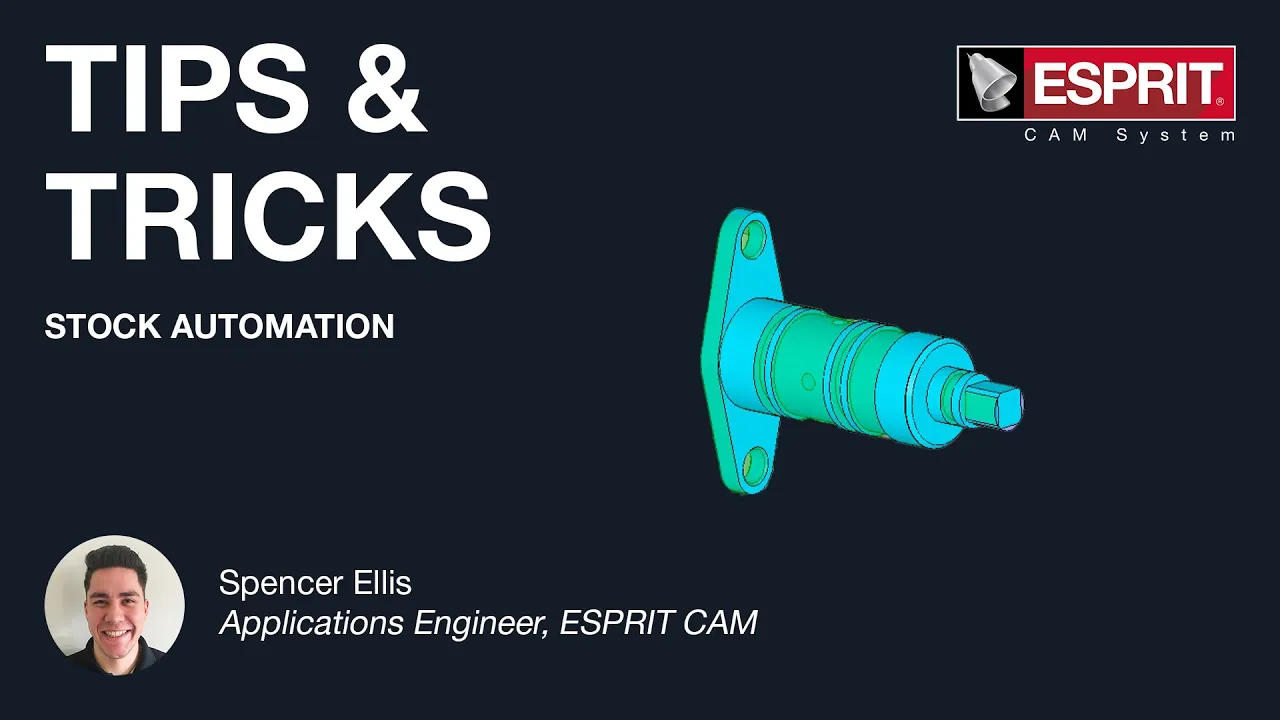
hello and welcome to esprit's latest tips and tricks video my name is spencer and today i will be showing you how stock automation can increase the productivity of select milling and turning operations when stock automation is enabled esprit will continuously update the status of the model's stock based on previous machining operations stock automation assists in creating optimal tool paths based on stock parameters and can help reduce the number of steps needed to machine apart stock automation is available for a variety of different turning and milling operations including roughing balanced roughing and grooving as well as
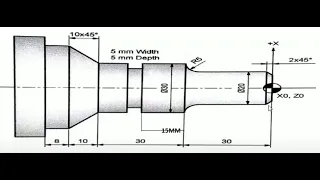
facing pocketing and contouring for my first example i'm going to present how stock automation can be useful when roughing out the od of this part as you can see i currently have two different od features one that covers the front half and then another that covers the full length of the part i also already have an operation applied to the left od front feature so i'm going to go ahead and apply a simple roughing operation to my full length feature and if i take a look at the tool path you'll notice how there's extra passes
on the front side of the part where material will already be missing from the previous operation so now i'm going to open my operation back up and i'm going to change my stock type from diameter to automation now esprit automatically recognizes that there was stock missing from the front side of the part from our first od roughing operation and updates the tool path to exclude the front half of the part so if i play in simulation i no longer have those excess roughing passes for my next example i will show how stock automation is also
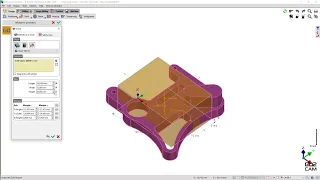
beneficial for milling cycles as you can see we have a standard pocketing operation there's some excess moves on the front side of the part as well as quite a bit of travel going off either side of the part now we're going to open our pocketing operation back up and set our stock automation to yes and then press ok the spree significantly reduces the tool path both on the sides and the front side of the part finally stock automation is available for rotary face contouring and rotary face pocketing operations however if we apply a rotary face
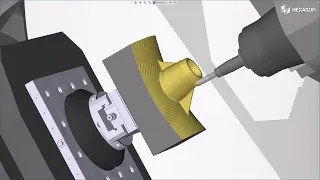
contouring operation to this rear flange feature you'll notice that there is no option for stock automation in the strategy settings and currently this toolpath is only making one pass which is less than ideal considering how much stock we have left over but if i open up my properties window view properties and then expand the technology feature and stock automation tabs you'll notice that i can set sock automation to yes and then click out in the workspace and esprit will update the rotary contouring operation based off the amount of stock remaining from our transfer sequence generating
a much more ideal tool path i'm just going to simulate this and you'll see our updated rotary contouring operation with those extra passes that's it for today's tips and tricks video we hope that you enjoyed it and don't forget to visit our website at esprit cam.com and subscribe to our newsletter for more videos stay tuned for future tips and tricks