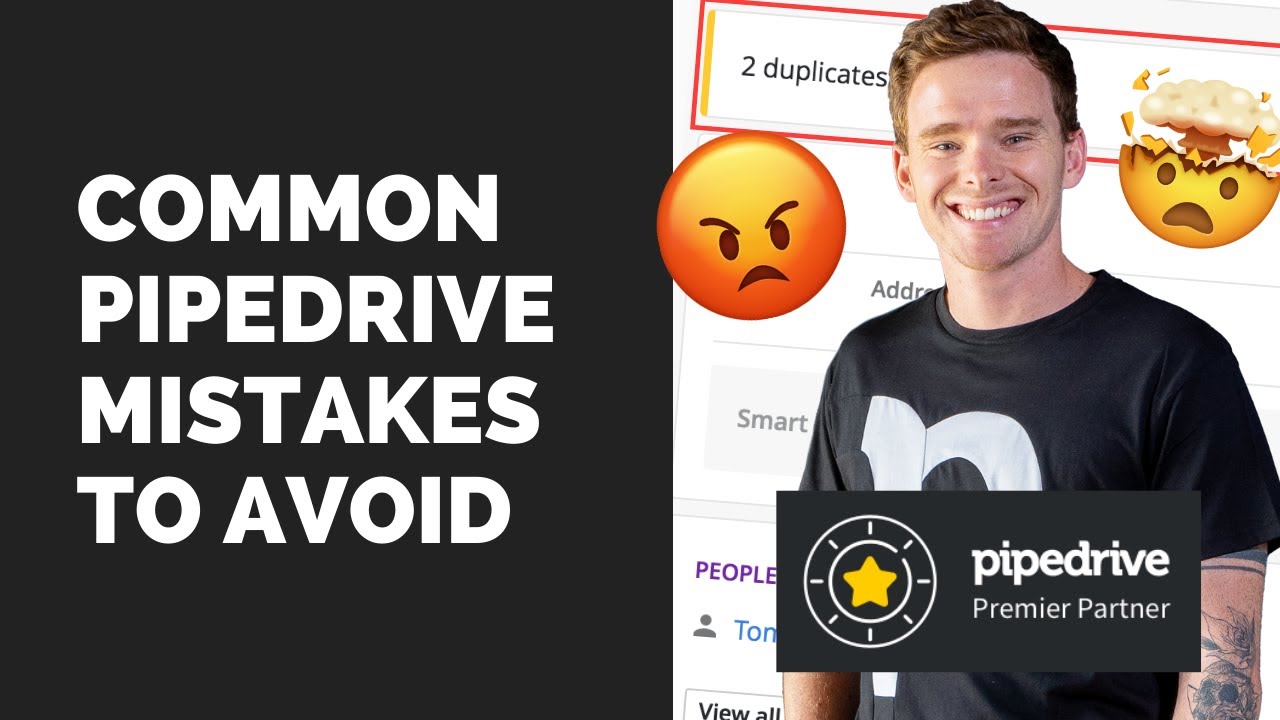
I've been using pipe drive as a sales tool for over a decade so in this video I'm going to show you how to start as a complete beginner and get set up on pipe drive there are a couple of really important items I wish someone had told me when I first started using this software things I've only discovered recently so I'll give you a full beginners video walkr of how to use pipe drive and how to get it set up so first things first of course you want to log in it does come with with
a 14-day free trial so you can give it a a try for free and see if it works for you so pop your email in get signed in of course uh then you are going to put in your name of course set up a password nice and easy couple quick questions they ask you you know about your role and your experience so let's just say you haven't used them before what do you want to do first close deals find leads Etc let's say close deals next okay so quite a few questions okay so few quick
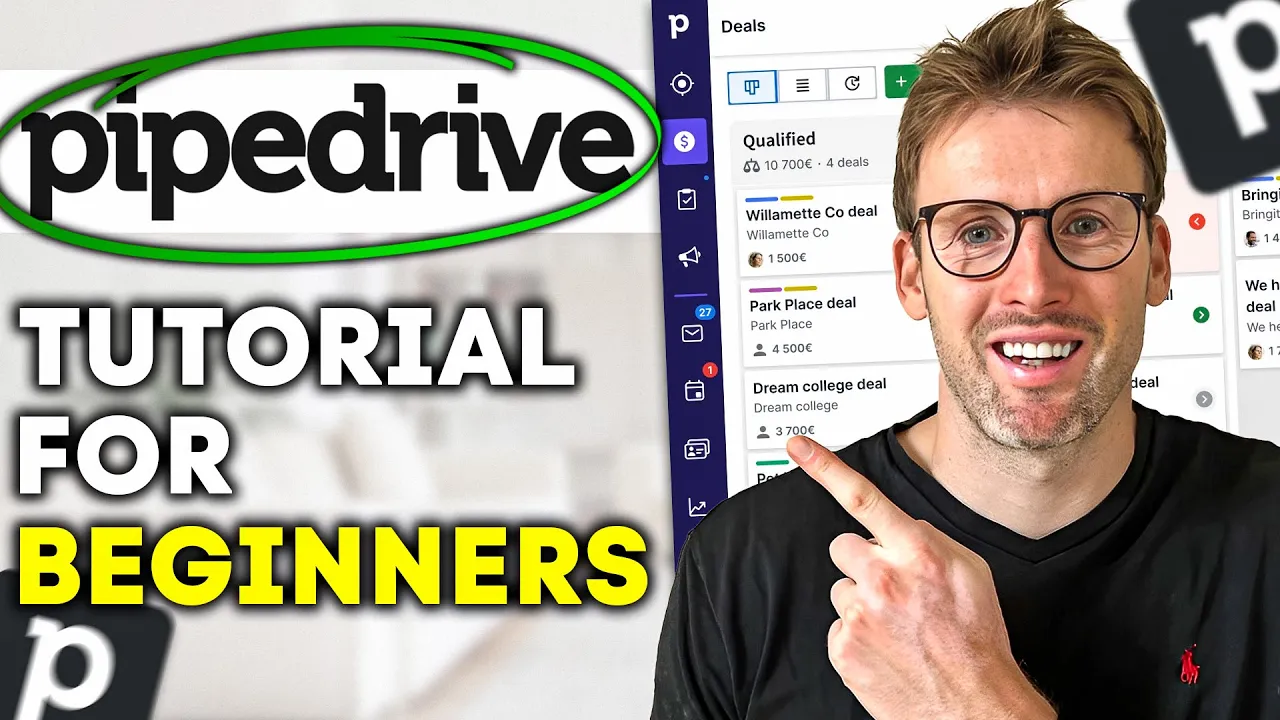
onboarding messages create the account and then here we go so we're straight into the platform so what you'll see in front of you first is a pipeline right so you qualify of course whoever you're selling to have you made contact do you have a demo scheduled proposal and then start negotiations so very simple Pipeline and when I first started using pipe drive this is where I started I just right away started creating pipelines and then very quickly it actually became unmanageable so actually what I would recommend is starting with this leads inbox that you have
up here and basically what the leads inbox does is it's a place for you to collect all of your leads and then you can choose once they're qualified to actually turn them into a deal so the way these leads look is they just look like a mini deal right so you put in the contact person you put in organizer ation they work for title the value you can have you know different labels so let me put one in here so let's call them John Smith you know John Smith works for say works at YouTube give
it a value give him a warm lead um then me click save so you can see I've created this first lead and what you can do here is then you can go ahead and add you know activities you can email John you can also set up notes what I really like about the leads inbox is this section here I don't know why this isn't in the deals um of course you can set future activities but what you can do here is you know call John and then you would just press tomorrow and then it very
quickly just schedules that follow-up activity the process in a deal is a little bit longer and the reason that you want to use the leads first and use the leads inbox initially is because when as a beginner if you just start creating deals the deals pipeline will become really full very quickly so I'd highly recommend that you get really familiar with leads and how these work they're you know very straightforward so that's the lead inbox like really get on top of that create like really good labels that's key for when you first start using pipe
drive and you'll see of course there's all sorts of other options thead boosters like this live chat chatbot web forms prospector I won't go into those cuz they're not beginner options but it's good to be aware that these exist this video will focus on the leads inbox we'll focus on deals and then after that we'll focus on getting your email set up basically because you'll have to email clients so right away let's take this lead that we have created and let's turn it into a deal so the first thing you're going to do is scroll
down to the bottom you'll see this green button here and you'll click convert to deal and you'll choose the stage in the pipeline that you would like it to go so let's say we've made contact with John so we can add it there okay so we have gone ahead and we have now turned this into a deal so when we move move to the deal pipeline you will be able to see the deal here right so this is John Smith's deal so it gets a little bit more detailed as you can see um we can
set an expected close date um we can schedule meetings you know calls email we can add files documents an invoice right so this is really when the deal is starting to take shape you think this is a deal that is going to go somewhere and going to progress and then of course once the deal gets all the way through you can mark it as one mark it as lost the other key thing you need to know as a beginner is of course you'll see that pipe drive has given you this pipeline but what if that's
not the pipeline that you want right so you click on the edit button and this lets you edit the pipeline so you can change these titles so it might be you know personally I think you'd probably have contact made right so we'd reach out to the person then we'd say okay they're qualified scheduled a demo proposal made negotiation started perfect but we probably want another stage so we'd add new stage and then we can turn this into closed or rather closing so that would be okay you know we've negotiated with them now we're closing them
we're maybe just you know sending contracts getting things signed waiting for payment that type of thing but you can click on Save changes that will create this new pipeline for you and then you can of course use the pipeline the other thing and then of course you can just drag the card around based on where you are in the process uh you can also edit the position from inside the card so you can move it here you can also move it by clicking on there there's lots of different ways you can move it to a
different pipeline that way so you know there's a there's a lot that can be done in pipe drive if you're enjoying this video please make sure to click the like button hit subscribe I will be doing a lot more videos about pipe Drive in particular but also other software tools how to use them and reviews on them as well and so as you can see pipe drive has many functions you know we've spoken about leads you've got the deals section you can then also manage projects in here you can run campaigns in here emails you
can do various activities you've got your contacts you can get insights so there's a huge amount that pipe Drive can do like I say this video is just about the core crucial beginner elements set up a lead create a deal create a pipeline and then how do you actually go ahead and email your deals so in terms of from a beginner's perspective um once you know your leads your deals you've then got your sales inbox so if you come into your sales inbox this is of course where you need to connect your email account so
again really nice and simple you just click on connect email account uh so this is where you know connect email account you pop in your email address and then it will take you through the process of doing that it guides you all the way through it you just log into your email and it will connect it all up for you so again nice and simple and you see that you can connect it you know to Google Drive you can do calendar sync a range of different things so I think pipe Drive is a phenomenal tool
for sales teams it's very focused and a lot of people I know will maybe use other software tools like Trello to maybe manage this but having a dedicated piece of software is incredibly important I hope you have enjoyed this video a beginner's guide to pipe Drive let me know in the comments other questions that you have so I can make some follow-up videos about the more specific features the pipe Drive offers



![[Apollo.io 2025] B2B Lead Generation Tutorial For Beginners](https://img.youtube.com/vi/nXc13tFrMUY/maxresdefault.jpg)









![FREE Course: Master GoHighLevel in 1-Hour [Tutorial & Review for Beginners in 2025]](https://img.youtube.com/vi/EuDI3utWDoU/maxresdefault.jpg)