social media has become the biggest way to get to the news a lot of people use Twitter Youtube sometimes Mastodon even Facebook or Tick Tock really and the cold hard reality of this is that none of these platforms are a good choice to get everything you're interested in which sucks because there is a much much better way to read the news and that's RSS So today we're going to answer a few questions why does social media suck for accessing the news what is RSS what exactly can you do with it and who is our sponsor
thanks to tax care for sponsoring this video tax care offers solutions to automate and simplify the management of your Linux server and workstation Fleet including Enterprise support for Alma Linux extending support for end-of-life Linux distributions and live patching and on that specific topic they'll host a webinar that will let you know what life patching is how it works and how it can help you protect your servers and computers without rebooting or any downtime they'll go over how it works the benefits you can derive from live patching your systems and how to quickly Implement such a
solution in your organization the webinar will be held on May the 17th it will be led by two live patching and Linux Security Experts and will only take 30 minutes of your time so if you're interested in automating your server security and limiting downtime then register for the webinar using the link in the description below and you also get a chance to win a floating Bluetooth speaker so why does every social media platform suck for getting the news the big main reason is that they were never designed for that all the big social media platforms
have one goal and one goal only to keep you there for as long as they can so they can show you ads and make more money the catchy of the content they show you the more likely you are to stick around for just one more post and see just one more ad so these algorithms aren't designed to get you every information you might want to be made aware of they are designed to show you what they think you will engage with and this creates a lot of noise tweets that were liked by someone you follow
popular posts recommended videos these aren't things you picked there are things the algorithm wants you to see on the big social media platforms you don't control what you're looking at you guide it by subscribing following liking and favoriting and every other weird name that they use to describe the exact same thing on top of that things you are subscribed to might also never be shown to you the YouTube subscription feed doesn't show you every new video from every channel you subscribe to Facebook posts and tweets all have lower than 100 Impressions which means these platforms
don't show your posts to everyone who follows you and all of that doesn't really apply to the very verse like Mastodon peer 2 pixel fed and the like but they also have issues that make them unsuitable for the news and those issues are shared by every social network you can't really archive go back to all the things search through what you archived sort it in a specific way create your own organization system that's not what these things are made for they are not libraries or things you like they are not chronological archives they are tools
to see instantly available posts or videos or tools to find entertainment they are not designed to give you your own personal newspaper they are designed to let you interact with other people through various forms of content and that's why there's a much better solution for the news and that's RSS RSS is old Tech the current implementation of it rss2 dates from 2002 but it's still alive and well RSS works with two components and RSS feed reader and RSS feeds feeds are what you will subscribe to they are just a simple file a lot of websites
have that can be read by the feed reader which will aggregate all these feeds in one place feeds contain all the Articles or videos or posts from a source and the reader will just display them in whatever order you choose when a website publishes a new article or YouTube channel has a new video the feed updates and your feed reader gets the new stuff and displays it to you it's very simple and very basic but it has tons of advantages first you will only ever get what you subscribed to there is no algorithm no recommendations
no ads in between posts you control what you see sure there's still noise because not every article or video from a feed will interest you but you still pick the sources of information and you can add a lot of sources websites video channels podcasts social media accounts and even newsletters second all feed readers have organization capabilities you can create folders to group your feeds in specific categories and only read the new stuff in that folder you can have a folder for gaming related news a folder for Tech news a folder for finance a folder for
port for political stuff anything you like really third you can sort things to see the oldest First newest first from all your feeds at the same time or in a specific folder fourth you can go back and search through older articles and actually find them or you can favorite them to get back to them when you want to fifth you can navigate super easily from one article to the other most readers use the J and K keys to move to the next or previous article so you can parse the title if you're interested you click
it and read it or watch it and if not you just move on to the other it's super efficient and very very fast and finally it's portable all readers will let you export and import your feed list so you're not tied to a single application if you don't like the one you're using you can just move everything with you and that list can also be hosted online so it can be synced between devices RSS just has so many advantages over social media for accessing the news so hopefully now that you're convinced it's great let's see
what it can do RSS is all about adding sources or feeds to your reader and you can add a lot of different things and of course the main thing will be articles from websites a lot of websites will display a small orange Square icon which is the RSS logo sometimes it's not orange sometimes it will look like a Wi-Fi icon it's not really standardized clicking the icon will bring you to the feed or give you a URL you can copy that's what you want to add in your feed reader adding that address to that reader
will add that website as a source and now you can browse all their articles simple enough right now all you have to do is navigate to every single website you usually visit and repeat that exact process as many times as necessary yeah getting set up with your first RSS feed list can be a little time consuming at first but some websites don't have an RSS feed or an icon to access it no matter most RSS feed readers will let you add any website URL and automatically create an RSS feed for you so all you have
to do is copy paste the website's URL or the address for a specific category in the website but that's just for written articles there is a lot more you can add if you want to add videos from a YouTube channel let's say a bearded French Linux content creator Most Feed readers will also just let you copy paste the Channel's URL and add it as a feed on peer tube it's even easier just click the Subscribe button and you get the ability to access the feed immediately which means you can create your own Video subscription page
which Aggregates all the creators you follow on all the platforms you use and they will definitely show you every single video from every single Creator you follow which is better than YouTube you can even add social media posts if you really want to using rss.app you can just copy paste a social media profile in there and it will spit out an RSS feed you can add to your reader it works for Instagram Twitter Facebook tick tock and a lot more and of course don't add every person you follow to your RSS field reader that's just
going to pollute your news feed and you can also add podcasts which will all have an RSS feed you can add to your reader like for example this amazing Linux and open source News podcast that I make every week if you're really into RSS you can also add newsletters using the website killthenewsletter.com you can generate an email address and a feed subscribe to the newsletter using the provided email address which will never be linked to your own inbox and add the feed to your reader hey voila the newsletter will never crowd your real email address
and you can still read it if you're interested straight from your RSS reader you can also use kill the newsletter for various email alerts like newly available real estate listings that interest you job offers price drops for stuff you want to buy just use the email address from Kill the newsletter to subscribe to these alerts and you're done so now that we've established that RSS is awesome and super powerful let's see how you can get started the first thing you'll need to pick is obviously an RSS reader and you have tons of choice the most
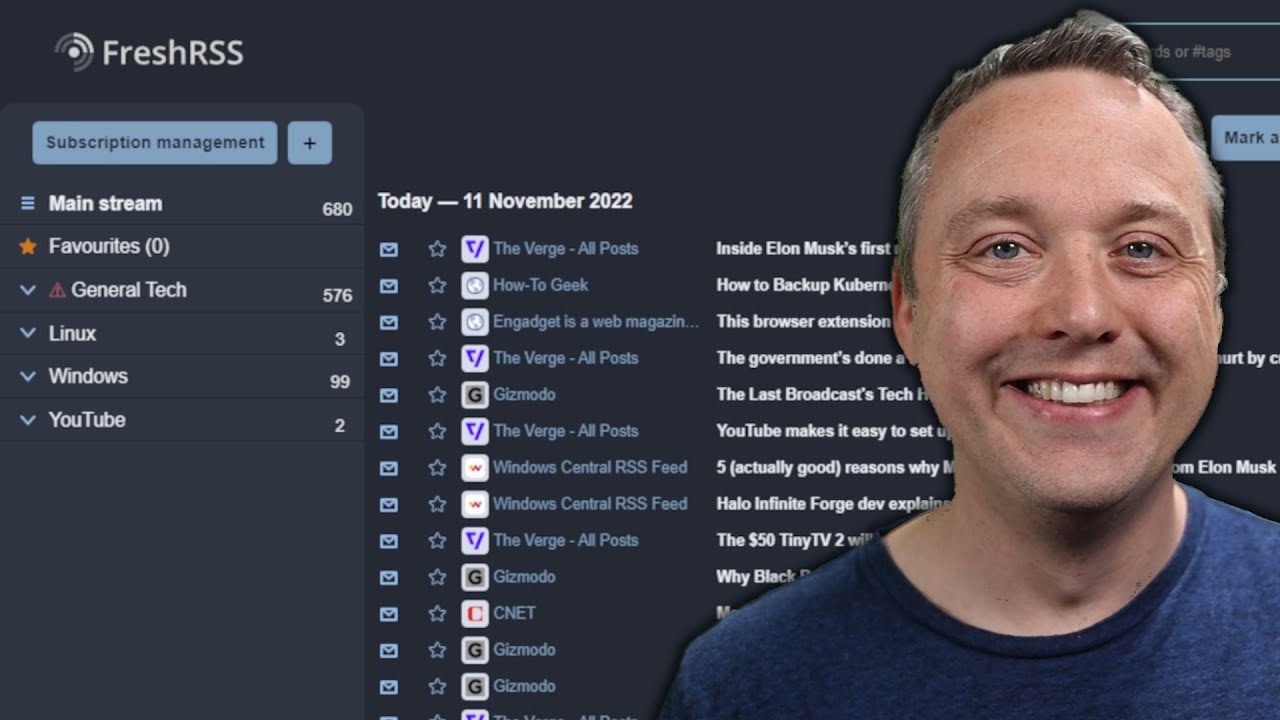
used one for a time was Google Reader but they killed it years ago one of the early adopters of the mass grave for Google products the thing you choose will depend on your use case do you read the news on a single device like your computer your tablet or your phone or do you want a solution that syncs your feeds and what you've read and your favorites between various devices if you want a single device solution it's very easy on Linux news flash is the one I use it's a gnome app it looks great it
lets you customize how you want to sort items how you want to display them you can read the content or watch the video straight from the app or you can open the website it is a great solution I don't use Windows or Mac OS so I can't recommend anything specific for these operating systems but some web browsers will have an integrated feeder like opera or Vivaldi and Mozilla Thunderbird also has these capabilities now if what you want is a cross-device solution you also have plenty of options and if you want the simplest one Feedly is
a good bet you can create a free account add up to 100 different feeds create a few folders and if you want to go over that they have paid plans and they have mobile apps and a web interface on PC there's also news blur which does the same thing and is open source but the free version limits you to 64 feeds and of course if you don't want to pay and you plan to add a lot of new sources you can turn to self-hosting the solution I use is next cloud news and obviously you'll need
a next Cloud Server to make that work next cloud news gives you a feed reader as a web app but the feed list you've built with it can also be accessed by third-party clients if you want news flash the Linux app I talked about has that capability you can just add your next Cloud account to it and everything will be synced you can also use various mobile apps for IOS and Android to access these feeds like next news on iOS or next cloud news on Android if setting up a whole next Cloud Server for just
an RSS reader is a bit much though you can also self-host news blur and access it from the web all the mobile apps for IOS and Android the self-hosted version doesn't have a limit on the feed number there's also tiny tiny RSS that you can also self-host and access access using the official Android app or The Unofficial tinyreader RSS app for iOS and I'm pretty sure that a lot of people will recommend Solutions in the comments as well so check that out if you want to try out other clients or other feed sources or other
readers now for reading watching and listening to what you're interested in RSS is still the best option out there sure it takes a bit more time to set it up and to add all the feeds you want but that's a first time thing once that's in place you will actually save a lot of time by having everything in one place being able to organize everything the way you like it and avoiding the noise that social media platforms add if you value your time and you want to stay in control of what you see what you
read what you watch RSS is the best option I can't recommend this technology enough just like I can't recommend our sponsor enough if you're a Linux user and you need to replace your computer stop buying devices that were made to run Windows buy something that was designed to run Linux from today's sponsor tuxedo they have a big range of devices and they ship to most countries in the world whether you need a laptop top desktop a Nook whether you need something for gaming something affordable a workstation they have everything every device is customizable and every
laptop is openable repairable and upgradable including the battery the ram the SSD and sometimes even the wireless car so if you need a new computer and you plan to run Linux on it and you want to support linux's development click the link in the description below and get yourself a tuxedo computer so thanks everyone for watching the video I hope you enjoyed it if you did don't hesitate to like to subscribe to turn on notifications to write a comment and if you didn't well you can always dislike it and tell me why in the comments
as well and if you really enjoy the channel and you want to support it there are plenty of links in the description below for liverope PayPal patreon YouTube memberships YouTube thanks you know the drills so thanks everyone for watching and I guess you'll see me in the next one bye [Music] foreign foreign [Music] [Music]