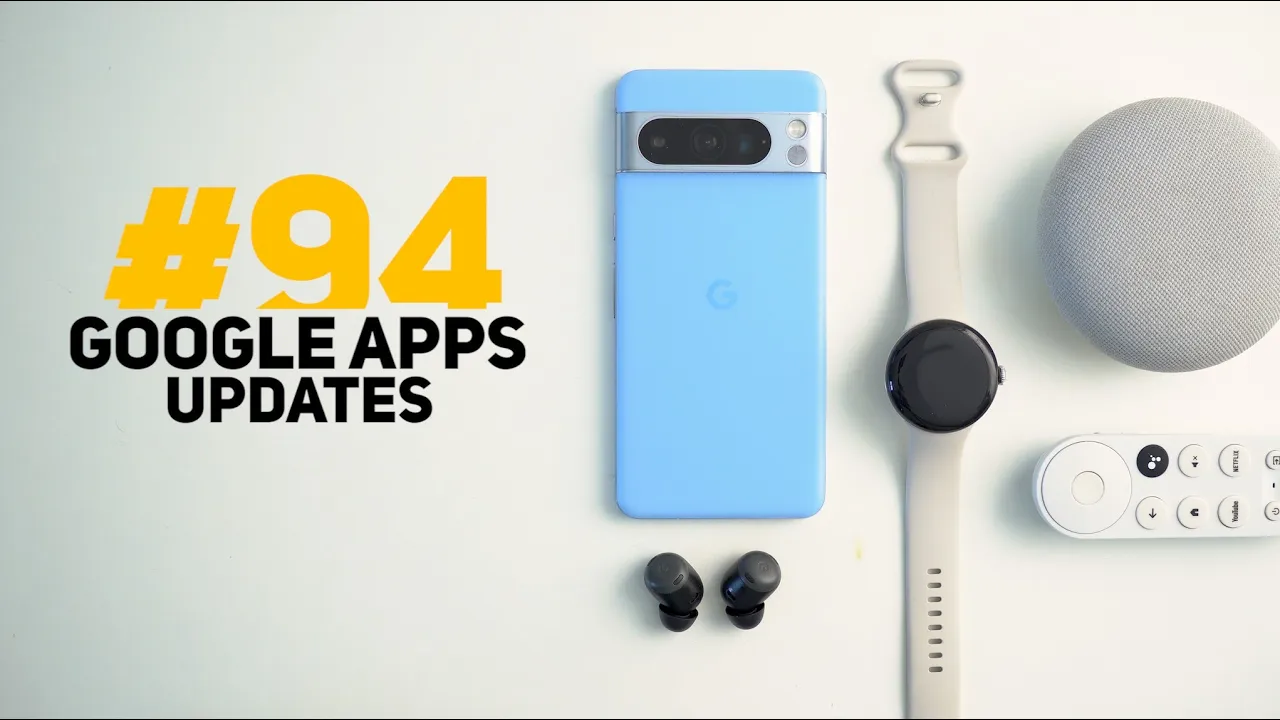
this is Google Apps updates Roundup number 94 in this episode I will show you more than 30 new features in 10 different apps so make sure all your Google apps are up to date and let me show you what's [Music] new on a side note if you like any of the wallpapers you see in this video can go ahead and download the channels wallpapers by in-depth reviews app from Google Play Store which you will find its link in the description below it will give you lifetime access to all my exclusive wallpapers for only $1.99 and
now let's get back to Google Apps let's start the episode with the YouTube app and it got eight new features the first one when you try to share a channel link now you have the option to generate a QR code which looks very similar to Snapchat with the YouTube logo and the Channel logo on top of each other and at the very bottom you have the ability to save this QR code to your camera roll or in other words to your photo gallery so you can get back to it later in the viewfinder now you
will see a redesigned time and chapters overlay now they got this new pill-shaped design so each one has its own container now the casting menu got a complete revamp so let me cast this video to my Google TV and when I tap on the cast button one more time you will see this brand new design here you have the microphone the remote control control and then you get the uh volume slider and when you tap on the ellipses you can disconnect from the TV with the ability to switch back to your phone if you want
the share sheet also got updated and now it includes one more option called with kids which will show you the kids accounts you have under your current Google account moving to the shorts there are two new changes the first one when you pause the video you will see this overlay Carousel that give you quick access to your subscriptions live Trends and shopping and if the short is live you will also get a redesigned overlay card so let me play a live short then tap the ellipses you will see a carousel here for the likes dislikes
share and report and then you will get the description view Channel quality and so on and then you have the live chat settings and finally the feedback section and sometimes while scrolling in your home feed you might come across this Carousel that includes suggestions related to the already suggested video to make things a little bit more specific and in some cases when you play a live content you might come across this overlay chat summary box that gives you a quick summary about what people are saying in the chat and you see here the ability to
give feedback using the thumbs up and thumbs down and when you keep it for a while it disappears automatically the next app we have is YouTube music and it got four new changes the first one is the updated splash screen similar to the YouTube app and here's how it looks under the profile menu I got this brand new Option called Badges and when I go inside it's currently empty even though I use YouTube music every day but I found this article by 9 to5 Google released in June 28 2023 talking about the feature which means
it's an old one but this is the first time for me to see it and these are the different type of badges you can earn and when I scroll down a bit there are some screenshots showing how the badges interface looks like under settings I got this new Family Center option when I go inside I see the kids accounts I have under family link showing over here and when I tap on any of them it gives me the ability to restrict some features like search I can disable autoplay pause watch History pause search history clear
history and unblock videos in addition to choosing the age of my kid here I have older younger or preschool last but not least when I try to create a new playlist now I get this is slightly updated design for the overlay card it looks a little bit better than before with a button to turn on the collaboration or not the next app we have is Gmail and it got three new additions all of them are related to Gemini the first one is the new Gemini button next to the search bar at the top which will
help you ask some generic questions about your inbox like show un emails from today show unre emails from this week or you can even use it to summarize your inbox so for example I'm going to type some summarize unread messages from today and hit the send button give it some time until it finishes now it's done and here's the summary when you scroll down a bit you will see another section called sources which will show you the source emails it used to generate this summary which you can also copy to your clipboard you can give
feedback using the thumbs up and thumbs down and you can also clear the history using this button and then tap on clear and it will start all over again and when you go inside any of the messages you will see another Gemini button at the top which will give you more options tailored to this specific message like summarize this email list the next steps or suggest a reply and it looks exactly the same as the other one and if you decided to keep the history without clearing using this button every time you open Gemini you
will see all your interactions intact so you can get back to them at any time next we have Google Maps and here I'm going to show you six new features starting with were the Google Maps style got updated the first thing you will notice here is the text at the top says search and go and instead of getting only two shortcuts for the home and work now we got even more the third one is the ability to start an immediate voice search and another one that takes you to your recent uh locations and then we
have the map button that will take you to the map view right away on top of this now you can add two Google Maps complications to your watch faces so let me show you how they look the first one is called search maps so let me scroll down a bit until I find it so here you have search maps and show map search maps will immediately start a voice search when you tap on it like this and the second one will simply open the map view and the most exciting feature is the ability to report
incidents while navigating which is something we had in ways for a very long time when you tap on this button it will give you seven different options to choose from and when you tap on any you have the chance to undo your action in case you tapped on it by mistake which will enhance Google Maps navigation a lot more I also noticed this overlay alerts button at the top got a small visual tweak when you select any of the options it will briefly show the selected one in a pill-shaped container which looks really nice moving
to the timeline Google is now saving your timeline data on device so it says here with timeline your visits and routes are automatically saved to a map on each of your devices and to avoid losing visits and routes choose your settings by December 1st 2024 so let's tap next to see what we will get in this page it will allow you to choose how long would you like to keep your timeline data and if you ignored it it will automatically delete your timeline data after 3 months starting December 1st or you can choose to keep
it all the time and when you choose to Auto delete you have here three choices 3 month months 18 months or 36 months so I'm going to keep it all the time and then hit save and continue and because your data is now saved on device now you have the option to keep it locally or back it up to your Google account using this backup button and when you tap on it it will give you the option to turn the backup on or off and it shows here which device it will backup from another change
is the ability to show all your visited places on the map by tapping on this layers button then tap on show and all these dots represent places I visited and when I tap on any of them it will jump to this specific day to show me the places I visited the next app we have is Google home and it got two new features the first one is under the activity Tab and at the top we got two new filters the first one is called events you can tap on select all to select everything or clear
all and choose individual items and here you have service linking permission changed data access and finally the presence sensing in addition to the ability to filter by date and here you can choose a specific day or a date range and lastly the automations page got a redesign and now each item shows in its own rectangular container now let's go through the apps that only got one new change and I will start with Google contacts now when you try to add a new one you will see this redesigned page here you can add extra Fields like
the add email significant date address and label and when you add any of them you get this really nice animation and you can remove them as well by tapping on the minus sign like this in the files app you will see this new recent Carousel that looks similar to the memory section in Google photos with the ability to tap on see all which will show you everything in a grid view in circle to search we got a new shortcut for the hum to search feature which can help you identify songs and as you see it
got this really cool animation while listening and here is what you get when it identifies the song it will take you to a Google search page with everything you need to know in Google search we got the same add to your search functionality of Google Lens so let me show you a quick example when I open this photo and scroll down you will see the add to your search bar showing at the top so you can add things like a different color model or variant so if I want the brown color from this car I
can add it to the search and get more relevant results now let's end this video by talking about some pixel exclusive Fe features and the first one is in the battery widget you will notice here that the phone will always get a different color when compared to other Bluetooth devices connected to your phone not only this but if you have the pixel butts Pro now you can control the active noise cancellation directly from the sound and vibration card you can turn it off activate the transparency mode or noise cancellation the pixel sounds app also got
a brand new category called sound matters when you go to sound and vibration and then phone ringtone sound matters here you will find six different nature sounds to choose from as a ringtone and here's a quick example and you will find the same thing under the default notification sound but this one includes four so that's pretty much it for today those are all the new features I wanted to show you in Google apps please reach me out on social media if you spotted any new feature to include in my future episodes but for now thanks
so much for watching and see you in the next video
![I Replaced ALL my ADOBE APPS with these [free or cheaper] Alternatives!](https://img.youtube.com/vi/5EfqHg49kMk/maxresdefault.jpg)