The first thing you'll see is a permission screen for Google services. To use the system, you need to accept the terms and privacy policy. A Google account isn't required to use the system, but if you have one, signing in will give you the most personalized experience, including the ability to download apps on Google Play.
You can do this in the vehicle or on your phone. Enter the email address and password for the Google account or tap Create Account to create a new one. After you sign in, the system will walk you through a few more setup steps.
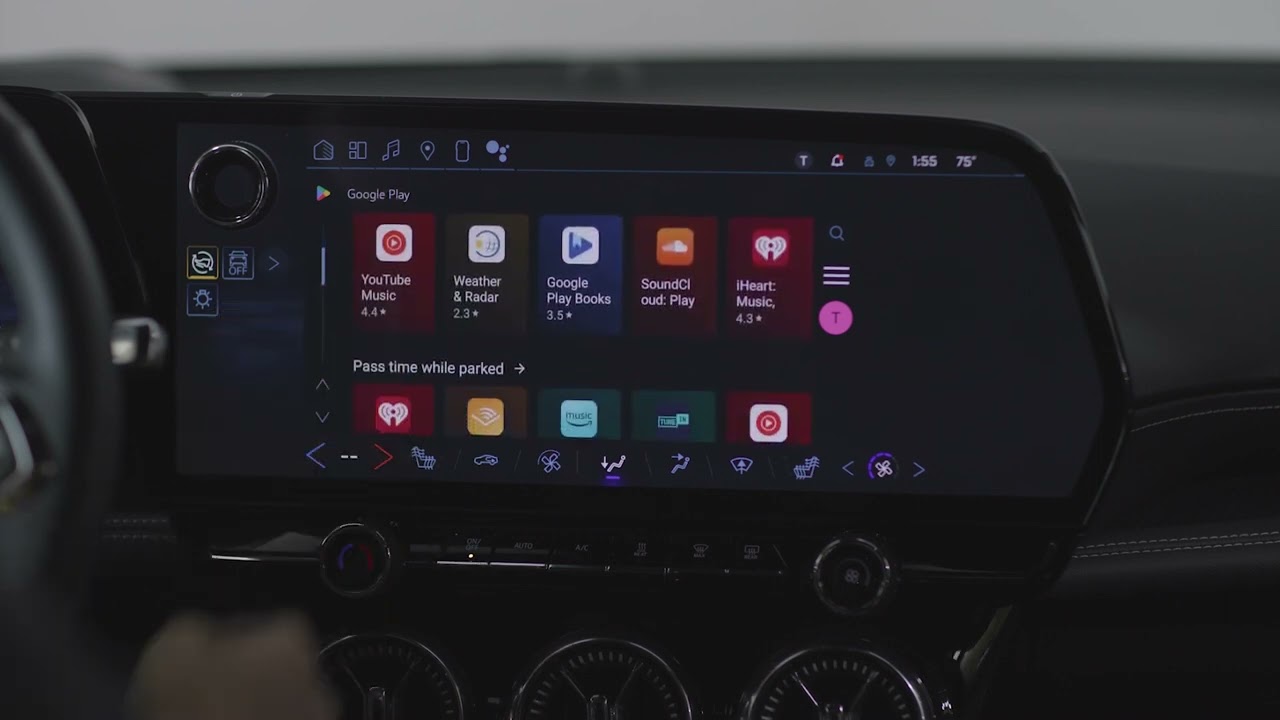
You'll set up Google Assistant and learn some voice commands you can try. Turn on personal results to access your calendar, contacts, reminders and more, all on your center display. You can customize your experience by downloading some of your favorite apps.
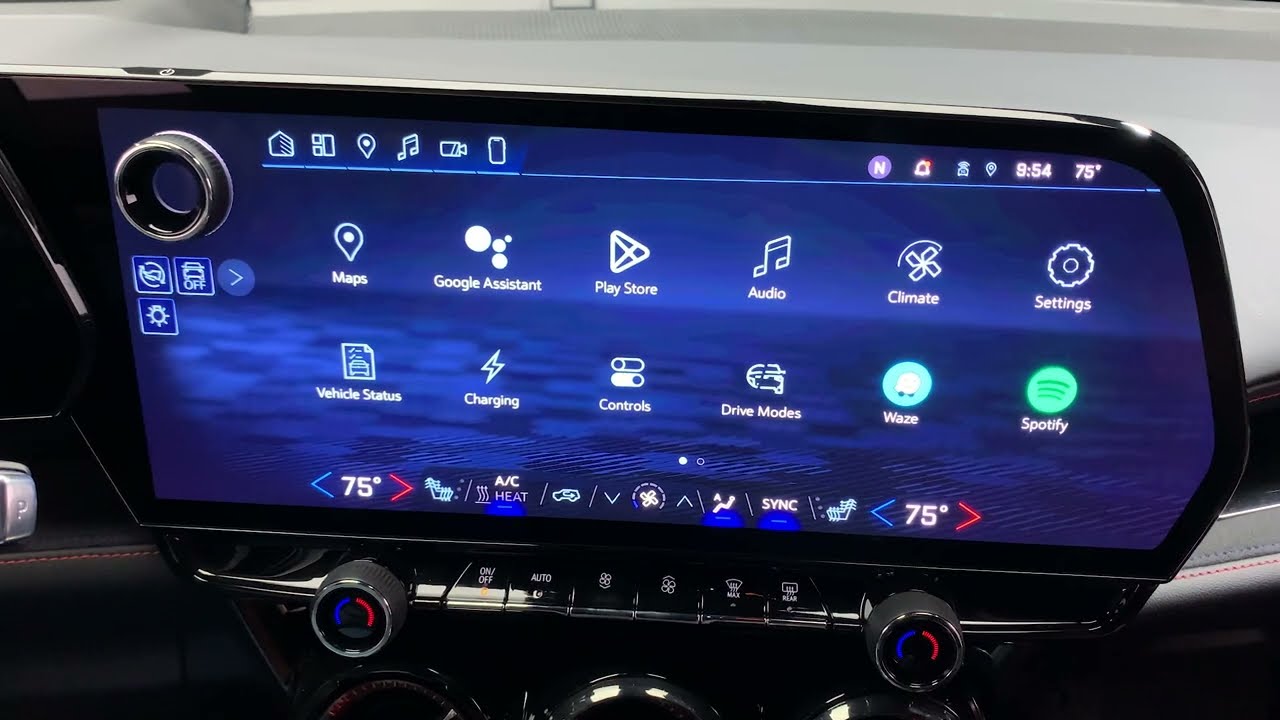
You'll see a few recommendations on the screen and can download more later on Google Play. Next, make sure Google capabilities are enabled by going to the Settings menu. Scroll down to find Google settings and check that each Google Assistant setting is toggled on.