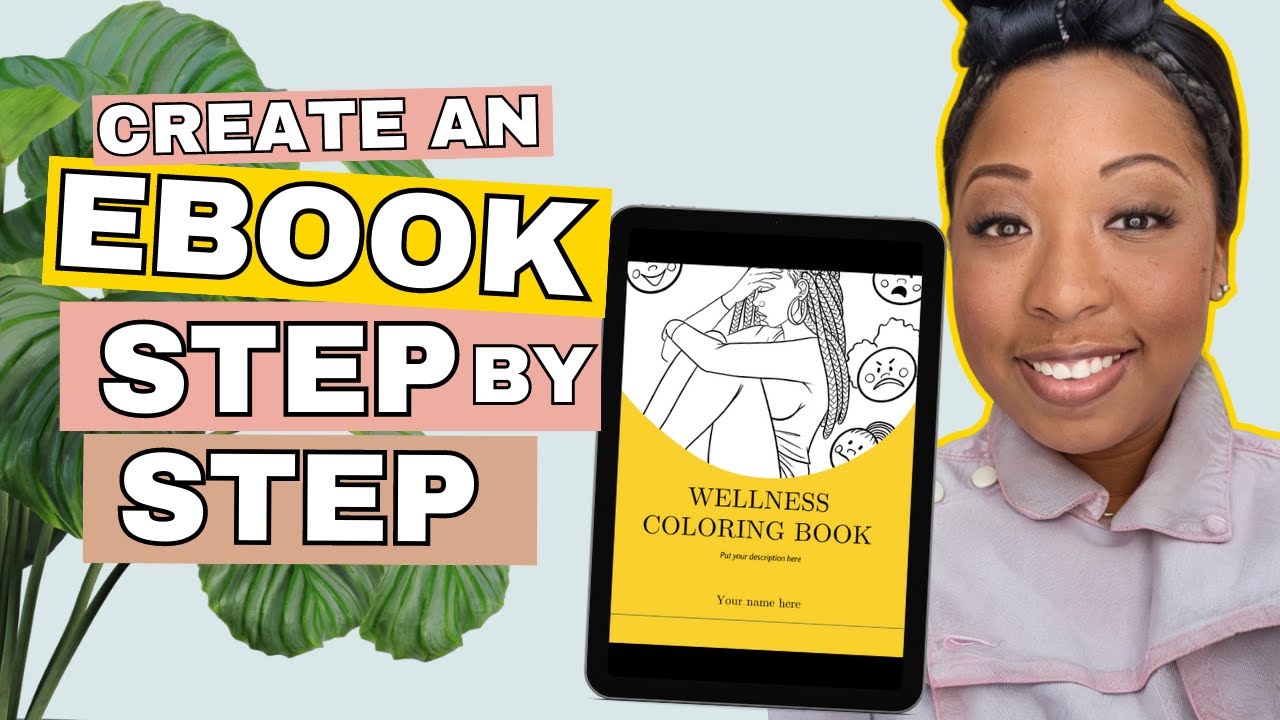
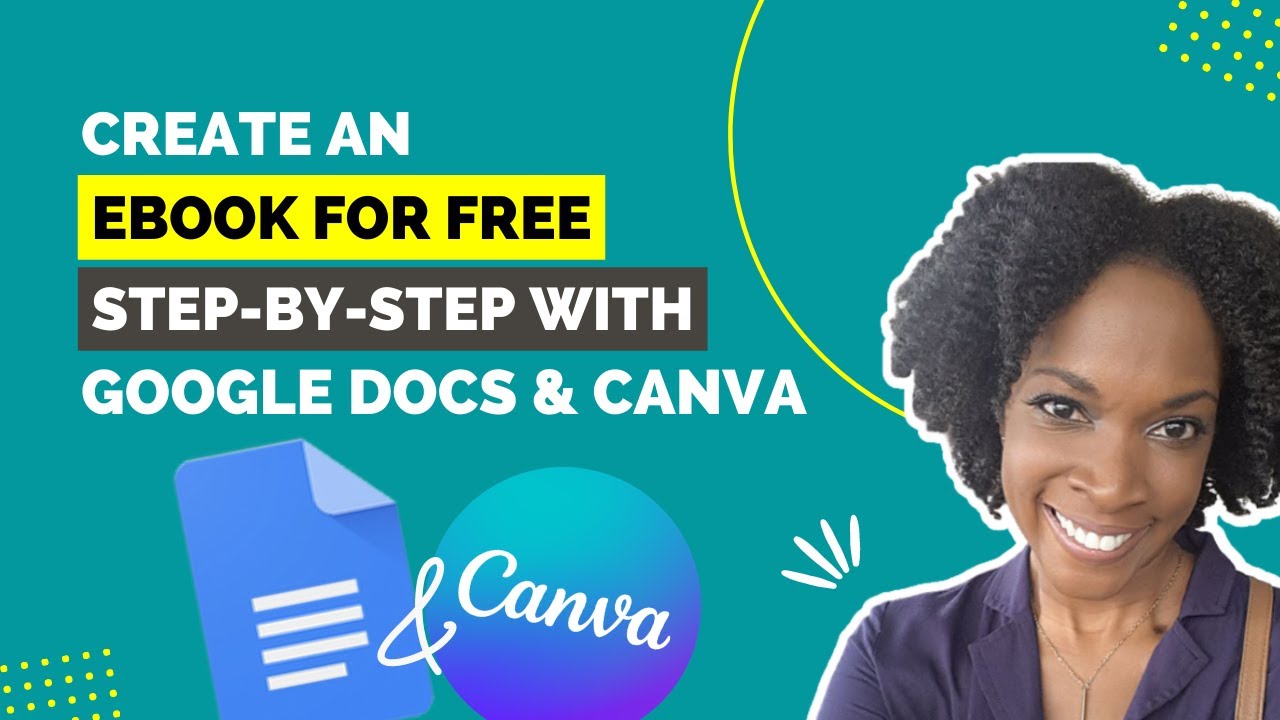
one of the easiest digital products that you can create an offer for your audience right now is an e-book you can literally do this in one day so in today's video I'm going to show you step-by-step exactly how to create an e-book and then in tomorrow's video I'm going to show you how you can offer this for sale so of course for this we are going to use my favorite graphic design software for beginners and that is canva this is going to make it super simple for you to create a stunning professional-looking eBook alright let's
dive in alright so to create your eBook all you have to do is go to canva.com setup your free account and once you log in this is what you will see you'll see a search bar at the top here so simply come up here and type in us letter great so you'll see us letter document click on that and then you can just for now click blank so this is going to open up the canva editor now over here on the left side that you will see all these different templates that you can choose from
for your design so one thing I would recommend you do is look for a template design with more than one page so if I hover over it and it just says free then that means there's only one page however if I hover over it and it says one of two and it moves like this that means that there are multiple pages already branded under this template so for example this one here it says one of five so let's go ahead and click on that and then I can simply click on page 1 and that's going
to move that design over here so everything about this software is very easy you can click on things and then you can drag and drop them around on the page so what I would do is simply double click on this text here add in my title of my ebook and write my subtitle and start to customize it for my brand so for example this background color I can click on that you can see a color swatch appear here I can click there and change it to one of my brand colors and to same with this
image I can click on that go over to photos find a photo that I want instead so let's say this is going to be about something techy so I need a computer photo I'm going to grab one of these and drag it over here into this section so as you can see my ebook is starting to come together for a full camper tutorial check out the video that I'm linking to right now I'll also put a link in the description below so you can check that it's a more in-depth canvas specific tutorial ok so we
have our first page here now I'm going to click add a new page I'm going to go back into templates go back into my template and add in the second page now so all I have to do is simply have a blank page here and then click over here on the templated design and that's going to bring it over for me and I can do it again so I'm going to add new page add page three add new page and page four and again for our final okay so this is the outline basically of our
ebook and then I can go ahead and customize it for my brand and everything about this can be customized so for example if I didn't want this background color on this page I could simply delete that and go with this if I wanted to change the color of these letters I can absolutely do that all right so I could switch it up like that if you ever want to delete an element you can simply click on it and then hit the Delete key on your keyboard or you can hit any little trash can right up
here even faster if I drag my mouse on top of multiple elements at a time I can delete many all in one go okay so now let's do this section so I'm gonna click on the background color change it to one of mine and if you're wondering how I have my brand color saved here this is because I am on the pro plan so I do highly recommend that plan it's only around ten dollars per month and gives you a few really great time-saving features okay so I'm going to change that color there then I'm
going to simply keep this photo layout but replace it with photos that I want so I can either go over to photos like we just did and search for photos that way or I can go over to uploads and I can upload my own photos as you can see I've done here so I uploaded that simply by clicking upload an image or video and uploading my photo file okay so now I'm going to click on these photos here then click on my photo and drag it on top of that specific block to upload there okay
and as I said everything about it is customizable so always check this top bar here for the editing options that have appeared so for example I can click on filter I was thinking maybe this was a grayscale filter it's not but if I go over to adjust you'll see that they've reduced the saturation so I could bring this back up to normal okay great so we would go ahead and do that with those three different photos and if you ever want this to only show you the photos that are free you can simply come up
here click on this click on this little icon and then click free and apply filters okay so now we know that all of these are free I'm going to drag that photo there and if I wanted I could simply remove the edit that they made okay awesome so now we can go back here again same thing you can either replace this with your own photo or you could simply delete that hit delete again and start customizing this page so that is how you edit all the different elements it definitely gets really fun once you are
comfortable with the software so now all you need to do is load it so first where it says title I'm going to change that to the title of my ebook then I'm going to click on this arrow here click on that and I'm going to download it as a PDF print which is what they are suggesting for us and this is going to be a super high quality file perfect for your eBook so we have PDF print we're going to do all pages and we're going to click download okay so now let's open up that
ebook file so I'm going to go to downloads open up my PDF and as you can see this looks awesome and super professional so that is how you quickly and easily create an e-book so hopefully this allows you to add an e-book to your product suite and I'll see you real soon with that other video alright guys so that is how you create an e-book in canva don't forget to hit subscribe because tomorrow I'm going to be doing a video on how you can offer digital products like this for sale thank you so much for
watching I hope this was helpful for you if it was please let me know by giving this a thumbs up and share it out with anyone you think will benefit from this information and I'll see you tomorrow with another video [Music] you
![FULL CANVA TUTORIAL 2025 [NEW] | How To Use Canva For BEGINNERS!](https://img.youtube.com/vi/bFT2mSQ6HZc/maxresdefault.jpg)