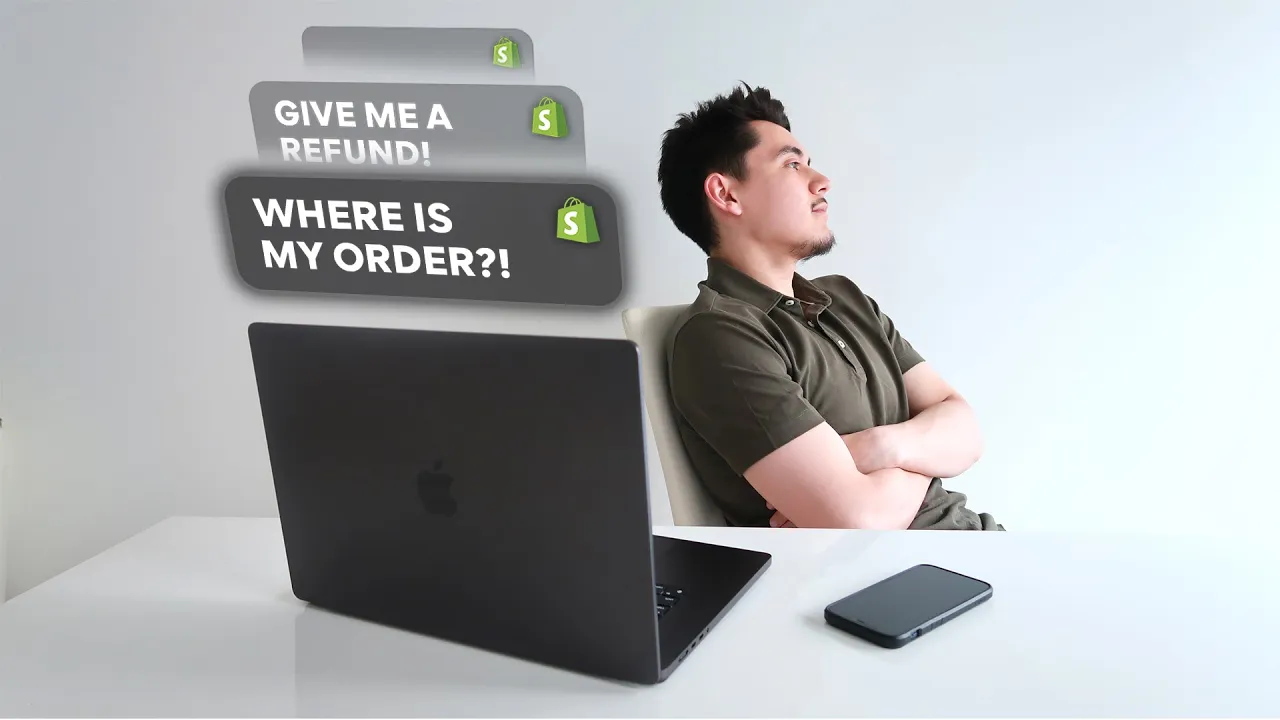
when you run a Drop Shipping Store it's going to be inevitable that you receive emails from customers asking about the long delivery times how they can return or exchange their orders and even basic questions about how your products work or how they can set it [Music] up and in this video I'm going to show you everything that I do to deal with all of these situations and some of the ways that I use AI to make this process a whole lot easier so to start this video off I think it's very important that we first
discuss all of the policies that I have set in place on my my stores when it comes to handling returns and exchanges for our customers orders because as I know this is a very common question and something that not a lot of people really talk about when it comes to drop shipping because when it comes to shipping items from China directly to the customer there's not really an efficient way to be able to process a return or an exchange for the customer without taking some sort of hit on your profit margins that being said I
wanted to lay out a few different options that you could present to your customers in the event that they request a return or exchange of their order so the first thing that you can do is simply tell the customer to return the item to your address but at their own expense and this is a common practice that is done by several big Brands and companies pretty much if they want to get a refund on their order they just simply have to return the item but they're going to have to cover whatever shipping charges that they
come across as they try to ship that package with their post office and if you decide to go this route you're probably wondering what kind of address can you be giving to your customers especially if you don't want to give away your home address details cuz let's face it there's a lot of crazy people in this world and me personally I probably wouldn't want to give my home address away to my customers either so one one thing that you can do is go over to your local post office and set up a PO box and
then you can just give that address to your customers so that they can return the packages over there or another thing that you can do is set up a virtual address you could go down in the description below for the provider that I personally use and pretty much this works similarly as a PO Box it'll basically just be a way for you to receive return items from your customers but the only issue of the virtual address is that once the package is delivered over there you're also going to have to pay a shipping fee to
forward that package from that virtual address over to your home address and essentially the whole goal of this option and the way that this is going to save you the most money is that as long as you're able to receive that product in hand and you can verify that the product is still working it's brand new and it's still in its original packaging then you can just use that same item to fulfill a future order on your Shopify store now of course not everybody has the time and resources to constantly receive all of these return
items and continuously inspect and repackage them and ship it out for all future orders this is only a good option for people who are doing high volume and actually have some help or a team in place to help them ship out all the those orders but if you're just by yourself and you don't want to deal with any of that then you can also present this second option to your customers and that if they ask for a refund or an exchange of their item rather than telling them to return it to your address you could
just tell them to keep that item and instead you can offer a 50% refund of their order or you can also process a store credit in the same amount of their original order that they can use to purchase another product from your store and in case you don't know how to process store credit for your customers it's super easy all you have to do is go on your Shopify admin go on the left hand side and click on products and then you're going to to see an option for gift cards once you're on this page
go to the top right hand corner and click create gift card and all you want to do is type in the exact value of the customer's original order and then you simply take this gift card code and you send it to the customer and then they'll be able to go on your website pick whatever product that they want and the only expense on your side would be to just repurchase that product from your supplier and then ship it to that same customer now this option is pretty good cuz number one it's less hassle for your
customer they're not going to have to go out of their way to have to ship that item back and if the original issues that they had with their order is not tooo bad and they're still satisfied with the product in some sort of way if you offer them a 50% refund they may end up being happy with that because at least they know they can still use your product in some sort of way and they get half of their money back and that's going to be a whole lot better for you than processing a 100%
refund to the customer because in the end you're just going to lose a lot because you've already purchased that product from your supplier to drop ship it to the customer and now you're losing 100% of the order if you're still able to maintain 50% of that order amount you should still hopefully come out break even just depending on whatever your profit margin is with your product selling price and how much it actually costs you to purchase it from your supplier and of course the last resort option that you could present to your customers just depending
on the situation you can just simply let them keep that item and then process a full refund or a replacement of that same item this is something that you should definitely present to your customers if they are clearly unhappy with the item that you sent them or if you've made any sort of mistake on your end by presenting this option it is going to hurt your profit margin a little bit but I think it's definitely something worth doing especially if keeping the reputation of your brand is something that you actually care about and also it's
just the right thing to do for the customer just depending on the situation and this is also something that you shouldn't have to come across too often as long as you know that what you are sending to customers is as advertised and it's actually a quality product and I always recommend that when you are Drop Shipping products you want to make sure to order that product to your own home to make sure that it is an actual quality product and it actually does as advertise that way you're not going to have to run into too
many of these issues and one last tip that you can do to save you a little bit more on your profit margins when it comes to processing returns or changes is that you can negotiate some sort of deal with your Drop Shipping supplier and also ask them if they're able to partially refund you in case a customer is not happy about the product or they want to initiate an exchange because let's say if a customer does want an exchange you've already paid your supplier to send that product in the first place and you've made your
supplier a little bit of money if you end up buying another product from your supplier to ship it to your same customer you're also going to be making your supplier double the money so if you're working with a good Drop Shipping supplier that actually values a good relationship then it's definitely worth asking them to partially refund or give you some sort of discount if you need to send an exchanged item to your customer so now that you have a complete understanding of some of the policies that you could present to your customers when you're running
your Drop Shipping Store now I'm going to give you some tips on how you can actually reply to your customers once they actually start reaching out to your store so first things first is that I highly recommend that you get a domain email for your store and that just basically means having an email that says like support store.com unfortunately you can actually get one completely for free from Zoho Mail so if you just go down to the description below you'll be taken over to the pricing page and if you scroll all the way down below
you're going to see that they have a forever free plan and you can simply sign up connect your domain and there you go you're going to have a free domain email that you can use to receive all of your email support requests and then once customers actually start reaching out to you there's going to be a lot of different questions that people are going to ask but what I did for you guys is that I simply just created this prompt on chat GPT to basically just create a template to answer some of the most common
questions that people are going to ask you with a Drop Shipping Store and pretty much with this prompt it gives you an exact template of how you can answer a question such as this so you're definitely going to have questions of people asking if they deliver to a specific country and you can simply just use this response as your template and you obviously just want to make a few edits here and there just to make it sound a little bit better but again just to make it easy for you guys this is how you can
utilize Ai and chat GPT just to make customer service super easy for your job shipping stores and as I scroll down further you also have answers for these questions as well such as like how long does it take for the order to arrive people are probably going to have questions about your returns policy and you basically have an entire template here with chat GPT that tells you exactly how to reply to that so again this is just helping you guys understand how you can be utilizing this to make everything easier and if you want to
get access to this entire template or have this available to you guys completely for free just go down to my description below and that being said while it is very nice that we can utilize chat gbt to easily create responses for each and every customer it's still going to take a little bit of time on your end to constantly do and whether you decide to Outsource this to a virtual assistant you're still going to be paying them on an hourly basis to constantly answer the same repetitive questions that most people have and one thing that
I've implemented on all of my stores which has made the customer support process a whole lot easier is utilizing chatbase which is basically an AI chatbot which will automatically answer any questions that your customers have when it comes to delivery times or even questions about how your products work because the coolest thing about an AI chatbot is that you can actually train this bot and teach them everything that they need to know about how your product works all the common questions of how to set up your product and things of that nature and once it
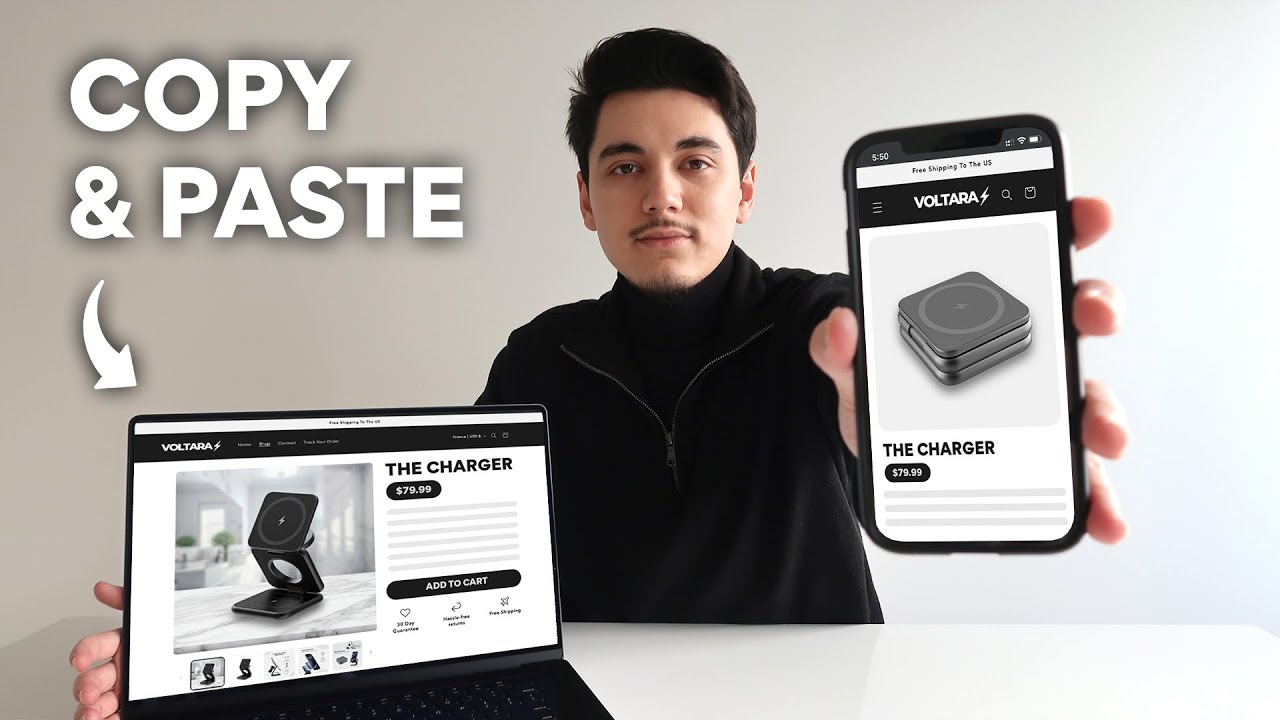
has all of that knowledge and data it's going to easily be able to provide all those answers to your customers which is going to eliminate the hassle of the customer actually reaching out to you by email just to be able to get the answers that they're looking for and just to give you an idea of how this works this is just a demo store that I've created for this 3 in-one charger and you're going to see on the bottom right hand corner there's this little widget that any customer can click on and will allow them
to ask any question that they want so let's say if a customer decides to ask how long it takes to deliver their order if I press send here you're going to see that this chatbot is able to give all of the details to the customers pretty instantly and let them know the exact time frames that they have for every country that we've trained the chatbot to know and let's say if the customer has a specific question about your product so if I say something like how do I use this charger and click Send you're going
to see that it's literally autop populating the entire response and this is because we've trained the chatbot to know all these details beforehand and instead of you having to manually type in your email every single time to answer this question to every customer this bot will literally tell your customers step by step how exactly that they can use this charger which again is hopefully going to eliminate the hassles of the customer reaching out to you by email and having to go back and forth that way that being said if you're interested in setting up an
AI chat bot for your store just like this I'm going to walk you guys step by step on how you can do it for yourself and best of all it only takes like 5 minutes so first things first just scroll down to the description below and sign up for chatbase fortunately they do have a free plan that's going to allow all of you guys to try this out completely for free once you have set up your brand new account you're going to be asked to create a new team and you can name this whatever you
want you can basically just create separate teams for different stores or you could just have one entire team that has a bunch of different chat Bots for all of your stores it's really just your personal preference so I've created a team called Tay and you can think of your team as a folder that holds all the chat Bots that you decide to create under that team and from here all you want to do is click on new chatbot and basically the way this works is that you're going to give all the resources possible so that
you can train the bot on the details that you want it to know so for example if you have your own specific time frames for when a product is delivered to your customer then you would simply just want to type that up put it into a Word document and upload it right here or you can also click on text on the left hand side and you can simply just type all the details that you want right here but to make it even easier you can click on website and you can basically just paste any link
from your store and the AI will basically read and analyze any link that you give them in order to learn more about your products or your policies so if I wanted this bot to learn more about our refund policy I can literally just go on the refund policy page of my store here grab the link up top paste it into chat base and then click on fetch links and once again basically it just read my entire refund policy and now it's going to be able to use all of those details in the event that the
customer asks anything related to our refund policy and by the way if you want to get the exact template to set up a refund policy just like this I do have a chat GPD prompt that basically generated the entire thing and you can also get this completely for free by going in the description below and what you can also do is grab the link of your shipping policy page that contains all the details of your delivery time frames and things like that you can simply grab that link paste it into chat base as well and
another thing that I would recommend doing is going over to your product page which contains all the details about your products grab that link as well and then paste it into chat base like this and now the chatbot has further info about our products about our refund policy and our shipping policies as well and one more thing that I'd recommend that you do just to make your AI chat bot a little bit more smart and have more resources to pull from in order to respond to your customers is that you should have some sort of
document that contains more specific information of your store of your products and all of your policies and you can see that I have an entire template here that answers some of the most common questions when it comes to drop shipping stores but I also have a section here that I actually took some time to write about the products that I'm selling which is something that I'd recommend that you do for yourself because of course the product that you're selling is going to be different from mine so you definitely want to be writing out these details
yourself but the good thing is that I'm going to give give you this template completely for free so all you have to do is download that file or if you're on Google Docs all you have to do is export it just like this once you have that file all you have to do is go on the left hand side and click on files and then just drag over that document over here and again chatbase is basically going to read that entire document so that it can learn more about everything that was written in that document
and then from here we're pretty much good to go and now we can click on create chatbot so after a few seconds you're going to be brought over to this screen and you're going to get a notification saying that your chat bot is trained and the next thing that we need to do is head over to the settings and I'm I'm just going to walk over a couple of things that you can do on this page here which is completely optional so if we go on AI on the left hand side you're going to notice
that there's going to be another box that gives further instructions for your chatbot and you can think of this area as like the brain or the motherboard behind your chatbot so even though a few minutes ago we provided instructions teaching them everything they need to know about our store and our products this is more of the backend instructions just so the AI chatbot knows how to speak to your customers what kind of tone of language they should be using and to also never break their character so if you have anything that you want to add
here it's completely optional for the most part chatbase already has this pre-filled out for you guys and I'd recommend keeping it the way it is and for this I would just recommend keeping it at GPT 40 as this is the latest version of chat GPT which is really really accurate and of course if by the time you're watching this video if there's a newer version of chat gbt then I would recommend choosing that instead and on the left hand side you can also make some edits on how you actually want to make your chat bot
look like so if you want to change the color of your text bubbles you're free to do so you can also change the greeting message here and you basically get the point everything here is pretty simp self-explanatory but now I'm just going to quickly show you guys how you can actually implement this into your Shopify store so for that you want to go up here and click on connect and then you're going to want to make your chatbot public and what we're going to do is we're going to copy this script down below here and
you want to head back over to your Shopify admin go on online store and go to your theme settings then on your publish theme you're going to click these little dots here and we're going to edit the code and on the left hand side you want to find where it says theme. liquid and you want to find this closing head tag that looks just like this and what you want to do is Select anything above that we're going to enter a few times s just to space it out a little bit and then this is
where we're going to be pasting the code that we just copied earlier so you just want to make sure that it looks something like this right above this closing head tag and then we're going to click save once you do that you just want to head back over to your store and just refresh the page and you should be able to see the chatbase widget on the bottom right hand corner of the page and once you click on it you can ask whatever question that you want just to make sure that it works so for
example I'm going to ask something specific about my product once again so I'm basically asking does it work for Android smartphones I'm going to click Send and you can see here based on the resources that I upload loed into the back end of the chatbot it was able to give the answer pretty much instantaneously and this is just something really really good to have just to increase the conversion rates of your store as well because if any of your customers have a specific question that could be a potential barrier for them from wanting to purchase
from your store if they're able to get that answer instantly with your AI chatbot this is obviously going to help them with their buying decision and again ideally should hopefully increase your conversion rates and as a final test let's say if a customer wants to return their order you can see that the bot was able to lay out all the steps that it takes in order to initiate a return for our store which again is just going to help your customers become more aware of how your policy Works which is going to avoid the hassles
of going back and forth once they actually reach out to you through email so that's pretty much how you can set up an AI chatbot for your store again it's something I highly recommend that you do just because it's something super easy to set up plus I already have a template that I'm giving to you guys completely for free that you can easily upload into the chat bot which will help to answer some of the most common questions that customers will have especially when they're shopping with a Drop Shipping Store that's going to wrap up
this entire video again this video was just in intended to show you guys how you can actually deal with your customers when it comes to returns and exchanges in some of the different ways that you can be using AI to help with the customer service process of your store which is something that is extremely important and again something that not a lot of people talk about when it comes to actually running an actual Drop Shipping or e-commerce business and as a quick side note if you're interested on learning how to design your store similar to
the demo store that I showed in this video feel free to watch my video here which walks you guys step by step on how I actually design one product stores using AI as well and aside from that if you did find this video help F be sure to drop a like on this video And subscribe to this channel as I would truly appreciate that and don't forget to join my free Discord group as well to be connected with like-minded entrepreneurs who are also doing Drop Shipping in e-commerce and I also have a bunch of free
resources that will help you further with Drop Shipping so feel free to join if you want some further help with that and with all that being said I thank you so much for watching and I'll catch you guys on the next one [Music]

![I Built a $1M AI App [No Code]](https://img.youtube.com/vi/IZsQqarWXtY/maxresdefault.jpg)