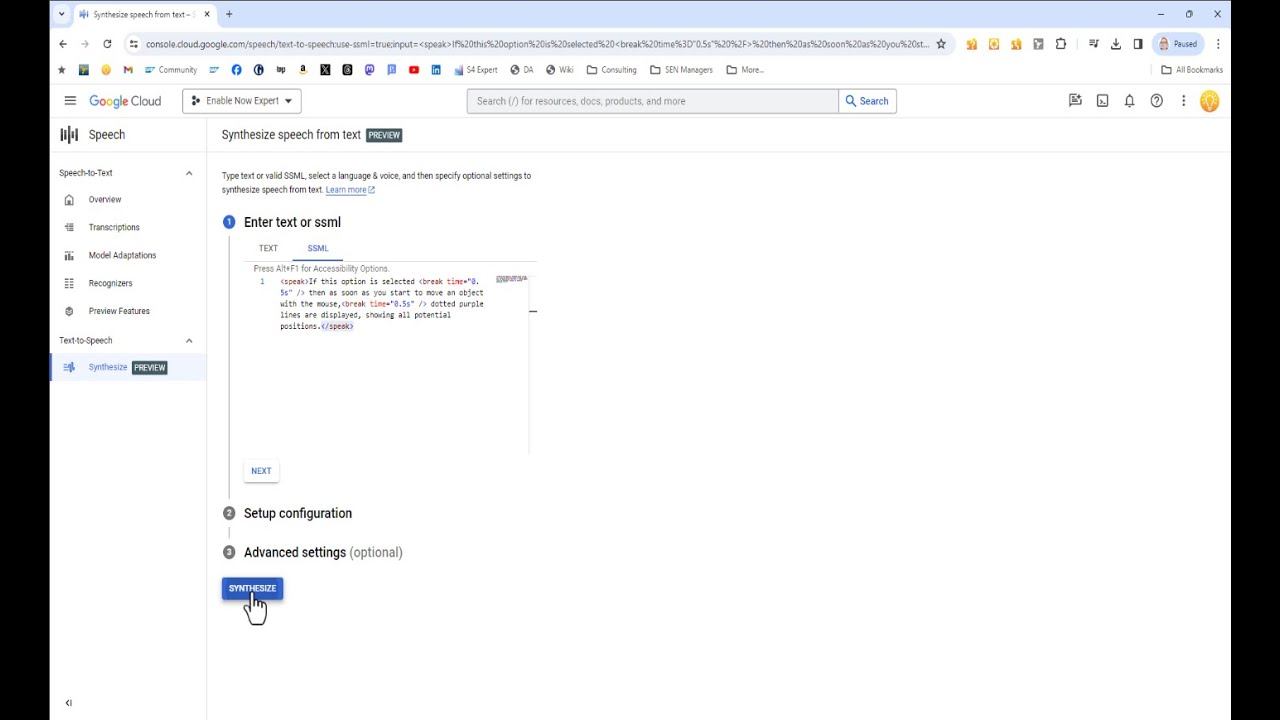
[Music] hello and what's up guys today i will be showing you how you can use the google cloud text to speech to create free text to speech voice over so you can use this website to create over 40 languages and 220 different voices of voiceover for free so i will be including the link of this website on the description and comments below next you will need to install some sort of audio capture extension on your browser i am using this brand of audio capture extension can feel free to install whatever audio extension that you want
so when you're at this website you'll need to scroll down next you can select your type of language voice type voice name speed and pitch so all these are pretty much self-explanatory so once you have inserted your text that you want to convert to speech head over to your extension start recording with your extension or add the voiceover click on speak it do your verification google cloud text to speech enables developers to synthesize natural sounding speech with 100 you can pause your voice over and play around with the languages voice type or any type of
parameters that you want google cloud text to speech enables developers to send and once you're done head back to your audio extension click on the finish button and you can save the audio for your usage feel free to hit the like button if the video has been helpful for you thank you for watching