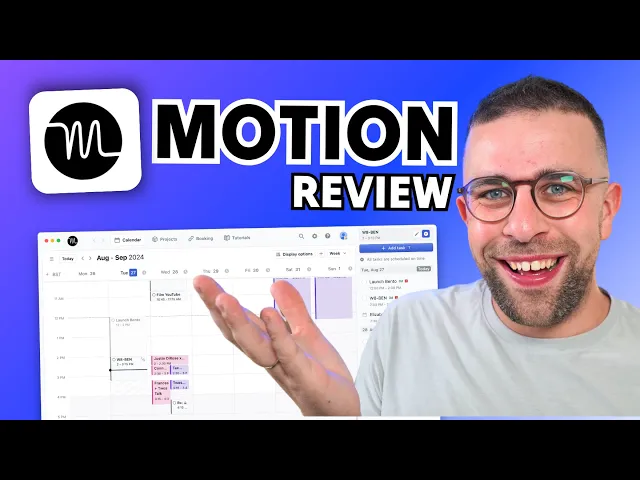
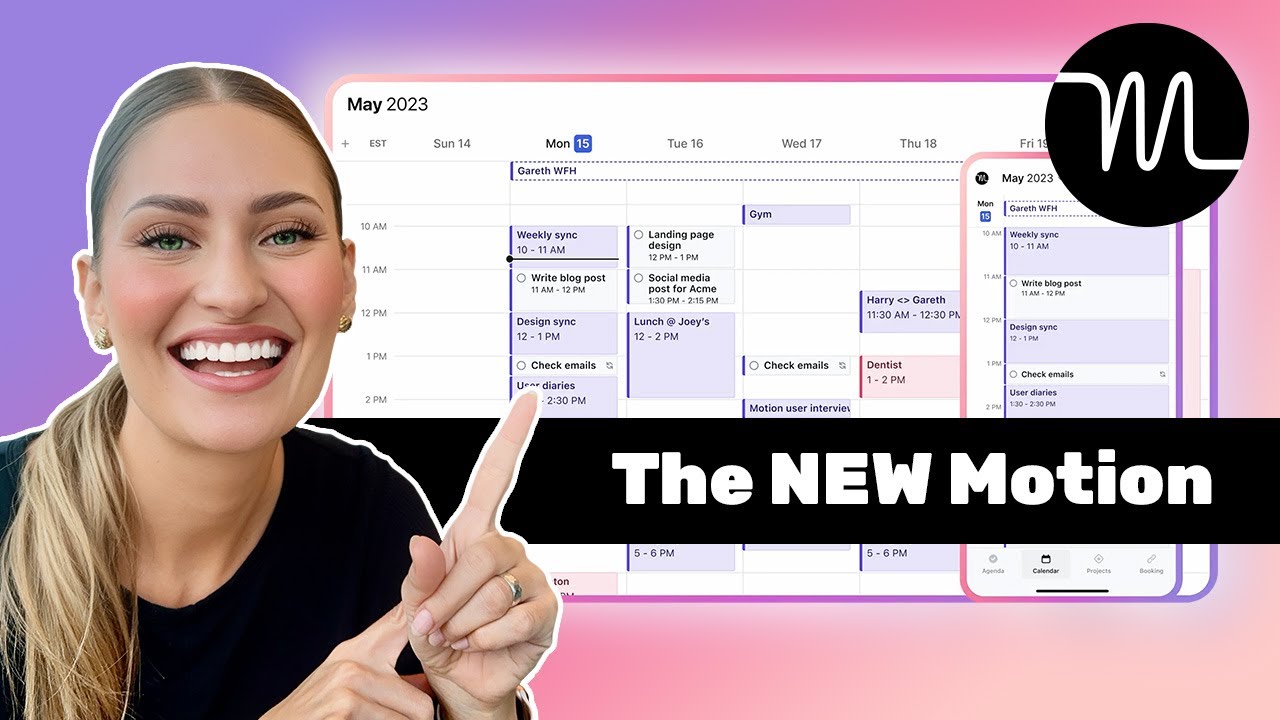
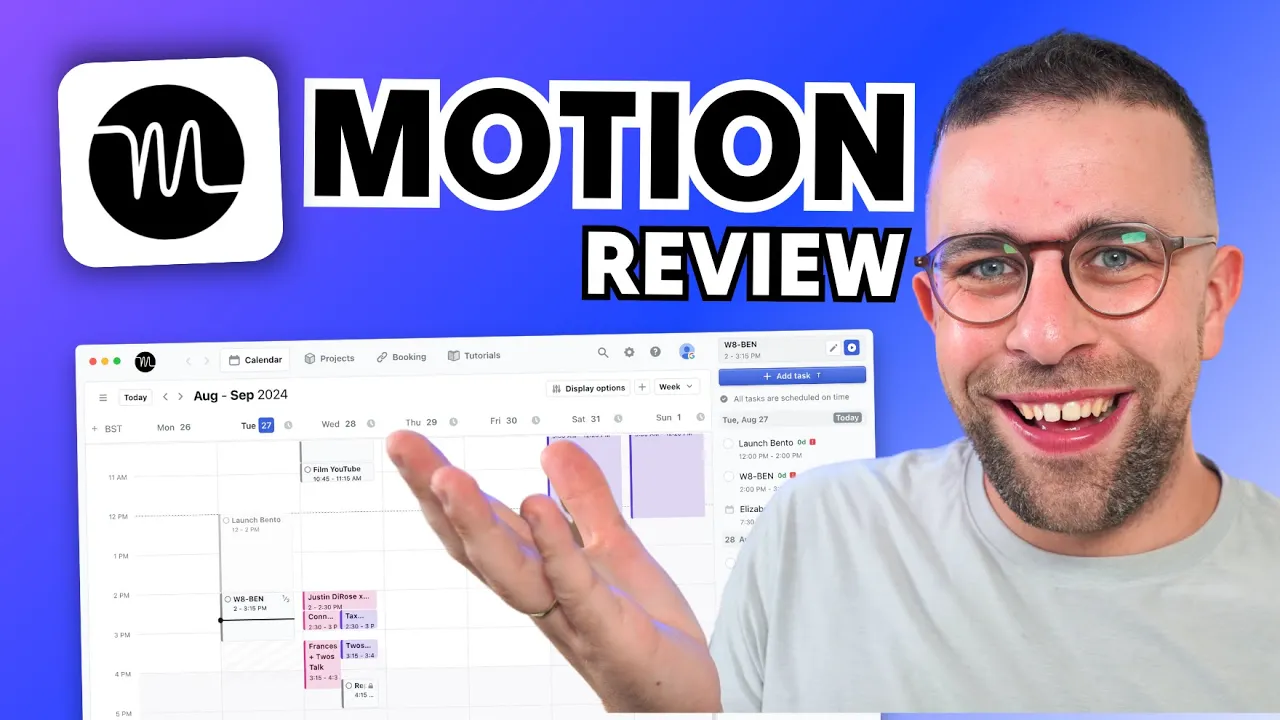
this is motion it is an AI powered scheduling application which wants to help you to manage your tasks and projects in one location as well as your calendar too today we're going to give you a full review of motion and whether it's right for you because it's not cheap and we're going to help you work out whether it's right bang for your buck in this situation this video will break down everything you need to know about motion and give you some insights into every aspect of it to see whether it's worth it for you in
2024 welcome my name is franches go and if you're interested in exploring motion or you want to deal on it you can find it linked below if you're interested we'll also link tool find out which is a place that you can join to get reviews insights and loads of bonuses all in there there'll be deals so much more that you can find valuable so find it in the link in description so I think the best place to start with an app like motion is the pricing motion for individuals can cost quite a lot so we
can understand that you want to watch this review before you dive in to start out pricing for individuals is $19 per month that's build annually and gives you access to pretty much all the features whereas there is a team pricing which is priced at $12 per user per month and naturally gives you the ability to plan with other people now let's start out with the basic concept of motion what makes it slightly different from others is that you can organize your tasks using AI now how this works is very simply you add task to your
list and what it will do is it will reorganize based on the attributes that you add to it so every single task you add has an attribute as you can add it to a workspace a project and even an assign status priority duration start date deadline and scheduling which is a lot of information so let me break that down for you very simply if you add some of these attributes what it's going to do is is going to feed that into an algorithm and work out where to move this to based on all of the
other tasks in your system now this is great because it is based on a system which is very helpful and each of your tasks can be broken down even into chunks to make this easier as well as hard deadlines to make that even more uh prominent so adding more attributes to each of your task helps you to get more done it'll also account for working hours which you can adapt in settings to be much more tailored to your experience so the more you give this system the likely better the AI is going to be for
organizing your tasks ahead now obviously you can connect up with Outlook Google Calendar and iCloud Calendar to help bring in your events so that it knows what to move the task around from which is really really helpful now for a lot of people this is a lot of weight taken off their back productivity Administration probably is going to save you a bunch of time across a day helping you to reorganize your priorities and get more done that task scheduling concept is something that motion want to help you do more effectively now the benefits to you
using motion is there's a layer of project management and each of your tasks has projects where you can break them down into all of your projects can ban and list as well as a Gant view these views can be broken down into groups and also filters and sorting as well to see more insights into each project you're working on now this is in particularly helpful for those who want to break their tasks into another view the calendar view and motion feels a bit limited but the project view gives it so much more power so this
is great for organizing those tasks into much more structured Manner and it really lends itself if you want to upgrade it to the team experience which allow you to collaborate with others some of the benefits of the team experience is that although you get this project management views you can also see other team members views and also connect with Autos scheduling which is something that a lot of people will find beneficial now design is really important with this application it's really minimal and easy to use I didn't find that finding things was a difficulty there's
even a feature called booking availability and this is something that a lot of people miss out on this allows you to create onetime links or create a link ongoing so that you can organize an external booking with another person and they can book directly into your motion calendar which is going to save a bunch of time using calendar links or other applications to do that so that's something to consider when looking at the pricing of this application it's trying to house a lot of different things in one experience now in terms of other smaller features
that you'll find across this application there is some ways to manage deadlines for example you can resolve items that have a soft deadline by adding or doing them ASAP ignoring them or extending the deadline for future which help you to replan them into your system with little effort there's also a range of tutorials that you can find to break things down as well as a range of different views for week and day View and calendar which is going to help you to organize things now what's great is you can just drag onto your items and
create events which means it syncs with your Google calendar but you can also create video conferencing as part of that too and invite guests as well each of your tasks can be broken into projects which is really helpful for making sure that you're breaking things down into the right area and more recently they're adding flows as part of the Project's ability to better plan your work and focus on it but also create repeatable automated Concepts in there now what I like as well is you've got the ability to start a timer which is great because
you're going to focus on that task at hand and that's perfect for organizing your tasks and doing it in an effective Manner and if you don't want any of these AI Autos scheduling for a certain task because it's unmovable then you can turn it off per task which is going to be really helpful for organizing that in the future now if you're looking at motion it's because you want to take the productivity Administration out of of your day it allows you to manage your tasks using Ai and manage your calendar in one location so that
reduces context switching which is going to be a huge timesaver for many people the project management layer is great if you're looking to have that extensive ability and if you're a small team and considering using it or a bunch of you use it then you can actually save money because the team pricing is a lot less but I believe you actually need a certain amount of people per pricing to do that but of course that's something to consider if you and your team already using it individually and want to go that step further now the
application is really easy to use I had no issues when testing it and largely I would say it's a good experience for those who want to better manage their productivity and productivity Administration [Music]