hello everyone welcome to a new series for developers who are interested in developing with experience cloud and lighting with runtime sites in our 10th and last episode we will look at lw site deployments and the experience bundle metadata api if you worked with experience cloud and metadata before you may be used to the existing metadata types which are network custom site and site.com with our summer 19 release we introduced a new metadata type the experience bundle but why the reason is simple cited competitor is represented as a binary file and you can't read or mutate
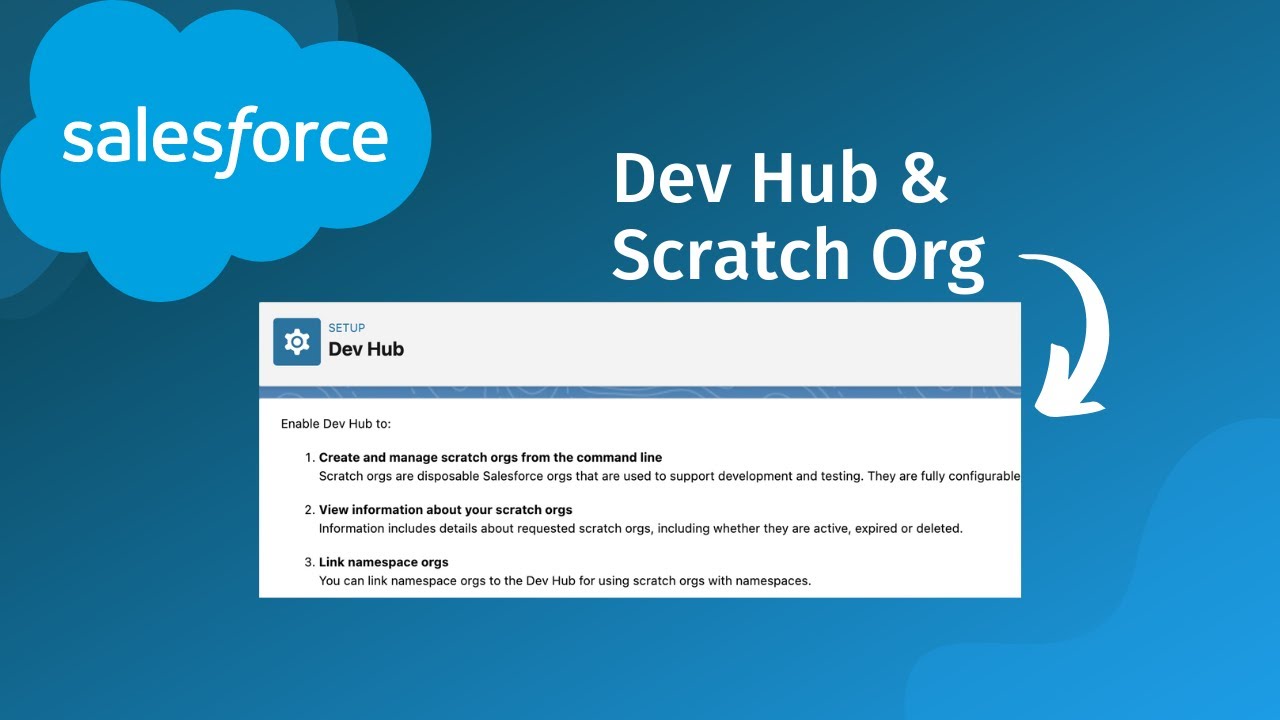
it the new experience bundle is json based and with that you can read and edit it it's not always perfect but we will talk about that later lw sites use the experience bundle by default while for any other site it is optional let's check how to enable it in your environments there are two options on how you can switch to use the experience bundle first within an arc you go to digital experiences settings and select enable experience bundle metadata api or when we switch to visual studio code you can enable it for scratch orgs using
the experience bundle settings again this is enabled per default for lwr sites i recommend though to try it for your non-lwr sites it has some quirks and also lots of flexibility once you retrieve the metadata from your environment you will find this three level structure in your local dx project at the root of the base metadata file for each site for example our marketing site or the agent portal note that you will also see the base pass of an experienced site here which allows you to determine if it's an unauthenticated or an authenticated site check
out the previous video about authenticated and unauthenticated sites which goes more in detail about those concepts now an experience bundle consists out of 5 folders which then contains the json configuration files the main file is the so-called main app page and is located in the config folder and here are a couple of really important key value pairs to know so that you understand how the experience bundle works the template name specifies which template this size uses where taylon template bio is the internal name for the lw template and the id key is the key of
the site the id for the main app page will show up in many places as it's a central anchor point for all other experience bundle metadata adjacent to the main app page is the configuration for our site lwr demo marketing this is the location where you specify for example the authentication type of your site like unauthenticated for the marketing site note the main app page id key here it is linking back to our main app page besides the main configuration you will also find the different pages represented in your experience bundle and their related configuration
is separated into routes and views within the routes folder you will find for each configured page the related route for example for our quote page we configured the get a code route which looks like this in the browser constructed out of our site's path prefix and this route and based on this route configuration the site will render the view which is referenced via the active view id now when we look at the view configuration you will quickly identify a couple of elements first at the top the back reference to the main app page and when
we scroll down you will see that every component that is present on the page like for example our lightning record form lightning web component and the configure public properties for this component the reason that i highlight the component properties here is that the json format gives you the flexibility to modify the properties automatically for example as part of your ci cd process if you want to deploy the same page with different component settings two different environments or even different size settings now the experience bundle is not perfect yet especially when there are release updates let's
say your experience model is on api version 51 so spring 21 and you wanted to use your metadata in a later api version let's say 52. these are the steps i recommend first deploy your experience model to an environment using the api version that your project currently has which is 51 and you can set this in the sfdx project json file of your dx project then you change the api version to 52 and retrieve the metadata and during the retrieval process new or changed keys are automatically added to your experience bundle in the last step
i recommend to then run a test deploy of the just retrieve metadata because well sometimes not every key that you need for a deployment is part of the retrieve metadata yet and that's actually really what you need to know about the experience model thanks so much for viewing the whole series and see you maybe next time on another series never miss an episode by subscribing and turning on your notifications