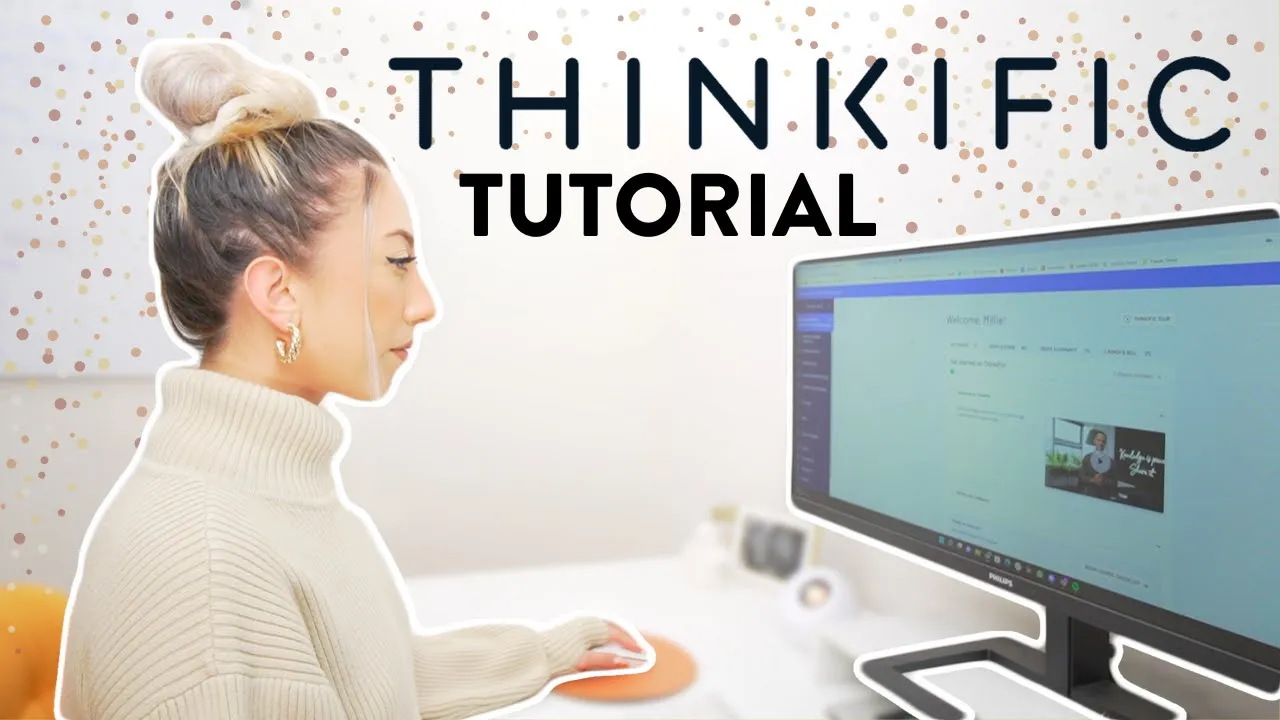
here is a fullon tutorial for how to set up your own online course inside of think ific literally everything you need to know what's up everyone I'm Milli I'm an influencer coach and welcome back to my channel where I post videos every Wednesday teaching you the latest strategies and trends for how to grow your business and monetize your passions as an aspiring influencer I currently sell six online courses using thinkific I've used thinkific for as long as I could remember so I'm super stoked that they're sponsoring this video this is the platform that I use
I recommend for creating and selling your online coures so as always time Stamps will be in the description down below because I value your time you already know why you're here so let's just jump into it shall we okay so I have a link down below that you can use to create your think giic account if you haven't already inside of that link it's actually a special secret offer link so um inside of it you'll get all of these things so you'll get one month subscription on think ofic Start Plan online course training bundle to
like teach you how to have a successful online course basically 100 plus hours from think ofic Summits saving on softwares all the things so you can use that link to get started when you create your account you're going to fill out questionnaire like this your name your site's name what you want to create first choosing between a course or a membership for this specific video we're going to focus on the course aspect what your course name is and a little bit about your business so after you answer those questions you're going to be thrown into
here which is your dashboard and we're going to just jump straight into creating your course what's great about think giic is they actually have a course checklist so you can go through the checklist to get everything set up and when you have everything set up you could do a launch checklist but what we're going to do is we're going to go to manage learning products select courses and select new course we are going to do we're going to just choose the blank one and this is going to be called how create an online course perfect
within thinkific they separate the trainings into chapters and lessons when I built out my course I did it by I call them modules so basically when you're teaching your transformation you could have different sections and groupings of videos we're going to add a chapter or a module and this one is going to be called The Welcome module what's helpful is if you already have your course outline I did my course outline on sticky notes like I literally just wrote down everything that I wanted to teach on sticky notes categorized them and I was like cool
here's a category of sticky notes here's a category of sticky notes I'm just going to add a topic to each category and or a name to each one and that's how I broke down my modules so we have the welcome module then we're going to add another module this one is going to be called validating your offer then we're going to have creating your course and we're going to have launching your course okay then within each of these topics there's going to be multiple video trainings we're going to do is add a lesson the great
thing with lessons is that it could be different types of lessons I prefer to do video because I think it's a little bit more engaging for my specific audience I know my audience likes video content but you can do text lessons you can do PDF audio multimedia you can even add quizzes after each module to make sure your students are learning and retaining the information with text we could just do onboarding questionnaire so with all of my courses I like to do to the how to create an online course course um with all of my
courses I like to do an onboarding questionnaire where I ask my students a little bit about themselves and where they're at with my course topic so for my Instagram course the modern influencer I ask them how many followers do you currently have what do you currently struggling with just a little bit about them their handles their business and then at the end when we do let's add a chapter let's save this at the end we could have like a congratulations module I do an offboarding questionnaire where I get to see their transformation so it's like
okay well how many followers on Instagram do you have now how do you feel towards Instagram so those are something I like to do so this is where I would put first fill out this form and then you're going to H hyperlink the link open a new tab insert that's how people can fill out the form we're going to add another lesson so I could show you how to add a video Lesson you're going to title your lesson and it's going to be welcome to my course you're going to select file this is where you
can upload from your computer drag and drop there and save it here the curriculum area is where you're going to really build out your course add videos add trainings all of the things I just wanted to show you how to add the different types of trainings or lessons that you could have within thinkific next what we're going to do is we're going to go over to settings if you already have your course name um that's going to appear here you can have a custom thinkific URL so this is how to create an online course with
me as the instructor if you already have all of your branding you can add a course image here course player appearance if you have the upgraded version of thinkific you can customize the appearance to be your specific brand color so I have hex codes for my branding and I'll upload them here to basically choose specific colors for the audio players on the free version if you're selling one course you could do the light theme or the Dark theme so those are your two options there and then I would say the next most important thing is
to add your SEO into their course settings or their SEO settings so that your course can be easily discoverable so into the course title how to create an online course teaching beginners because that's a good SEO friendly thing how to create and sell an online course for free or maybe how to create and sell online course for free optional make your first 10K by selling online courses on any topic you want right so we're just filling that out to help our course become more easily discoverable now let's go to pricing okay with your pricing you
can offer a free course that expires after a certain amount of days or you could do onetime payment to set up the payment processing for onetime payments or even having um multiple payment plans you do have to do that outside of like this course editing to show you how to set up the payments I'm going to log into my personal think ific account to sell your course you do have to have their Start Plan and with this like sample page I don't have the Start Plan so let me log into my personal think iic so
these are all of the courses that I'm currently selling let's log into a modern influencer which is my main course show you how I set up the pricing so you choose onetime payment and this is where you can press edit and change the pricing of your course and then I also have two additional pricing options so they could do three payments of 347 or six payments of 197 in order to have this set up you do have to be connected over here let me show you you're going to go to settings payments and you're going
to connect to a PayPal and a stripe account both I think my stripe and PayPal accounts are free so just set up your business account sync to those with by putting in your email your PayPal Merchant ID and ipn URL but that's if you want those like monthly payments I say when you're just starting out like just have that onetime payment it's super easy to set up and select your pricing there after you have all of your curriculum built out your pricing set up then you could go ahead and publish your course thinkific has three
options here and I love that they separated it out this way so you can have your course as a draft where nobody can access your course nobody can buy it nobody can log in nobody can see the stuff they also have a pre-order option this is great for somebody who is launching their very first course and they want to offer the pre-order option this is how you get a lot of course sales UPF front without actually having to build out the course yet so they can pre-order enroll in the course but they won't have access
to the course content yet and then finally a full published course means you have all the curriculum built out all the stuff is live and ready for people to start learning from you all of my courses are currently live and published so everything that's with within the curriculum over here people or students can consume and learn from what's great is you can also be adding to your course while people are learning in your course so let me explain I have all of these modules are inside of my course and they are available for anybody to
start learning but if I wanted to add lessons and add modules so we have a monetizing Instagram module I want to add a lesson called how to create and sell an online course I could add a lesson here it's it's going to be a video Lesson and we're going to make it a draft so that none of my students see what I'm working on until it's ready so I'm going to say how to create andell profitable online course save and I could drag this around anywhere inside of my course and as long as it's a
draft nobody will be able to see it until I uncheck this and press save as you add to your course if I leave all of these open scrolling through these lessons can sometimes feel overwhelming especially when I'm updating my entire course I think there's 52 videos in here um so scrolling through this and trying to edit and update every single one can feel overwhelming so they do have this bulk importer option where you can just bulk add files add footage here you can drag and drop um the lessons to rearrange them so it's kind of
your course layout add an overview and this is a view that I really like when just doing rapid updates and uploads now finally there's also this drip option drip is great for somebody who maybe you pre-sold your course and you want to slowly roll out content for your students so you started pre-selling your course on January 1st you got people to sign up for all of January promising hey February going to start rolling out course content well you can set up a drip schedule so that as you're filming you don't have to have all 20
videos ready at once maybe you just launch your first video and you can set that video so this is you click create drip schedule when the student enrolls then all these videos are going to start to drip out so you can say this video is going to be released the day they enroll and then this one is going to be released one day after they enroll this one will be released 7 days after they enroll if you don't have all of your videos done at once that's okay you can create a drip schedule so that
each video slowly drops out over a certain period period of time that isn't overwhelming for you when launching your course so finally once you have your entire course built out and you want to start making sales you're going to want to build your landing page you just saw how I got to the landing page but another way to do that is go to design your site select site pages and this is where you can build out those landing pages so new custom page I'm going to say test test edit page and then you can customize
the banner which is default you can edit the banner update the background image and what you're going to do though you're going to add sections and if you're selling the course you want to be adding the course that you're selling onto the page obviously so we're going to do additional products select that add product and you're going to choose your product that you're selling let's say this one is the modern influencer for some reason that I think I need to update my laptop cuz image isn't loading so it'll show the product you could also go
back add a call to action so this is how you're going to get people to hey sign up for my course right now we're going to add also your pricing pricing options from product the modern influencer pricing options perfect another call to action because we love call to actions here and then of course there's a bunch of other options that you can do but with your call to actions you want that button to be the checkout button so link to a checkout page and it's going to be a checkout for the modern influencer or your
course now when people click this button get started now it's going to take them to a checkout page where they buy my course so that's really how simple it is to build out a sales page you just customize the URL build out the sales page that's going to be the link in your bio people are going to get there land there then people are going to be able to go to that landing page they're going to be able to select get started now it's going to take them to the checkout page you'll be able to
sell your course all righty if you have any other questions about how to build out your course with in think GIC just let me know down in the comments below and I could add on to this training style or tutorial Style video with more in-depth answers walkthroughs of whatever questions that you have so leave those comments down below thank you again thinkific for sponsoring this video If y'all don't have a thinkific account already I'll be sure to link my affiliate link down below so you could get that bundle of all of the goodness $1,000 value
for free so check out the link in my description below if you've made it this far and you're not already subscribed to my channel be sure to hug the Subscribe button and turn on the Bell notification so you don't miss when I post my next video I will see you in the next one thanks so much for watching follow your joy bye