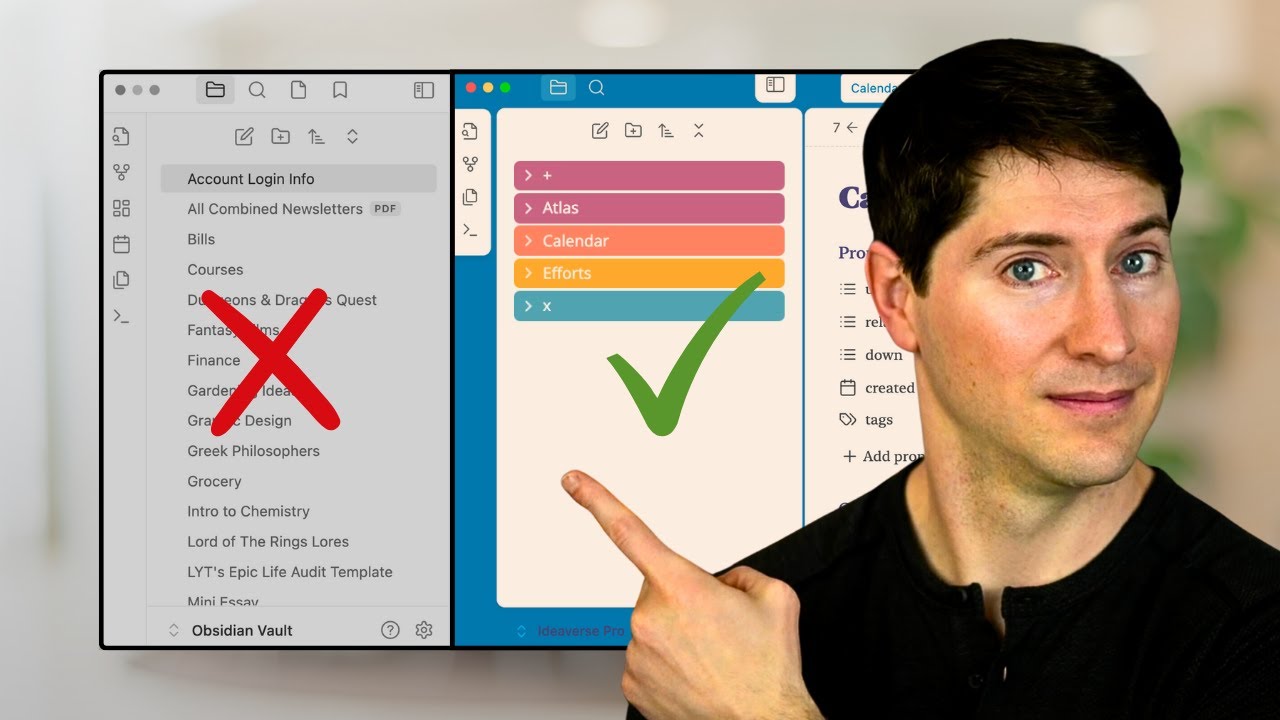
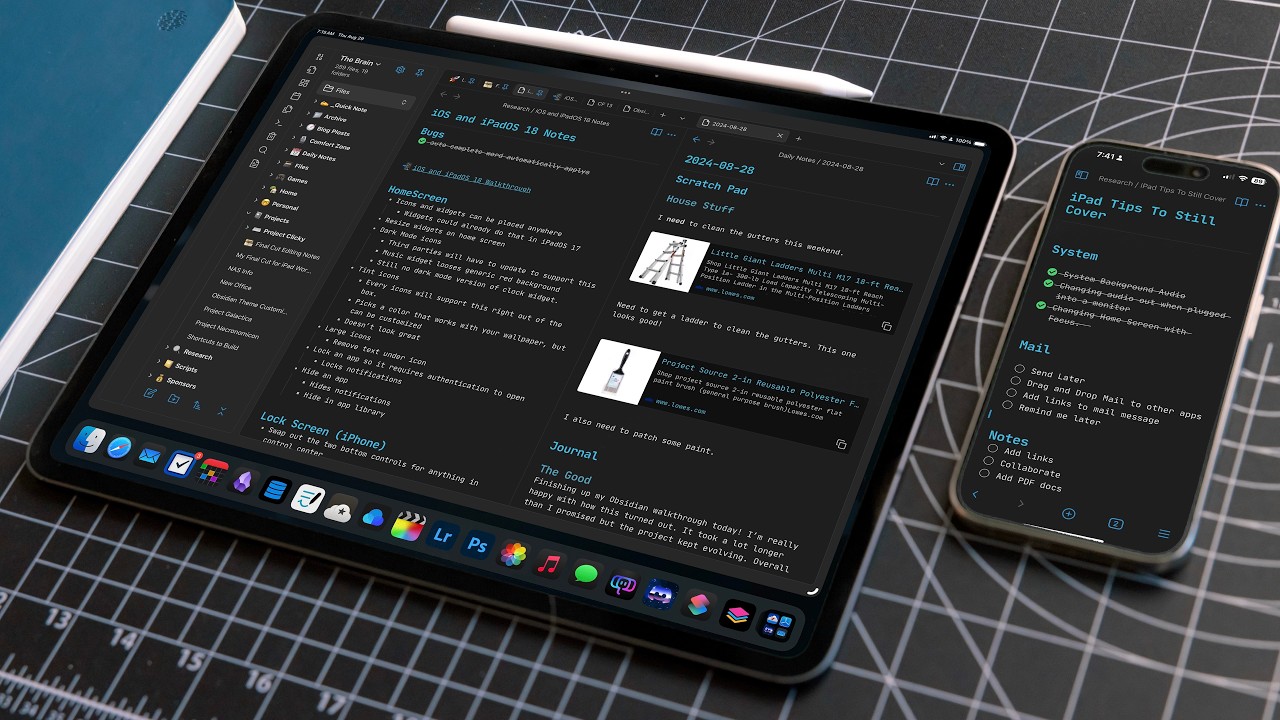
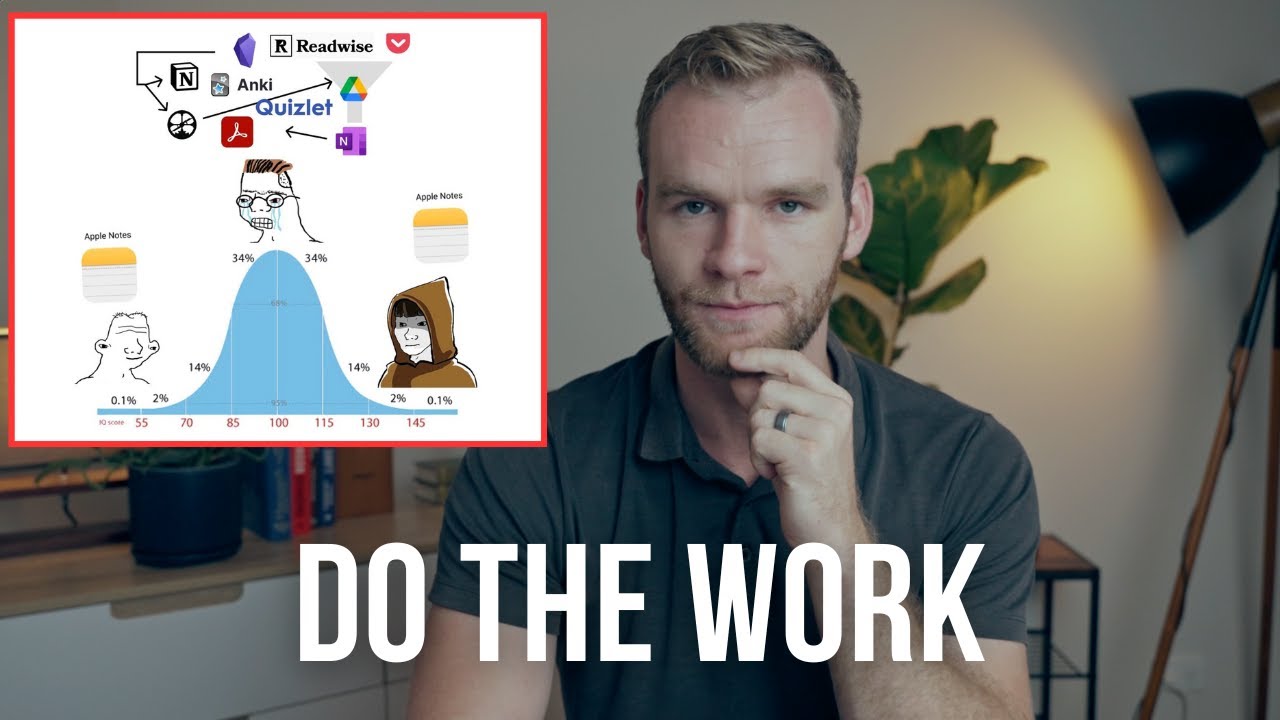
I used to use obsidian a while ago and I really wanted to like it but I just had to stop because it was making me unproductive obsidan is definitely one of the most popular not apps and for good reason it offers an incredible amount of customization options much like Android the ability to tailor every aspect of your n taking experience is undoubtedly appealing you can spend hours exploring different plugins themes and uh setups to weaken your system to Perfection however this very strength can also be obsidian weakness for some users myself included this is what
happened to me the endless customization possibility led to sort of like setup paralysis I found myself spending more time trying to build the perfect system than actually using it for productive work it's kind of similar to how we use Android phones we might spend hours trying different launchers and icons which is reallyy fun but mostly wasting time that could be spent for something more meaningful and plus because obsidian is now such a popular app that there's a ton of content showcasing how other people have set up their systems it's fun and inspirational to explore them
but it can also be a source of Destruction you might find yourself constantly changing your setup to mimic someone else's falling into the Trap of thinking that grass is always greener on the other side this process of building and rebuilding your setup can be really fun just like playing Minecraft where you're always constructing and refining your virtual world but just as Minecraft can be a huge time sync so too can endlessly tinkering with your n taking system the result is that you end up not doing the work that actually matters your n taking system becomes
a piece of art to admire rather than a tool to use if building a n taking system is your hobby using lot of time can be fine but ultimately this realization is why I started to look for a simpler alternative that would allow me to focus more on my work and this on the system itself and maybe some people also feeling the same way as it looks like other Nots have been gaining more raction in the last 12 months okay so having said that I just want to introduce the tool I use now I've tried
a bunch of different tools like hepto base any type and uh capacities but in the end I found aroid to be the most powerful and flexible tool for my needs compared to a few years ago it's now an even better app in terms of both Aesthetics and functionality it strikes a balance that works perfectly for me it's simple and ready to use right out of the box with just enough customization options to make it personal without becoming overwhelming this Simplicity is vital because it minimizes distractions and allows me to focus on what truly matters straight
away I can spend less time setting up and more time doing I don't find myself endlessly scroll through plug-in libraries or Community forums to look for the perfect setup instead I can op the app and immediately start capturing ideas organizing tasks or planning my day this Simplicity also makes uo more approachable for those of you might be intimidated by the complexity of apps like obsidian you don't need to be a power user or install hundreds of plugins to get the most out of it I like it's intuitive and user friendly from the start now for
me I love how the process of capturing ideas to getting things done is streamlined so well you create a new note and start writing as you develop your idea you can create new link to other notes which is perfect for the datting or Atomic not taking method I also use this browser extension to save highlights and links directly from web pages so it is also in my bookmark Library it is actually very convenient to manage your bookmarks along with your notes and tasks all in one place because you can do something like create a new
task with a link to a specific bookmark this saves time from having to switch between different tools and when you want to make a new task you can add it anywhere then these tasks are automatically aggregated in the task list where they are Auto sorted by task score which is our unique algorithm that rates your tasks based on various factors like which project it belongs to priority and effort required this intelligent sorting helps me prioritize my work without having to manually reorganize my task list constantly and if you want to schedule these tasks you can
easily do so using the calendar mode it integrates seamlessly with the task mode making it easy to build and maintain my schedule the process of capturing 2DS aggregating them and then scheduling them on the calendar it's super smooth what's more all of this functionality is available without the need to install any additional plugins or extensions this work flow is perfect for focusing on developing my ideas and planning my work rather than managing my n taking system it's this focus on productivity over customization that makes it my favorite tool and one aspect of ampu note that
I particularly appreciate is its publishing capabilities you can easily share your notes with other people and even customize the appearance of your shareed notes using themes this also comes at no additional cost which is a nice bonus speaking of cost it's worth noting that ampu note comes to a price stack of $10 per month but I find this cost justifiable for several reasons first ampu note includes sync across multiple devices in its base price and second the time I save by not endlessly tinkering with my setup more than makes up for the monthly cost and
third it can essentially replace a to-do app and uh C app because it works as both so well and it has just enough customizability it offers some essential plugins if you need including excal R for diagramming and AI systems for writing while these aren't as extensive as obsidian pluging ecosystem I find that they cover most of my needs without introducing unnecessary complexity and if you're worried about security amp no supports end to end encryption and allows you to password protect individual nodes while it might not offer the same level of local control as obsidian this
provides a a good balance of security and uh convenience for most users and if you're also concerned about your nodes being locked up in the app you can always export them as markdown files so you can use them elsewhere okay I think it's important to say that the choice between obsidian and ID or any other n taking app isn't about which one is objectively better it's about which one better suit your needs and working style obsidian is perfect for people who enjoy tinkering and have specific complex needs the of the Shelf Solutions can't meet for
me and I suspect for many other people the balance that arod strikes between customization and out of the box functionality is ideal it offers enough flexibility to adapt to my need but not so much that I get lost in Endless Possibilities this is a good balance that allows me to focus on what I really need to do uh obing is definitely powerful tool but its extensiveness can be a sort of double-edged Sword the time and energy required to set up and maintain a complex system can distract you from doing actual work whereas simpler apps like
aoid can provide a a more streamlined experience that lets you focus on your work rather than your tools I like its combination of robust not taking capabilities intelligent task management and uh simless calendar integration it creates a nice ecosystem that works straight away so if you're feeling overwhelmed by the complexity of your current not taking setup or if you find yourself spending more time setting up your tools than using them it might be worth giving a try while it does come with the monthly cost the time and the mental energy saved could well be worth
the investment I don't think it's a perfect solution for everyone but its balance of functionality and simplicity makes a great option for people looking for a more straightforward approach to personal Knowledge Management and productivity okay thank you so much for watching till the end and uh I see you in the next video bye