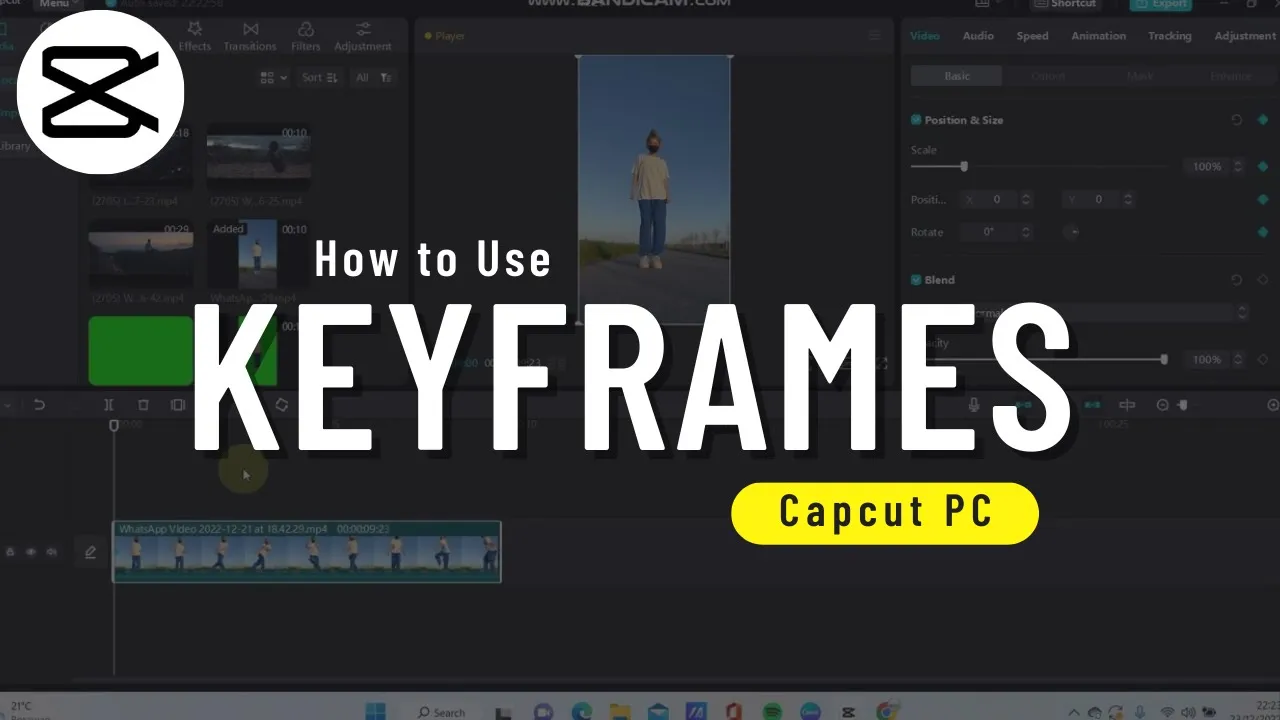
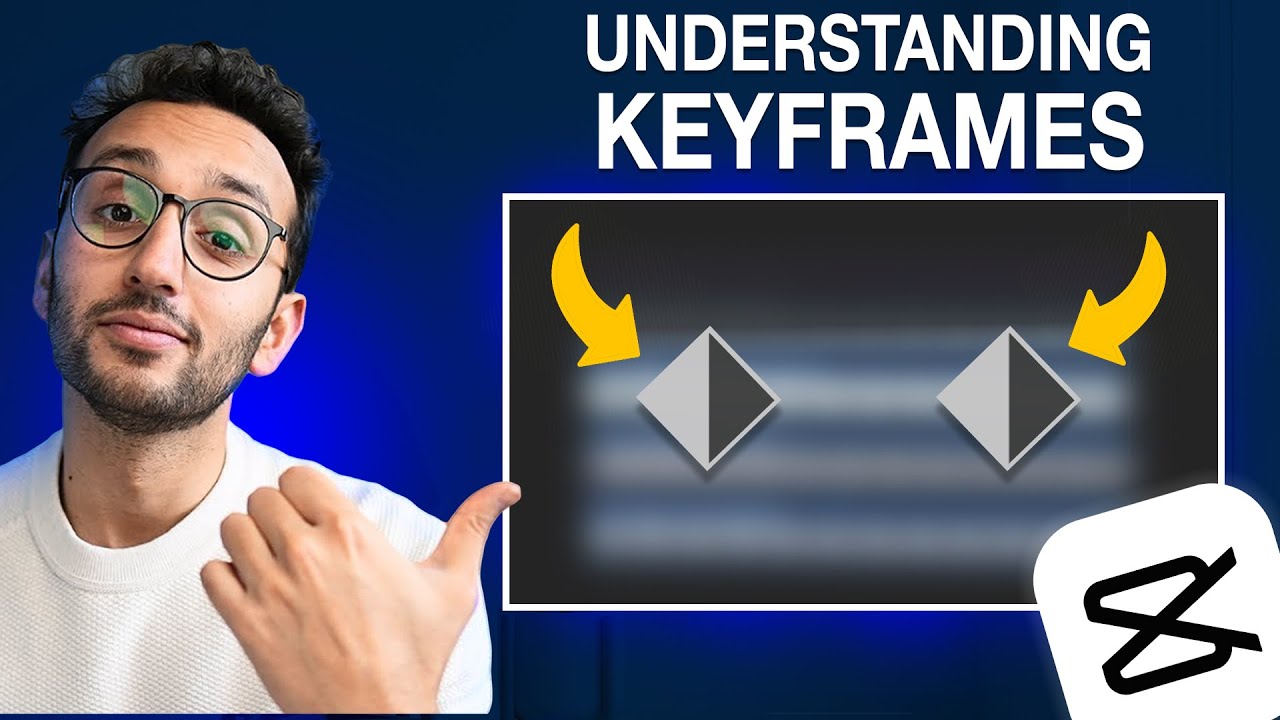
if you want to edit in cap cut like a pro keyframes are one thing you need to know about they're an essential part of every animation they show the starting and ending point of a particular feature in your video and ensure smooth transitions to use keyframes using cap cut PC import your video then select your video on the timeline and go to video a basic and then add a keyframe like this here you can see I added a keyframe to my video I add another keyframe to zoom in this part of my video and then
I add a third keyframe for zoom out I want to zoom in my video from keyframe 1 to keyframe 2. so I select keyframe to and then I zoom in my video like this here is the final result if you found this video helpful please hit the like button and subscribe us for more










![How to Edit a Cinematic Video in CapCut [With AI] Editing Tutorial](https://img.youtube.com/vi/5QUSuMPD95k/maxresdefault.jpg)