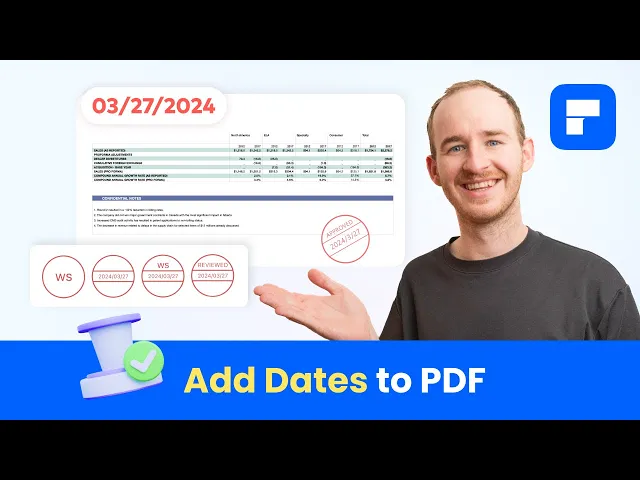
how to add a date to a PDF welcome to the official PDF element YouTube channel I'm George and in today's video I'll show you two methods on adding dates to your PDF documents this makes it easier to tell different versions apart and provides a clear timeline for your readers to understand when and why changes were made the first thing we should keep in mind about adding dates to PDF documents is that there are many ways to annotate a date for example you can add a simple text box and manually input the date or you can
use a date field from our forms tool section while both methods are practical and effective they may not always be the best way to go if you had to add a current date to all pages on a long PDF contract even though it's a simple task it could take you hours to do it manually fortunately PDF element has an Ideal tool to simplify this type of monotonous task first first I'll show you how to add the current date to the header or the footer of your document all you have to do is go to the
edit section of PDF element and open the add header and footer feature this will bring up the feature settings window take a look at this input field over here anything you type in this field will be automatically duplicated across every page of the document by PDF element and although you can manually enter the date here pay attention to this section here this section ction provides two tools that streamline the process of adding dates and numbers onto the pages keep in mind that while adding a date to a PDF may appear simple it's important to consider
that the interpretation of dates can significantly differ based on cultural and linguistic context the standard numerical format which arranges dates in the sequence of month day and year is the most widely used and succinct method for date representation however it's worth noting that this convention is not consistent across all languages in British English for instance dates are typically written with the day first followed by the month and then the year these variations can potentially cause confusion or misunderstandings particularly when documents are intended for readers from different regions worldwide as is frequently the case with legal
documents hence the chosen date format plays a crucial role in ensuring Clarity and accuracy with this in mind let's go back to to where we left off the First Tool in this section is a drop-down menu with 27 date formatting options take your time and identify the one that suits your needs the best as soon as you have a chosen format you can click on the add button and PDF element will automatically add the current date to your PDF with the format you selected in the input field of this window as you can see it's
a variable value that you can use with other strings to complement our header in this case I want to add rev to signify the issuance date of this document's version to conclude all that's left to do is set your font type select the position where we want to place the date and if necessary specify the range of pages where we want to place the date isn't that great but what if you needed to add dates to specific locations on certain pages selectively well we come on to the second method adding a time stamp to a
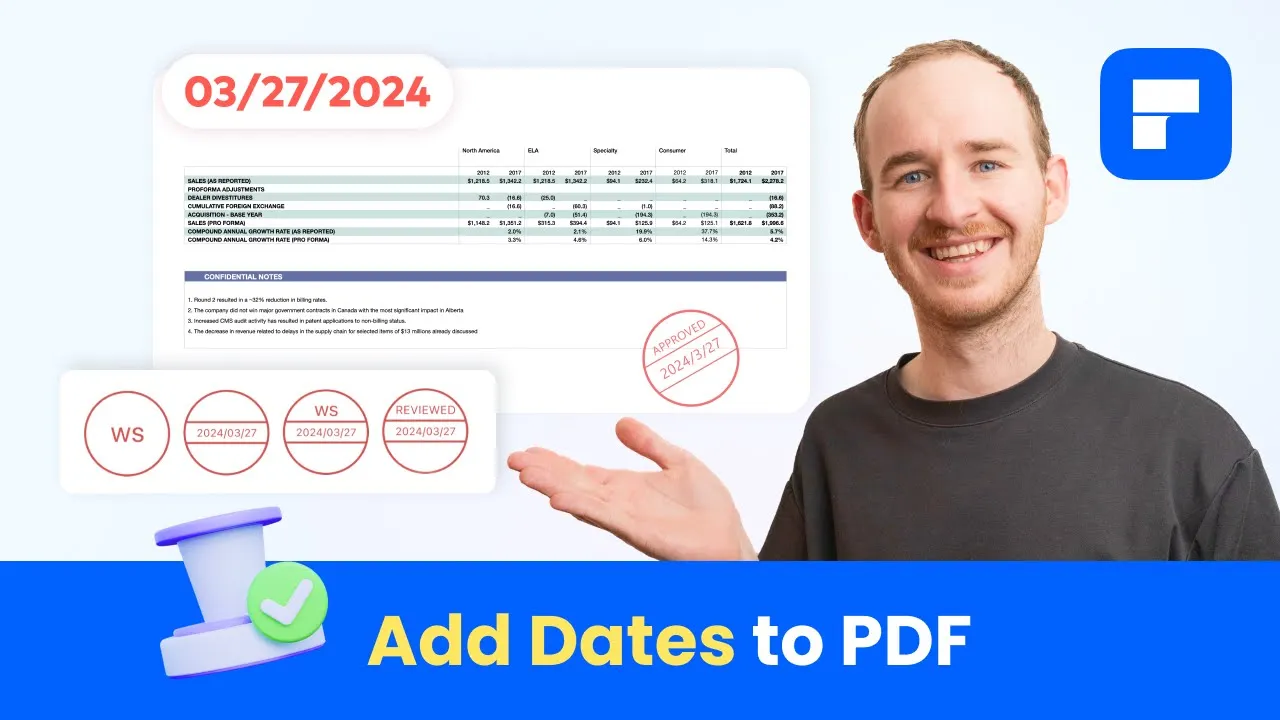
PDF let's think for a moment about conventional stamps these straightforward tools enable us to imprint our documents with custom designs and text often serving to include dates the straightforward nature of these tools makes them the perfect choice for adding dates to physical documents don't you think but what about digital documents well PDF element offers a specialized feature that brings all the advantages of traditional stamps to digital PDF editing this allows us to create and use custom stamps which is incredibly useful for adding dates to our documents let's suppose that after making changes to my contract
I want to add a label that helps my readers understand which Pages have been modified all I have to do is go to the stamp tool menu choose an appropriate Dynamic stamp and place it on my document the stamp will contain the current date time a label describing the reason for the stamp and the author's name this feature is incredibly user friendly and when you think about it it proves to be more advantageous than simply adding dates it ensures date accuracy and effectively communicates concise statements such as revised in this instance if you can't find
a stamp that fits your needs among the default options in PDF element keep in mind that you have the option to create your own stamps using the tools provided in the create stamps menu the create custom stamps option allows you to create stamps using IM files offering significant utility for those seeking to craft custom stamps featuring their brand logo or imagery with the custom Dynamic stamp option you can create your own stamps using templates and determine whether you want to include the date your name or your company's name on it on the other hand if
you prefer your stamps to resemble traditional rubber stamps you can find several interesting options in the digital stamp menu PDF element makes adding dates to your PDFs extremely easy today we focused on the most practical methods to simplify this task but this is just the beginning PDF element offers a wide range of tools designed to make PDF document editing and management easy and intuitive and the best part is that you don't have to take my word for it you can download PDF element for free from its official website and explore firsthand the potential of this
tool and the Myriad of possibilities it offers thank you for staying with me till the end of this video If this video was helpful to you I'd appreciate it if you could like this video And subscribe to this Channel and I'll continue bringing you many more videos with tips and tricks to make your work easier you can also take a look at the rest of the videos on this channel and there you will find many more videos just like this one have a great day and see you next time