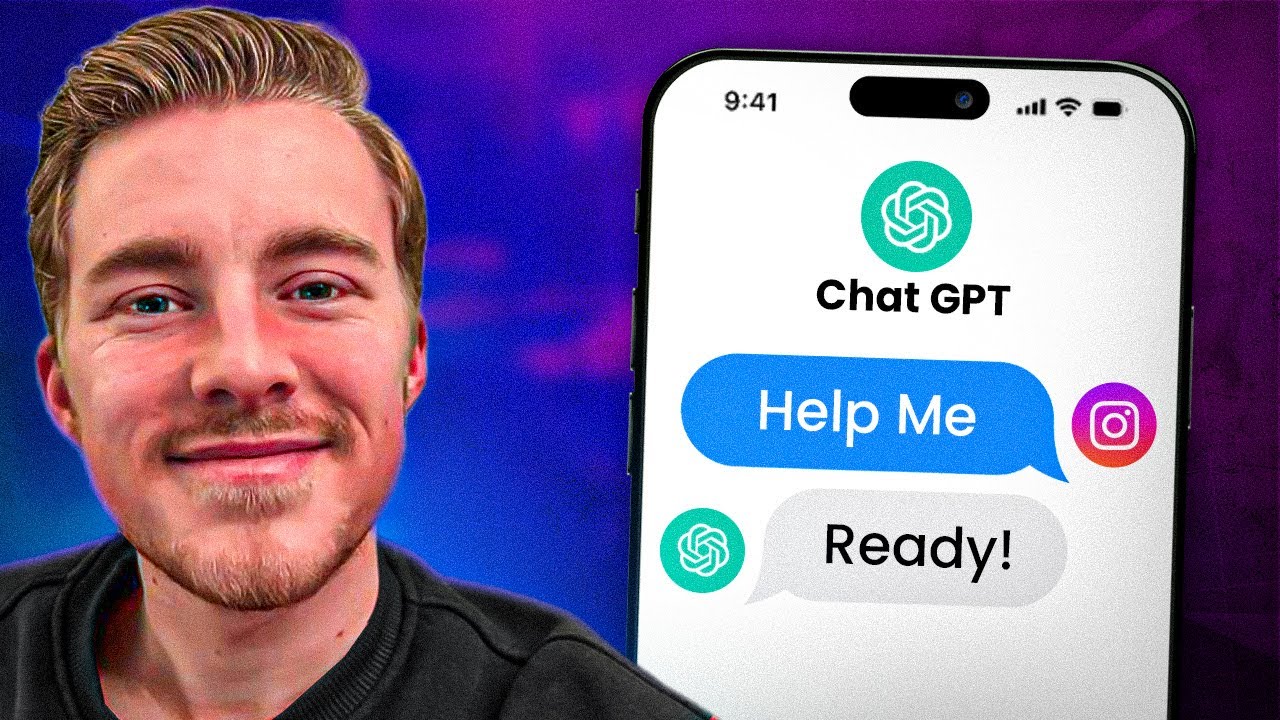
imagine for a minute that someone is mentioning you on Instagram this is great they're in the stories they're tagging you but if it feels like it's getting on deaf ears and you're not responding that could be a loss of opportunity for you whether you're looking to turn comments into leads or you're looking to increase engagement or Community this is the tutorial for you I'm going to show you how to use chap up builder. to build an a i Instagram mention response so that anytime someone mentions you on Instagram you can automatically send off a personalized
message using Ai and chat automation so let's get into it we're going to go to settings channels click on Instagram and you're going to see some options here so once you're connected to Instagram you can add a story mention reply a persistent menu conversation starters and you can refresh permissions usually if they 's any glitches or anything going on this is a good practice but we are going to do this story mention reply so the first thing we need to do is create the flow that we'll assign here so let's go to our flows click
add continue now personally I want to check that I have not sent this person a message in you know the last certain amount of time so we don't overwhelm people and send them too many responses so I create this condition we're going to click on the play button button to make it the first step we'll move this guy out of the way and let's go ahead and add our conditions so for this condition we have a lot of options here I can do something like I interacted with this person in the last 24 hours or
I could do something like I interacted with this person minutes ago now this is a personal preference you can absolutely do it where if you have talked to them in let's say the last 2 hours so that would be 120 minutes then you don't want to send them a message because you don't want to send it too often or it can be if I've talk to them in the last 24 hours I don't want to send another message let's go with this one this is again a personal preference and click save so now we're saying
if the user comes in and they mention us in a story and we've interacted with them in the last 24 hours we are not going to do anything but if we haven't interacted with them and they mention Us in the story We Are going to send a message thanking them essentially so from here we're going to go to add content actions we're going to find our open AI click on the open Ai and then you are going to train your open AI assistant with the prompt on how you want to respond here so let's go
ahead and do that you are the helpful and friendly AI assistant for rolling dough pizza truck located in Dallas Texas your purpose is to thank the user for mentioning them in their stories and letting them know we really appreciate their support keep your responses under three sentences and always be friendly and concise all right so that's pretty much all we need we're going to say the last user input that's fine and then save response to a custom field this is the response from our AI so I'm going to do AI text we do not need
functions in this case and continue now we're going to add content add the text and we're going to add our cuff aior text which is where we're saving again just to show you it's the same where we save our ai's response and what we put in our text box a lot of times we'll hear people say oh it didn't work it's not sending messages but they forgot the text box it's a common issue so don't be embarrassed if that happens cuz trust me I've done it myself now at this this point if someone responds to
this your AI default message if you have it set up is going to then take over so this is pretty much done we're going to hit publish and then we'll go back out to our settings into our Channel Instagram and under story mention reply we will select story mention reply the flow that we just created and we will click save now when someone mentions us in their Instagram stories this will trigger it will check if the user has interacted with us in the last 24 hours if they have we won't send a message based off
how we set up our flow if we haven't then we can send a message just as a reminder the way that you set up your flow here is totally up to you you can send it to everyone who sends you a message you don't have to have this condition you could say if I've interacted with them in the last 60 Minutes don't send a message so there's no rule saying that you have to have this you can literally just send them here but I just like to space my interactions out I don't want to inundate
someone who I've already talked to in the last 24 hours boom now you know how to set up this awesome automation so anytime someone is mentioning you on Instagram you can holler back and say hey thanks and anything else that you want your chat automation to do for you if you have questions hit me down in the comments below and if you want to learn more about how to build AI chat Bots then be sure to subscribe and like cuz I have a ton more videos coming your way in the meantime get out there and
start building



![I Replaced ALL my ADOBE APPS with these [free or cheaper] Alternatives!](https://img.youtube.com/vi/5EfqHg49kMk/maxresdefault.jpg)