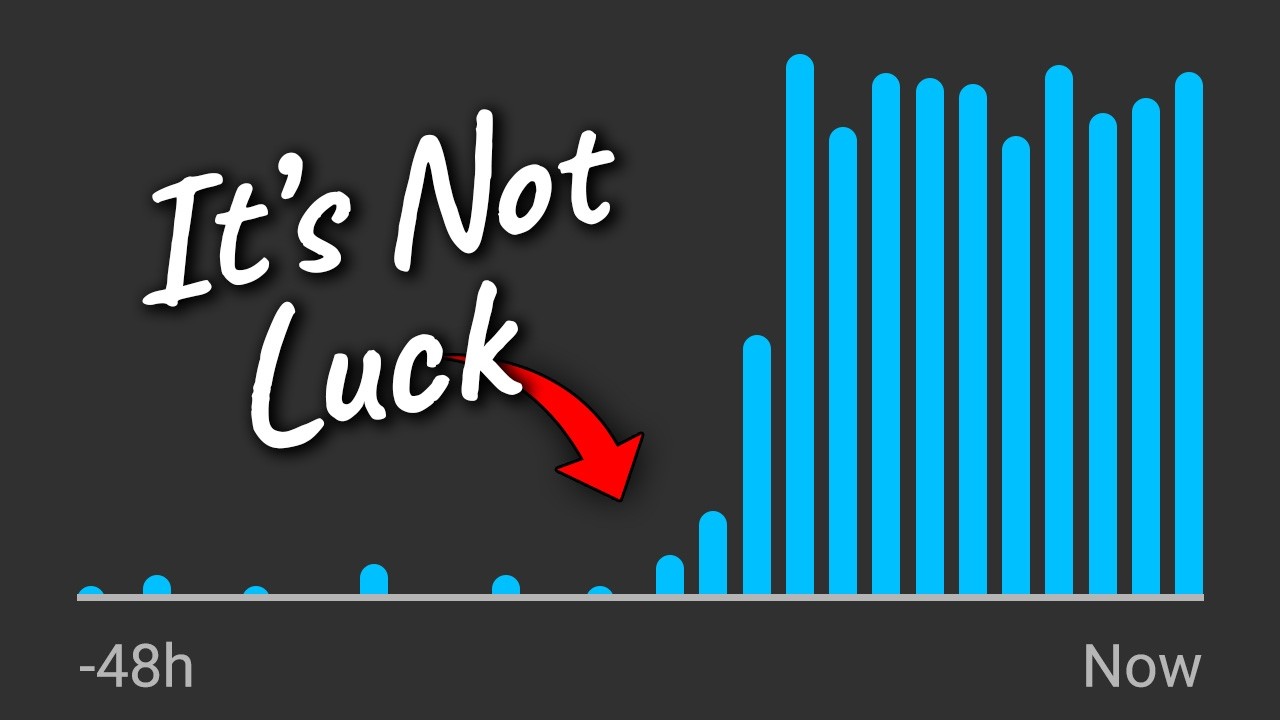
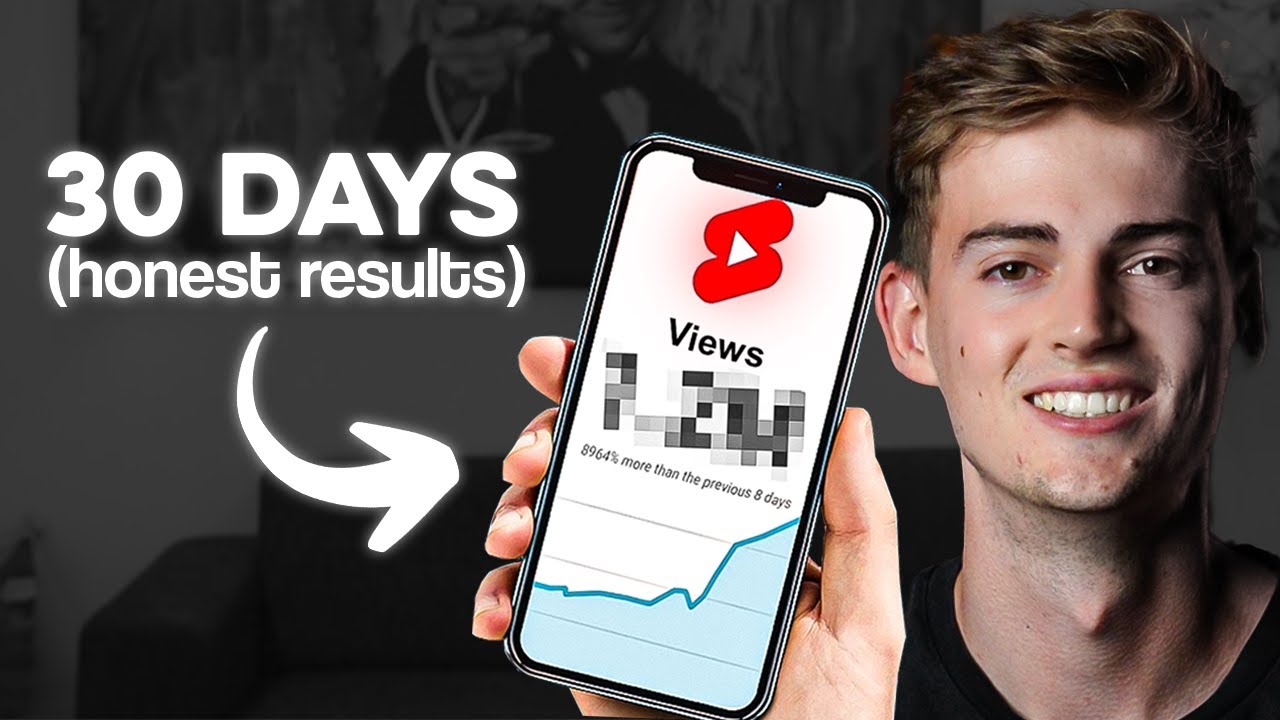
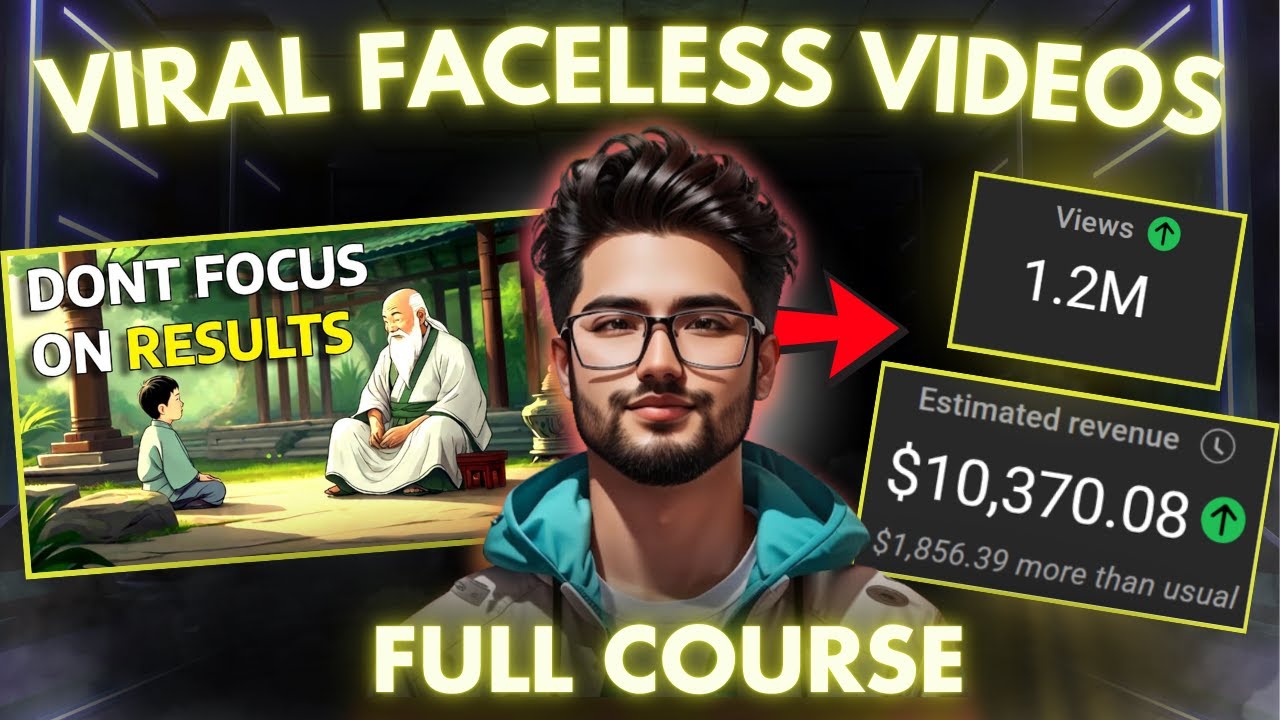
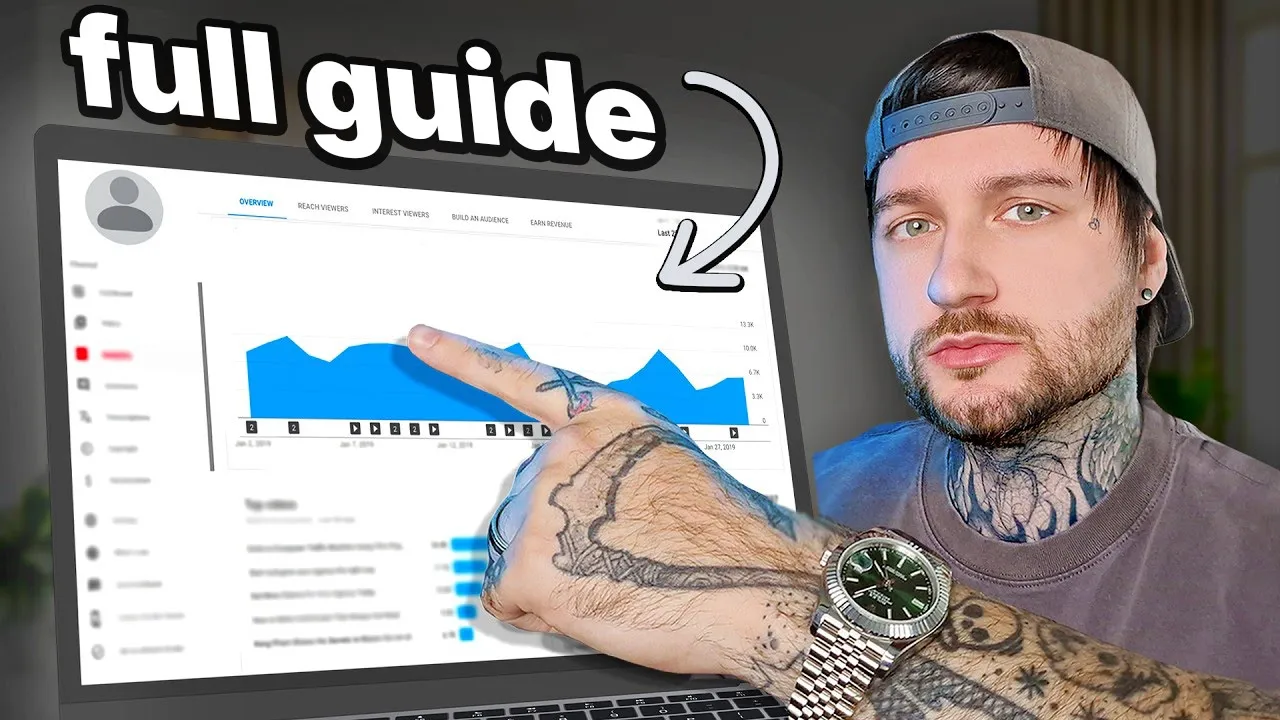
so I created a YouTube channel using AI that makes me $2,600 per month let me show you the channel I'm talking about so these are the analytics of my channel as you can see here estimated revenue is $2,630 in the last 28 days the views are 250,000 views the channel has 47,000 subscribers 20,000 views in the last 48 hours as you can see we're getting 400 views per hour so this is the channel so if you want to make money on YouTube using AI well in this video I'm going to show you step by step
how I create these videos using AI for my YouTube channel so let's begin there are five really important steps you must follow let's start with the first step the first step is to generate AI footage for our video and for that we have to go on Google and search for Runway ml hit enter and go to their website click get started and create an account on Runway then what you have to do is go down here where it says text to image click on this and now we have to generate an image we won't be
using images in our video but we need images to transform them into video so here on the on the right where it says prompt describe an image you want to generate type the following a dwarf sitting next to a campfire during midnight Lord of the Rings style then here up where it says resolution select 2K and then where it says style scroll down to cinematic then just click generate now you will have four different generations and you have to choose the one you like the most for me I really like this one so all you
have to do from here is just click here where it says download and download it to your computer now what we have to do is go back to our dashboard on this website and go here where it says generate video click on it then what we want to do is go back to our downloads and drag and drop this image we just generated here once we drag our image all we have to do is generate click generate we don't have to write nothing just click generate and make sure here it says 10 seconds not 5
10 10 seconds and just click generate that's all you have to do now once the video is generated it should look something like this it is now transformed into a video as you can see the fire is actually burning the dwarf is moving his head which it's awesome you're basically transforming a photo into a video it's super quick and super awesome now you might be wondering why am I generating videos of dwarfs well don't worry because by the end of this video you will understand and everything will make sense to you now we have to
move on to step number two which is create the script for that we're going to be using AI as well so to create the script we have to use Chad GPT because it's the best one and it's also free so go to chat GPT on Google go to their website create an account if you don't have an account it's free you don't have to use the paid version because the free version is just as good as the paid version for these kind of videos we're making so here where it says what can I help you
with type in the following create a Lord of the Rings inspired story about dwarfs and their fights with the Orcs make it detailed and Implement hero zones and names from the actual Lord of the Rings books keep the same atmosphere and style of writing and just enter and wait for Chad GPT to generate you this script after it's done just go ahead and copy the entire script chpt has generated now it's time for step number three which is creating the voice having a voice actually read out the script and for that we're also going to
use Ai and it's also free so what you have to do is so after you copied the script go to Google and search for cap cut go to their website and download cap cut because it's free and it's very simple to use I will show you in this video how to edit the videos and how to create The Voice using cap cut now once you have cap cut just double click on it on your computer and open cap cut and then when it opens up just click here where it says create project so now as
I said we have to create the AI voice so go here on the left where it says text click on text and then here where it says default text click on this plus as you can see it adds on your video a default text here on the right you have the effects of the text where you can change the text and the font and everything so here where it says default text delete this and copy and paste your script from Chad GPT and as you can see this is very long and it copied everything now
what you want to do is go here where it says text to speech click on this and choose a voice from hundreds of voices which will read out this script so I'm going to choose this voice and just click generate speech so now as you can see down here on your timeline if you hit play on the video beneath the Misty Mountains you have generated a voice from that script so you can go ahead and delete this text because we don't need it we only added the text in order to generate the voice and now
what we need to do is go back here on the left where it says import click on this and here just drag and drop the video you generated using Runway ml aai so just go back to Runway ML and download your video by clicking here and then just drag and drop your video into cap cut like this once you have it into cap cut take it and drag it on the timeline here and if we hit play the voice and the video will play together deep beneath the Misty Mountains now to make this a little
bit more interesting let's add some effects on the video so just click on your video in here where it says adjustment scroll down add saturation add a little bit more saturation for color go to shadows and play it a little bit with it and then here where it says vget just increase this to make your borders more dark so now it looks a little bit more story Vibe you can also add a filter by clicking here on the filters and whatever you add is going to change the look of the video so just play around
and find something you like and after that just add it by clicking this plus here now to make my videos even more interesting and to increase retention what I do I also add subtitles so here on the left where it says text click on text and then click here where it says autoc captions and then just click generate and and cap cut will automatically add captions to your video you will see now in a second after it's done generating so as you can see on top of my video here on the timeline now we have
captions if I hit play you will see on the video the but this text is not that beautiful so we should change it by going here to templates on the right and choose a template that is beautiful and that fits with your video so I found these ones if I hit play day look like beneath the Misty Mountains but I don't like the color so what I'm going to do is just click on the subtitles and here where it says color just change the color so I'm going to change the color to something that matches
with the video which is basically an orange now if we hit play it should look something like this deep beneath the Misty Mountains the dwarves of Duran folk delved their holes in splendor so basically that's all you have to do for the first 20 minutes of the video now here comes step number four which is the most secret and the most important part of this video listen closely because this is why my videos are generating money and this is why this actually works so your video is going to have 20 minutes of story and then
it's going to have 40 minutes 1 Hour 2 hour of nature sounds why well because these videos we're making using AI they are targeting the sleeping Niche that's how I call it the sleeping Niche so basically people search for videos like this to fall asleep on so people are watching these videos on their phones or on their TVs before bed so they listen to the the first 20 minutes of the story and as The Story Goes On they fall asleep and they listen to Nature Sounds because that's the audience we're targeting and because of that
people watch these videos a lot because they fall asleep on them so these videos have a really big watch time and retention because people would probably listen to them for 10 minutes 15 minutes but then they fall asleep and if the video is 2 hours long then the viewer is watching your video for 2 hours I should get paid for giving you guys this information for free so make sure to subscribe to my channel because I'm giving you high quality private secret top secret information for free so the way you do this you have to
add nature sounds after the story ends the way I do it is by going to story blocks and searching for nature sounds on their website but you can find nature sounds however you want there's many ways you can find nature sounds so go ahead and find nature sounds the way you know so here if I go to royalty free music I will just type in nature sounds and after I find something that I like I simply just downloaded to my computer so after you downloaded them just drag and drop them into cap cut and from
there drag and drop them below your uh voice and just do a fade in here and drag and drop the volume a little bit down so it's not too loud and let's click play and see how it sounds deep beneath the Misty Mountains the dwarves of Duran folk delve their holes in splendor so here you can either drag and drop this video ahead more or you can generate more videos as many as you want depending on how interesting you want to make the story I would say listen to the script and generate videos that makes
sense with the script and then after 20 minutes as you can see you just leave this Nature Sounds playing now step number five is to upload your video to YouTube and title it correctly this is really important let me show you how you should title your video so when you go to YouTube just search for Lord of the Rings story to sleep to ASMR and you will see a bunch of videos like this so Tales From Middle Earth folklore of elves and dwarves ASMR bedtime stories Lord the Rings lore as you can see 6 months
ago almost 600,000 views 7 months ago 400,000 views 3 months ago 30,000 views 4 months ago 200,000 views and as you can see these are all different channels and they're doing the exact same thing I'm doing and you can be doing as well so you don't necessarily have to do about Lord of the Rings I just shown you what I do I'm using Lord of the Rings to create these stories you can use anything else you can use Marvel you can use Harry Potter you can use any other story that's popular and it has fans
already now if you want more ways on how to make money online just click here and watch this video because it will not disappoint you I promise just click here and I will show you how I made money by selling products I don't own thank you for watching peace out