hi everyone it's miss Meyer here and I am back to teach you about another one of my favorite Google Chrome extensions this one is one of my favorites because I am a teacher and I taught sixth seventh and eighth grade health for a number of years so in my time as a health teacher I showed a lot of YouTube videos and a lot of the videos that I like to show on YouTube or related to sensitive topics because in health we talk about sex we talk about drugs we talk about our bodies and YouTube can
be a great resource for finding educational videos but it can also get you in some trouble if your students see something that they shouldn't so one thing that I like to do to make sure that my students stay on track during class and that they don't see anything inappropriate is by using the Google Chrome extension distraction-free youtube if you are not familiar with Google Chrome extensions you can check a couple of videos ago I teach you what they are and how to get them but if you see right now on my desktop you'll see that
I have a YouTube page open right now I just went to youtube.com and this is what my home screen looks like so if I am in front of my class and I'm real quick trying to type in a YouTube video to show them they see all these different videos my sixth-grade might not be ready for a question video about sexual assault but just showing that on the screen of my projector as I'm trying to find my video could cause them to get off-track could cause side conversations and just a number of different challenges distraction-free YouTube
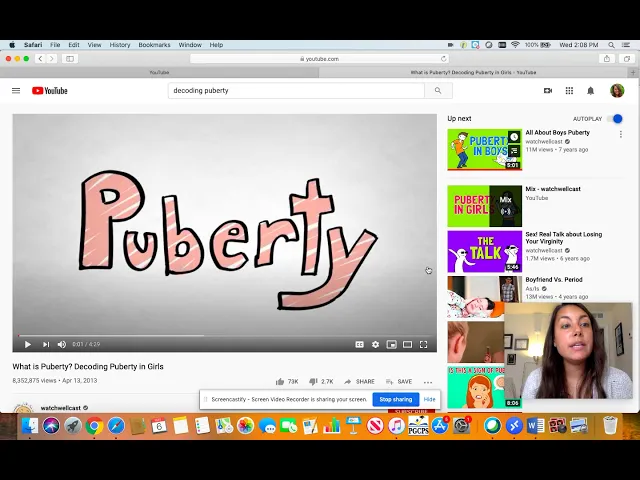
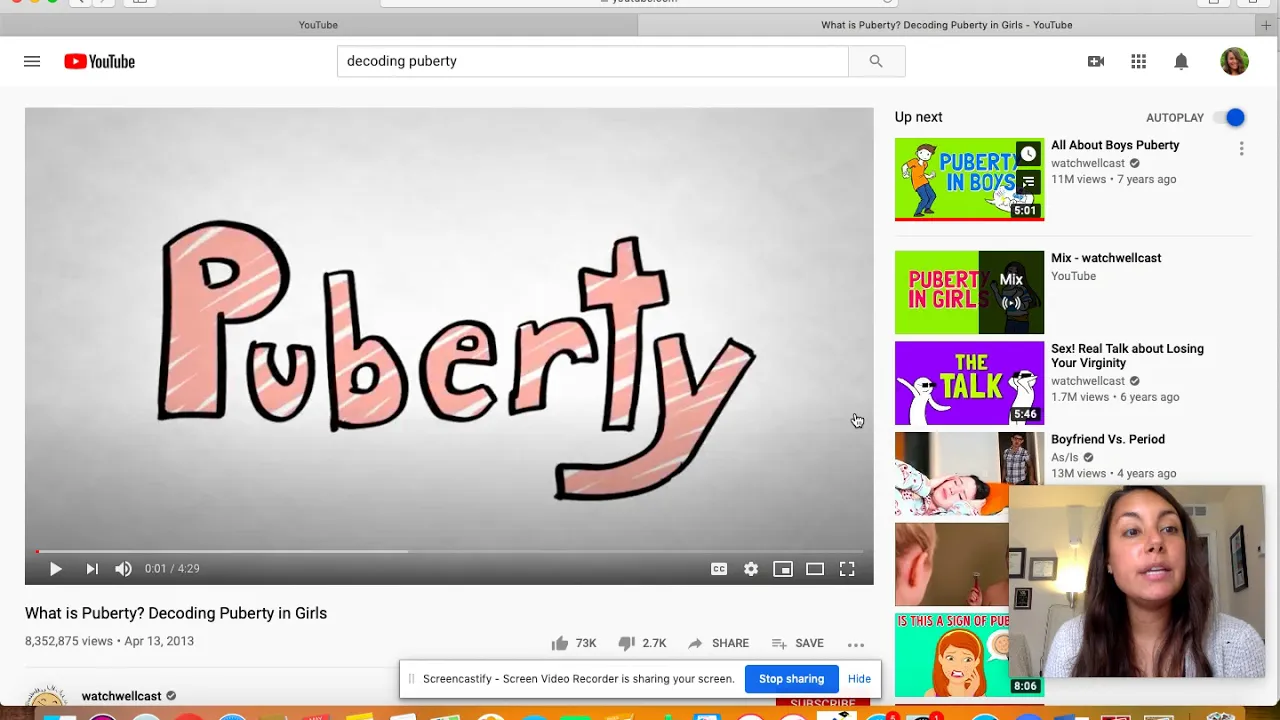
changes your YouTube from looking like this to looking like this so now I can search for my video and there is literally no distractions all I do is just search for my video click it and the video just starts playing I don't have to worry about any other videos popping up I'm also going to show you once I find a video like this one what is puberty on a normal YouTube you'll see the video right here but there's also all these videos on the side that might be less than appropriate I find this a lot
when we're listening to music in class and maybe I put on a song by a certain artist and then the recommended videos might be less than appropriate so I don't want any of these videos or ads on the side to pop up at all during my class when I'm presenting so distraction free YouTube eliminates that completely I'll show you the exact same screen what it looks like distraction free no inappropriate videos nothing to pop up on the side for your students to get distracted by it is just amazing so if you're interested in getting the
Chrome extension again it's called distraction free YouTube I highly recommend it for any teachers out there but it's also a great extension to have if you just have children and you're worried about what they're accessing teachers you can use this on your end on your computer but you can also have your students if they have Chromebooks or if they use the Google Chrome browser you can have them download it as a Chrome extension on their device and then it will automatically eliminate a lot of the distractions that they encounter on YouTube on their own devices
so I hope this was helpful if you have any questions please leave them in the comments and you can always follow me on Twitter for more technology and teaching tips at ms underscore up Meyer on Twitter so that's ms underscore mei je our thanks for watching