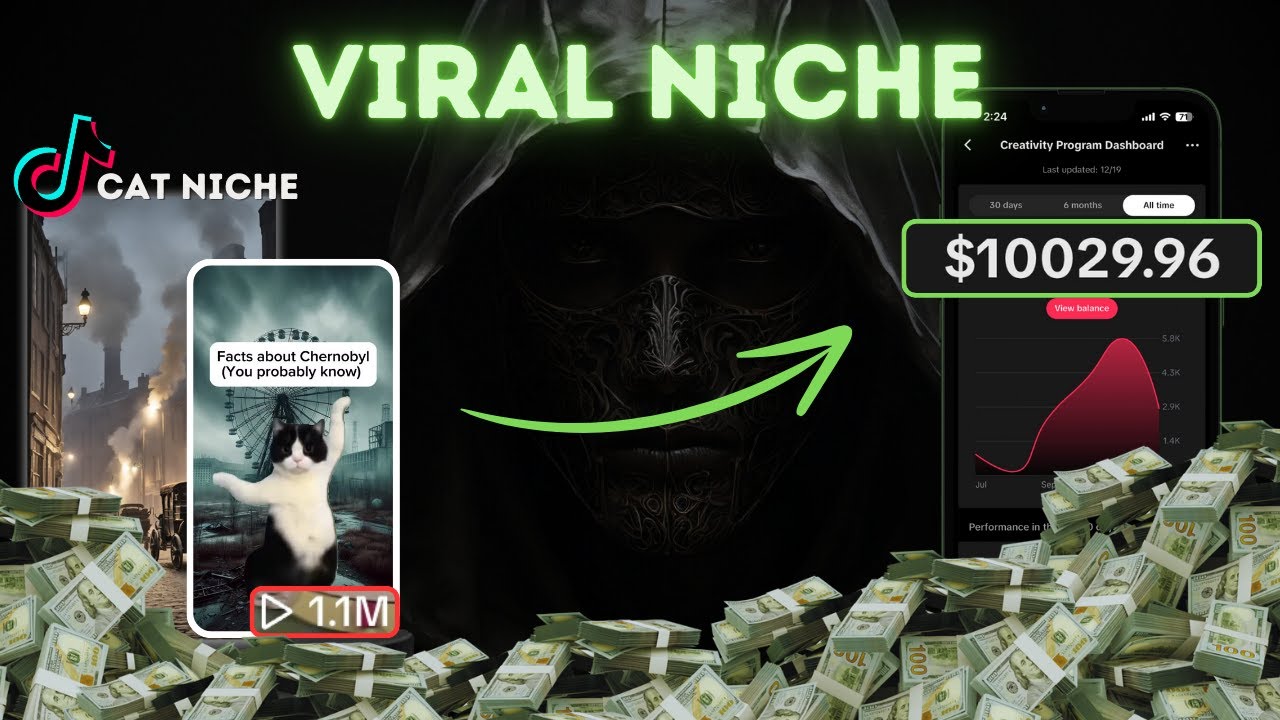
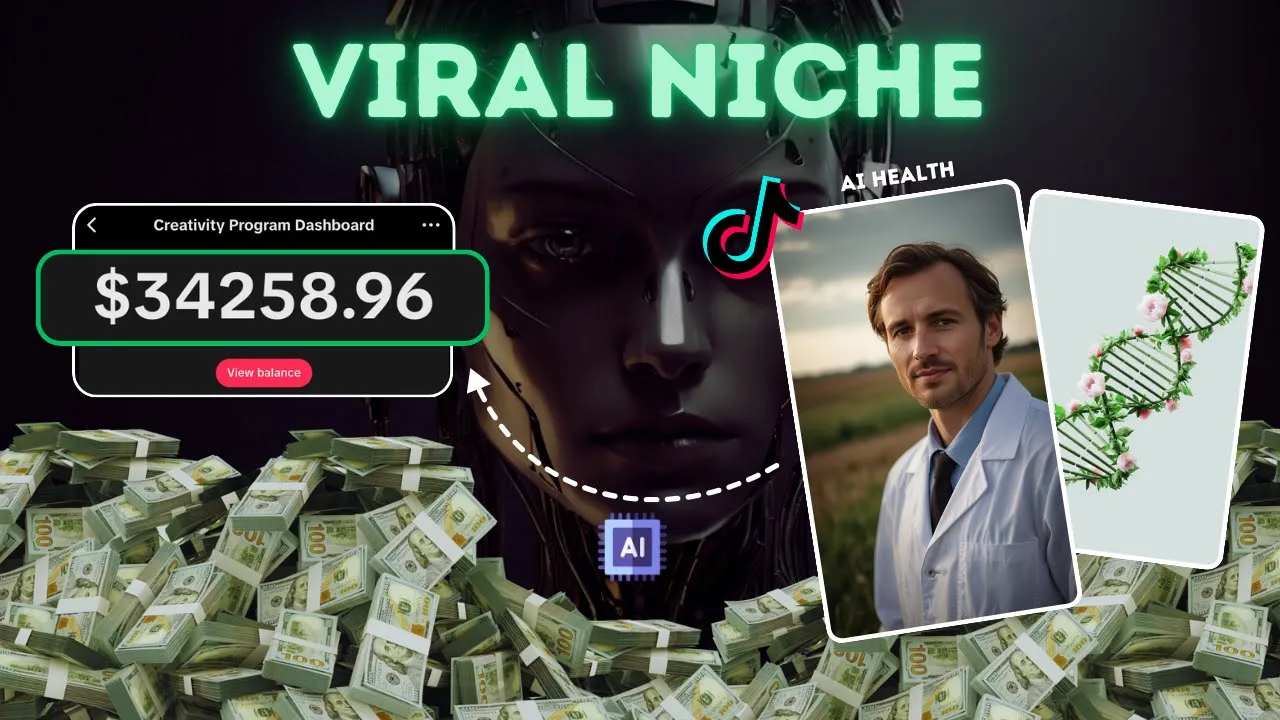
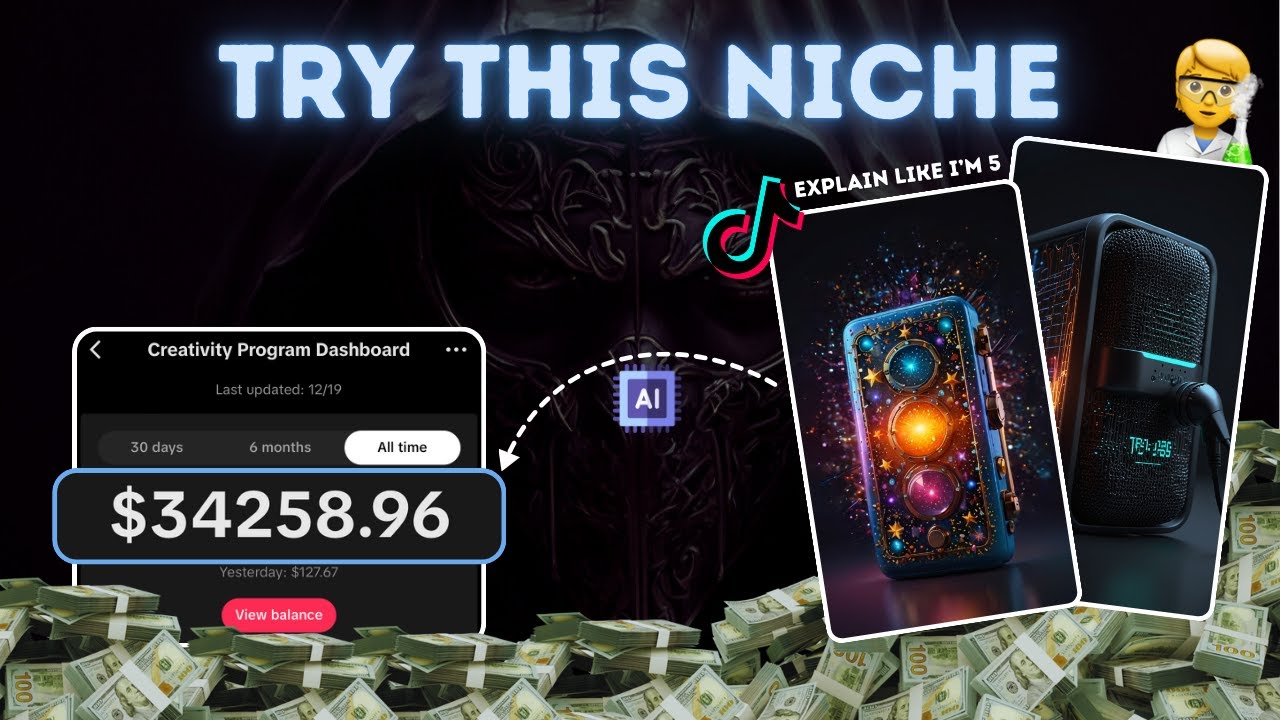
in the last few months this Tik Tok account will have been earning thousands of dollars from these simple AI generated health videos if we sort by their oldest video we can see that this account has grown to 700,000 followers in only a year this video here which has 22 million views will have made the account anywhere between 10 and $20,000 this is even more insane when I tell you that this video took 10 minutes to make because there's only a few accounts this means that this Niche is still an amazing opportunity to get started in
in this video I'll show you exactly how to create this content for yourself we will literally do everything from creating the AI character voice over and editing it all together to prove it here's the video that I made in 10 minutes why you should cut out sugar reducing sugar intake offers a multitude of immediate and long-term health benefits in the short term cutting out sugar can lead to increased energy levels improved mood stability and clearer skin okay let's get to work head to the video's description and open up the Google Doc I recommend clicking all
the links so that you're ready to grind the first thing we needed to make sure that you're eligible for rewards if you're outside the creativity program regions I have accounts for sale in the video's description it's now time to generate our script head to chat GPT and I'll ask the AI for some ideas to talk about within the health Niche such as cutting our sugar chat GPT allows for us to come up with loads of ideas each day as you can see the AI has given us a list of video ideas scroll through the list
and pick an idea you like I'm going to go with the benefits of reducing sugar intake copy it paste it back into the AI and below it ask for a paragraph that's just over 1,000 characters long this length of characters means our voice over will be over 1 minute as you can see the AI has given me a full length script read through it and if you're happy copy it and we can move over to the next step now let's create a voice over using 11 Labs 11 Labs operates on a character-based system but it's
really cheap to buy more to get started go to 11 labs and you want to hit voices in the top left corner on the following page click on Library since our focus is on health I'm thinking of a calm doctor's voice for our voice over use the filter option to find suitable voices try a few by hitting sample and once you find one you like name it and add it to your voice library next go to the speech section on this page locate the drop- down menu containing all your saved voices scroll through and select
the one you just added it should be easy to find as we gave it a name now in the main text box paste our script from chat GPT before generating the speech I'll add an introduction that says you need to reduce sugar intake with the script ready click on the generate speech button in the bottom right corner once 11 Labs processes the request download the voiceover and we'll be ready for the next step with our voiceover done I want to talk about my private Community I'm going to be adding value over the next week so
if you want to explode on social media then check it out it's full of crazy content trust me we can start generating some images to use in our video head to the Google Doc and click on the link for Leonardo to start head to Leonardo and click on launch app in the top right corner this will take you to a new page once it loads select the image creation option located in the middle of the screen this is where you'll begin your image creation process to ensure you don't use up all your credits quickly activate
the legacy mode in the top right corner this mode is designed to be more eff ient with your credits as the new mode locks you to generating four Images at a time next look at the settings on the left side of the screen the first thing you need to do is make sure that only one image is generated you can do this by adjusting the settings on the left this will mean that you don't burn up all your credits after that scroll down to the advanced control section here you will need to change the image
ratio to 9x6 this specific ratio is important as it's the exact one that's used on Tik Tok with all these settings in place we can start generating images now the only real image we need is that of the doctor I'll play around with a few prompts but I'll leave the final one in the Google Doc effectively we want a portrait shot of a doctor standing in a field to use as our AI character I'll skip to when our doctor has been created all right he looks pretty good so let's download him we now need to
give him some animation to do this head to this website called diid Studios Link in the Google Doc once you're on here you want to hit create a video on the next page you'll be prompted to add an avatar so upload the doctor that we got from Leonardo once he's in place you can just ignore all of these settings as they don't really matter what you actually want to di is hit script on the left on the next page hit audio and drag and drop in the audio file that we got from 11 Labs once
this is all in place hit generate video in the top right I'll skip to when it's ready as you can now see we have a talking character that we can use in our video If you're happy with it download it DDI does cost money to remove the watermark but it's only like $5 and as long as you have one video you can use it in all of them we're almost done we just need some stock footage to accommodate our video head to pixels as it's a site full of lots of free footage start by changing
the search to videos here now as our video is about sugar I'm going to search for that once on the next page hit filters on the right now on the left hit this drop down and set the orientation to Vertical now you want to save lots of IM that relate to our video you can obviously put in different Search terms that relate to our script and stuff like that all right with those images downloaded we now have everything we need I'll now edit it all together in cap cut once you're on cap cut import everything
into this box that we've just got I'm going to firstly add our voice over so select it and drag it onto the timeline once it's in place we need to remove any dead air this is these massive gaps like this that contain no audio and they're really bad for our videos retention hit B to bring up a splitting tool and then split and remove the bit in the middle this will be a massive boost for our video as no one wants to listen to silence you need to do this for your entire voice over but
don't worry it only takes like 1 minute our voiceover looks good so let's add our doctor drag him into the timeline like so but make sure that he's Above This middle timeline bit don't Place him where the video normally goes we now need to head below him and hit the ration button and then hit 9 by 16 as this will put our video in the Tik Tok format with him in place we want to start to split him up use the splitting tool and you now want to divide up your video so that the doctor
appears roughly around 40% of the time when you're doing this try and make sure that you split him at normal times such as the end of a sentence we're doing this so we can add the videos that we got from pexels once your timeline looks like this let's do just that and add our images drag in the videos and position them where they should be corresponding to the voiceover like the doctor try and make sure that these last the length of a sentence or whatever once your timeline looks like this we can move over to
the next step we're now going to make ourselves some captions head to text in the top left now hit autoc captions and then hit generate it'll take a moment but you should be left with captions that look like this I'm firstly going to drag them to the middle of the screen next head to the top right and give them a font that you like now you want to give your caption some depth so scroll down and select the boxes next to stroke and Shadow now at the top hit animation and then captions I'll go with
spring once your timeline looks like this I'm now going to add an adjustment to our video start by selecting adjustment in the top left now hit the plus button under custom adjustment to add it to your track now extend the duration so that it lasts the entire video now head to the top right scroll down and increase the saturation to about 15 this will make our video more vibrant now scroll down and increase the vignette to around 15 this will darken our Corners which I think looks really good all right this video is done so
export it I'll now show how to generate the auto captions if you don't have cap Cut Pro firstly export your video regardless in order to get yourself the captions for free you need to download this editor called VN the link will be in the Google Doc once you're on VN import your video and hit autoc captions in the bottom left now these won't be as good as cap cut but they'll definitely do and they are completely free that's all there is to it export your video once you're happy with your captions here's the finished result
why you should cut out sugar reducing sugar intake offers a multitude of immediate and long-term health benefits in the short term cutting out sugar can lead to increased energy levels improved mood stability and clearer skin that's all for today's video get the best digital assets in this video's description bye
![I Replaced ALL my ADOBE APPS with these [free or cheaper] Alternatives!](https://img.youtube.com/vi/5EfqHg49kMk/maxresdefault.jpg)



![How I Make ORIGINAL AI Videos [TikTok Creativity Program Beta]](https://img.youtube.com/vi/09B5Vpp8wzk/maxresdefault.jpg)