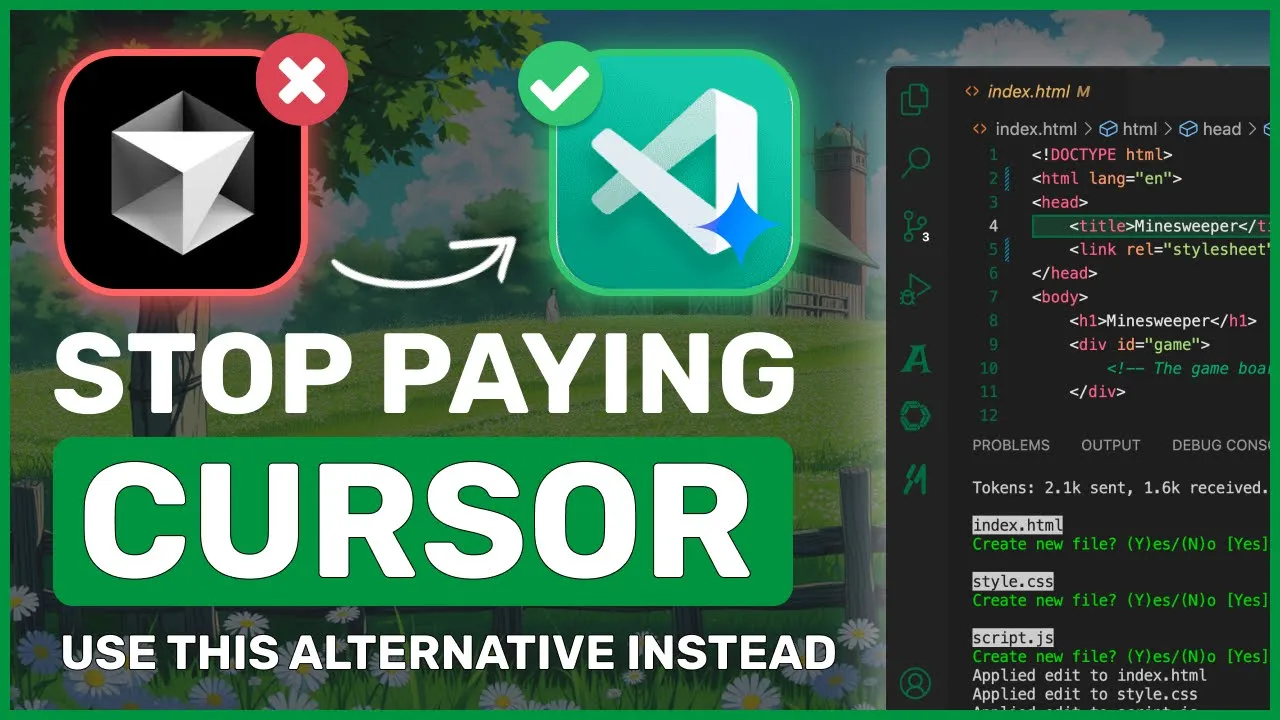
[Music] hi welcome to another video if you've watched some of my previous videos you'll know that I don't like cursor I mean it's just way overrated for what it does first of all it costs $20 for stuff that is so basic and I don't understand how people can pay for these rappers secondly it's a fork of vs code which means means they're just monetizing an open-source project and I really don't like that at all I mean how can you pay for something when it's just a price tag over an open- source project because of all
these reasons and some more I made the stop using cursor video where I showed you how to stop using cursor with easyto use open- Source Alternatives that are way better than cursor with tons of customization options and even cheaper which was pretty cool to see but one drawback was that it required you to use API keys in Claud Dev to generate stuff which is a bit of a hassle for many people who might just want something fully free that doesn't cost a cent so I thought today I'd show you how to stop using cursor for
free without spending a penny everything I'm going to show you in this video will be free to use with pretty decent performance so let me first tell you the plan of what we'll be using and then we'll execute the plan for the editor I'll be using vs code because it's what most of us use and all the extensions we're going to use will also be compatible with it apart from that this time I'll be using ader for our main coding agent I won't be using Claud Dev this time although Claud dev has added many new
features like open AI API compatibility and AMA support it's still missing one thing that I want which is support for a model I'd like to use so let's talk about the models there are two things we can do when talking about models we can either use a model locally or we can use some kind of free service now if we use a model locally we won't get good results because we obviously can't host a high parameter model locally so I won't be doing that but if you want to you can use a model that suits
your machine anyway today I'll be using Google's Gemini models instead because they have a free rate limited tier for Gemini models which is pretty good since we can use the Gemini models for relatively free especially the rate limits for Gemini flash are so low that we can easily use it without any issues you can do 15 requests per minute generate 1 million tokens per minute and in total you can do 1,500 requests which is really cool the pr mode has a much harder rate limit which makes it less practical but I have a workaround for
that if you remember Gemini has launched some experimental models that are actually better than the original and very cool to use we'll be using these experimental models instead because they are free to use without apparent rate limits however since they're experimental they can sometimes be unreliable or not work what we can do is configure the experimental models as our main set and if they go down or don't work we can switch to Gemini flash which works pretty well I'll primarily be using the Gemini 1.5 Pro experimental model because it scores good numbers in AER benchmarks
so that's the main model we'll be using apart from that we'll also need a vs code extension for simple refactoring and chatting for that I'll be using continue Dev which allows us to connect it with Gemini and use it for refactoring and chatting but there's one issue we can't can't do autoc completion with Gemini via continued Dev because that's not possible and wouldn't make sense either as it would use up all our requests so we can use a small local model for autoc completion like we did in the previous video but I won't be doing
that today because I want to keep this setup free without requiring a high-end computer for autoc completion we'll be using super maven super Maven is really good for auto completion and is super fast I like using it because it's reliable and there's a free tier with unlimited Auto completion which is awesome you can also use codam but I'll be using super Maven now let's get right into it and configure this setup first of all open up your vs code now let's get super Maven configured to do that go to extensions and search for super Maven
get it installed and once it's installed you'll see it in your sidebar go over there I'm already signed in here but you'll have the option to start their free trial for the premium version or just use it for free to use it for free click the use for free option enter the email you want to use and sign up once that's done you'll see the chat interface but this chat interface won't work unless you're a premium user or you can enter your own open AI or anthropic API key to use it however this isn't required
for auto completion which works even without all this once you've installed super Maven and signed in your auto completion should start working the auto completion is much better than local models and faster which is cool so this will be great for autoc completion but we also need a chat interface and refactoring tool that works with Gemini super Maven doesn't support that so for this we'll use continue Dev it's open source and works well so go to extensions search for continue Dev and install it once it's installed you'll see it in your sidebar just open it
and you'll see the interface first let's add our model click here here then click add select Gemini and once selected you'll need to enter your API key you can get this by opening Google AI studio and creating an API key there once you've pasted the API key select Gemini 1.5 flash now you can start using it with Gemini 1.5 flash if you want to use it with the experimental model click the settings option and change the model name to Pro experimental or Flash experimental then save it now you're ready to use it you can chat
add your files discuss your code generate code and even refactor it all right within the file that's pretty cool now the last thing is AER AER doesn't have an official vs code extension so we'll use it via the terminal like usual open the terminal and to install AER run the command pip install AER chat and this will get AER installed once that's done export your Gemini API key like this now you can start using it to use it run AER with Gemini 1.5 Pro experimental and you'll see the AER interface just enter what you want
to build and it'll do that for example let's ask it to make a mind sweeper game using HTML CSS and JavaScript let's send that request and wait a bit [Music] it's done let's approve everything here and it's finished let's run it and see okay this works pretty well I think this is one of the best options to use and it's all for free you get free autoc completion free refactoring and free code generation it's fully usable and works great what more could you want you can also use it with local or paid models because it's
fully customizable if you need to do something very complex that Gemini can't handle you can switch to Claude for that task and then come back to Gemini for free usage The Flash and experimental models work really well which is cool also if you're thinking of adding something to this setup I'd recommend using deep seek because it's very cheap and even if you use it the cost will still be lower than cursor which is awesome so go ahead and use it overall it's pretty cool anyway let me know your thoughts in the comments if you liked
this video consider donating to my Channel Through the super super thanks option below or you can also consider becoming a member by clicking the join button also give this video a thumbs up and subscribe to my channel I'll see you in the next video till then bye [Music]