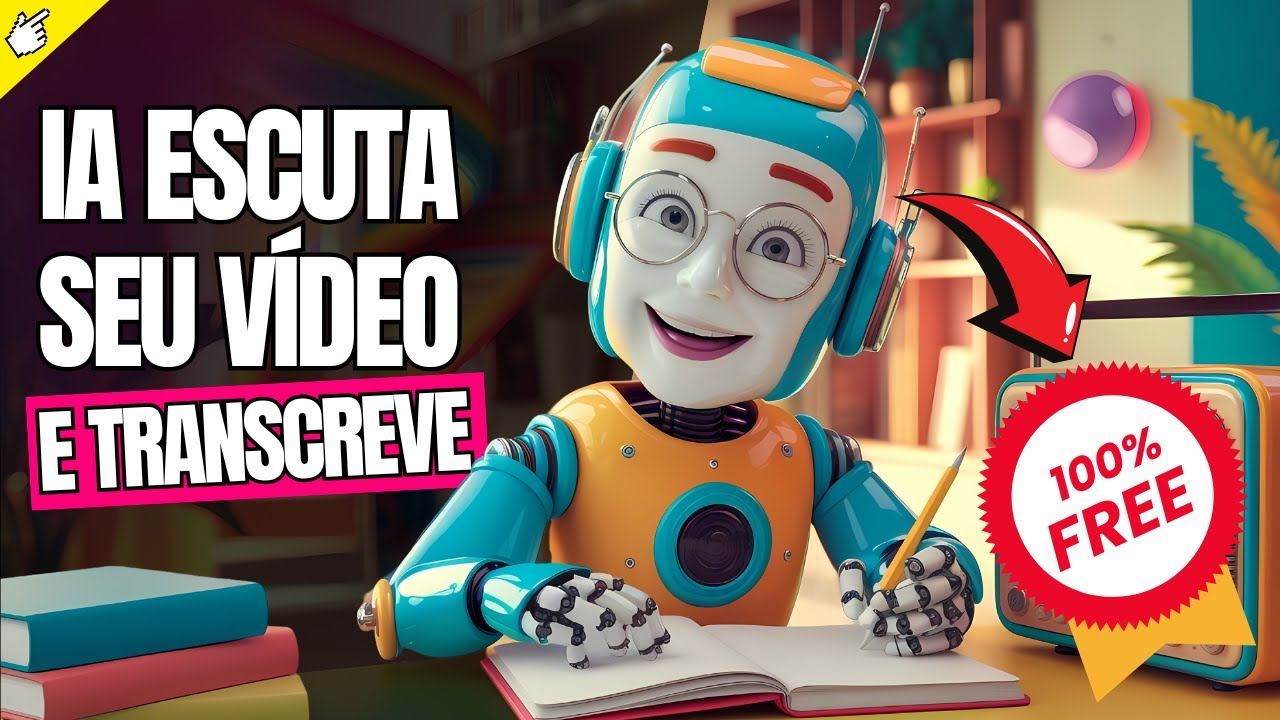
Have you ever imagined transcribing an entire YouTube video on the spot with artificial intelligence and outside of transcribing you can choose the PT germinar chat to summarize this video for you, so you get a ready-made video and leave with it basically all transcribed or summarized for you, then you can polish it at will So I'm going to show you today how the new YT Scribe is working, which is YouTube summary, ok It's a Google Chrome extension, I'm going to show you how it works, all the details, how it looks beautiful in transcriptions, how you can ask for he summarizes, etc. and so on, everything with EA directly for you, easy, free and easy, my name is Bruno Sutero from the channel Let's test it and today I'm going to show you everything about YT Scribe and Youtube Summary before starting this video, I'm asking you to like it so that this video reaches more people, so without further ado, let's see how YT Scribe and Youtube Summary work. a YouTube Scribe, let's say, right, it transcribes the entire YouTube video for you and summarizes it with the GPT chat, okay, YouTube Summary, I'm showing the extension screen here, it's a Google Chrome extension, so you need to be logged into an account.
of Google Chrome in the Google Chrome browser Okay, so it's up here, you can see this login here so it has IPT chat with Cloud etc. I'll leave the link in the description so you can use this extension on your Google Chrome I put it in the anonymous tab so you can see that it's this one, it has this Flag here because I 'm not actually logged in, I'm in an anonymous AB, right? So you have to be logged in to a Google account to be able to use it.
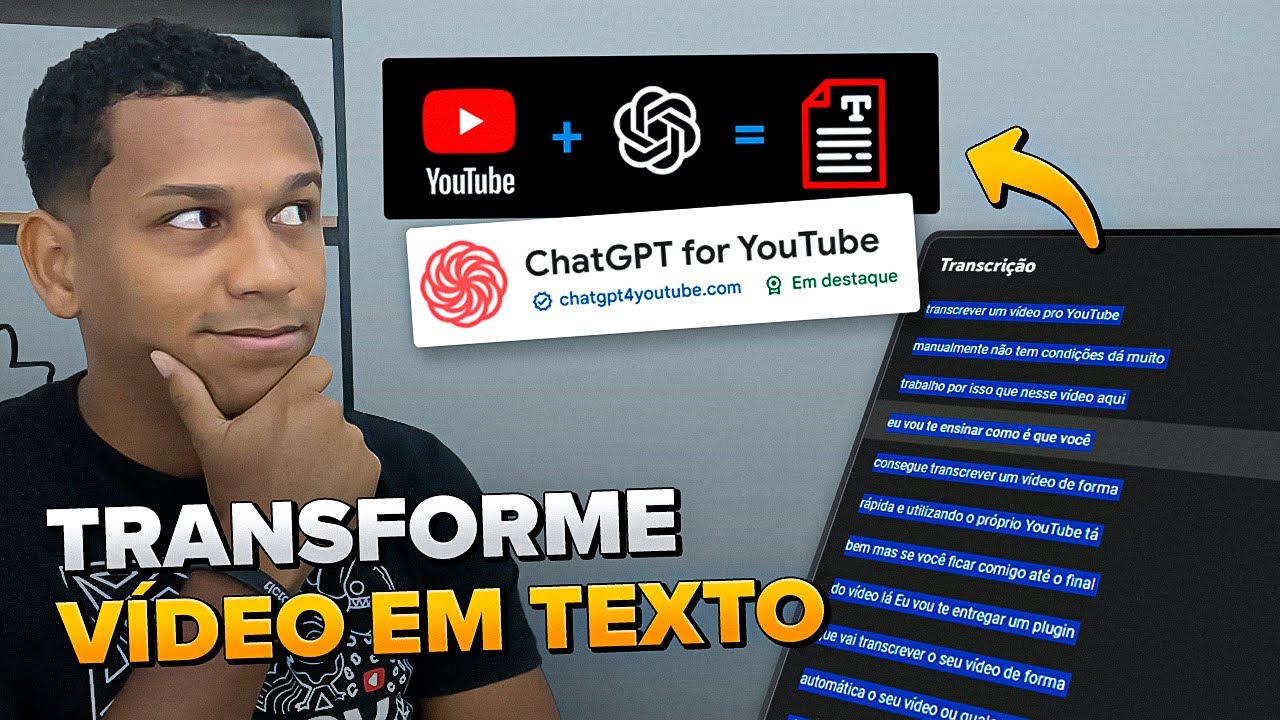
for you, I'm going to come back here to Ultra tab, okay, and how it works, YouTube summary, this YouTube, this YT Scribe, let's say, the old YT Scribe, here for you, it works in the following way, it will transcribe the entire text, the entire video in text and if you want it makes a summary In closed GPT Chat so it's great for example for you to take it and say like this oh I have a blog and a channel, I don't know, like on the news website you take it transcribe it, in quotation marks, it summarizes, right? with the IPT chat, you can adjust a few things in the text here, give it a nice slap for SEO and throw it somewhere, it's a project that I'm going to do, right, because I have a lot of life and the channel and now this month until the end of the month beginning of next month I'm going to open a website and I'm going to put a lot of possibilities there too because I want to expand the brand so it's a possibility Okay, but I'm going to show you all the details here, I'm going to get my video, it's here directly, which I've already done in the past and you can see that only I have the active extension here, I have the VId IQ extension and here below is the YouTube summary extension, you can see that it is this one from Glasp here which is this very strange logo here, so in general here, see if I click boom he already transcribed it for me Oh, you're watching it in Portuguese, I'd like it, blah blah blah, he's getting everything I said in the text, oh, it's so beautiful, he's doing all the breaks here according to the video's minute, so you can get it like this or if you want, you can also get it in already summarized, let's say, here are the Portuguese subtitles that I put and this automatically generated Portuguese leg, ok, so there are many possibilities here, I'll leave it in traditional Portuguese But you can come here, it already copies the transcription you see I'm coming I'm going to click here on the button I'm going to open a naked Word here just to show you, it's a naked Word just to show you, okay, so if I press Ctrl C cont contrl V he took the entire video transcribed here I just to give an example, okay cool, this is the first part so he transcribed the entire video into text, great show to YT Scribe here the YouTube summary worked great now I want to make a summary of it, see this part up here, you come here to the summary instead of transcript, it will appear here and here it will ask you if you want to make the summary with which Intelligence Artificial right With which artificial intelligence mechanism with which proxy anyway with GPT 4 mini with GPT 4. 0 with cloue with Gemini all of them these guys here and here you will choose alum of them I will choose GPT 4 simple it's straight fine here it fell in the GPT chat automatically But hey, I'm not typing anything anymore, I just clicked, my hand is up, I'm doing everything, I didn't even put a summary in five points, free course from the ide portal, reliable, diversity of the certified course available, BL blah, everything that It's in my video, so, he took five points and turned it into a summary.
From here, if you want, you can adjust this summary, obviously, right? Ah, transform it, then you can make another prompt, right ? clicking there he said summary next is the following five points in Portuguese then he took the title of my video the transcription and did But what you can do is take the transcription and say summarize for a blog text with x lines and there L there etc and so on, you make a further promt strong but here is a North so you can use it I used the one from the idea portal here but YT Scribe, right?
I call it itYT Scribe, right? and the YouTube summary, it does this for you automatically, it comes out looking cute, now go play on GPT You can also play on Gemini in many other places here, see, I'm just clicking on it, all the details here, there's this one, even Mistra, anyway, I've used it a lot and I'm going to use it to make posts for my blog, I'm not going to do it, I'm not going to copy it. lap, I get the base, I'm changing the texts and modifying the seo, I'm going to do a little project like this on the channel, then I'm going to show you how this blog is growing, this site is really cool for you to understand more or less what it's going to be like I'm even considering making a web series here, but cool, coming back here, YouTube summary is a great show, this version is really cool, the extension is free to do this here, which I showed you with GPT 4, with any other were there what does it have in the pro, if you click here it comes to the website, it will go to the website here, I already have the extension installed, I'm already logged in here on Google Chrome, you can upgrade to the pro, if you want the upgrade to pro we'll see together, so what you have in the free plan is unlimited Public highlights You can have three or three summaries per day you can upload PDF of summaries I'll even transcribe them into Portuguese to make it easier for you See, it won't be like this, it will be in English, okay, that's fine, just so you can see, I'm doing this precisely because I'm on Google Chrome, you right click on the blank space and it translates the page for you, it doesn't include private advanced summaries YouTube automatic synchronization doesn't exist with notion, you can even synchronize with notion Ok, but it's great here unlimited private highlights unlimited basic summaries advanced YouTube summaries PDF uploads and summaries video and audio transcription automatic synchronization on the 10 per month plan you pay annually Every two months or pay monthly which is 10 per year for the guy to be quite honest 120 per year dollars or 10 per month I would do 10 per month ok and unlimited you can make as many summaries as you want and a bunch of others things here but what I think you could start with on this YT Scribe aka YouTube Summer I keep saying this because they are very similar, right?
You can start with the monthly plan, always start with monthly, always start with monthly, test and see if it works what you wanted then you think about something long term you don't do it automatically Ah, I'm going to get crazy here and do it for two years, like man, it's like you don't even do a gym plan for a year and then you don't use it, you know, so and test it and See, I think it's a great ball show, I use it a lot, but that's my opinion, if you disagree, you have your own test, sometimes you don't like it and everything is fine, it's also closed, so this is YT Scribe, a ball show is available there for you to use Finishing today's video is the question of you always liked the video the content made sense to you Did you like this video of transcribing YouTube videos to text if you liked this YT extension Scribe Youtube Summary I told you I ask you to like once again and ring the bell below to subscribe to the channel and receive notifications. We have new videos on Mondays and Wednesdays. There were no Mondays here for personal reasons, here it is, but we have shorts throughout the week.

![[KIWIFY] Como Vender na Kiwify RÁPIDO | Sem Aparecer e no AUTOMÁTICO](https://img.youtube.com/vi/Ia8r22CHZnU/maxresdefault.jpg)