Vibe coding. Everyone is talking about it. Where you use AI tools to do all of the work and create an app.
That's what we're going to do today. We're going to create a web app that will make me money, but not in the way that you think. So, this is what I want the app to do.
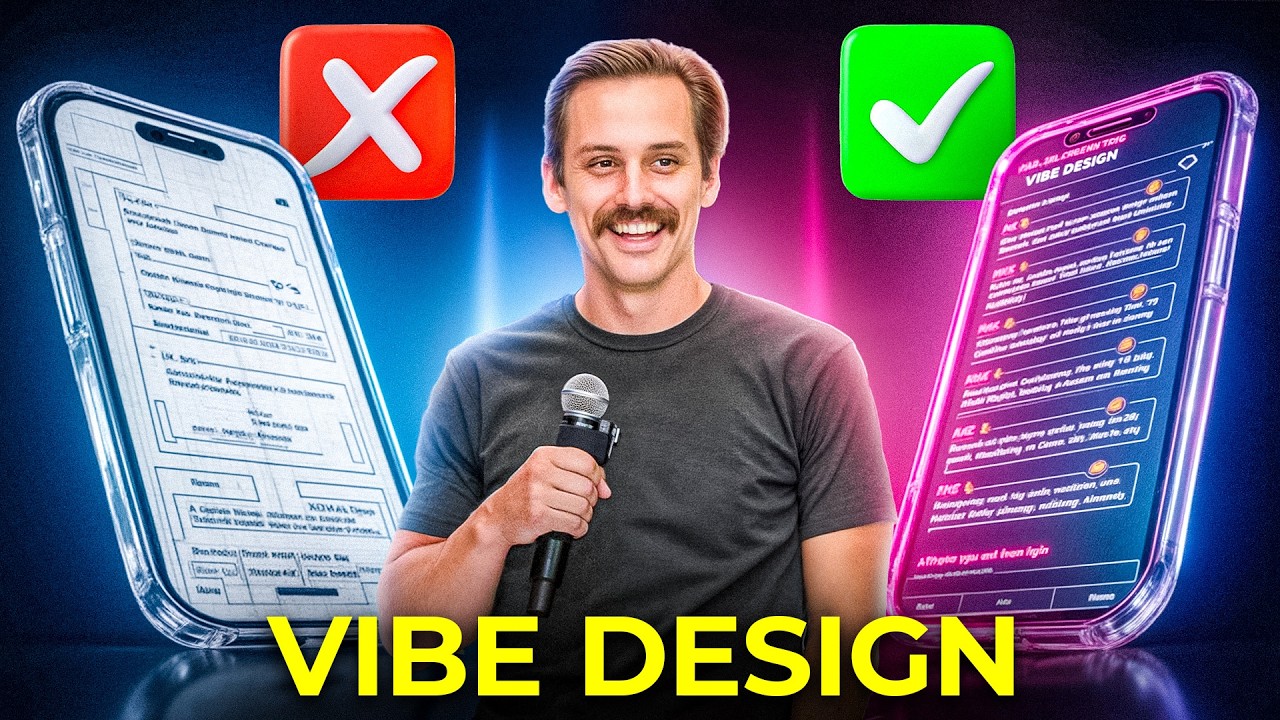
I want users to be able to upload screen recordings to our web app. And I want it to convert it into something that looks like this, right? to where it has the outline around the phone because I've found that it performs significantly better than uploading just the screen recording directly to a social media platform probably like 20 to 50 times better.
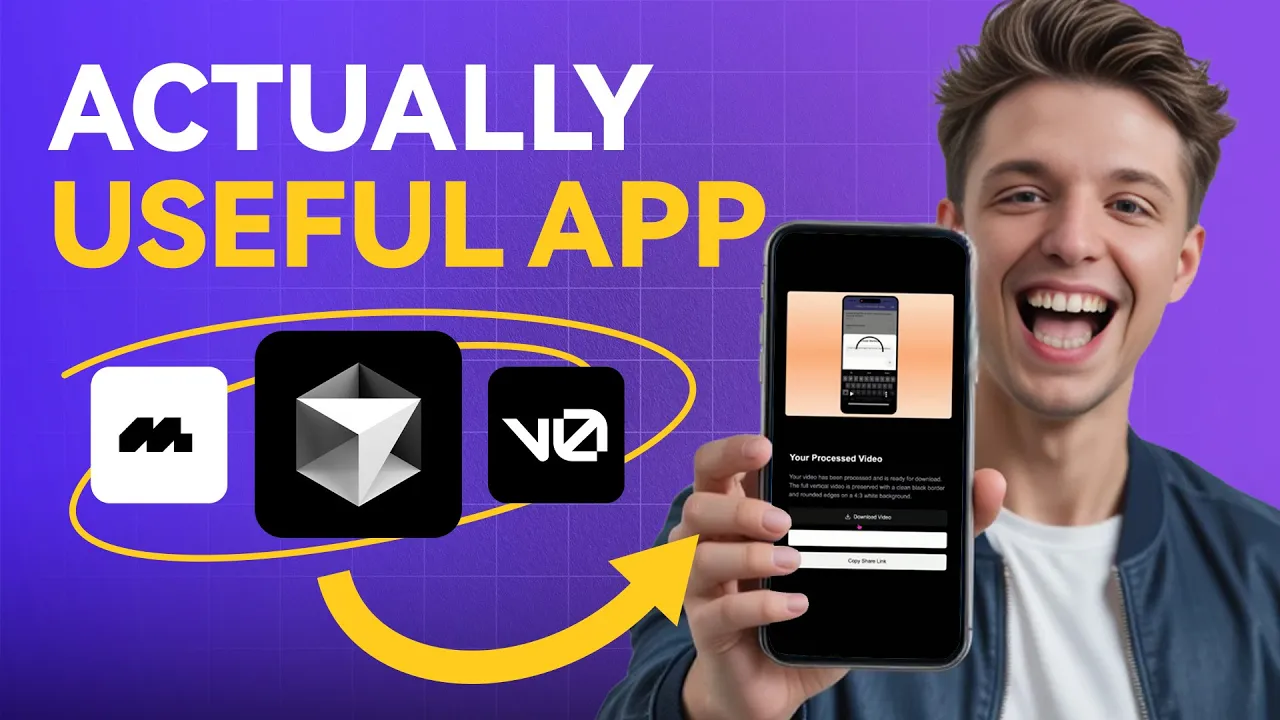
I want the users of our app which is an app that builds mobile apps to be able to convert their video into a highquality format. And the three tools that I'm going to use today is I'm going to use an app called Mobin for design inspiration. Then I'm going to implement the design on v 0ero and then I'm going to create the app using cursor.
Let's dive straight into the video. So the first thing that I'm going to do is I'm going to go to vzero. dev.
And so once we have v 0ero open and we're all logged in, we're actually going to go to mobin, which is mobin. com. And this is a tool I've been using for months now.
Mobin has the biggest library of designs to choose from, whether you're on web or if you're on iOS. So, I can choose from thousands of designs and they are a sponsor for this video. What I'm going to do is I want to find a design that would work really well with the app that we're building right now.
And so, what I'm looking for is a good upload component and I'm a sucker for simplicity. So, what I'm going to do is I'm going to make sure that we're on web and on Mobin this search screen will pop up. I'm just going to type in upload.
And here it automatically created this file upload. Now all of these screens right here are upload screens from existing websites that have really good design. And I actually really do like this right here.
Ooh, I really like this from Cosmos. And so this is a cool one. So I'm actually going to just save this.
We'll create a collection. And I'm just going to make this web apps that I like. And we can create this little playlist right here.
And we can save our designs to that playlist. Let's keep going. Okay.
So, I do like the simplicity of this one from bio sites. And so, I'm going to save this one as well. And we can save it to the same profile.
And you can actually add a little comment right there. Maybe you're working with the team. Let's continue.
And I do think this one looks pretty good as well from Grammarly. So, let's save this one. Okay.
So, now we just need to decide which one I want to use. And I definitely think I like this one the most. You know, I I like the simplicity of this one, but the app that I want to create, I wanted to save their videos that they create down below.
So, let's go ahead and use this one. So, I'm just going to go ahead and copy the screen. Now, what I'm going to do is I'm going to go back to Vzero where we are designing our app and I'm going to paste it in just like that.
I'm going to say, "Please, can you recreate this except in the top bar instead of that search bar that is up at the top that starts with try, I want you to just have an upload button that when pressed, the component that's coming out centered below the top bar, I want that to drop down and that's where I want the user to be able to upload a video. And then below the top bar as you in the image, you see all these colorful components and images that are on the site. Let's call this app mobile vid.
And the basic premise of this app is users are going to upload their screen share videos from their phone and it's going to convert them into highquality videos. But you should not add any of that functionality. We're just trying to design this app here.
Okay, so it is done generating. Ooh, that looks good. Check that out.
And so now we can press upload. And now this pops down. So what I actually want to do is I'm going to screenshot this.
And I'm going to upload this right here. And then I'm going to upload that same Mobin image that we had earlier. And I'm just going to say the first image I uploaded was the the app that you just created.
The drag a video here I only want to be there after I press upload. And I want it to drop down from the upload button that is centered at the top of the app. So, make the upload button center on the top bar and make it longer.
Make it a longer button. Also, get rid of discover library and the red circle and create. So, it just should say mobile vid and then upload should be longer and it should when pressed have this dropdown.
Okay, so now it's coding everything out. Okay, it's now done. Let's take a look at this.
Okay, I dig it. So, what we're going to do now is let's go ahead and take this to cursor. So, what I'm going to do is I'm just going to press this button right here and I'm going to hit download zip.
Once the zip is downloaded, what I'm going to do is I'm going to doubleclick the zip so that it opens. And then I'm going to actually uh let's just create a project from this point. So, what I'm going to do is I'm going to hit open project on a new cursor window and we're going to press mobile vid and we're going to hit open.
And now we're going to open this up full screen. And let's go ahead and make this a little bit larger. And now we have the whole project over here.
And now what I'm going to do is give cursor the prompt. So, for those of you who are new, let let's pause for a second. Let's do a 30 secondond refresher.
Right. All we've done so far is we used Mobin to find, you know, a cool design that we want to use. And I think we found a really cool design on Mobin and we were able to upload it to Vzero and Vzero coded out a Next.
js project that we could use to expand upon on Cursor. I think cursor is going to be significantly better at finding the best solution to uh create an app that allows a user to upload a screenshot. Right?
This is a screen share video from their phone to this app that can be used on the web or you know on their phone or their computer and then it will create a clean video with the iPhone frame around it. That is what I want to create. So now we're back on cursor and it has access to all of the files that we just created on v 0ero.
So now I'm going to ask cursor, I want you to create an app that allows the user to upload a video. And this video is going to be uh vertical screen share video of an app someone created. And the main problem we're trying to solve here is that I want these videos to show up on a Twitter feed where instead of it being 9 by6 or whatever format the a standard iPhone is, I want it to instead have the outline like you know uh if you ever look at a mockup of an iPhone image, it'll show the outline of the phone with the dynamic island and the time on top.
You know what I'm talking about? And um I want that to be on a 3x4 square with a background. So like there you have the background of the video and then you have the mockup on top of that.
And so when vibe coding, it's always good to include an image. And so I just splurge my idea out using voice. And so sometimes it's always good to explain that this is kind of what it looks like.
There's going to be a background, an outline to the phone, and then the user video will go in the middle. So I'm going to save this to the clipboard. We're going to go back to cursor.
I'm going to paste it in, and I'm going to say it should look like the image. This illustrates uh the concept. And so right now, we're just using claude 3.
7 sonnet on max mode. All right. This is going on for so long.
This is insane. Now, please run this locally so I can use it. Okay, it's done.
Let's go ahead and click on this. All right, so here is our app. Let's see if this works.
Okay, I am not optimistic, but we'll see. So, it looks exactly as we created it. Let's go ahead and upload a video.
So, here is the app that I just created using the Vibe Code app. So, I literally created this on my phone. We want our users for our app to be able to post this on the internet and make it look good.
The problem with this is if you're on Twitter, right? If you're on Twitter and you are to like and you go and you upload this video like this, it's going to show up in this ugly format. When it shows up actually on the feed, you can only see like the middle of it.
And so that's why we want it to be in a more square grid so it looks appealing and it can actually go viral. Similar to our pinned post which got, you know, uh, almost 200,000 views and it looks a lot more. See how this shows up in the feed?
Like this is what people immediately see. They see a phone on this big screen and it's a lot easier to tell that it is a phone screen. So now let's go ahead and give this a try.
Let's try this. We're going to upload A screen recording of a video. Wait, that was immediate.
Download video. Please work. Let's see what it downloaded.
I don't think it's popped up yet. Okay, it's not downloading the correct one. But this looks really good.
Actually, this is exactly what we want. And so I'm going to tell cursor that. So I'm going to copy this right here.
I really want you to make it, export it exactly as it looks in this screenshot. Everything you're doing is great, right? When I upload the image, the video, it converts it into a perfect format.
However, the problem with this is that when I export it, it's exporting the original video instead of exporting the new video that's created that has the iPhone background. You know what I mean? Okay.
So, let's hope that fixed it. Let's go ahead and upload a video here. Let's see how it looks.
I want it to look exactly like this. So, if we download this video, we will see what it looks like. So, let's wait for it to come in.
Wait, what does this button do? Oh, it literally added a share on Twitter button because it was part of the prompt. I don't know what happens when uh let's Wait, what happens when I press this?
Oh my god, it literally goes to Twitter. It added that just naturally. That's crazy.
That's dope. Okay, I like that feature except it doesn't show up until you hover it. So, I'll change it.
But let's see what it looks like on here. I just downloaded. Where is it?
Right here. Okay, this is working. All right, that looks pretty good.
Nice. That's exactly what we're trying to do. And so now, if you were to press share on Twitter, you could immediately share it just like by dragging it right there.
And this would look significantly better in the feed. That's cool. That is a legitimately useful feature.
Let's see if we can do one more thing. Um, okay. I actually want the background not to be white.
I don't want it to be white. I want it to be the same color. Actually, I want it to be this image.
I want this image to be the background. Um, yeah, found it. Okay.
Let's go back to cursor. Let's drag this image in here. This is the image I want in the background.
Okay. Um, now let's see. Let's go back.
Let's give this a little test here. Oh, it immediately changed it. So, let's refresh it here.
So, we can upload a video. And now we can go like this. We can upload this screen recording.
Nice. Download video. Okay.
So, it just downloaded. Let's see. Oh yeah, let's go.
That's what I'm talking about. Boom. We did it.
We created an app that takes a screen recording and it adds a clean border around it so you can clearly tell it's a phone and it just makes it a lot more appealing. And then what you can do is you can immediately just click on this and hit share on Twitter and it immediately allows people to share it on Twitter just like this. Um, that's pretty cool.