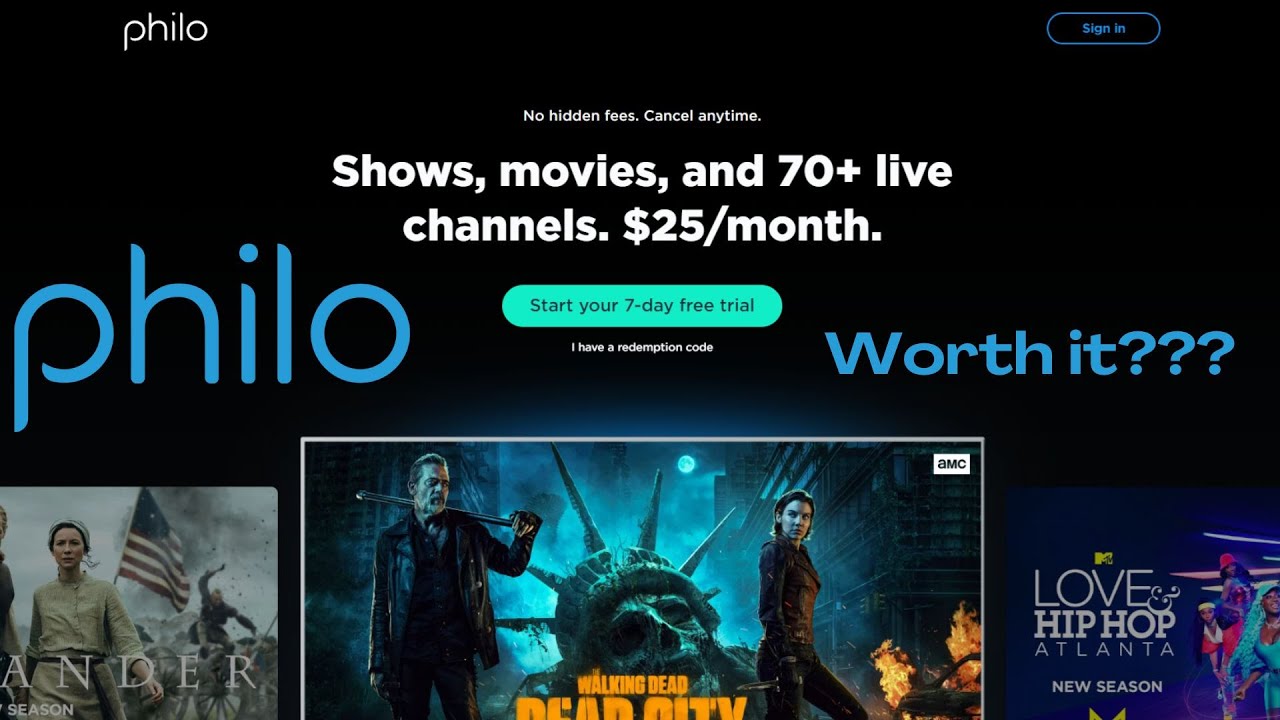
hey everybody it's Lon siy and over the last couple of weeks I've been working with my mom to get her off of Comcast cable and into her own thing and we moved her over to YouTube TV and I did a review of that service a lot of you during that video wrote in to ask me to check out felo which is another one of these cable services that has a DVR capability and this one costs a lot less than some of the other ones you might be looking at but of course it doesn't offer as much and it is pretty Bare Bones but for some this might bridge the gap especially if you have over the air TV where you live and what we're going to do is take a deep dive into felo and what it's all about but I do want to let you know in the interest of full disclosure that I am on the free trial of felo it's available to everybody for 7even days so they are not sponsoring this video nor is anyone reviewing or approving what you're about to see before it was uploaded so let's get into it now and see what felo is all about now felo is coming in at $25 a month which is significant ly less than some of the other cable streaming providers out there the lineup here looks pretty good you've got A&E and history and lifetime history in lifetime for example or not on YouTube TV and it covers a good chunk of the cable networks that people might be looking for but there are some key exceptions here first of all you're not going to see a lot of sports on here because sports are more expensive and that's what's driving the cost on some of the competing Services additionally you're not going to get your local channels here either so that's where where if you got somebody who's already running with an antenna at their house this can be a nice supplement or companion to that you're also not going to get any of the cable news channels you do get I think the BBC World News and BBC America and I think Cheddar's on here somewhere but you're not going to get fox or MSNBC or CNN or news Nation they do have a couple of free channels here as well and these are the same free channels you'll find on Pluto and some of the other free services out there and then of course you can add on some other things but not much here you got MGM plus stars and they also have a movies package for an additional $3 a month that gets you FMC HD net res and Sony movies so pretty limited but if the channels you're looking for are on here and you don't want to pay $72 a month to YouTube this might be a great way to get those channels without having to break the bank now as I mentioned they have a 7-Day free trial so you can play around with it a little bit to see if it might work for you and as the family tech support guy here I was very pleased to they don't require you to type in a password to get in when you're on the TV interface here so all you have to do is just type your email address in it'll send an email to you and then you click on the link and that will log everything in so getting your family members in when you're not with them is actually a lot easier here than it was with some of the other services that I looked at now I found the interface to be pretty consistent across different platforms we're using Google androidtv right now but it looks the same on Roku and Apple tv as as well it's all very similar and like other services you get a landing page here that gives you some Cur rated recommendations based on your past watch history and then of course you can jump up here and go into the channel guide what it also offers is the ability to set up different profiles for different people in your house so everybody can get their own experience and their own DVR recordings when they pop in now they allow you to have up to 10 profiles on your account however only three people can watch TV simult mously when the fourth person comes on it'll knock one of the other people out usually the person who's been watching the longest so just be aware of that you got a big family this may not work for you especially if you all watch different things at the same time so let's take a look now at the interface to see how everything works here right now I'm on the channel guide and when you first pop into the channel guide it'll give you your most recent channels as you scroll down you'll get the rest of them I believe in alphabetical order here now if you go to the left here and select the channel you'll have the option to add it to your favorites which will pin it up towards the top of the list here so that's a way to get some of your favorites more front and center but again it'll also put the more recent things up there as well now if you want to tune to a Channel of course you just click on the channel you want to watch and one of the neat things that this does is if you tune into a show in the middle of its broadcast it's actually going to start you off from the beginning so you don't miss anything you can turn that feature off but I thought that was kind of nice and this is due to the fact that they're basically recording everything all the time and again you've got an unlimited DVR as part of the deal and speaking of the DVR this works a lot like the YouTube TV DVR works so if I wanted to for example to record The First 48 at 900 p. m tonight I can go into that listing and then click on the save button but what this will do is record every episode of The First 48 whether I want it or not there's no way to limit it just to a specific episode and it will keep the recordings for a year and there's no way to delete them so you will have this landing page which I'll show you in a minute that will have everything that it's picked up that's come on the air at any time now to access your recordings what you can do here is go up on the remote and go over to saved and when you jump in here you'll see all of the shows that you saved on your profile and just like YouTube TV this is going to mix things that were recorded with things that are available on demand so for example we're looking at this A&E show here and what you'll see are different labels on the content so right now this episode this one and that one are DVR but the other ones here are VOD which stands for video on demand so some shows will have already a very robust library of on demand episodes so for example if maybe you just got into the secret of Skinwalker Ranch and you hit the save button without having to record anything what you will see as part of your subscription here are all of the episodes that are currently available including from the present season although it looks like they're missing season two here so you can very quickly get caught up and then as the shows air it will record them and add them to the library as well you can narrow it down to the things that are just recordings if you go and filter it so for example on this show where we've got both video on demand and recordings I can jump down here and click on just recordings to narrow it down just to the things that were recorded off the live TV function now as I mentioned it doesn't delete anything and the recordings live for a year but they do organize things by season for you and that's helpful especially for shows that have a lot of Seasons so for example this show has been on forever and they've got like dozens of Seasons here so if I click on the seasons button it will then organize all the content here by season and I can narrow it down based on the season that I'm looking for and again within this will be videos that were recorded off the air and others that are available on demand and if the show that you are watching is recorded tomorrow and then six months from now it comes back on again it's going to record the new version of it and that will basically extend out the longevity of the show that you have recorded over the DVR now they also have a search function here so you can have felo look for your favorite shows or movies whenever they come on so for example if I wanted to have it record Star Trek Voyager I could select Voyager here and you saw that the thumbnail was a little dim and that's because it's only coming up and there's no on demand content but it's going to be airing on one of my subscribe channels so I'm going to click on Save here and now anytime Star Trek Voyager comes on pretty much anywhere it's going to add that to my list of recordings now if we move over here a little bit though you'll see Star Trek Deep Space 9 is more lit up and if I jump into this show uh some of these episodes are available on demand already and then of course I can hit the save button to capture more as they air so that is kind of how you can figure out whether or not there is currently content as for movies I can also have it set to record so maybe if I wanted to record the WTH of con whenever it comes on next I can go ahead and hit save here and when that movie pops up I should be able to watch it now with this being a pretty barebone service there's not many settings to adjust but there is one at least and if you go up to the top here and go over to your profile you can change what happens when you start a live TV show So Right Now the default is to start from the beginning of the Show versus its current position but I could change that and now have it start from the current live position I did find over all that it's a little slower to tune channels and some of the other services that I've looked at but the cool thing is with this service is that even if you start from the live position you can rewind back to earlier parts of the show without even having to record it so that was kind of neat but again things are a little more sluggish on here there's a couple more button pushes to get something to come up because you first have to visit that show's landing page and then go to watch it as opposed to just having the channel pop up on you there but beyond that it's pretty simple to use and I think uh will be easy for family members transitioning off of more traditional cable now the felo app is available on all of the major TV streaming platforms like Amazon Apple Google and Roku they also have a web interface here that is very similar to what you just saw on the TV for browsing through your account remember only three simultaneous streams no matter which device you're using there's also a mobile app I found the mobile app on Android right now is a little useful than it is on the iOS side so on Android it supports CHC casting it also supports this neat feature where you can use the phone as a remote control for a felo powered device on your network so as you can see here on my list I've got some Google casting options but because I have the felo app running on my Android TV here if I pair myself up with that what it's going to let me do is actually select things to watch here from the phone so if I wanted to watch the acue weather report here and click on play what it's going to do is actually pass that along to my TV through the felo app here and then if I hit the button and go back to my phone it returns control to the phone uh important to note though is that although you can watch your recordings when you're on your Wi-Fi or connected to the internet on your mobile device it doesn't support downloading your saved recordings so you have to be on the internet to watch anything on your felo account now on the iPhone your only option for casting is airPlay it does not support CHR casting just yet and that remote control feature is not yet available on the iPhone either but I suspect it will be available at some point in the future but beyond that the interface here on the iPhone feels very similar to what you saw on the other platforms now like your cable company the channels will stream live to you at 720p only that also includes the recordings the on demand content will come in at 1080p the visual quality looks fine there's really nothing to complain about here it looks about what your cable service might look like and I think for the target audience here the visual quality is good enough now on demand content which you did not record uh will be at a higher resolution usually 1080p but of note here especially to the home theater Buffs out there is that it only delivers stereo audio 2. 0 not surround sound so if you are someone who likes the surround sound you're getting out of your Comcast box this is not going to get you there now filo supports the TV everywhere protocol and this allows you to log in directly to a TV provider like in this case A&E and if you use your filo account to log in you can watch your TV shows directly through the provids app like the A&E app and that won't count against your three simultaneous live streams that felo provides you and for the techies out there I found that the TV everywhere functionality works with the channels app channels allows you to host your own live TV DVR on your network and have full control over everything including the recordings so on channels your recordings never expire and you can save them all on your personal server it does take a little bit to get it set up and channels does charge a monthly or annual fee for the channel guide data but it's a great way to kind of roll your own server and have full control over everything and in full disclosure channels is an occasional sponsor here on the channel but they have not sponsored this video and you can find a review of some of the channel software in my playlist down below so felo is definitely the budget solution for cord cutters but I think for many people that are just looking to bridge some gaps from their old cable service plan this might get you there without having to cost you all that much money a month and the pricing of some of these channels is likely going to be more stable then what you might see with YouTube who has continually had to raise rates to be able to compensate broadcasters and the sports providers here you don't get either of those things so the uh cost should be a little more consistent over the Long Haul especially if you're somebody that just wants to get lifetime in the History Channel and a few other things that you might be missing and don't feel like paying 70 something bucks a month for it so far it seems to be working pretty well for me here and I think some of you might find some value with felo even though you don't get the full breadth of channels you get from some of the competing service providers that's going to do it for now until next time this is lon zybin thanks for watching this channel is brought to you by the lon.
tv supporters including gold level supporters Brian Parker Chris aliga hot sauce and video games logic KR Tom alre and am the brown if you want to help the channel you can by contributing as little as a dollar a month head over to L. T tv/ support to learn more and don't forget to subscribe visit lon.