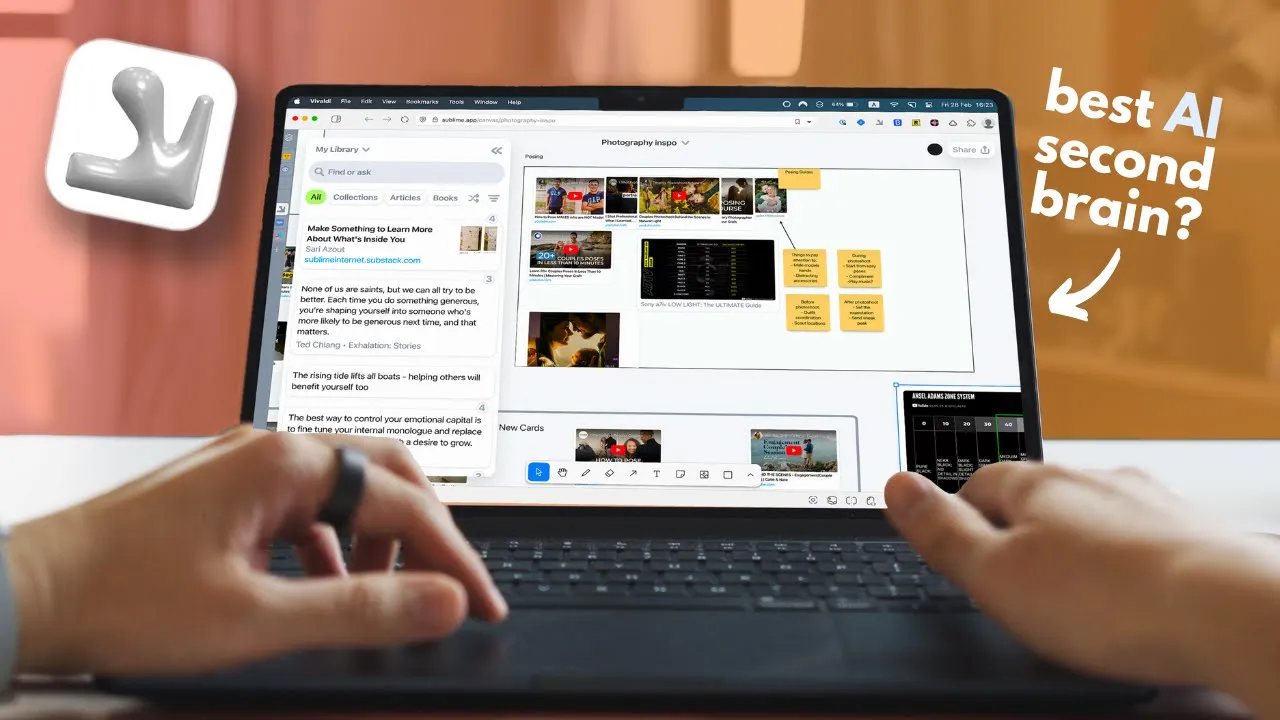
hey everyone today I wanted to talk about a Knowledge Management tool that I found recently and really really like it's called Sublime it's very relaxing calming up to use on its own but becomes such a useful tool when combined with a writing tool so Sublime is like a digital scrapbook for all those amazing quotes from books Snippets from articles and uh visuals that spark your creativity it is like if Pinterest and my mind had a baby but with a cleaner interface and smarter organization so you can save a quote and highlights like on my mind
but also discover great ideas and inspiration that other people find um similar to how Pinterest works for every code passage or image you save Sublime shows you countless related ideas not just from your own collection but from our entire community of curious minds anyway let me just show you what it can do so there have been lots of apps that are great at keeping your reading highlights and ideas but never ones that are also great at helping you discover new ones at the same time well Sublime is like that there are many ways you can
use it but the browser extension is probably what you use most often the saving experience it's super smooth you can save pretty much anything that inspires you um quotes interesting paragraphs from articles images that catch your eye or even entire web pages everything gets stored in your library and you can also add notes to help organize everything personally I absolutely love the sound it makes when you save something it's so satisfying and almost addictive it makes me want to use it just to hear the sound anyway there are hundreds of apps that let you save
highlights and pictures but what really sets Sublime apart is how it uses your saved content to help you discover more ideas the app uses AI to analyze what you save and then recommend related content from other users for example when I save a code from a book I was reading Sublime showed me other cods from the same book that people found meaningful as well as SAR books I might enjoy this creates this wonderful Serendipity effect where you're constantly discovering new ideas and uh inspiration and it works even outside the app one particularly powerful use case
is what they call Vibe writing when you're working in Google dos or any writing up of your choice you can highlight any sentence hit command r or control R and Sublime will instantly show you curated related ideas that other people found fascinating um or sometimes I just vaguely write things I want to say highlight it and try to find ideas I might be able to use I often find this more useful than Google search or Pap XD because it understand the essence of what I'm trying to express um even when I don't have the the
exact right words it kind of connects you with ideas you couldn't have found through traditional search you can also create collections to organize your saved items by theme or project I have collections for writing ideas um photography inspiration and quotes I I want to remember uh the S functionality is excellent as well you can quickly find anything in your library using natural language speaking of organization one of the best tools to transform your chaotic email inbox is sbox the sponsor of today's video we all know how stressful it is to have a overflowing inbox having
to waste time sorting through spam and unimportant messages the average person spends over 12 hours monthly just managing emails that's why I turned to same boox which has honestly cut my email management time in half their AI pod food TR system instantly sort your inbox by importance so critical emails stay visible while less urgent messages are moved to a separate say later folder the best part is it works seamlessly with any email service including Gmail and Outlook no need to change your email address or current workflow also my favorite feature is the same black hole
simply drag any unwanted emails here and the sender is permanently blocked eliminating distractions for good I cannot recommend this enough because it's such a great way to keep your inbox clean there are smart reminder tools and email s news options also ensure you never miss important follow-ups without a constant inbox anxiety so if you want to try sbox go to sandbox.com shomi for 14 days free trial with no credit card required all right now let's get back to Sublime another thing I like about Sublime is its Integrations with other apps there is the readwise integration
if you use Kindle pocket insta paper or other reading apps you can automatically import all your highlights and annotations directly into Sublime through readwise that means all those passages you highlighted while reading now become part of your inspiration Library without any extra effort um I really like this because it creates this seamless flow where everything I find interesting across all my reading platforms ends up in one searchable place also the raycast integration is another one I use if you're not familiar with raycast it's a a productivity tool that gives you quick access to apps and
actions through keyboard shortcuts with the sublime extension I can instantly search my entire Sublime Library without even opening the app um for example if I'm writing an article and the need to reference a quote I saved months ago I can just trigger a rast search my Sublime library and copy what I need all in seconds it's very convenient and saves me a lot of time when I'm working on projects but I think my most favorite feature is the canvas While most collection apps just let you save items into folders or a list Sublime say it
a step further with its visual canvas approach just like Pinterest let you organize pin into board Sublime let you arrange your saved items into canvases but unlike Pinterest rigid grid layout the canvases are much more flexible and useful in my opinion um they work like digital whiteboards where you can freely position resize and Visually organize your saved content however you want this spatial Freedom makes it much easier to see connections between ideas or compare different items side by side one of the coolest ways to use canvas is visual brainstorming for essays or articles when I'm
working on a writing project I just add a few cards to a canvas maybe a couple of codes that sparked my interest or some key Concepts that I want to explore then I use the related cards feature to find more ideas it suggest additional inspiration from my library or from other users that relates to what I already have on the campus this often leads me to discover angles and the connections I wouldn't have thought of on my own also uh let me share another example um last month I was researching which camera and accessories to
buy so instead of just having a list of products I created a canvas in suim I arranged them in a way that made sense to me grouping similar models and positioning higher end options at the top of the canvas then I added um a stick in not with price comparisons and the bullet points for the pros and cons of each item I feel like this visual approach made it much easier to see which camera offer the best value for what I needed the canvas can be useful for not just shopping decisions though for Creative project
it's perfect for Gathering visual reference and uh organizing them by color style or theme now let's talk about how Sublime compared to similar apps out there I've tried quite a few apps in this space and each one has its own strengths and ideal use cases so let's start with Pinterest because that's another one of my favorites I've been a Pinterest user for years as especially since I work as a photographer during weekends it's fantastic for finding visual inspiration and creating moodboards before photo shoots what makes it so useful is its massive user base and the
sheer volume of content available the discovery algorithm is also incredibly powerful for finding visual inspiration but where Sublime really shines compared to Pinterest is it's in text handling Pinterest is primarily visual whereas Sublime excels at saving and organizing text Snippets cords and uh passages Pinterest also lacks the canvas functionality that I mentioned earlier you're limited to a rigid grid layout which doesn't give you the same freedom to arrange and connect ideas then there's also bookmark apps like range drop and fabric fabric has been my go-to bookmark app for a long time and I still use
it daily for saving links and uh anything I might want to come back to later um it's more like my digital fighting cabinet but Sublime doesn't feel like that it's not meant to be a place for any random link that you might need later I feel like it's specifically designed for cating inspirational content ideas and passages that spark your creativity but I guess you could use it however you like for me I find myself using both apps but for different purposes fabric for functional bookmarks like recipes tutorials or reference materials and Sublime for Creative inspiration
and ideas maybe it's little bit silly to use different apps but I like it that way okay so Sublime is a great app for I think anyone who regularly collects Inspirations ideas or information they want to revisit later if you're writer looking to gather Cotes and passages a designer collecting visual inspiration or a student compiling research materials I think Sublime offers um a powerful way to save and organize that information personally I love how it strikes balance between organization and Discovery okay if you enjoy this video please check out this video where I talk about
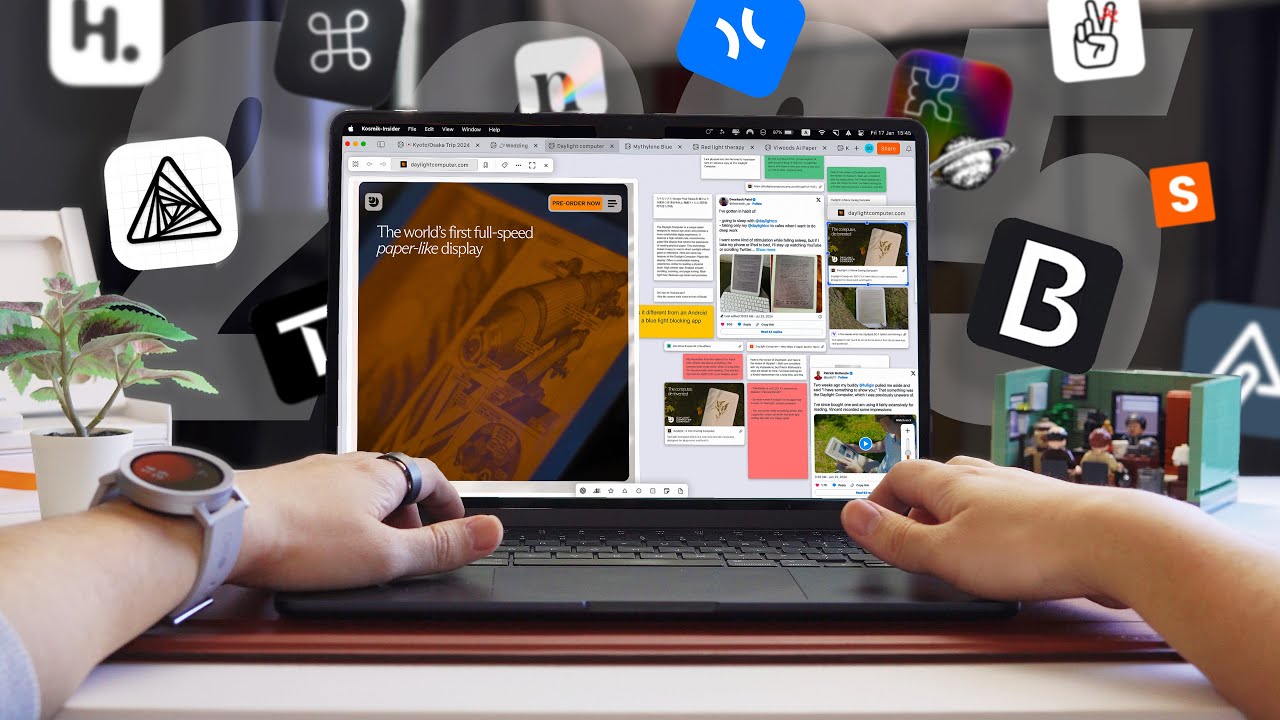
my favorite apps for this year so thanks for watching and uh I will see you in the next one bye