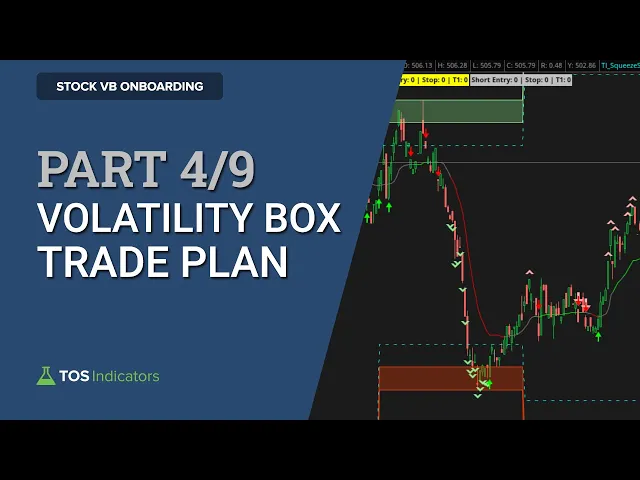
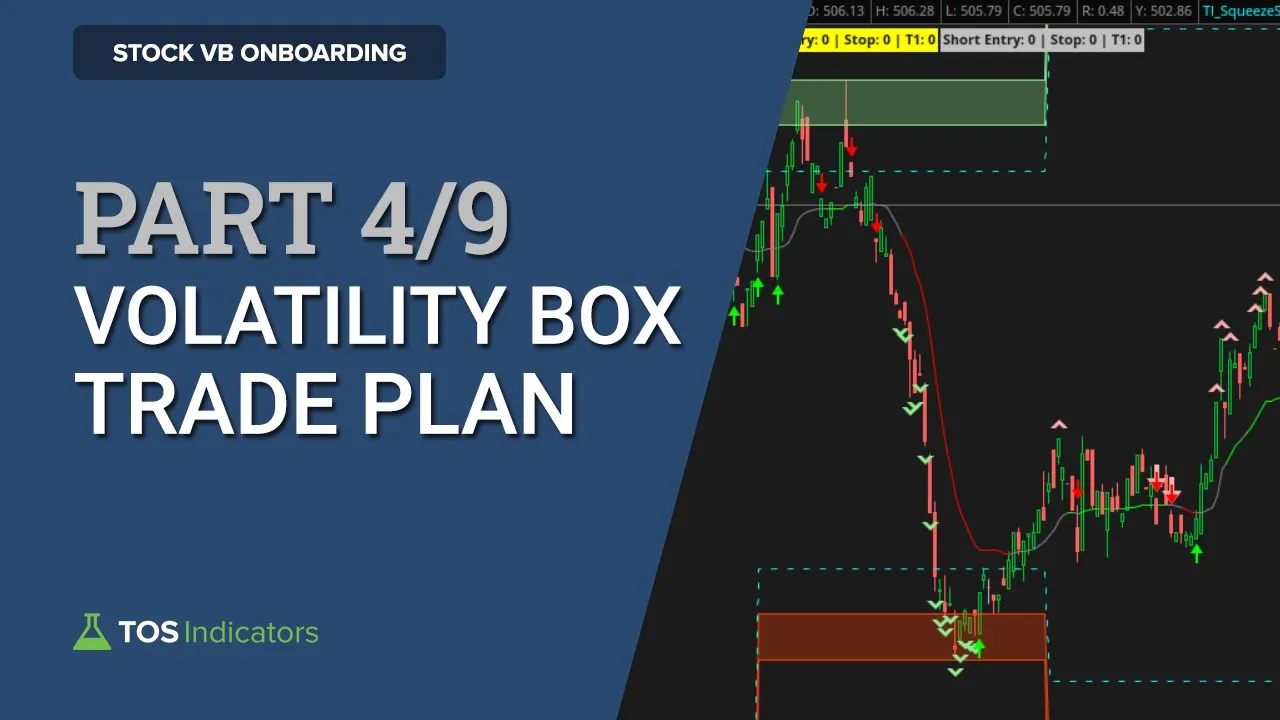
in this video i'll share my trade plan and you can use that as a basis to customize the volatility box and make it work for you now for those following along with our onboarding guide this is video number four out of nine and i've allotted around five minutes for this particular video now let's start first with understanding the setup the primary setup that we like to use with the volatility box is our fade setup that's where we're looking to fade moves away when price action hits our volatility box and we're looking for price to move
away from it now this is our bread and butter setup you've probably heard me talk about it endlessly in our youtube videos it's a simple setup as well which is why i like it so much there's really two rules that are involved here one price must breach our volatility box levels which in this case are the volatility box clouds and once that happens we're looking for that move to be confirmed with our edge signals indicator which is our overbought oversold indicator the edge signals indicator is a free indicator you can download it either from the
insides page from inside of the platform or come into our website at tosindicators.com click learn click indicators and there if you scroll down you'll find the edge signals indicator this is included for free with your membership so be sure to download that which you'll need to follow along now as you start to learn more about our setups you'll understand that things don't always have to be perfect here's an example again from today inside of netflix using the hourly models what you'll notice here is price action breaches are volatility edges both the aggressive and the conservative
models and we get the edge signal confirmation we also have the makings here of something similar to what we discussed in the v-shaped reversal course which is building a nice little base here a nice little cup pattern now as a result of that you can notice switching time frames to be a little bit more conservative so the three minute instead of the one minute to allow for the fact that we're now outside of the clouds but still using the edge signal confirmation to confirm those moves leads to a pretty nice reversal and an otherwise fairly
well traded name of netflix you have the option to play this in a multitude of ways including stocks and options so that's why i say the setups don't always need to be perfect if you understand the concepts you can understand where you'd like to tweak this to make it work for you now here are the indicators that i like to use for this particular setup i have the market pulse loaded on i have our extended keltner channels indicator loaded on i have our hourly models loaded on and i also have a different set loaded with
the daily models saved separately so they're nice and clean on our charts then i have the edge signals loaded on along with our multi-time frame market pulse which i would call is optional that's something that i would add only as you need it along with the cumulative tick pro indicator again you can find all of these indicators and they're included for free with your membership on our website tosindicators.com indicators and once you're on this webpage you can find all of the indicators that i just talked about so now coming back to our presentation let's understand
the exact rules for entry exit things like that now once price action breaches our volatility box clouds and we have the edge signal confirmation for our entry i'm looking at ideally getting an entry inside of our volatility box clouds that's what i would call our volatility zone and that's the preferred spot now if you're looking to be a bit more aggressive you might use the dashed line as your entire entry zone especially if you say have trend stacking on larger time frame charts that's when you have a bigger picture view for this trade and really
the extra few cents here doesn't change a whole lot for your trade idea the stop loss is outside of the clouds and in the event that price action is already broken outside of the clouds i like to use the last pivot price an example of that would be netflix that we just took a look at here this would be using the pivot price as your stop for outside of the clouds now for our target my bare minimum target that i like to use is the same as the dollar's wrist so we have at least a
one-to-one risk to reward ratio if times you get better entries as well inside of the clouds then you can even use something like the dash line is your quick target to try and take some money off of the table now the last concept that i think you should be wary of as another tool in your toolkit is time frames the volatility box itself will plot the same across different time frames but the edge signal our overbought oversold confirmation that will change now here's a quick little guide you can use the one minute is what i
would call aggressive this is useful for those low volatility days or maybe if you really just want a quick trade a quick scalp things of that nature the three minute is a nice medium i've found we've done studies that contrast these different time frames so be sure to check those out as well but the three minute is a nice medium and the five minute is where i would call a little bit more conservative now as you increase in time frames keep in mind you also have this trade-off of missing the potential best entry prices as
you wait for a higher time frames confirmation but you may very well deem that to be a worthy trade-off now in our next video i'll go through how you can find actual trades using our live scanner