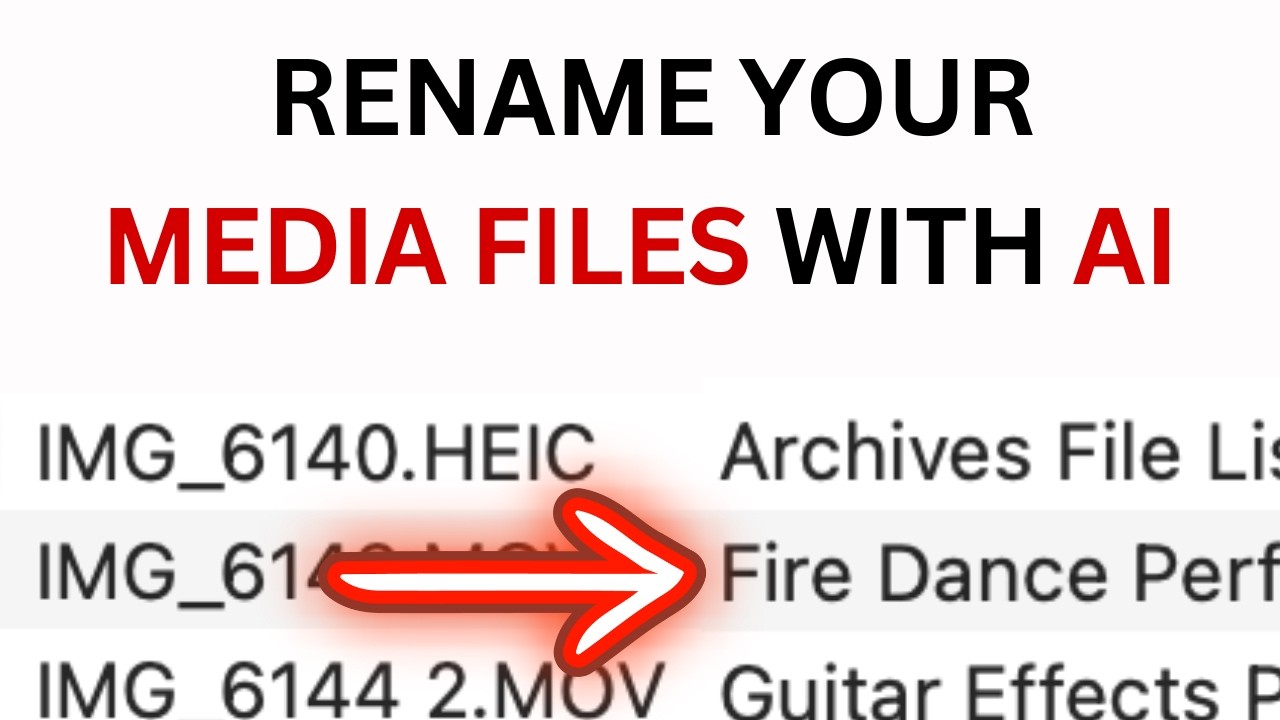
you've just taken some photos with that new camera of yours it can be a lot of fun taking the pics but then you bring it home and offload it to your computer and now you have hundreds or thousands of images with horrible names how do you solve this well you could just use AI to name them just like this it runs in seconds completely locally on your machine your images never get shared online until you're ready to do so want to see how this is done let's check out the code I wrote to build this
now even if you know nothing about typescript or more specifically Dino it should be pretty easy to follow or if you just want the executable for Mac or Windows or Linux then wait till the end of the video and I'll show you where to get it here's the main function I get the current working directory and then iterate through all the files if a file is a JPEG or PNG then I'm going to get a base 64 encoding of the file more about why in a second now I call get keywords this returns a promise
of an array of keyword strings so let's scroll up to the definition of get keywords I'm using the generate endpoint for a llama which you can learn about here in the repo do in the api. MD file you post to that endpoint and pass it the body which needs to be a string of the Json so up above I created the body that actually gets sent to the endpoint I specify the model I'm using lava 13B which is a 13 billion parameter model since I'm going to use the output of the call in a function
I want to Output Json then in the prompt I describe what I want describe the image as a collection of keywords output in Json format is important when we want to format Json you need to specify in both places and then it's helpful to include the schema you want to use for your Json then because I'm using a lava model I need to give an array of Base 64 encoded images I think it only understands one image for now but it still needs to be an array then since the output of the model isn't for
human consumption I set stream to false and that just makes it easier to deal with now I can get the Json from the response parse it and then the keywords is just the array of keywords the next line in my main function is to take that array of keywords and an extension and generate a file name this starts with an array map that replaces spaces with underscores then joins the keywords with dashes and attaches an extension and then we're done there the last step is copy file sync this just takes the original file and copies
it to our new file name if you want to take a look at the code you can find it on my GitHub right here or if you just want to try the executable to try on your own images then you can find it in the the releaser section you'll probably want to rename the download to something like Ai renamer and ensure that it's executable and of course you need to have a Lama installed on your system and have the lava 13B model pulled oh and you might also want to ensure that your images are backed
up just in case well I hope you have as much fun with this as I had writing it thanks so much for watching goodbye [Music] to