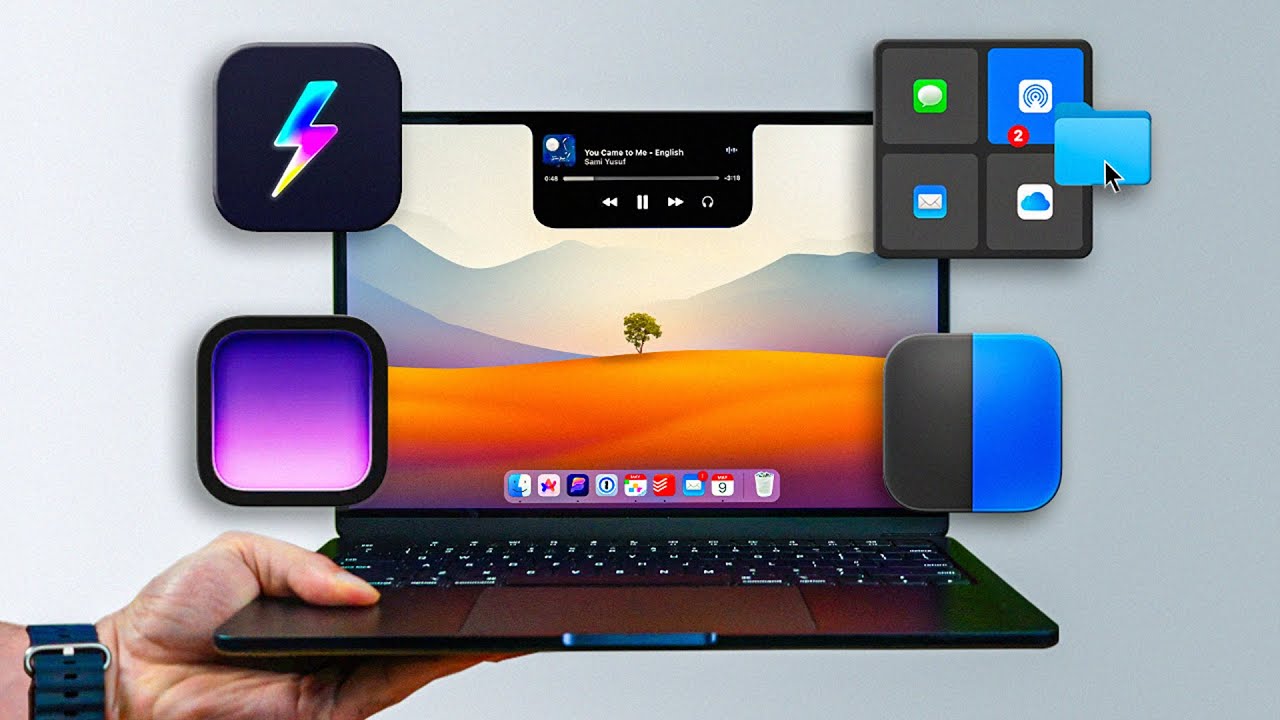
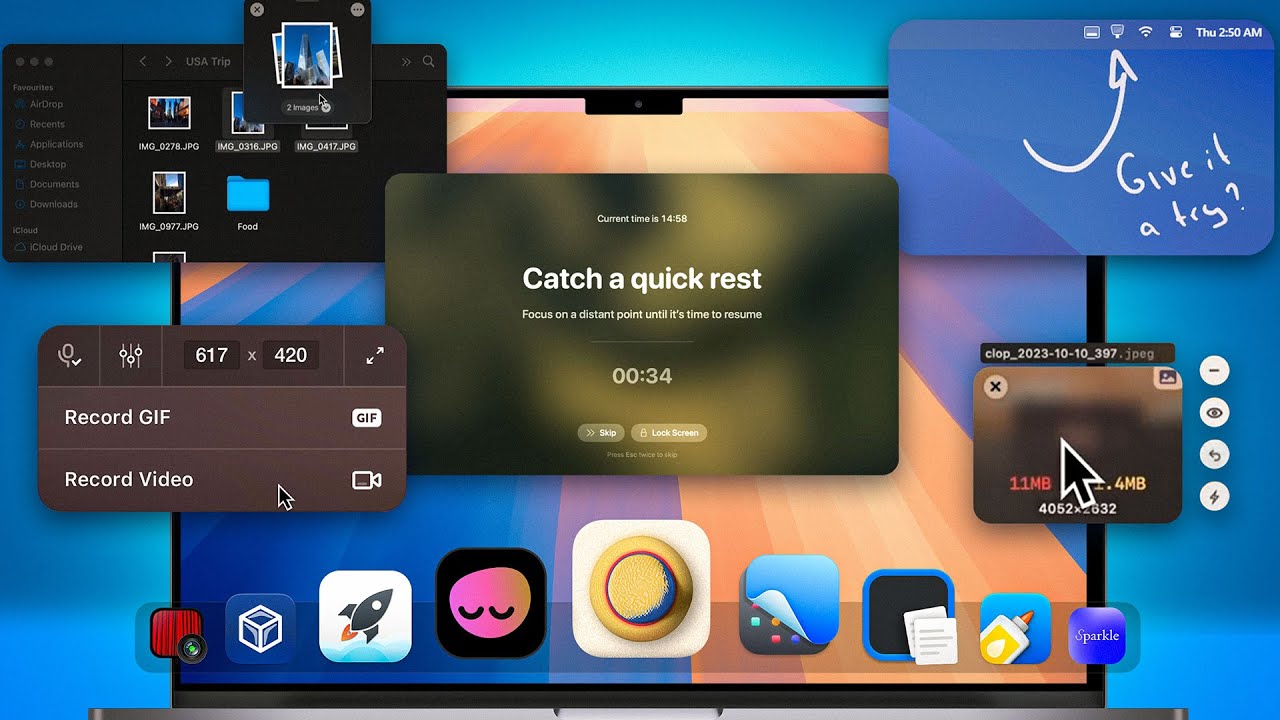
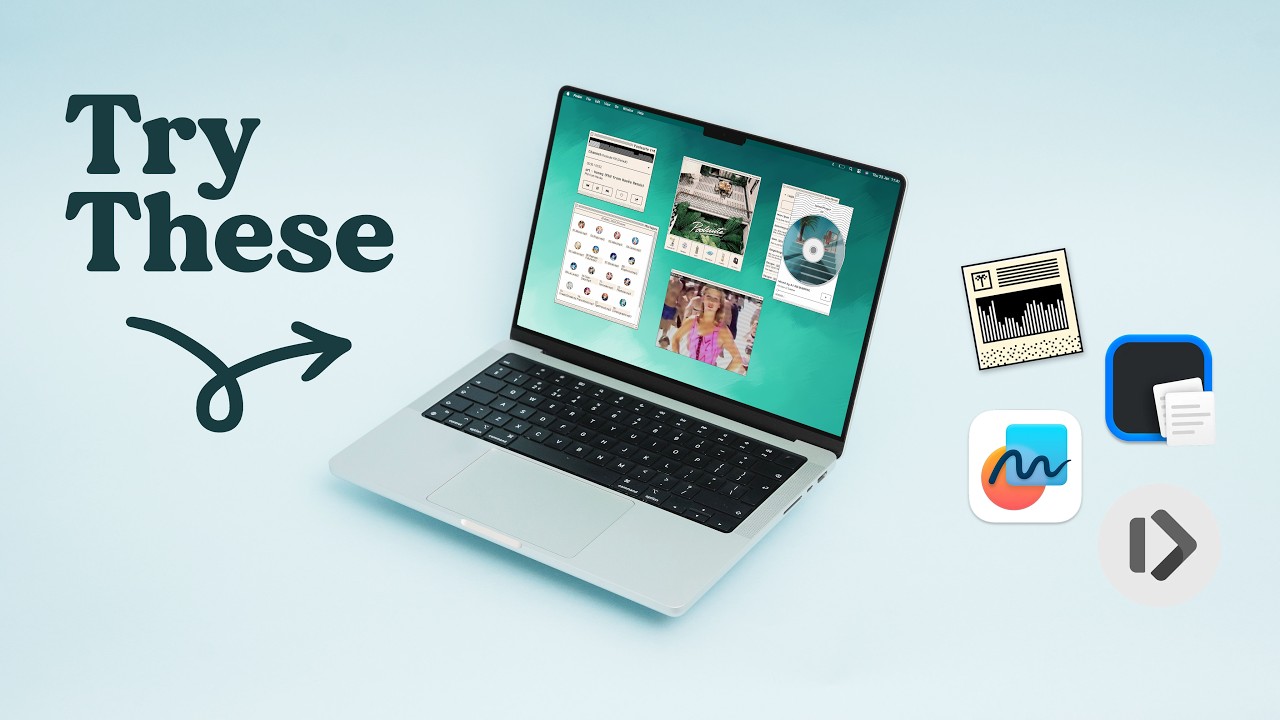
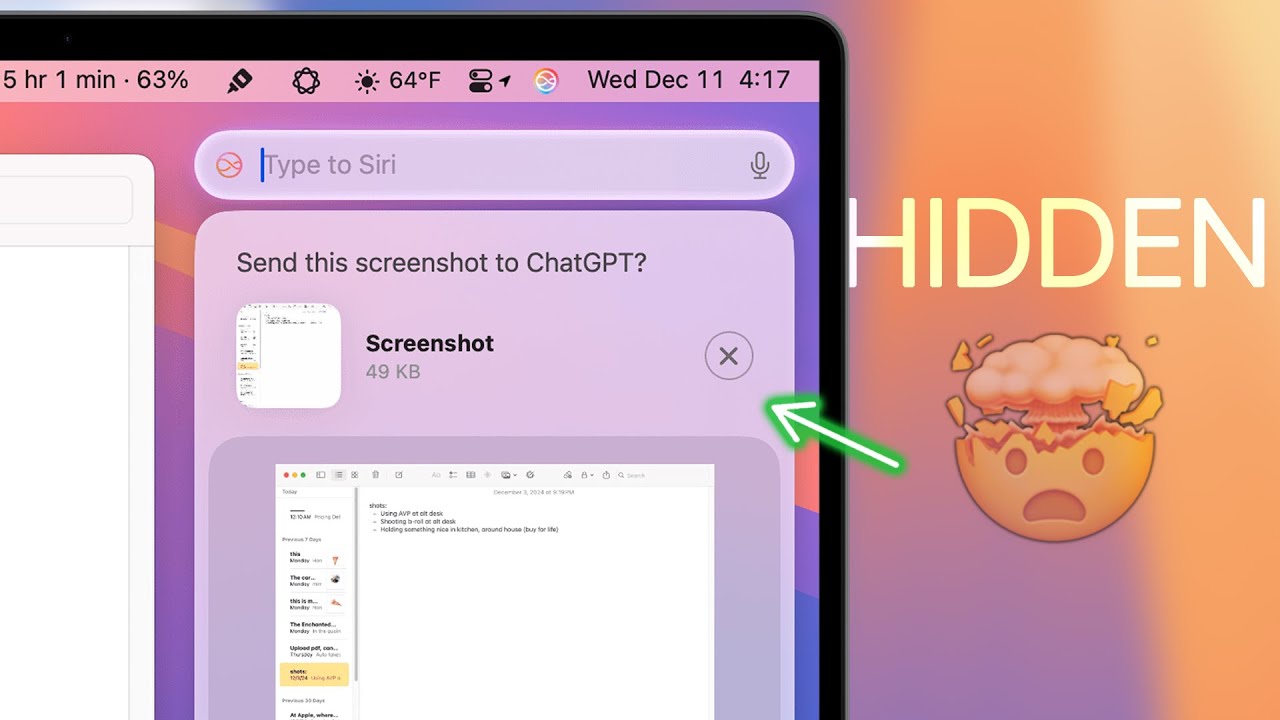
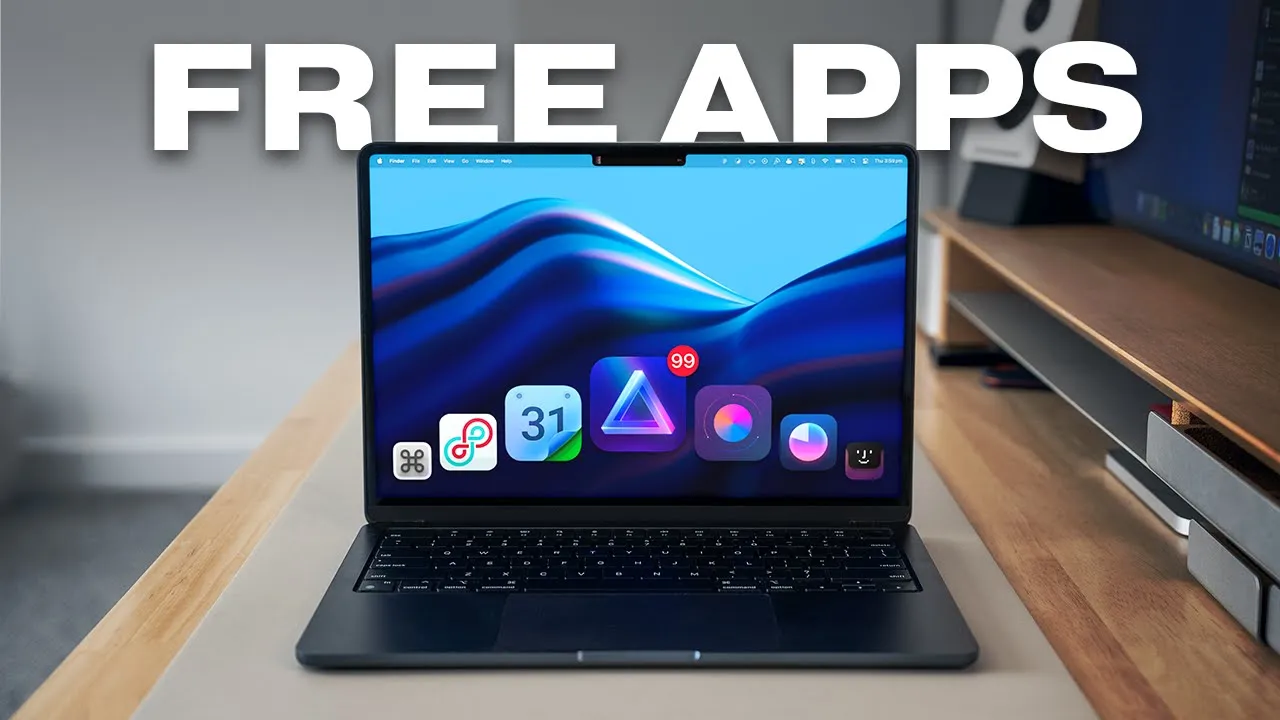
Hey friends, hope you're well! New Mac apps are constantly being released, existing ones are being improved, and I just love that apps can dramatically improve your current Mac. So here are 12 incredible new Mac apps that will help you be more productive protect your machine get more value out of your Mac and even for example improve your Mac's inbuilt speakers and as usual most of the featured apps in this video will be completely free for you to install or at the very least come with a free trial so let's jump right into into the first app the very first one is Notchnook and this one is seriously incredible you have to check this one out so once installed you go over to the Notch and you click it and the notch will expand so it will basically make the notch at the top more useful with a bunch of tools so for example it has Spotify here it has a couple shortcuts that I've created over here it has a webcam mirroring tool and also a quick glance at the calendar it also has a tray here for you to install quick files for example where you need to transfer them or send them but overall it just makes your Notch so much more useful bringing up the settings here you can enable a bunch of functionality and set settings to your liking you can even enable live activities here so it basically mimics an iPhone's Dynamic Island so Notch just takes that wasted space up here and turns it into an engaging and usable space if you prefer not to pay for apps fear not there are two similar free apps called boring Notch and Notch drop I'll link both of these in the description box below and actually I'll link all the featured apps below for your convenience next is day progress a taskbar app it's a small progress icon up here that looks like your battery but it actually keeps track of the time remaining in your day and essentially what it does is it just reminds you that hey your day is f night don't waste your time it's as simple as just setting it up here I've got the day range to Monday to Friday set at a specific time and the icon you can actually change to various different shapes you can show it flipped and you can change the length it's a very simple app icon but I find it extremely useful because whenever I glance up the top it sort of reminds me like hey I've only got 3 hours left in the day until your day should technically end so yeah I use this simply as a visual cue to stay motivated and make sure that I'm managing time more efficiently because as Zig Ziggler says if you don't plan your time someone else will waste it for you next is simple but incredibly useful it's called cheat sheet it's another completely free app that lets you see all the shortcuts available by just holding the command button down and then you'll see in fact the cheat sheet for this specific app so let's say you know I'm in figma and I want to know how to open up the dev mode well there we go it's up and D so this will actually change if I open up to a different app like Google Chrome I hold down cheat sheet and you can see all the available cheats for or shortcuts I should say for Google Chrome this is a brilliant free app to get and download if you're looking to learn shortcuts and speed up your workflow really quickly next up is Boom 3D audio and this is an app that helps improve the audio on your Mac so to enable it you click the logo and then adjust the 3D surround sound to your liking of the sliders here and things like spatial audio effects and what it does is it equalizes the sound to your Mac that you're using you can also change the presets for yourself like setting up certain presets for gaming um certain music genres basically this is an EQ and compressor app for your Mac if you've ever fiddled for example with TV speakers or Soundbar settings you'll know what I'm talking about it is a great app if you want to tweak and improve the speakers on your Mac caffeine is another free and small menu bar app this icon up at the menu bar here activates caffeine and basically it prevents your Mac from automatically going to sleep and you can also dim the screen and start screen savers this is just great if you need like continuous operation for a background task avoiding interruptions during presentations or video calls for example and things like that it's just useful to have up living on the menu bar so next up is a project management software monday.
com and for transparency they're sponsoring this video segment if you're looking to organize your business during the new year monday. com is the platform you need to save time structure your business workflow and collaborate with your team from a single spot for example the automation features are amazing in Saving Time for repetitive business tasks I have one set up when a customer signs up for a workshop monday. com automation will automatically pull the email address Associated and send an email with their name in the body of the message confirming the workshop details also with a single click teams can also create monday.
com dashboards to give them an entire snapshot of all the projects in one spot without sifting through endless emails and spreadsheets manually these dashboards Here track everything from Project progress to team performance in real time and if you have large teams working across multiple different platforms monday. com Integrations can pull them all into one place giving you and the team access to all your favorite software like slack and Gmail in one place so everyone is conveniently updated with less effort on your team so if you're looking to supercharge your team's productivity this year and keep your business super organized from the get-go monday. com could be what you need my viewers can check check out monday.
com for free through the link in the description box below all right so moving on here is another app to keep up your Macbook sleeve and it's called pop clip when you are reading an article for example when you highlight a word or a sentence or a paragraph pop clip will pop up with a few Nifty options you can you know do the usual search cut copy paste and the dictionary here will pop up and give you an explanation of whatever you highlighted but basically it's a popup that makes it much more convenient and faster for you to search what you want to do cut copy paste you might be thinking well you can easily do this by just highlighting a word and right clicking and then the whole selection will come up but this popup tool makes it just that much more convenient and faster and at the end of the day that tiny bit of convenience Stacks up over time now have you ever wanted a light mode wallpaper and a dark mode wallpaper or a morning wallpaper and an evening wallpaper that's outside of those Mac dynamic wallpap papers well this app here is called Umbra and it does exactly that it's a simple lightweight app where you simply drag and drop your wallpapers in and once you turn dark mode or light mode on off it will switch between those two specific wallpapers I think it's such a nice touch and it mimics those Dynamic wallpapers that we get from Mac but it's a bit more customized you're allowed to use your own wallpapers and you can have a lot of fun with these if you like these two wallpapers that I'm showing you right here these are ones that I've created and you can grab them for yourself Below in the description box next up is raycast an insane stack of productive functions in a simple app so normally you'd open up a Mac Spotlight to search things with command spacebar but option spacebar opens up raycast which is Spotlight on steroids for power users for example you can convert time zones by typing 11: P.