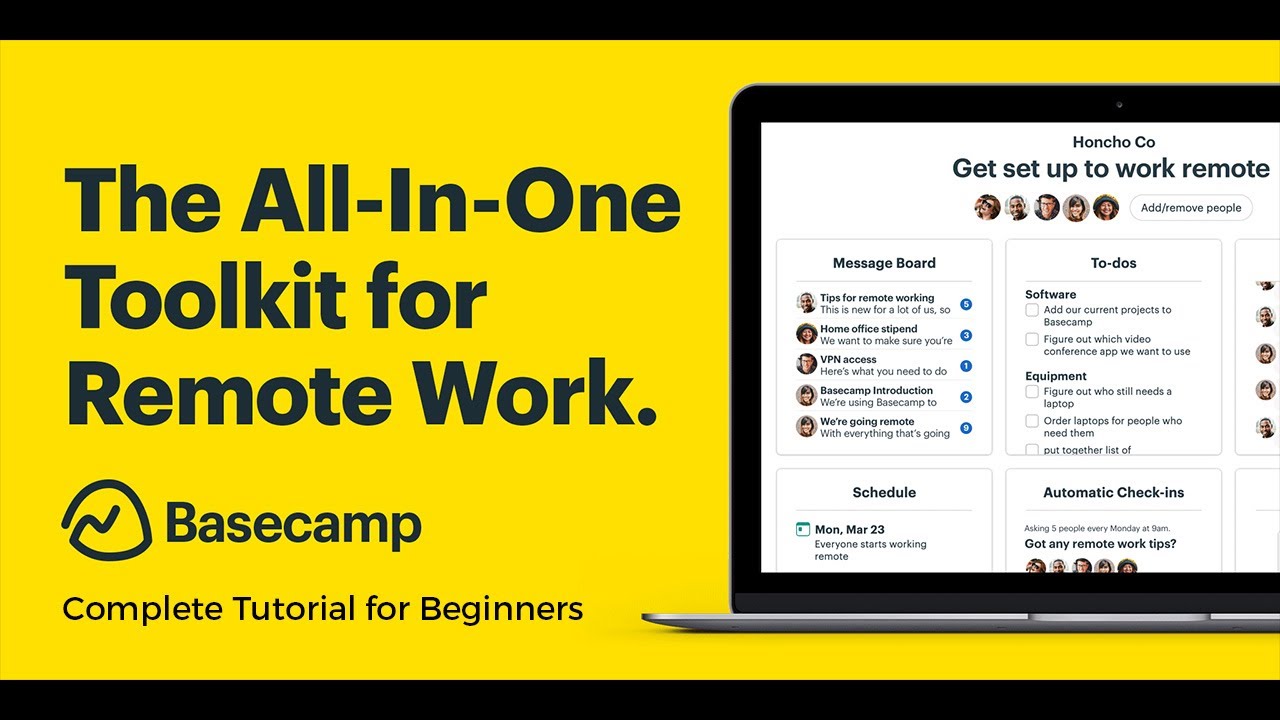
Basecamp project management how to use Basecamp hey guys welcome back to the YouTube channel today we'll be taking a quick look at how you can get started with Basecamp so let's get into it now to get started with base cap simply head on over to basecamp.com click on try Basecamp for free it is available for free and you can choose any kind of package that you want once you do that you will just enter your name and your email address and the organization name once you do that you will click on set up your password
and once you have created a successful password you will just wait for your Basecamp account to be set up it only takes a couple of seconds for the setup to be completed now once you have done that you will be able to see your Basecamp account now base cap is amazing to schedule and manage your day-to-day in your business in your project and especially when I was doing clothing launches I have used base cap because it can be just so helpful to have everything planned out already in my project in my Creative Design as well
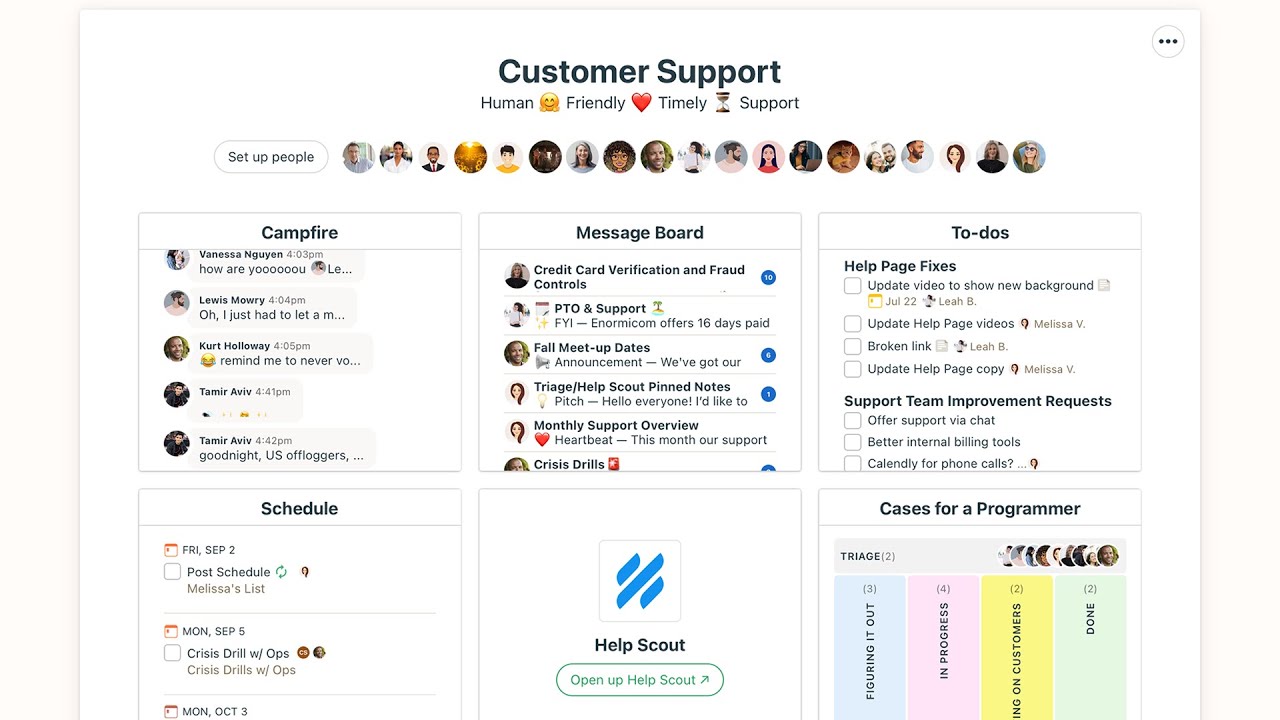
so you will be able to see the home page then you will have a lineup the lineup basically allows you to get a visual representation of work according to the time it's basically a Gantt view then you have your pings which is basically chats then you have your basic new section activity section and then you have your my stuff section so anything that has been assigned to you can be managed from here now let's go to our home section and click on make a new project to get started with our business or project management let's
say for us we are trying to get started with a new project which might be let's say for us it's our online store sale or so let's say we are doing online store revamp and then we are going to add a description so so after that we are going to add a project schedule if you have a end date in mind when it's supposed to be completed let's say for us it's the 31st of May and it's getting started on the 2nd of May and you can choose to change the privacy settings to be invite
only so even people that are invited in your specific boards only those people that have invite links can be added instead of anyone being able to add anyone via email but I'm going to click on create this project and now you guys will be able to see this is our new board so M12 board has been created you'll be able to see a message board to-do list docs and files Camp file and your schedule now for anything it's very essential to start building with docs and files and to Do's obviously if you have plans in
mind if you have documents invoices things all of those are practical data set needs to be added so you can click on docs and files over here and then you can get started with uploading documents and creating documents here but this is a sample space so I really don't need to do that but we are going to get started with setting up to-do lists now what you're going to do is you can make a list which could be ideas and then in this list anyone can write down their ideas you even have multiple different templates
that you can get started with so you can click on create a to-do list template and you can choose any template to get started with and that can just help you in just setting up things but I like to do it from scratch so we have this and we're going to just add our first list and in this way you can add specific lists and specific tasks so this is ideas and you have color upgrade and now I can describe in detail what is meant to be done and you also have specific dates you can
add so this is ideas and it has not been completed it I have added myself you can click on add and remove people and you can add a specific person to work on this or you can select everyone or select no one if a task is a group project or everyone is meant to be participating you can select everyone but I'm just going to skip it for now because I'm the only person in this uh base camp project that is working so once I have my to do set up so we have ideas then if
I want to create a new list let's say we have um to upgrade our online store we are doing uh something like a new products or so we have new payment getaways that I want to add and I will just click on add to this list now when you're with new payment getaways I want to individually set up each individual payment getaway so I will just add those so I want to add individual payment getaways as tick-offs that people can tick off so all of these are individual tasks that can be assigned to multiple different
people and I can schedule them and assign them and when these tasks are done let's say I want to be notified so I want to be notified and I can assign this to any member and I can make this a specific day that it needs to be finished on let's say I want to do this on the 13th of May I can add this to all of the different subtasks that I've created in my to-do list and now you guys can see you will have a very clear visual guide to your tasks that need to
be accomplished in your project now this is especially helpful in a task or a project where a lot of group cohesion is required a lot of the other project management tools are very individualized but this gives you a good bird's eye view of how far along your project is coming now you can see once I've added my 2DS with a date you will even be able to see them in your schedule and if you scroll down you can monitor the overall activity that has been completed on your task or project now after that you have
a message board The Message Board is different from just chatting this is going to be a official notification kind of board and you can add any titles so let's say we have a group meeting with a email marketing team and we can add the description of who needs to be there all that and you can just click on post this message and this message would be uh then would be viewable by all of your team members all of the people working on this project and this can be a great way to just overall monitor how
far along everyone has come so in this way you can get started with using Basecamp as your project management tool now just taking a look at base camp we also have this feature called Hey and on the top it just gives you all of your notifications and then in the next section you have your activity bar now in your activity bar you will be able able to monitor all activity that is happening in your project and that can be a great way for you to just be updated and provide all of the latest updates plus
you can even filter this out which is not a feature you find in all types of project managers where you can see a specific person's activity you can add a section where you can just see the to-do's that were completed on that specific day any kind of upcoming dates or events that you have then you're overdue to do so something that had to be done but still has not been done any specific person's assignment as well so this can be a great way to keep all of your friends clients project managers anyone that you're working
with intact so you can stay up to date on your project and work towards the completion of your project now next up you have your my stuff section now if you like to work individually you can just click on my assignment and to see all of these things you have to do all of the things you've delegated to other people as well as your own personal schedule so a schedule that only has the things that you are supposed to do or things that you are involved in or assigned to then you also have your boosts
so with Basecamp they also give you uh something that you can post and you can add like little notes of encouragement so you can upload any kind of GIF or anything just to boost up the overall morale of your team or of yourself now in the next section you guys can see you have a fine section and this can enable you to find any document any file that you might be looking at anything that can help you in setting up or if you're trying to find something for a specific client or somewhere along the line
you feel like your project had some issue and you want to find that issue again you want to find a financial report you can just type it up over here instead having to go through all the docs and files that have been uploaded in your Basecamp so in this way you can get started with project management or you know running successful projects and businesses on Basecamp I definitely do think it's one of the best visual project managers out there and I hope you guys found this video helpful make sure to leave a like And subscribe
and if you have any questions or queries leave those in the comment box down below I would love to help you guys out and I will catch you guys in the next video










![HOW TO USE ASANA | Project Management Software for Beginners [Asana Tutorial 2023]](https://img.youtube.com/vi/IWXco19SzE8/maxresdefault.jpg)