[Music] next we turn into data preparation phase where data are cleaned and prepped for analysis a complete guide to data preparation would require much more space than we have here every data set has its own requisite data prep tasks in this part of the course we will focus on the following data preparation tasks adding an index field changing misleading field values re-expressing categorical data as numeric data standardizing the numeric fields and identifying outliers adding an index field the data scientists may want to augment the data set with new variables that can enhance understanding for example
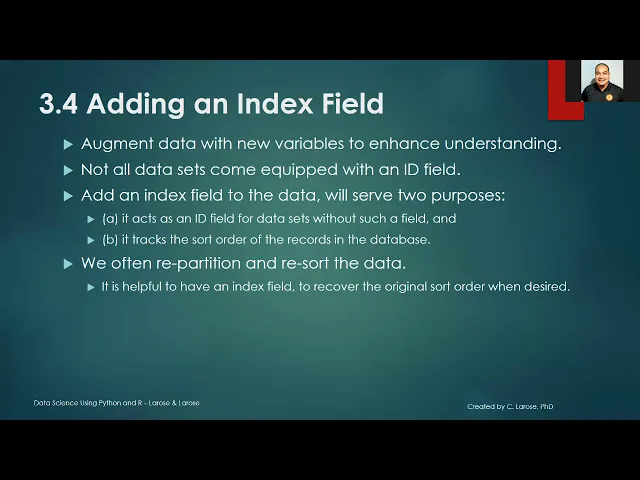
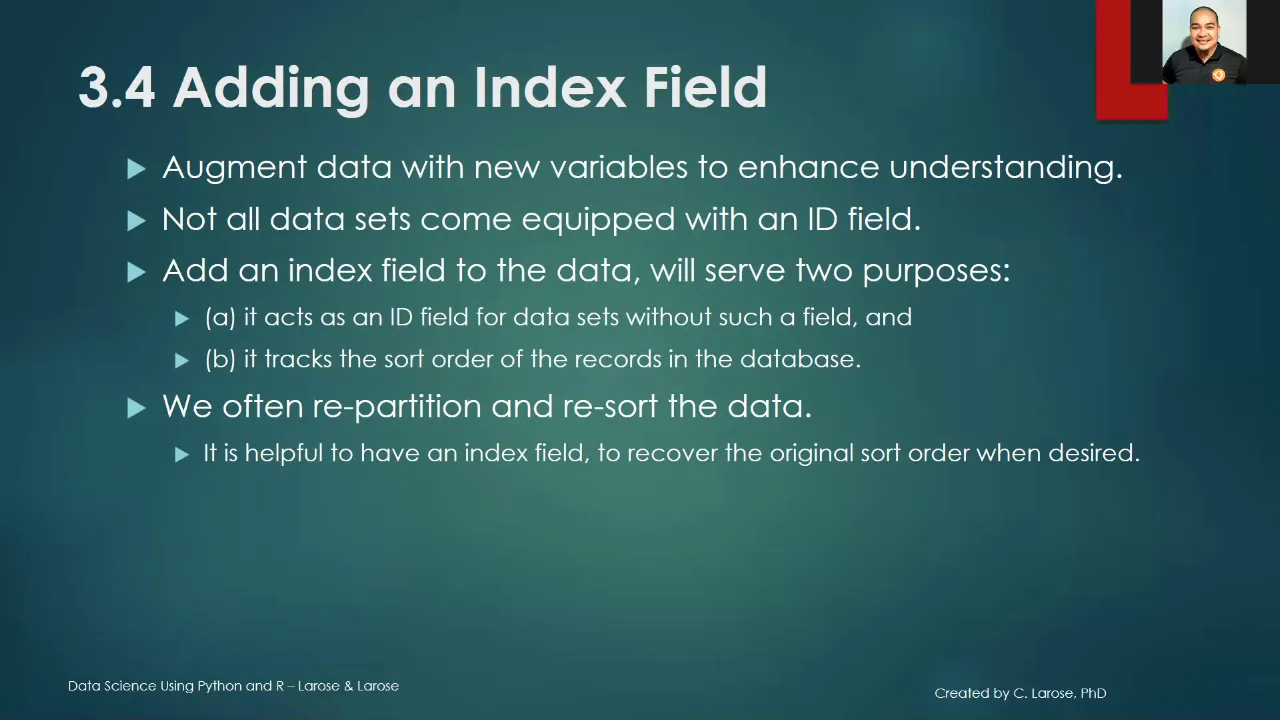
not all data sets including the bank marketing data sets come equipped with id field thus we can add an index field to the data which will serve two purposes number one it acts as an id field for data sets without such a field and number two it tracks the sort order of the records in the database in data science we often repartition and resort the data it is therefore helpful to save index field in order to recover the original sort order when desired next i will show you how to add an index field using phyton
first we need to open the required package using the code import pandas as pd next import the data set under the name bank underscore train by using the read underscore cv command and specifying the file's location as we open the pandas package as pd the full command is pd.read underscore csv open parenthesis close parenthesis to create the index we first need to find the number of records in columns in the data set we will be using bank underscore train dot shape using that shape after the name of the data set will give us the number
of rows and columns in the data set the first number in the output is the number of records 26874 the second is number of variables once we know the number of records we create a new variable that assigns every record a unique integer the nested command series open close parenthesis and range open close parenthesis create a string of numbers whose lower bound is zero and upper bound is number of records since the series command is contained in the panda package and we renamed the panda package pd we preface the series command with pd and a
period the result is code pd series open and close parenthesis take note that the lower bound of the range command is 0 and not one aspanda begins counting location at zero we save the series of numbers as a new variable in the dataset index by assigning the output of pd.series open parenthesis range open and close parenthesis close parenthesis to the index variable of the train data set using bank train open bracket index close bracket make sure that you put single quote to view the data set with its new variable we can look at the head
of the data set we use the command bank underscore train that head using that head after the name of the data set will generate output containing the first and the last 30 records of every variable in the dataset [Music] you