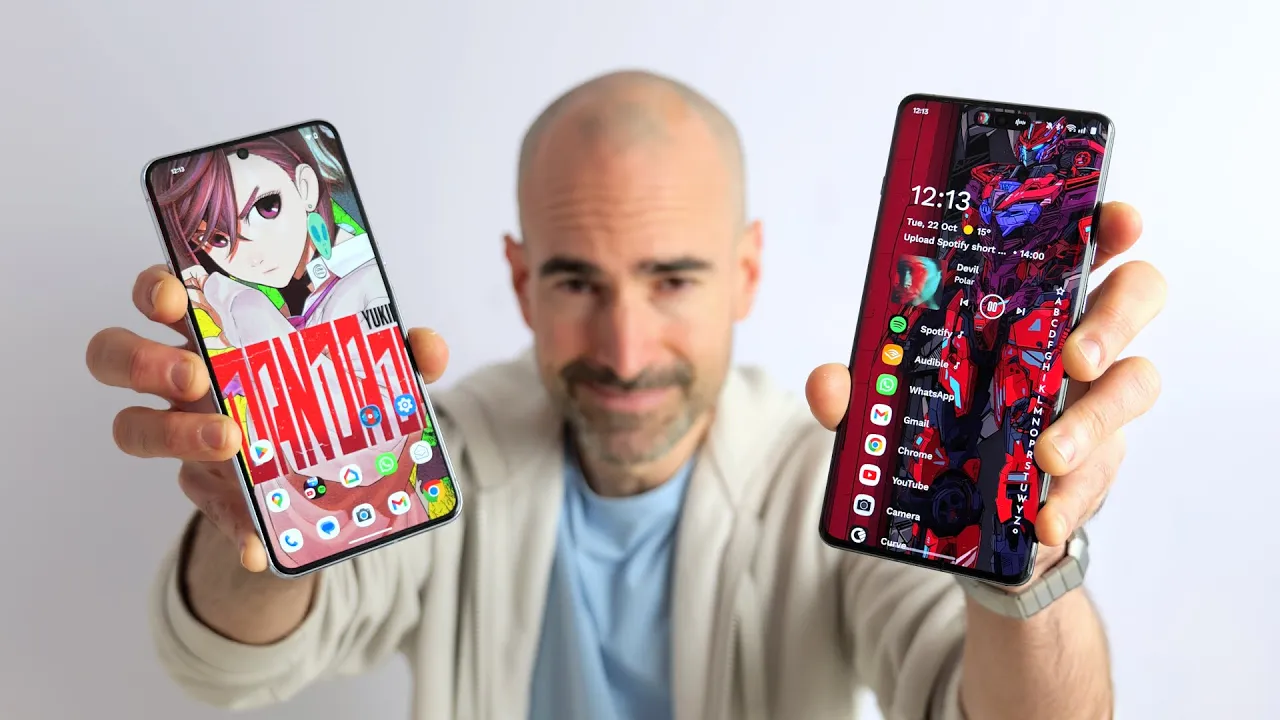
now in previous years my best Android launchers list has been a wee bit unwieldy to say the least I've usually tried to cram in at least 15 to 20 of the buggers so this year I decided to be a bit more ruthless I've gone for a more streamlined approach so in this Roundup you'll find a fewer than 10 of my all-time favorite Android launches I'm talking the cream of the crop the meatiest morel the swing EST schlongs sorry I'm just getting distracted now best Android launchers go now one of my long-term favorite Android launchers is
still that alltime classic good old Nova it really is the double ribbed Tickler of the Android Launcher World cuz if you slap it on your 6-in pocket pal everyone is guaranteed a good time pretty much every aspect of Nova can be meddled about with from the Transitions and the icons to the apps draw and animations Nova offers impressive gesture control as well so for instance you can open straight up to specific features when you swipe across an app icon if you stump up for the premium version that is and those Dynamic notification icons are so
bloody clever you'll wonder why Google hasn't nicked the idea for regular Android yet most people will get on absolutely fine with the completely free version of Nova but there is a premium unlockable version as well for a few Pond if you want full fiddling opportunities and also unlike a lot of classic Android launches Fe out there Nova is still regularly updated by the devs they still showed a good bit of love so you can expect new features to pop up from time to time and any bugs that appear are swiftly squashed now a launcher that's
similar to Nova that I used to absolutely adore is launchair and this hasn't been updated in a few years it's actually gone into Legacy now but there is a new version launchair 14 and this is still in Early Access so it is a wee bit buggy and shunky at times but you can download it from the Google Play Store and give it a good go and hopefully that'll pop back into my Roundup of the best Android launchers in the next year or so and this past year I've played with quite a few new Android launchers
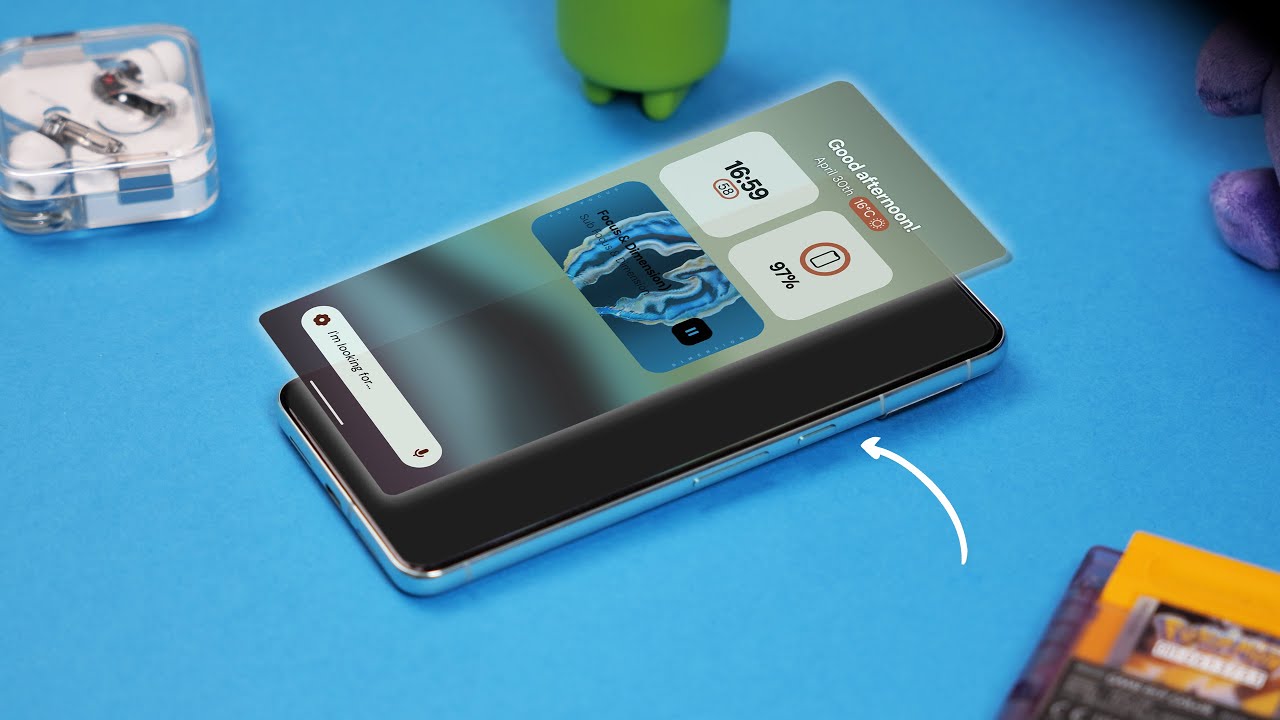
and haven't really got on with them as well as I'd hoped haven't found anything that's really been good enough to uproot some of the classics like Nova the launcher that I've liked the most I could actually see myself using on a regular basis is storio it's a pleasantly light launcher so it feels really nice and nippy when you're zipping around here on the main page by default you've just got a couple of simple widgets bit of clock action you can jump straight into those alarms and of course the battery widget you can also check out
what the weather's going to be like with a quick tap up here take you to weather.com which isn't one of my favorites but hereo you can also see what's going on in your Google calendar with a quick tap there if you happen to be playing some music on the likes of Spotify you will get a basic media widget popping up on the desktop as well I would have preferred a bit more control on there though you can tweak the widget situation by swiping down although you can't edit the two main widgets on there you can
just add in fresh new ones like for instance the dedicated Spotify app a YouTube app Etc which then pop into view when you do swipe down you can pin some of your favorite apps to the bottom here otherwise you do have a very handy Universal search just start typing in anything you'll be able to find any apps contacts you can also search the web or alternatively if you swipe up you've got all of your apps there neatly packed away into full ERS the default organization is a bit shunky so I'd recommend spending a few minutes
getting everything tucked away into groups that actually make you happy with proper names and from the main desktop you can swipe this way to open up your notes page otherwise this way to open up your RSS feeds if you want to stay in the know you got some other great features chucked in here like the ability to make all of the icons monochrome so it's more of a distraction free experience so overall get on really well with stario I think it's satisfying it's smooth and it's pretty stylish but if simple is what you're really after
well it doesn't get much more straightforward than niagar which is still one of my alltime absolute favorite Android launchers it's frankly an absolute Banger a quick glance at Niagra and you'd swear you weren't even looking at an Android phone at all it basically cops a squat all over the regular Google desktops instead presenting a short list of up to eight of your favorite apps as for the others well they tucked away in a clever cascad in eight to Z index out of sight and out of mind it's neat and efficient and it means you're less
distracted by time Goblin buge like X or Facebook and Niagra makes your life easier in lots of other ways as well so say you're playing a good bit of music or an audiobook podcast whatever well you'll spy that some handy media controls will instantly materialize right there on the desktop for fast access pretty simple stuff but allows you to quickly and easily pause and play your music right there on the desktop otherwise skip to the next track or whatever and of course you can tap your way right back into that media app and also you
can see here we've got a new message waiting for us in Gmail you can check this just by swipe and write then we can archive it reply all kinds of stuff and likewise if you swipe right on any of your favorite apps you can jump straight into some of the most popular features and if you're a wee bit worried you're going to lose track of time while you're scrolling through YouTube or social media or whatever you can actually set a time limit and then Niagra will either give you a gentle nod or it straight up
kill that app when the time is up and back on the main desktops you can swipe down to access all of your notifications at once otherwise you can also swipe up to pop up a search bar to find any app that you might require but I got to say I really love this cascad and index especially the haptic feedback it provides it's a very satisfying full-on Rumble and back in the day the customization options for Niagara were pretty basic to say the least but they've really improved and expanded over time so now you've got actual
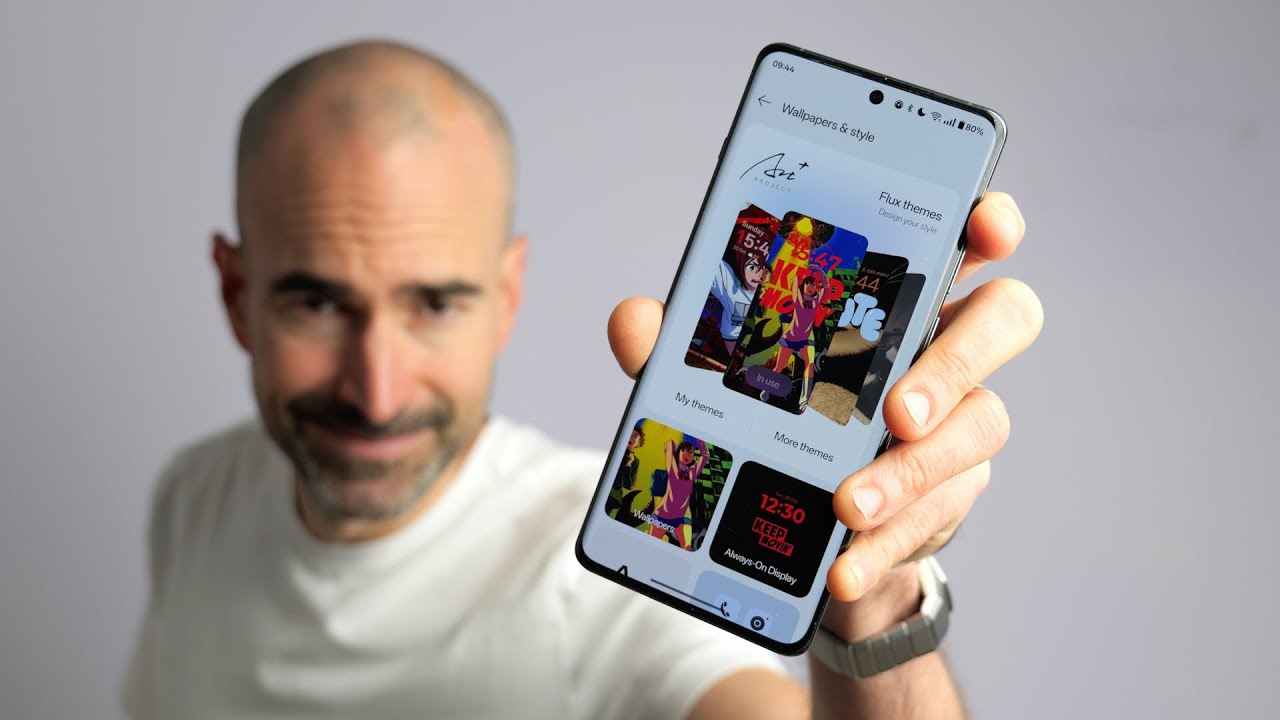
wallpapers on on top of basic themes including oh yes some geeky anime efforts just when I thought I couldn't love Niagara anymore but you know you got quite a lot of other options that you can choose from you can also choose your own papers and you can play around with those theme colors and if you go pro for a oneof fe you can unlock even more features including a weather and calendar app which just sits up there at the top so yeah if you're after a minimalist Android launcher that helps to curb distractions well Niagara
has to be right up there at the very top of your list I also used to really like the straightforwardly titled minimalist launcher but the devs demand a pretty hefty fee to unlock it these days 60 British PS nor less to unlock it for life otherwise you can pay a Roland subscription fee I mean it's good but is it £60 good I think I'd rather get Niagara and just spend that extra money on booze and pork scratchings now another one of my absolute favorite launchers and one that's quite similar again to Niagara launcher is the
all lach Lacher where the O stands for oh my isn't this a proper we Banger it's a super simple but effective solution just stick your favorite essential apps on the front end and hide the rest away from sight a swipe right will open up the phone book and a swipe left activates the camera although you can actually change these apps to your own preferred versions in the settings no ads no hidden costs just slap it on your phone choose a suitably funky wallpaper for It Animation anigan is not mandatory but certainly recommended and a where
you go if you want to keep things basic another one of my favorites is ap15 this launcher lists all of your regular apps right there on your desktop just their names and plain text no icons or fancy Shenanigans you can manually change that font as well as each app's color and other attributes while the size of each app is automatically scaled so the ones that you tap the most grow bigger than the others and are position more prominently you can banish any apps that you don't use often from the desktop to make sure it doesn't
get too cluttered either and also add in your own background image of your fancy Jazz and ap-15 up a bit you also have the option of fully customizing the launches rules if you want it to behave differently and another fantastic choice for anyone who wants to streamline their Android experience is the kiss launcher there's no widgets no Pages just a search bar a customizable row of Essentials and a column of either recently or frequently accessed apps as you start typing in that search bar it'll pop up any contacts or apps that you might be after
just tap what you want I've got it set to add the most recently accessed apps to this Wii list here so as you can see WhatsApp has now popped up there at the bottom once you get used to this setup it's brilliantly intuitive and just ensures you don't get distracted by crap you don't need fill in your time You' still got some customization options chucked in there although they are pretty basic compared with Nova not too surprising given this app weighs in it well under a megabyte kiss is still semi-regularly updated as well despite the
fact that it is basically a decade old at this point it's completely free to try out so definitely give it a go now another quite simple straightforward launcher that I recently tried out and really liked is the yasan launcher still in Early Access at the time I shot this video the good thing is that means it's completely free to try out huzzah now this time around instead of a list of your apps you presented with a simple box Gade of nine of your favorites the clever bollocks thing about yasan is it actually learns your daily
habits and then presents you with the apps you're most likely to use at any given point of the day so for instance if you like browsing a good bit of only fans in the evenings that'll be sat there proud as punch once you get back from The Daily Grind and of course your other apps are a mere swipe away in this direction whereas if you go the other way you can change your alert and you can also dive straight into the battery settings and yes you always get a jolly wee Mantra up at the top
there just to really give you a bit of Pep it's a new day guy maybe don't drag The Noose out of the attic just yet you can also search for apps contacts whatever with a quick tap of this magnifying glass here otherwise you can also just simply swipe up and you got yourself a pretty decent selection of features stuck away in the settings as well so for instance you can hide any apps that you like from either the home screen the apps tree or the search bar and you can customize the apps draw to a
small degree turn it into a list rather than a grid for instance and also that dashboard you can even annihilate those greetings if you you find they just depress you even more but yeah perhaps unsurprisingly the customization for the main desktop pretty limited as you might expect it's quite a basic setup now if you happen to have a lot of time patience and creative ability it's a perfect zero out of three for me then you'll probably absolutely love the tits off of Total launcher because this powerful tool essentially allows you to craft your very own
launcher from the ground up you can design your desktops from scratch complete with your own custom widgets apps draws whatever when these devs talk about extreme customization they're really not pissing about you can personalize every elements here and create something completely original that doesn't look like any other launcher I myself have absolutely zero creative Talent as you may have noticed through the years but the good news is that you can download total launcher and then download other people's amazing Creations instead there's a fantastic variety out there from a brilliant Community which really showcase this launchers
abilities so yeah well worth checking out so that right there kites is my pick of the very best Android launchers my personal favorites right now in 2024 and as I say not that many new ones creeping in because some of the old ones are still absolute bangers and still given a lot of love by the devs that said I have missed out some pretty banging Launchers from this list the likes of the Microsoft launcher and the Smart Launcher still got a lot of love for them but I thought I'd keep things more succinct bit more
streamlined this year so anyone who's new to Android and the world of Android launchers isn't quite as overwhelmed anyway as always it would be great to hear your pick of the best Android launchers out there if there's any I've missed that I should definitely check out please do slap those in Down Below in the meantime po subscribe ding that notifications Bell for more on the latest and greatest Tech and have yourselves a rud wonderful rest of the week cheers everyone love you [Music] [Music]