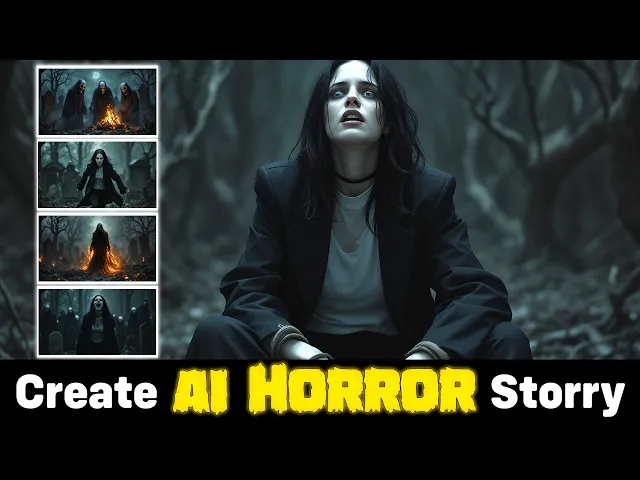
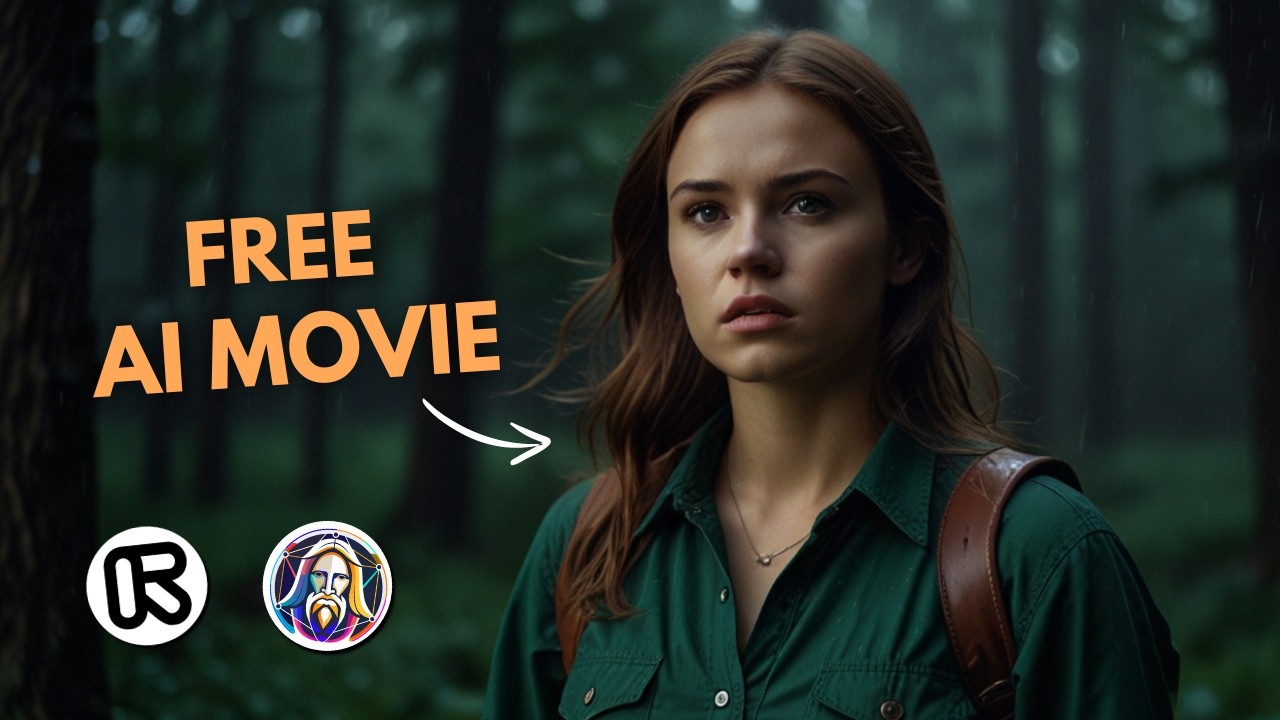
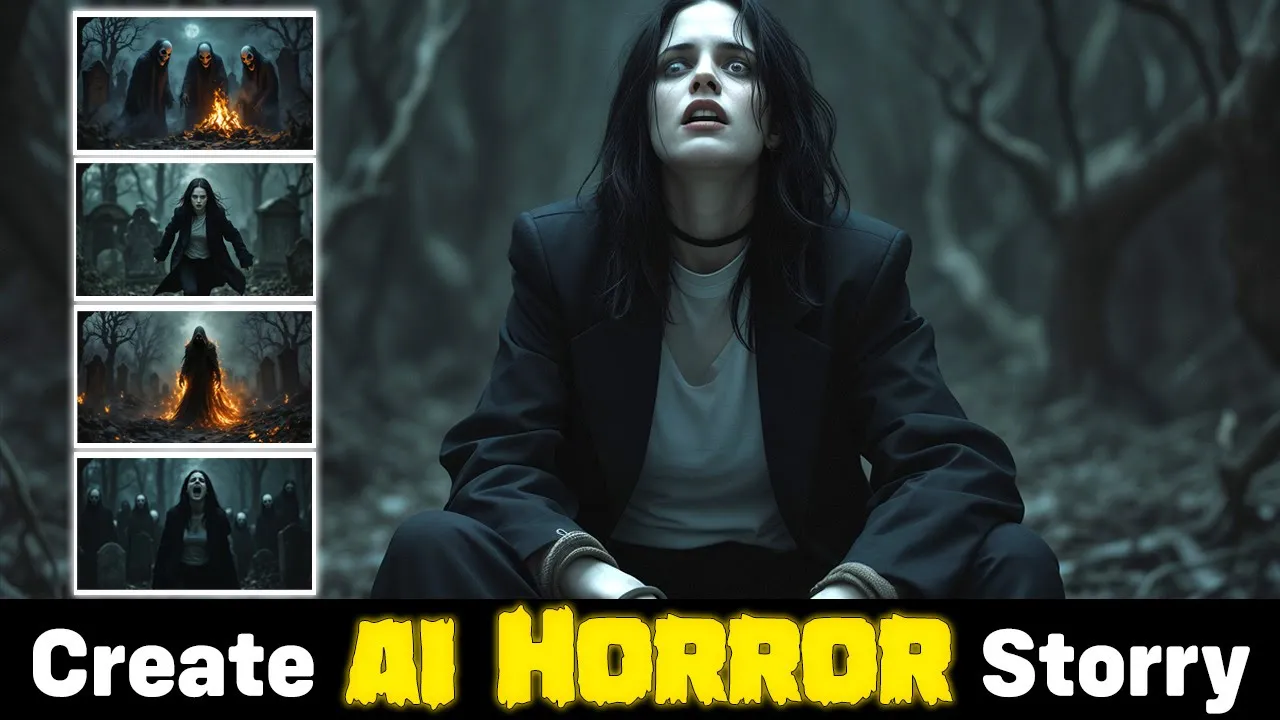
Bella loves exciting parties she received a mysterious box with an invitation to a ceremony in an old Cemetery she thought that her friends were behind it so she decided to go [Music] [Music] she saw shadows and heard Whispers and realized that the ceremony was unusual she was scared so she decided to leave the ceremony but it was too late and she was trapped by the ghosts and was chosen as a sacrifice [Music] ah [Music] let's make a scary story like what you saw with simple steps if you don't have any ideas ask chat GPT to
give you 20 scary ideas you can add some details to make your story The Way You Want It see different ideas and choose one of them I use this request I want to get the script part and the image prompt part for each scene one tip is that you should read the entire script and edit it to make it better change some details and change the narration part if needed for example you may not like a certain scene and you have a better idea for this scene in your mind so write it in a different
way when you're done with the script copy all the part you need in Google Docs or any other notebook and go to the next step we need the script to know what happens in each scene we use narration for the text to speech part and we use the image prompt section to First generate image and then convert it to video for image generation I use glyph app service press sign in button and sign in with Google or Discord account click on build and then press the plus icon select the image generator section in the free
plan you can generate 20 images per day when you click on your profile you can see the number of remaining credits select flux pro version one 1.1 for the image generation model for image size I choose 16x9 for YouTube video from the advanced controls uncheck seed and write a number when you use a random seed you will get different results every time for consistency we use a special seed and don't change it every time copy your image prompt here when you want to create image that your main character in it you should use the description
section in your prompt press run this glyph button rightclick on the image and select save image as to download the result if you want to run it again and get a different result you need to change the prompt do this for all your prompts and generate all your images and go to the next step to upscale the images to improve the images and enhance the quality I use Leonardo AI sign in with your accounts or with your email and password click on the universal upscaler section drag and drop your image you need 30 credits for
each image Leonardo AI gives you 150 tokens per day see different plans to get more credits you can also use Crea AI enhancer I use a cinematic style and change the creativity so the AI doesn't change it as much if you want to keep a certain part of your images and not change it you can add text prompt if you uploaded the image and you don't see the token part and it says you need to upgrade decrease the upscale multiplier press the upscale button do this for all your images and enhance them to download the
result press the download button from here separate the narrative part I use 11 lab service for this section to convert text to speech sign in with your accounts or your email and password 11 Labs gives you 10,000 credits per month for free to create 10 minutes audio press upgrade to see all plans go to the voices section in the library tab you can use filters and find proper sound also you can use different categories and search special types when you find proper voice you can add it to your voice to find it easily for next
time go to the text to speech section add your text here change your narrator press generate speech button Bella loves exciting parties she received a mysterious box with an invitation to a ceremony in you can download the result from here do this for the next part of the narrative we generated images and enhance them now we want to convert the images into short videos I use Minimax AI video generator for this press the signin button and sign in with your Google account on the free plan if you log in for the first time you'll get
a three days unlimited free trial after that you get 100 tokens per day which you can create three videos per day go to the Subscribe section to see other plans upload your image and add prompt here to help the AI animate your image the way you want after that press the button and wait for the result see some of my results if you need more help for using using Minimax Halo Ai and flux model go to my channel and watch these videos collect the videos you have prepared in a folder I use the cap cut
Editor to edit the final video you can download and use it for free on your computer or phone you can also use it online create a new project in cap cut drag and drop all your videos into the import section I downloaded the black screen to add at the beginning of the video drag all your files to the timeline and arrange them note that it's better to name your files in such a way that you know their order if your scene has extra parts split it and delete it the next step is to add sound
effects go to the audio tab you can search for music and sound effects here in the sound effect section search for keywords like knock on the door wind blowing walking steps fire burning and what else you need listen to the sound and add each one that you want in the appropriate place after adding all the sound effects add your narration Parts import your files and drag them to the appropriate scene Bella loves exciting parties the last step is to add transitions between video Parts go to the transition section click on anyone you want you can
change duration of the transition from here if you want to add this transition to all parts of your video click on apply to all button for more sound effects you can use pixabay web website select sound effects search for the sound you want listen to different sounds and download from here if you need more help let me know in the comment section below thanks for watching