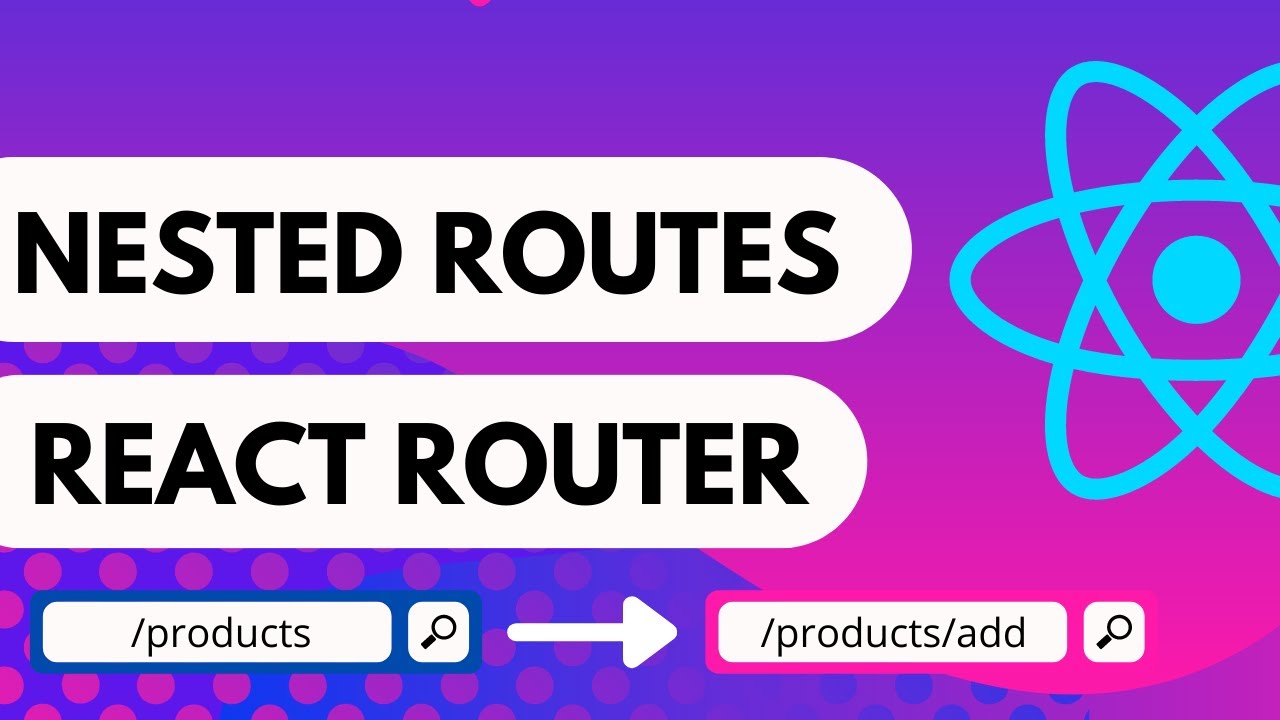
in the previous video we learned about nested routes with react router we have the products page which consists of two nested routes featured which renders the list of featured products and new which renders the list of new products however you might have noticed that the child routes render only when the url is slash products slash featured or slash products slash new sometimes you might want one of the child routes to render at the parent route level that is if we navigate to just products and the url reads slash products we might still want to display
the list of featured products now that can be achieved using what is called an index route in react router let's head back to vs code and add the index route the index route is also going to be a nested route so within the products route add a new route component what is special here though is we don't specify the path prop instead we specify a prop called index this index route will now share the path of the parent route which is products finally we specify the element prop just like the other routes since we want
the featured products to be rendered the element is going to be the featured products component if you now head back to the browser and navigate to the products page the url is just slash products but we still see the featured products child component of course if you click on featured it remains the same and you can also navigate to new products but you can see the index route is working as expected so when you have nested routes and you want a route to be rendered at the parent url make use of an index route the
index route will contain the index prop instead of the path prop the path would be the same as the parent route all right in the next video let's take a look at dynamic routes with react router thank you for watching make sure to subscribe to the channel and i'll see you in the next one