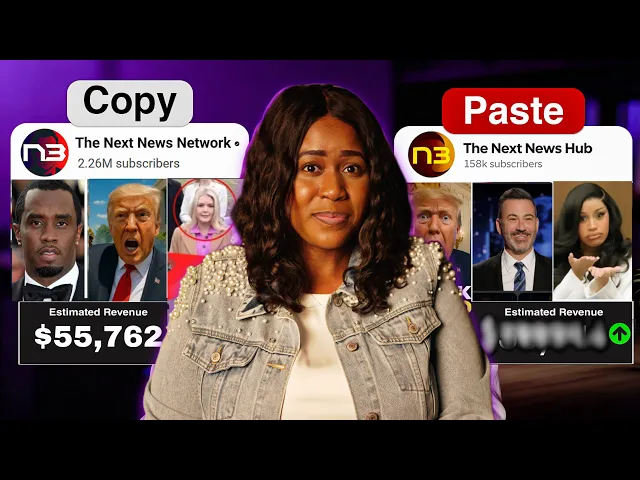
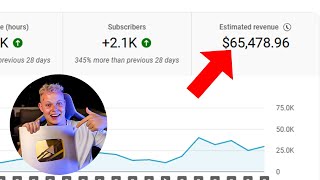
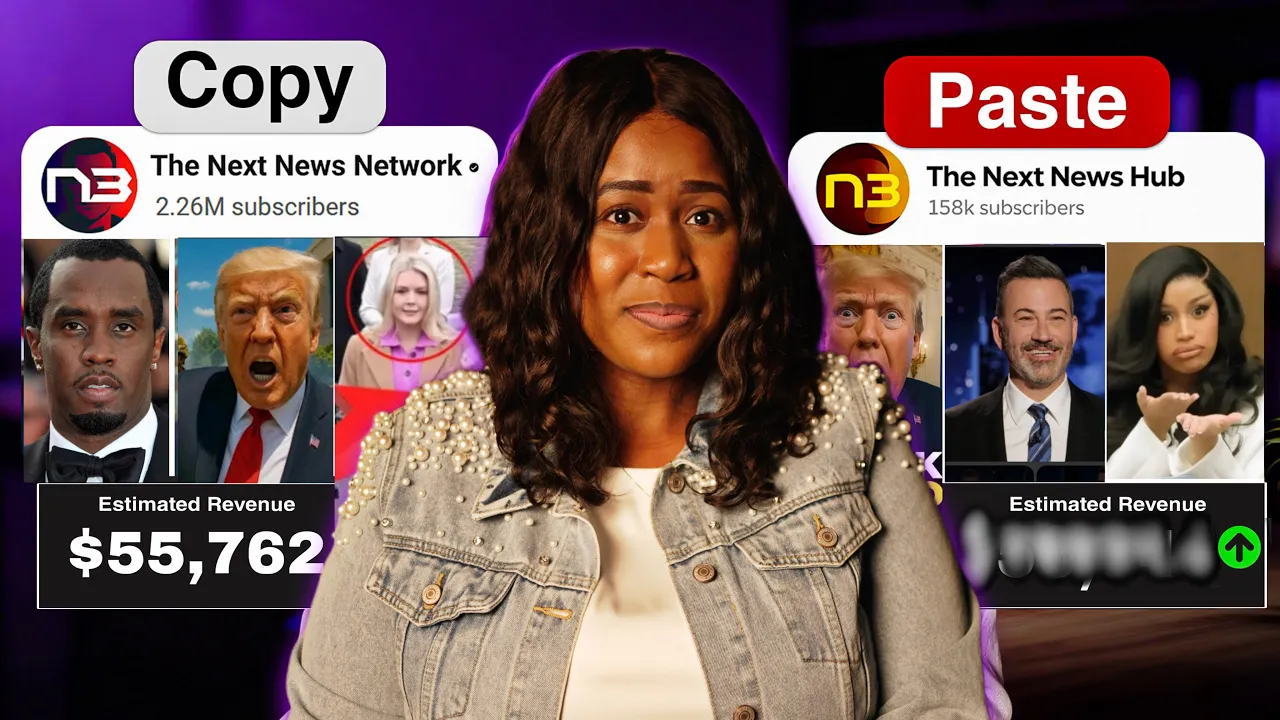
This is a channel that makes over $55,000 a month posting videos like these. So, the question is, can AI build me a channel just like this? Spoiler alert, it already did.
I created the entire thing in 11 minutes using AI only. No fuming, no fancy equipment, and I'm about to show you exactly how you could do the same. Now, of course, the very first step for us to do this is going to be to find a story to cover.
And not just any story. We need something [music] that's trending. The fastest way to do this is going to be to go over to Google News and then we want to grab a hot story for this video.
There are many to choose from, but I'm going to just go with this one for the sake of today's video. Now, step two is going to be for us to turn this headline into [music] a script. When it comes to creating videos, most people would just copy and paste these articles, but that's a big mistake.
What you really want to do is use something like chat GPT which is free to take this article and rewrite it into a fresh script. This is what helps to make this original which matters for YouTube monetization since they are cracking down on loweffort AI content. So what we will ask chat GPT is to write me a YouTube news script based on this article and then you can paste the article right there.
But you want to give it a little bit more direction and tell it to make it fun, [music] engaging and exciting, not just a dry summary. We want this to be easy to understand. And here are some things that I want in the script.
Start with a hook that feels dramatic and makes people say, "Wait, what? " In the first 10 seconds, break the story down like a mini adventure. Give me the facts, but tell it in a way that's simple and entertaining.
Use short, punchy sentences, fun comparisons, and moments that build suspense. And don't worry, I will post this prompt down below for you to copy and use. [music] But after we hit enter, this is the script that it gave us, which is actually pretty perfect for what we need.
So now at this point, we can move on to the next step, which is going to be to turn this script into a news video. And to do this, we will be using none other than NVIDIA AI, which will allow you to create the videos you always wanted to create. Anything you can think of, all from a single text prompt.
And listen, they just released a new update that's about to change the game. So, to get started, you can go down to the description and click on that link. And once you are inside, the first thing you want to make sure you do is select the right version, which is 4.
0. You'll find that right up here. And then after that, there's going to be two amazing ways that you can create this video.
And the first is going to be the simplest where we keep this completely faceless. With this one, we can use a virtual actor as our news reporter. And to do this, we will add this prompt.
Create a 60-second breaking news explainer video in 16x9 landscape format optimized for YouTube. Use a virtual actor. The actor should deliver a scripted report from inside a modern newsroom studio with dynamic screens behind them showing Mars visuals, NASA footage, and breaking news graphics.
Use the following script exactly as the voice over. And then that's where we will upload the script. And then we can give it a few more things like the anchor should look professional, confident, and engaging.
If I upload real NASA clips, incorporate them seamlessly with smooth transitions because with some of your news stories, you will be able to use other content like NASA allows people to use it without having to worry about copyright. I know these are pretty long, but the more details you give it, the better the results going to be. And of course, I'm going to put this prompt again down in the description for you to tweak and use for yourself.
And once we hit continue, it will ask a few more questions to make sure it gets it right, like the audience we want. You can pick the one you're interested in, the duration, and the platform. And of course, if you want to make this more engaging, you can upload supporting files like the NASA clips that I mentioned or extra footage.
All you'll have to do is just upload them right here. But listen, before you hit generate, there's one more important piece you do not want to miss, and that is to come over here where you see this basic option. We want to click on that and change it to ultra because we don't do anything basic around here.
But at this point, all you have to do is hit generate. And this is the video that it created. >> Wait, what if I told you NASA may have just found the closest thing to proof of life on Mars in a pile of dirt.
It's [music] in this spot that used to be a giant riverbed. Imagine a dry desert today, but once upon a time, water was flowing there like the Mississippi. And when Perseverance [music] scooped up some rocks, scientists found something crazy inside.
Two minerals, vivionite [music] and grigite. >> Now, honestly, that is pretty good in my opinion. You let me know what you think down in the comments.
But you are also able to make edits to this video if you want to. For instance, at one point our friend's eyes were doing things on their own, as you know, sometimes can happen with AI. And we can fix it by just coming and typing it into this edit command box.
Or what I prefer to do for this one is hit this edit button, choose media, and then select the specific clip we want to replace. And then here by replace media with, we would choose generative media. And then we can type whatever we want to change it to in this box.
And I'll just say something like show minerals made of microbes to match the article. And then I'll just hit generate clip. And once it does it, we can hit select.
and then hit replace and make sure you save the changes. Now, when that part comes up, instead of his eyes going up, down, left, and right, we [music] have this nice looking clip instead. Now, I do want to show you another way that you can do this in case you want to become the news anchor yourself.
You are able to actually clone yourself with the AI twin feature, which will be able to use your face, your voice, and your style for the video. You'll just have to select AI twin and then you can choose recording to avatar and you will have to upload a 60-second clip of yourself talking. Now, I did a more detailed video on exactly how to clone yourself in here.
If you need a more step-by-step tutorial, I will put the link down in the description for that. But once you've uploaded the video, they will create your twin. And now, every time you want to make a video using your twin, all you'll have to do is select it.
you'll never have to record yourself again. And then it'll bring us back to this prompt box here. And we're going to just use the same prompt because I just want to show you how this works.
But the only thing I will change in it, instead of saying using a virtual actor, I'll say using my avatar. But once we go through all of the steps, which will be the same as what we just did once it generates the new video, this is exactly what it will look like with your AI twin in it. Wait, what if I told you NASA may have just found the closest thing to proof of life on Mars in a pile of dirt.
NASA's rover Perseverance has been digging around on Mars. Not just anywhere. It's in this spot that used to be a giant riverbed.
And I had already done this before. The AI twin I uploaded was when I had braids in my head. And that's what I'll be using to show you how this video works.
So, let me know down in the comments what you think about using your own clone or using a virtual actor. Which one would you prefer? Now, after you had your video, of course, you're going to have to create a brand new YouTube channel.
And then you can go ahead and upload it. And one of the most important things you want to do is make sure you give it the best title. And to do that, I would suggest using chat GPT.
All you have to do is just ask it something like to give you the best title to use for your YouTube video about and you can paste the article or you can just ask that question right in the same chat where he just had gave you the script. But other than that, what's going to be extremely important as well is creating your thumbnail. And what you can do is use something like Canva and you can search for a thumbnail template that you like and then you'll just hit customize.
[music] And once you are inside of it, you'll just go over to the element and you can search for pictures. Since I'm talking about Moors, I'll just type in moors and grab it and drop it into here. And another thing I will do is I'll go back to my video and search for a nice photo of my news reporter and I'm going to screenshot it right here in my computer and then come back into Canva and upload it.
And once I drag that and fix it on here, another thing I would do is maybe go into the elements and search for something like breaking news just to give it a little extra. And I'll also add the title. I don't like to use more than four words in a thumbnail.
If I have to push it, I may do five. But you have to realize when people see this, they are scrolling through quick and they need their eyes to land on something that they can read fast. And you don't want a love letter to be in your thumbnail.
But at that point, you can just save this and then you'll go and add it to your video. But other than uploading to YouTube, I definitely suggest that you upload this to Tik Tok. And you can always create these videos in a Tik Tok format as well.
But honestly, Tik Tok is one of the easiest platforms to blow up on now, especially with AI. I know this personally because I've done it in five days. I keep saying that over and over.
I became monetized in five days. Now, I do want you to know that while you can try Nvidia AI for absolutely free, if you want to use the generative capabilities that I just used, then you will need a generative plan and those start at $100 a month. But with all of the things that you are able to do with this, what we just was able to produce, it is well worth the money.
And honestly, outside of this, you will have to use several programs, and each of those will add up to a lot. And if you are already an Invido user, all you have to do is just go to your subscription and the add-on section, and you can buy generative seconds. But all that's left for you to do now is just to put this into action.
And the trending topic should do most of the heavy lifting for you because these are going to already come in with built-in demand. People are already searching for it, which means you don't have to fight with the algorithm. The main [clears throat] thing you will have to do is keep your foot on his neck and keep creating content.
But I hope that this helps you out. Please give this a like because that helps me out. Other than that, I thank you so much for watching and until next time, we are out.
Peace.